Questa traduzione è stata generata automaticamente e non è stata ancora revisionata da una persona. Parli questa lingua? Dai un’occhiata.
Introduzione
Se lo schermo del tuo Motorola C168 è danneggiato o non funziona, questa è la guida che fa per te. In questa guida ti spiegheremo come sostituire lo schermo del tuo Motorola. Lo schermo di un telefono è una parte fondamentale della sua interfaccia utente. Potresti aver bisogno di sostituire lo schermo se è stato danneggiato in qualsiasi modo (crepe, parti dello schermo o l'intero schermo non rispondenti). Assicurati di spegnere il telefono prima di iniziare.
Cosa ti serve
-
-
-
Girare il telefono in modo che la parte posteriore del telefono sia rivolto verso di te.
-
Premere il pulsante di rilascio la copertura posteriore e contemporaneamente tirare giù la copertura.
-
Rimuovere la copertura posteriore.
 Chiedi a FixBot
-
-
-
-
-
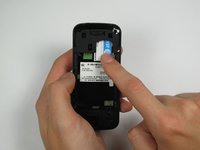
Premere e far scorrere la scheda SIM verso il basso.
-
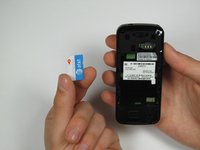
Rimuovere la scheda SIM.
-
-
-
-
-
-
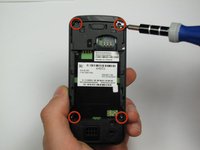
Orient the phone so its back is facing you.
-
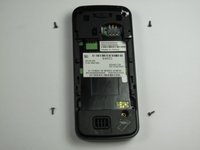
Using a Torx T-4 screwdriver, carefully remove the 4 screws located at the corners of the phone.
-
-
Strumento utilizzato in questo passaggio:Spudger$3.99
-
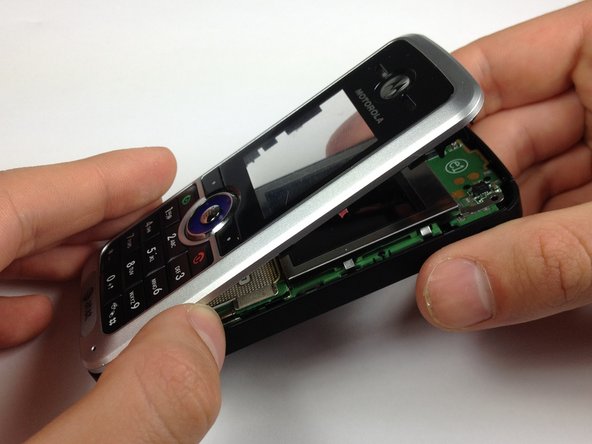
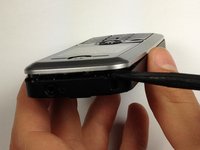
Inserisci uno spudger tra il pannello anteriore e il telaio principale del telefono.
-
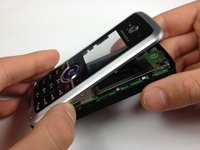
Facendo leva con un buon memento meccanico, stacca il pannello anteriore dal telefono.
-
-
-
-
Strumento utilizzato in questo passaggio:Spudger$3.99
-
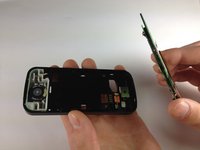
Appoggia il telefono sul retro.
-
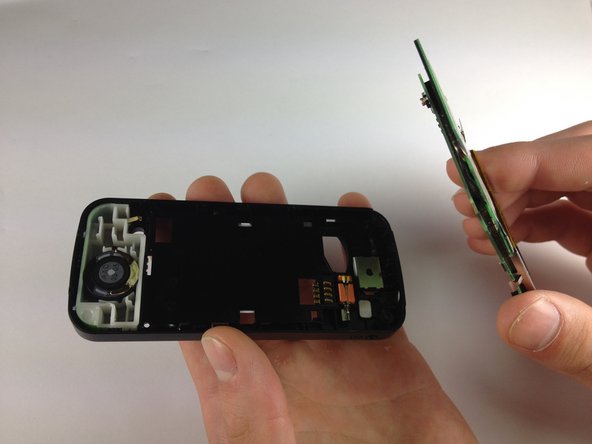
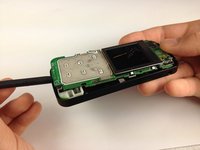
Inserisci lo spudger nella parte inferiore del telefono, tra il telaio e il circuito stampato.
-
Rimuovi il circuito stampato dal telaio.
-
-
-
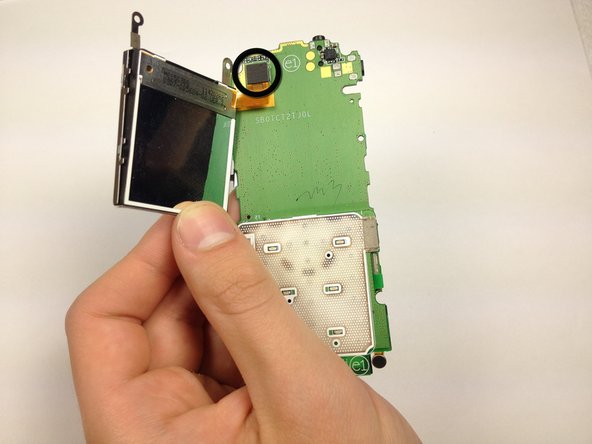
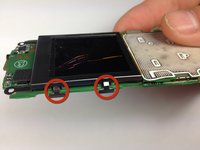
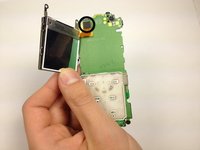
Piega i morsetti dello schermo verso l'esterno in modo che non siano più sotto il circuito stampato.
-
Allontana l'involucro dello schermo dal circuito stampato.
-
-
-
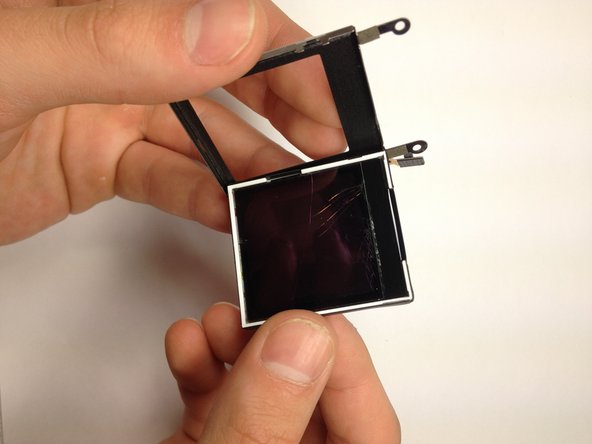
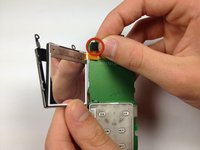
Scollega l'interfaccia tra lo schermo e il telefono.
-
Rimuovi lo schermo dal suo alloggiamento spingendolo verso l'esterno.
-
-









Per rimontare il dispositivo, segui queste istruzioni in ordine inverso.
Annulla: non ho completato questa guida.
Un'altra persona ha completato questa guida.

Team

Cal Poly, Team 12-40, Regan Spring 2012 Membro di Cal Poly, Team 12-40, Regan Spring 2012
CPSU-REGAN-S12S12G40
4 Membri
48 guide realizzate
