Questa traduzione è stata generata automaticamente e non è stata ancora revisionata da una persona. Parli questa lingua? Dai un’occhiata.
Introduzione
Questa guida mostra al proprietario dello scanner come sostituire una lampadina non funzionante all'interno del dispositivo.
Cosa ti serve
-
-
-
Allenta le viti sulla porta seriale girandole in senso antiorario a mano.
-
Dopo aver allentato le viti, estrai la porta seriale.
 Chiedi a FixBot
-
-
-
Solleva il coperchio fino alla posizione verticale.
-
Tira il coperchio verso l'alto per rimuoverlo dallo scanner.
-
-
-
-
-
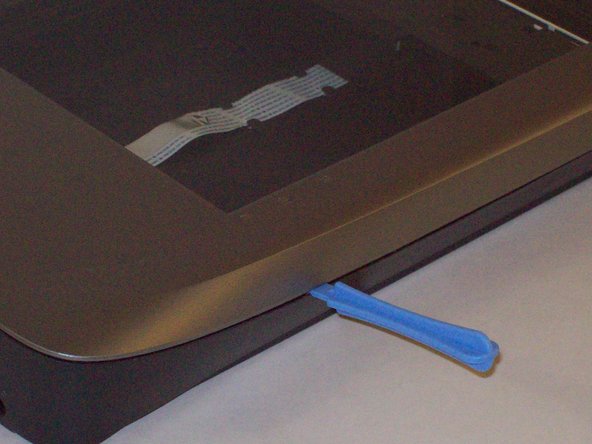
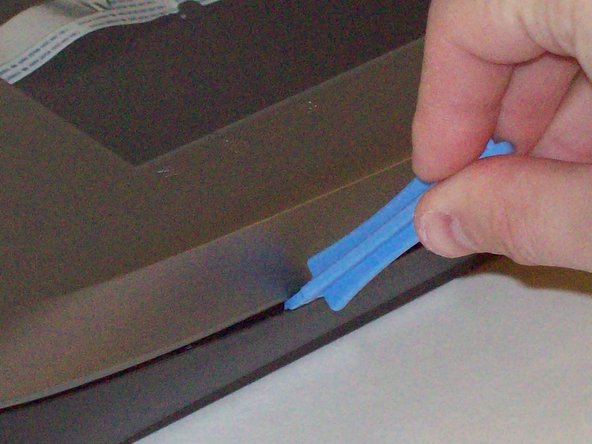
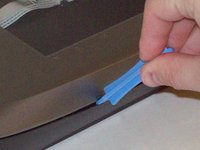
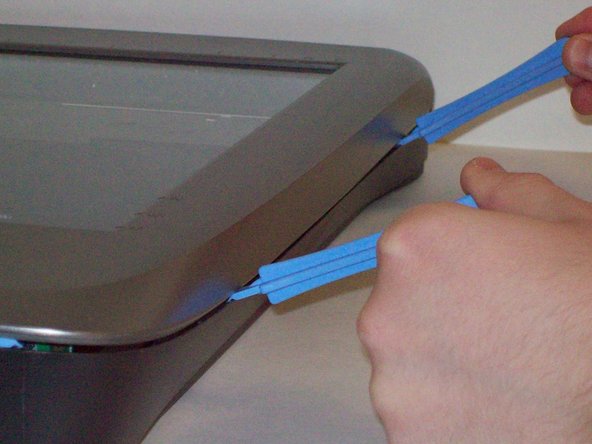
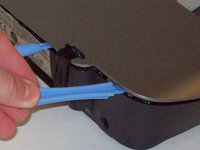
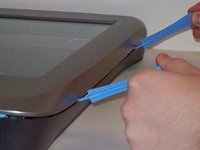
Inserisci gli strumenti di apertura in plastica nella fessura tra la parte superiore e quella inferiore del telaio.
-
-
-
-
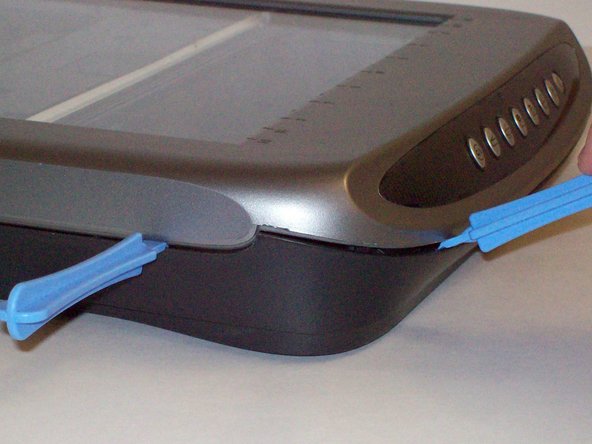
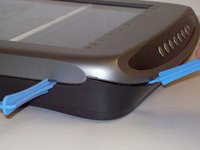
Dopo aver inserito uno strumento di apertura in plastica nella fessura, fai scorrere altri strumenti di apertura in plastica lungo la fessura per staccare la parte superiore dal fondo del telaio.
-
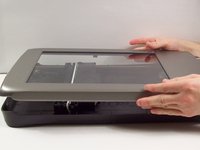
Procedi lungo tutto il telaio finché non riesci a sollevare il coperchio superiore.
-
-
-
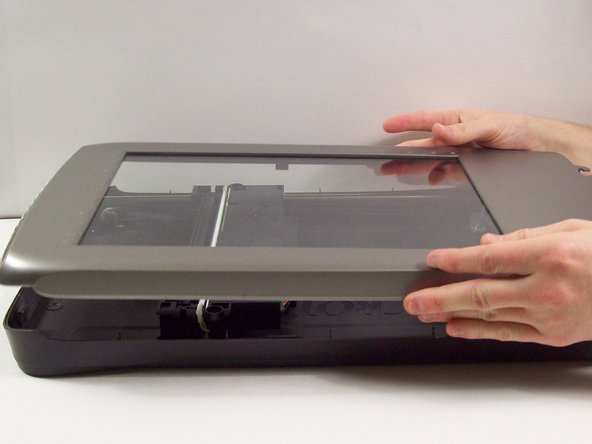
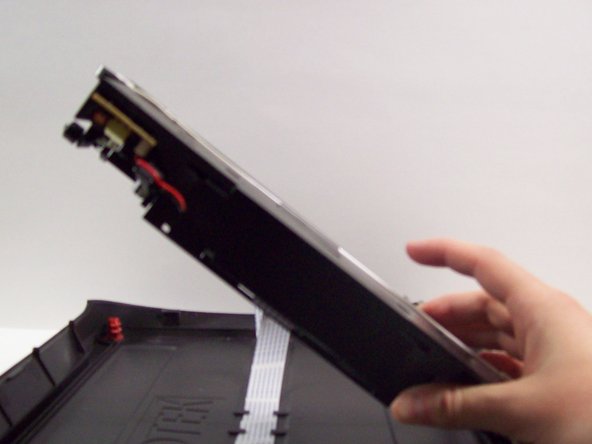
Per farlo, afferra il coperchio superiore dai lati e ruotalo di novanta gradi in modo che sia perpendicolare al coperchio inferiore.
-
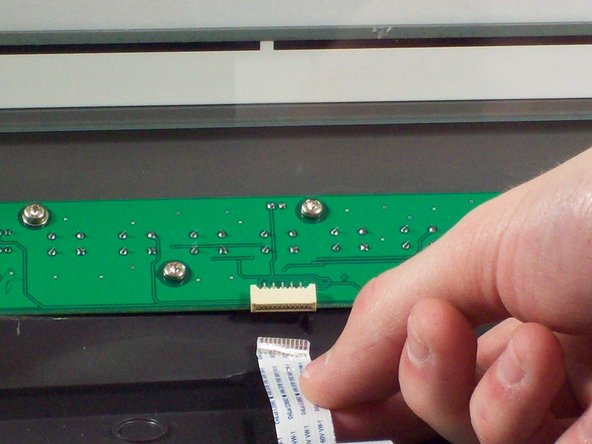
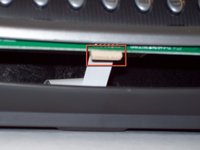
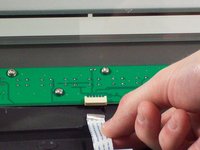
Afferra il cavo a nastro ed estrailo delicatamente dal suo alloggiamento con le dita.
-
Ora puoi rimuovere in sicurezza il coperchio superiore dal coperchio inferiore.
-
-
-
-
-
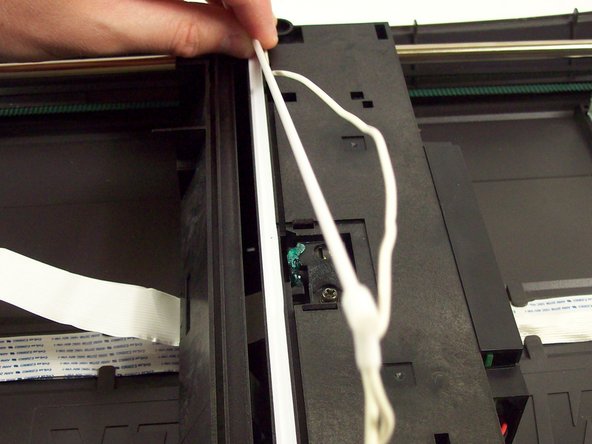
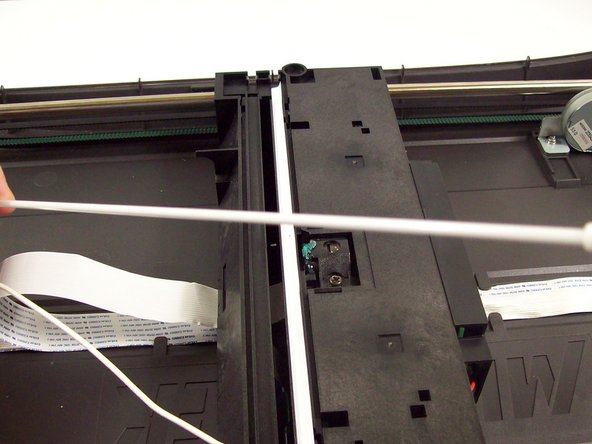
Dopo aver aperto il telaio, vedrai una lampadina bianca che attraversa l'intera larghezza dello scanner.
-
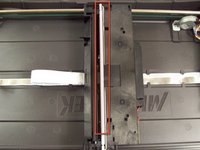
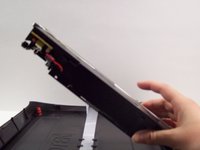
Solleva il pezzo di plastica nero a cui è fissata la lampadina dal lato sinistro finché non risulta perpendicolare al coperchio inferiore dello scanner.
-
-
Strumento utilizzato in questo passaggio:Tweezers$4.99
-
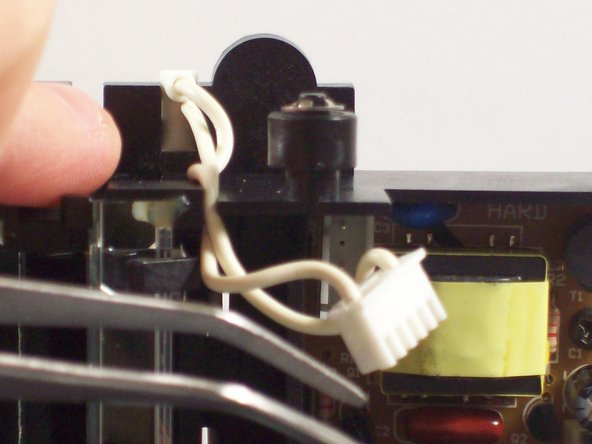
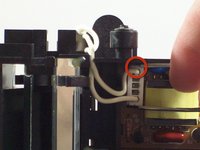
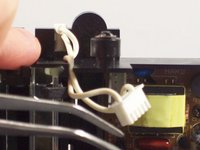
Usa le pinzette per afferrare l'involucro in plastica in cui sono alloggiati i cavi.
-
Muovi delicatamente la plastica avanti e indietro finché non può essere estratta dal suo collegamento.
-
Estrai i cavi dal circuito stampato.
-
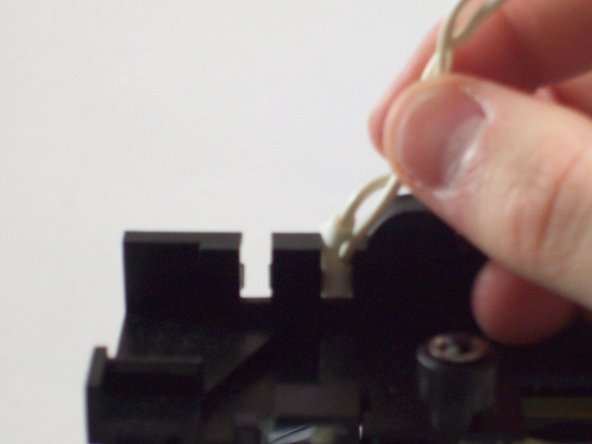
Tira i cavi verso l'alto e fuori dalla parte superiore dell'alloggiamento in plastica.
-
-
-
Riposiziona l'alloggiamento in plastica nel coperchio inferiore dello scanner.
-
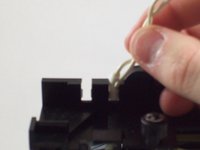
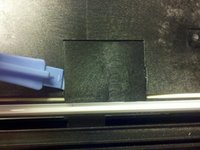
Rimuovi il pannello in plastica spingendo delicatamente sui fermi in plastica con uno strumento di apertura.
-
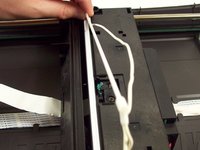
Estrai la lampadina e il cablaggio dal rispettivo involucro in plastica.
-
La lampadina è ora pronta per essere sostituita.
-
-








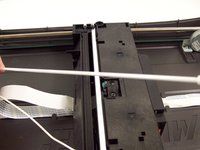
Per rimontare il dispositivo, segui queste istruzioni in ordine inverso.

Team

Cal Poly, Team 6-9, Regan Fall 2011 Membro di Cal Poly, Team 6-9, Regan Fall 2011
CPSU-REGAN-F11S6G9
2 Membri
132 guide realizzate
