Salta al contenuto principale
Unisciti alla Community delle riparazioni - Crea un account

Merch Source Projector Entertainment II Outer Lens Replacement

Cosa ti serve

  1. Merch Source Projector Entertainment II Outer Lens Replacement, Outer Casing: passo 1, immagine 1 di 2 Merch Source Projector Entertainment II Outer Lens Replacement, Outer Casing: passo 1, immagine 2 di 2
    • Flip the projector onto its back and unscrew the nine 15mm screws using the Phillips #0 screw driver.

    Chiedi a FixBot

    Aggiungi Commento

  2. Merch Source Projector Entertainment II Outer Lens Replacement: passo 2, immagine 1 di 1
    • Flip the projector right side up and unscrew the two 12mm screws on the light bulb panel located at the rear of the projector with a Phillips #0 screw head.

    • The bottom right panel screw does not come completely out the panel door.

    Chiedi a FixBot

    Aggiungi Commento

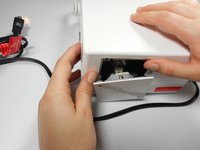
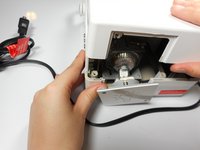
  3. Merch Source Projector Entertainment II Outer Lens Replacement: passo 3, immagine 1 di 2 Merch Source Projector Entertainment II Outer Lens Replacement: passo 3, immagine 2 di 2
    • Using your hands, gently pry the top and bottom of the projector casing apart.

    Chiedi a FixBot

    Aggiungi Commento

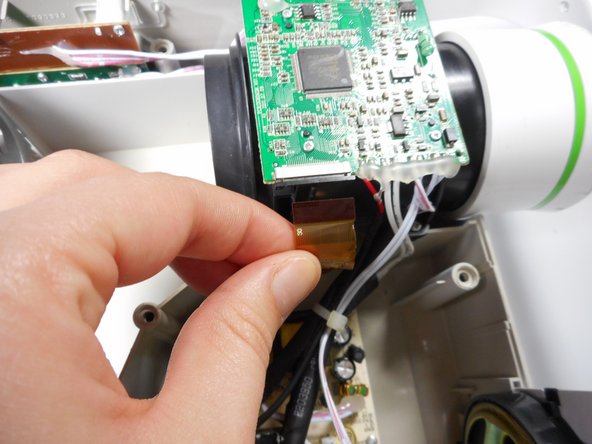
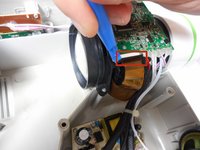
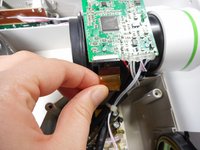
  4. Merch Source Projector Entertainment II Outer Lens Replacement, Ribbon Cable Detachment: passo 4, immagine 1 di 2 Merch Source Projector Entertainment II Outer Lens Replacement, Ribbon Cable Detachment: passo 4, immagine 2 di 2
    • Use the plastic opening tool to gently disengage the black clip housing from the ribbon cable.

    • Once the ribbon cable is disengaged gently pull the cable off the motherboard.

    • Once the housing is disengaged, the ribbon cable should slide out easily. Do not pull too hard on the ribbon cable as it is very fragile.

    Chiedi a FixBot

    Aggiungi Commento

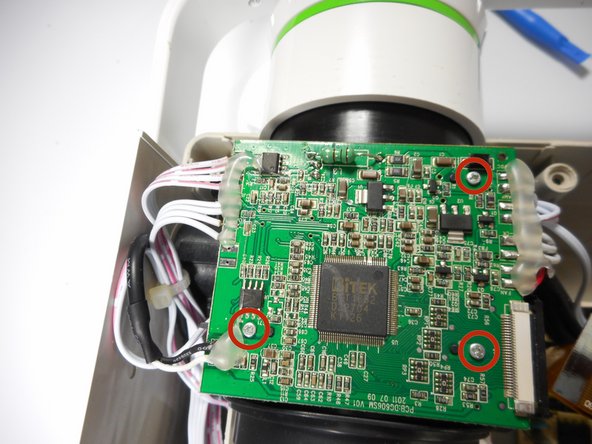
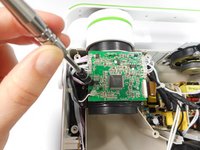
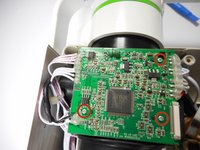
  5. Merch Source Projector Entertainment II Outer Lens Replacement, Motherboard Detachment: passo 5, immagine 1 di 3 Merch Source Projector Entertainment II Outer Lens Replacement, Motherboard Detachment: passo 5, immagine 2 di 3 Merch Source Projector Entertainment II Outer Lens Replacement, Motherboard Detachment: passo 5, immagine 3 di 3
    • Unscrew the three 7 mm screws from the motherboard with the Phillips #0 screw driver.

    • Once loose, lift the motherboard off of the lens casing, and move it away from the workspace.

    • Be sure not to damage any of the wires atached to the motherboard.

    Chiedi a FixBot

    Aggiungi Commento

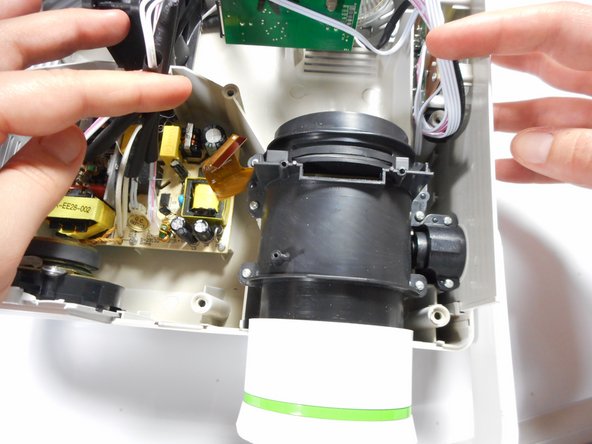
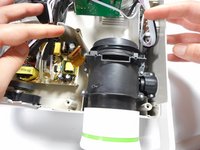
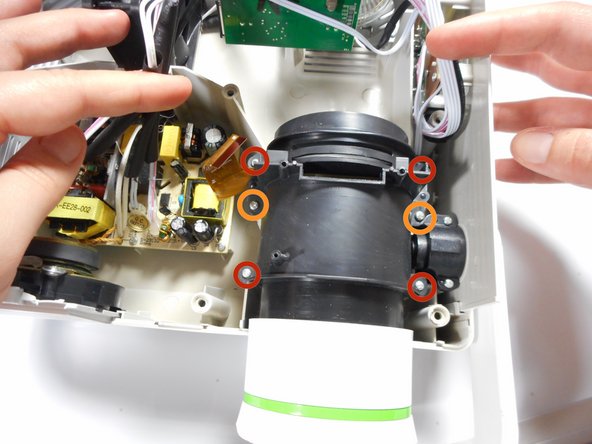
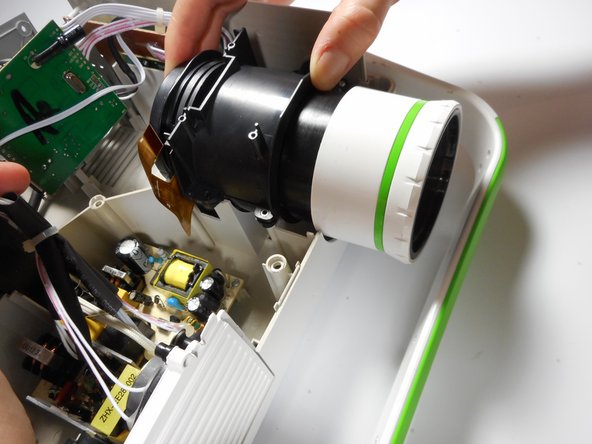
  6. Merch Source Projector Entertainment II Outer Lens Replacement, Lens Casing Detachment: passo 6, immagine 1 di 3 Merch Source Projector Entertainment II Outer Lens Replacement, Lens Casing Detachment: passo 6, immagine 2 di 3 Merch Source Projector Entertainment II Outer Lens Replacement, Lens Casing Detachment: passo 6, immagine 3 di 3
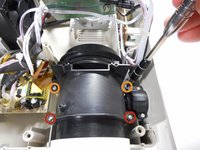
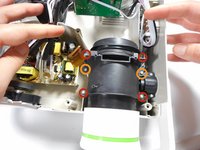
    • Unscrew the four 15mm Phillips screws using the Phillips #0 screw driver.

    • Unscrew the two 12mm Phillips screws using the Phillips #0 screw driver.

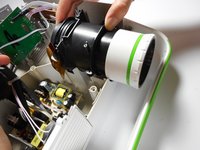
    • Gently remove the entire lens casing from its position.

    Chiedi a FixBot

    Aggiungi Commento

  7. Merch Source Projector Entertainment II Outer Lens Replacement, Lens Casing Seperation: passo 7, immagine 1 di 3 Merch Source Projector Entertainment II Outer Lens Replacement, Lens Casing Seperation: passo 7, immagine 2 di 3 Merch Source Projector Entertainment II Outer Lens Replacement, Lens Casing Seperation: passo 7, immagine 3 di 3
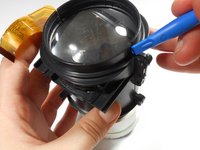
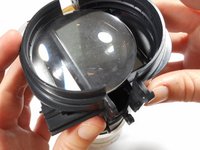
    • Using the plastic opening tool, slightly separate the casing holding the large lens in place.

    • Separate the casing completely from the inner lens using your hands.

    • This should release the outer lens and it's immediate casing.

    • As you separate the outer casing, the lens and digital display box may fall out of their encasement.

    • Although there are threads connecting the outer lens casing and the inner lens casing, do not be fooled. The outer lens casing cannot be disconnected by unscrewing it.

    Chiedi a FixBot

    Aggiungi Commento

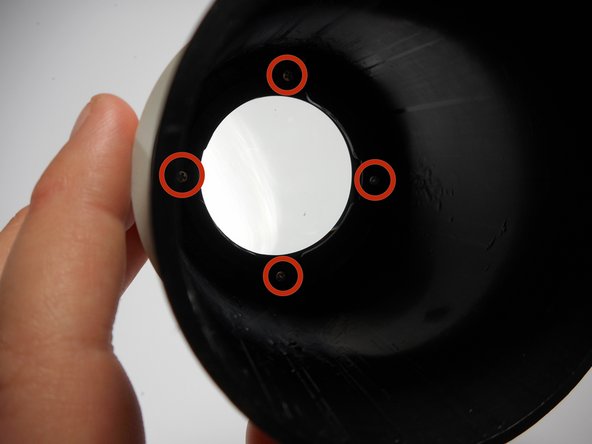
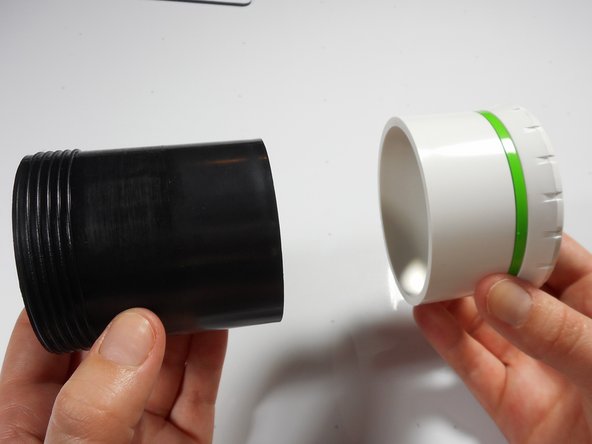
  8. Merch Source Projector Entertainment II Outer Lens Replacement, Outer Lens Casing Seperation: passo 8, immagine 1 di 3 Merch Source Projector Entertainment II Outer Lens Replacement, Outer Lens Casing Seperation: passo 8, immagine 2 di 3 Merch Source Projector Entertainment II Outer Lens Replacement, Outer Lens Casing Seperation: passo 8, immagine 3 di 3
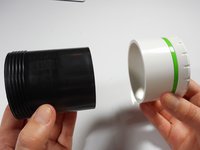
    • Unscrew the four 8mm Phillips screws at the base of the outer lens casing using the Phillips #0 screw driver.

    • Separate the white outer casing from the black outer casing.

    Chiedi a FixBot

    Aggiungi Commento

  9. Merch Source Projector Entertainment II Outer Lens Replacement, Final Outer Lens Removal: passo 9, immagine 1 di 2 Merch Source Projector Entertainment II Outer Lens Replacement, Final Outer Lens Removal: passo 9, immagine 2 di 2
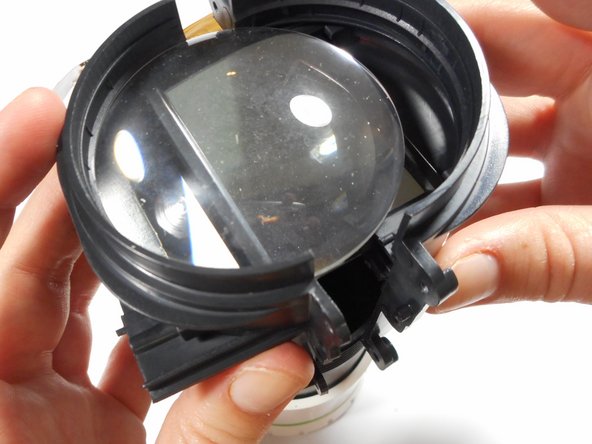
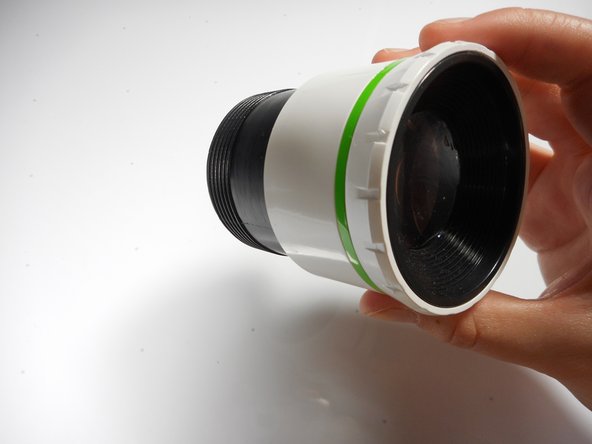
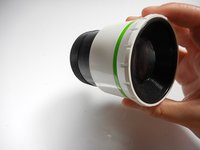
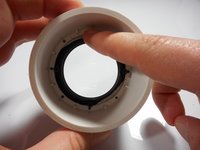
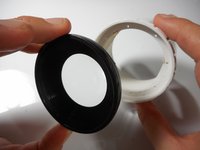
    • Using your finger, gently push the lens out of its white encasement.

    • The outer lens is now free and ready for replacement.

    Chiedi a FixBot

    Aggiungi Commento

Conclusione

To reassemble your device, follow these instructions in reverse order.

Annulla: non ho completato questa guida.

Altre 2 persone hanno completato questa guida.

Stephanie

Membro da: 01/08/15

282 Reputazione

3 guide realizzate

Team

Cal Poly, Team 18-3, Maness Winter 2015 Membro di Cal Poly, Team 18-3, Maness Winter 2015

CPSU-MANESS-W15S18G3

3 Membri

4 guide realizzate

0Commenti sulla guida

Aggiungi Commento

Visualizza statistiche:

Ultime 24 ore: 1

Ultimi 7 giorni: 11

Ultimi 30 giorni: 42

Tutti i Tempi: 3,544