Introduzione
This guide will show you how to replace the Wi-Fi card in a Lenovo ThinkPad T480s laptop.
A Wi-Fi card, also known as a WLAN card, enables the laptop to connect to a wireless network. If you cannot connect your laptop to Wi-Fi, or if you are experiencing intermittent connectivity, you may have a faulty Wi-Fi card. Be sure to rule out other connectivity issues listed here before replacing your Wi-Fi card.
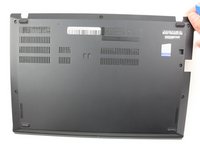
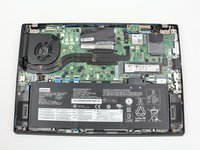
Make sure to disable the internal battery, power down your device, and disconnect from any external power sources before you begin.
Cosa ti serve
-
-
-
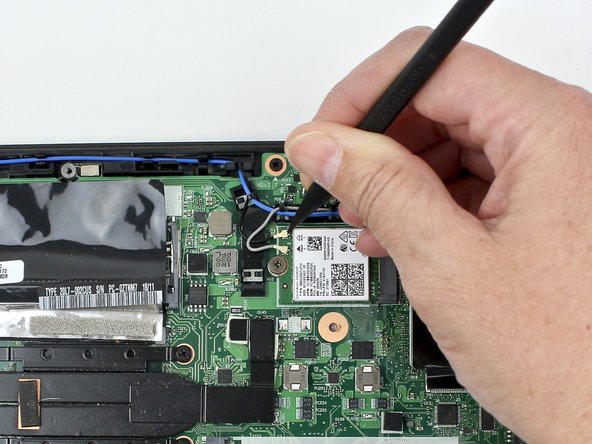
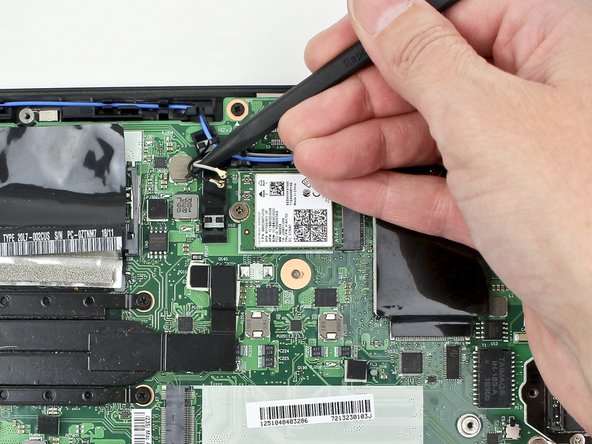
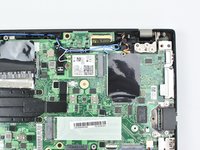
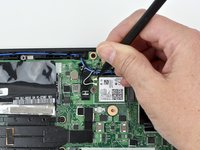
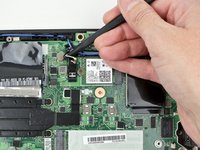
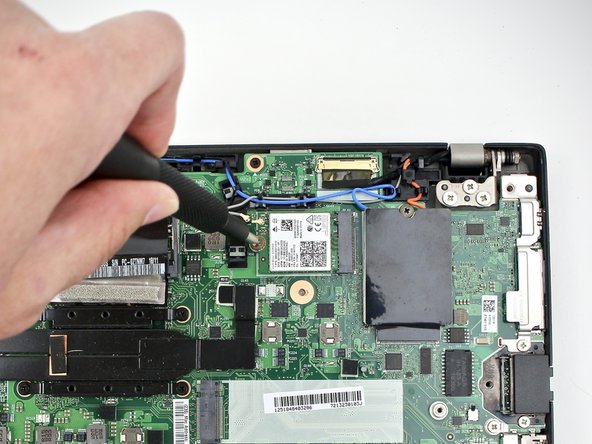
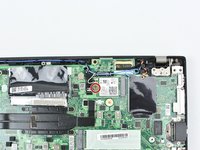
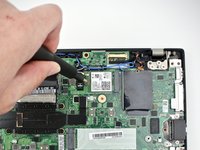
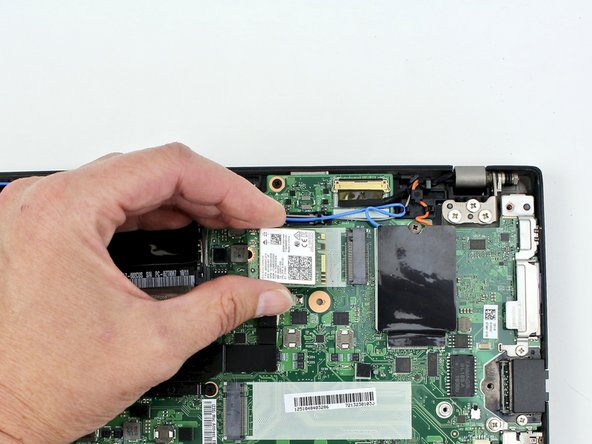
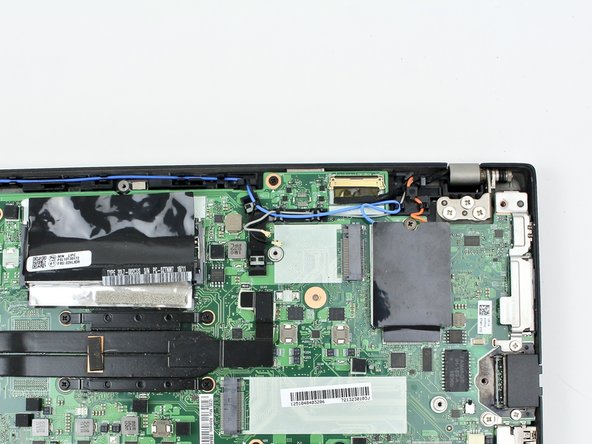
Using the nylon spudger, pop the coaxial antenna wires off the Wi-Fi card.
-





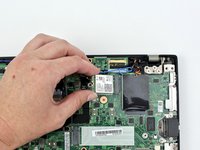
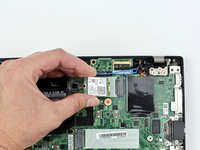
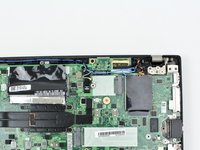
To reassemble your device, follow these instructions in reverse order.
Take your e-waste to an R2 or e-Stewards certified recycler.
Repair didn’t go as planned? Try some basic troubleshooting, or ask our Answers community for help.
Annulla: non ho completato questa guida.
Altre 2 persone hanno completato questa guida.



1Commento della guida
Hi, thanks a lot the helpful guide. I have just replaced the WiFi card in my Lenovo T480s with a Intel AX210NGW. My laptop won't boot up. Even when I plug the power adapter into the laptop, the status indicator does not light up. I have removed the WiFi card and tried to power it on without it but no luck. I put back the one that was in before still no luck. I'm stuck, what can I do? Did some power component get disturbed or something? I'd appreciate any help. Thank you.
