Introduzione
This guide will teach you how to properly repair or replace the rear camera in the LG Tribute HD LS676. The rear camera may need cleaning if the lens has been damaged by water, dirt or sand. There may also be connectivity issues to the motherboard which will require disconnecting and reconnecting the ribbon cable from the camera to the motherboard. However, if the rear lens is broken or damaged causing the camera not to turn on, then is has to be replaced.
Cosa ti serve
-
-
-
Insert a fingernail, or plastic opening tool, into the cutout on the back cover and pry outward to remove.
 Chiedi a FixBot
-
-
-
Pull the battery out of the phone.
-
Remove the SD Card by sliding the card out as shown.
-
-
-
-
-
-
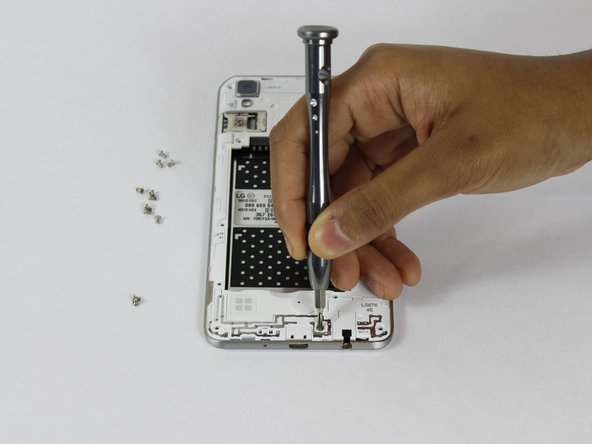
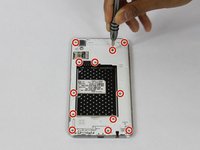
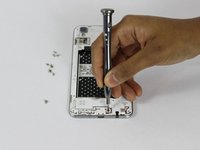
Remove the twelve 2mm JIS #00 screws from the mid-frame.
-
-
-
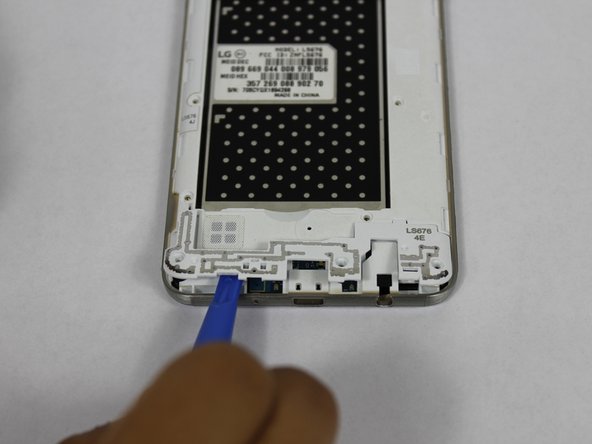
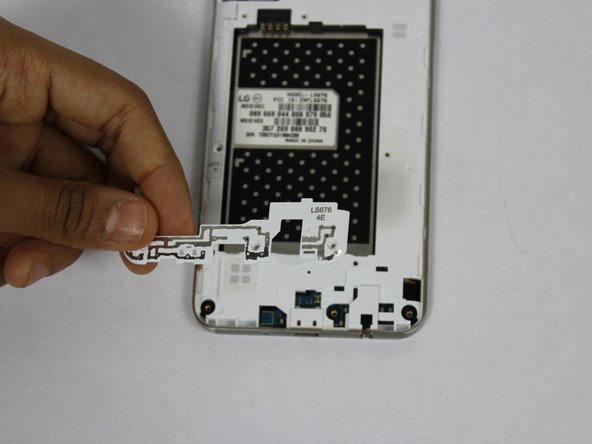
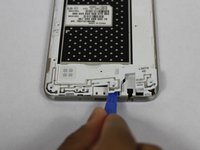
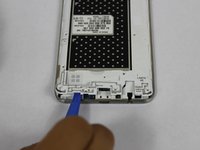
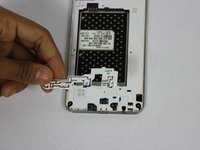
Using a plastic opening tool, remove the antenna extender from the mid-frame.
-
-
-
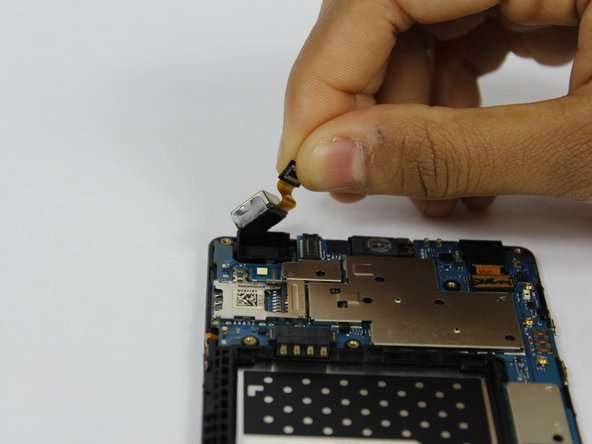
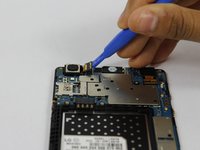
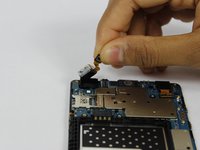
Use a plastic opening tool to disconnect the rear camera and pull from the phone.
-
-




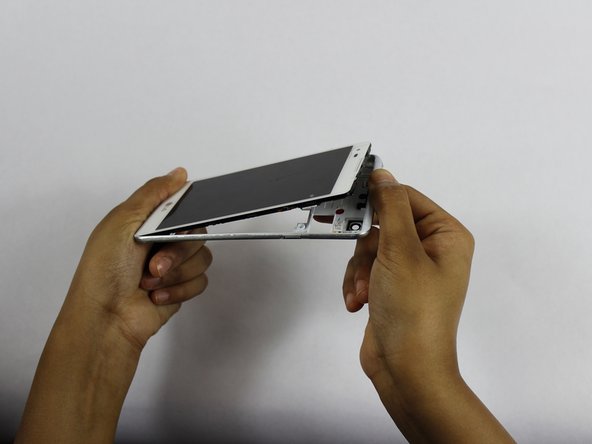

To reassemble your device, follow these instructions in reverse order.

Team

USF Tampa, Team S1-G3, Nance Spring 2018 Membro di USF Tampa, Team S1-G3, Nance Spring 2018
USFT-NANCE-S18S1G3
4 Membri
44 guide realizzate
