Questa traduzione è stata generata automaticamente e non è stata ancora revisionata da una persona. Parli questa lingua? Dai un’occhiata.
Introduzione
Se il tuo LG Stylo 2 Plus scatta foto di bassa qualità o la fotocamera posteriore non riesce a scattare foto, potrebbe essere il momento di sostituire il gruppo della fotocamera posteriore. La sostituzione della fotocamera posteriore su questo dispositivo è un'operazione di livello intermedio; ricorda di agire con delicatezza, poiché maneggerai componenti fragili e plastiche sottili.
Cosa ti serve
-
-
-
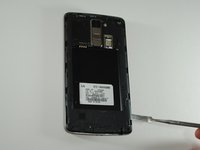
Per rimuovere il case posteriore del telefono, inserisci lo spudger nell'apertura sul retro del case.
-
Con lo spudger parallelo al telaio del telefono, fallo scorrere lungo il bordo, forzando il case ad aprirsi.
 Chiedi a FixBot
-
-
-
-
-
Per rimuovere la batteria, inserisci l'unghia o l'estremità piatta dello spudger nell'incavo sul fondo della batteria e solleva verso l'alto.
-
Afferra saldamente la batteria e rimuovila dal telefono.
-
-
-
-
-
-
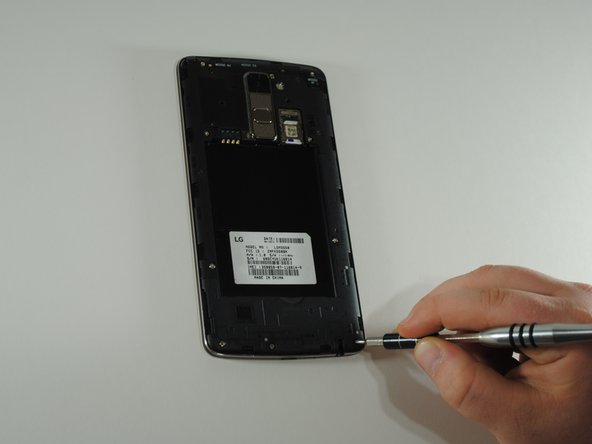
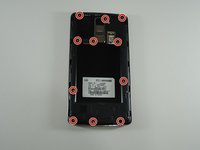
Usa il cacciavite JIS #000 per rimuovere le undici viti da 4 mm attorno al telaio centrale.
-
-
-
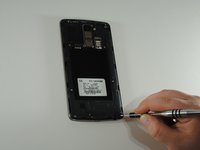
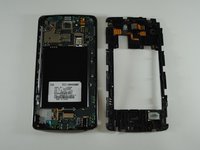
Inserisci lo spudger in metallo nell'incavo alla base della copertura.
-
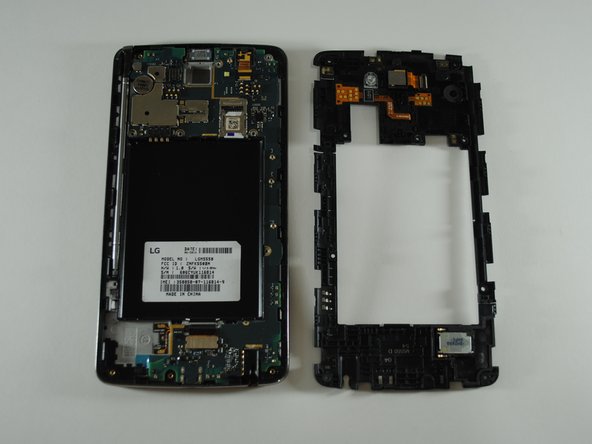
Fai leva verso l'alto, rimuovendo il telaio intermedio dal telefono.
-
-
-
-
Strumento utilizzato in questo passaggio:Tweezers$4.99
-
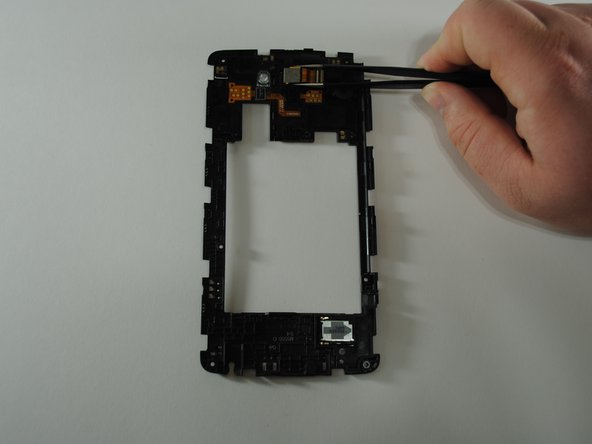
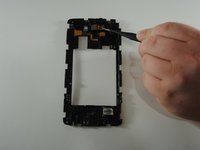
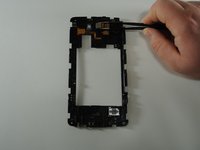
Capovolgi la copertura per mostrare la fotocamera posteriore al centro della copertura stessa.
-
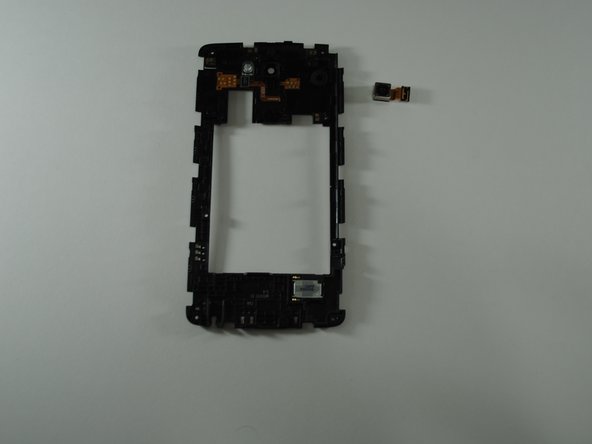
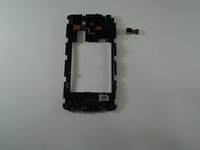
Utilizzando le pinzette, afferra con cura la fotocamera posteriore e tira direttamente verso l'alto, rimuovendo l'unità dall'alloggiamento della copertura.
-
-





Per rimontare il dispositivo, segui queste istruzioni in ordine inverso.
Un ringraziamento speciale a questi traduttori:
100%

Translation Bot ci sta aiutando ad aggiustare il mondo! Vuoi partecipare?
Inizia a tradurre ›

Team

UW Tacoma, Team S1-G3, Cardinal Spring 2019 Membro di UW Tacoma, Team S1-G3, Cardinal Spring 2019
UWT-CARDINAL-S19S1G3
4 Membri
49 guide realizzate
