Salta al contenuto principale
Unisciti alla Community delle riparazioni - Crea un account

LG Optimus F60 Power Button Replacement

Cosa ti serve

    1. LG Optimus F60 Power Button Replacement, Battery: passo 1, immagine 1 di 3 LG Optimus F60 Power Button Replacement, Battery: passo 1, immagine 2 di 3 LG Optimus F60 Power Button Replacement, Battery: passo 1, immagine 3 di 3
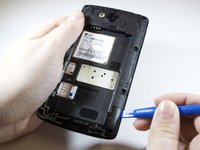
      • Hold the phone in your hand and position the small plastic opening tool or your finger under the lip of the phone by the USB port.

      • Pry or lift up on the indent with the opening tool.

      • Remove the back panel.

      Chiedi a FixBot

      Aggiungi Commento

    2. LG Optimus F60 Power Button Replacement: passo 2, immagine 1 di 3 LG Optimus F60 Power Button Replacement: passo 2, immagine 2 di 3 LG Optimus F60 Power Button Replacement: passo 2, immagine 3 di 3
      • Place the small plastic opening tool or your finger at the indentation at the base of the battery.

      • Pry upwards or lift with your finger and remove battery.

      Chiedi a FixBot

      Aggiungi Commento

    1. LG Optimus F60 Power Button Replacement, Power Button: passo 3, immagine 1 di 2 LG Optimus F60 Power Button Replacement, Power Button: passo 3, immagine 2 di 2
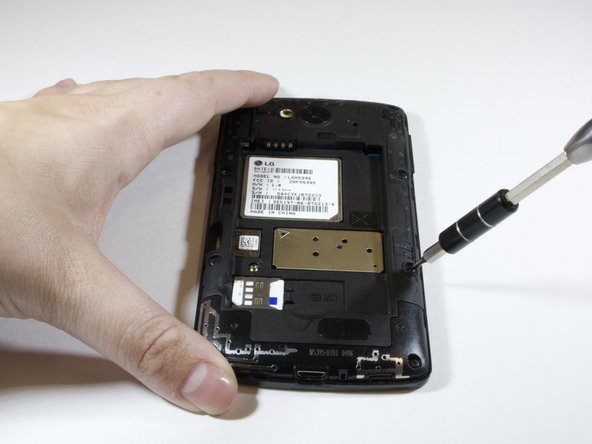
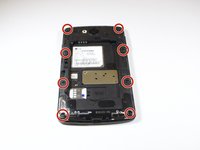
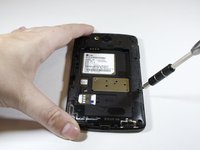
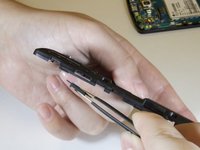
      • Remove the eight 4 mm screws on the inner panel using the phillips #000 Screwdriver

      Chiedi a FixBot

      Aggiungi Commento

    2. LG Optimus F60 Power Button Replacement: passo 4, immagine 1 di 3 LG Optimus F60 Power Button Replacement: passo 4, immagine 2 di 3 LG Optimus F60 Power Button Replacement: passo 4, immagine 3 di 3
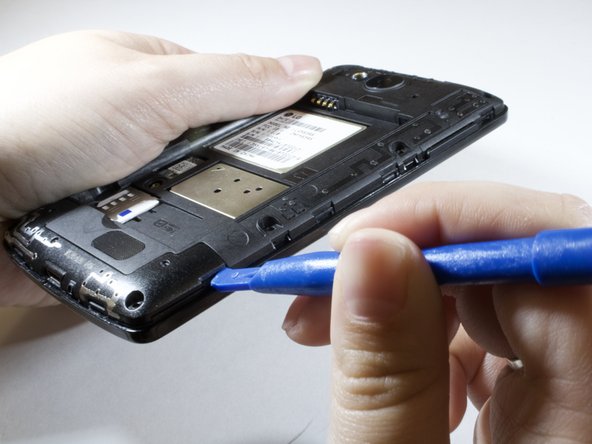
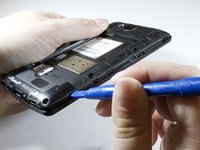
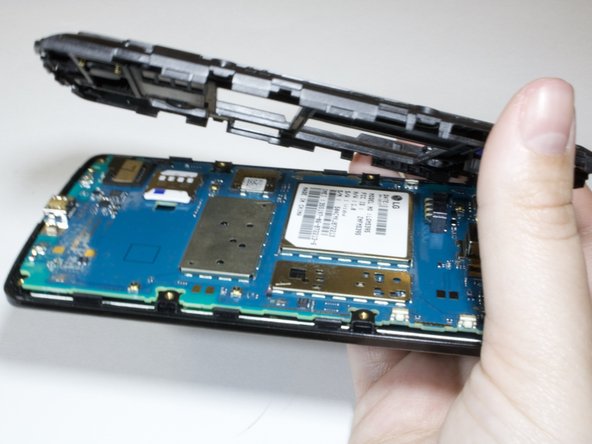
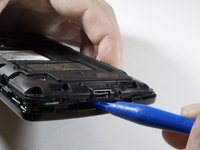
      • Remove inner panel using plastic opening tool.

      • Apply force upwards while wiggling the tool further in.

      • Remove bottom of inner panel.

      Chiedi a FixBot

      Aggiungi Commento

    3. LG Optimus F60 Power Button Replacement: passo 5, immagine 1 di 3 LG Optimus F60 Power Button Replacement: passo 5, immagine 2 di 3 LG Optimus F60 Power Button Replacement: passo 5, immagine 3 di 3
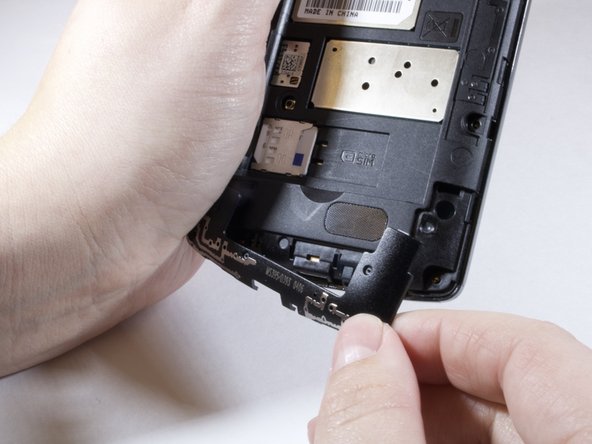
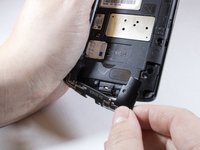
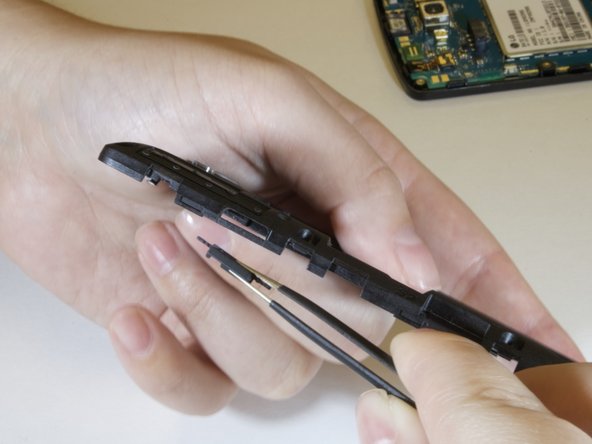
      • Use plastic opening tool to take off the inner pannel.

      • Take out faulty power button replace with new one.

      Chiedi a FixBot

      Aggiungi Commento

Conclusione

To reassemble your device, follow these instructions in reverse order.

Annulla: non ho completato questa guida.

0Commenti sulla guida

Aggiungi Commento

Visualizza statistiche:

Ultime 24 ore: 0

Ultimi 7 giorni: 10

Ultimi 30 giorni: 25

Tutti i Tempi: 598