Salta al contenuto principale
Unisciti alla Community delle riparazioni - Crea un account

Kano Computer Kit Complete Raspberry Pi Replacement

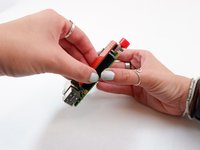
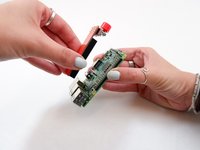
  1. Kano Computer Kit Complete Raspberry Pi Replacement, Raspberry Pi: passo 1, immagine 1 di 2 Kano Computer Kit Complete Raspberry Pi Replacement, Raspberry Pi: passo 1, immagine 2 di 2
    • Take off the clear backing of the computer and set it aside.

    • The Raspberry Pi is located in the top right corner of the case.

    Chiedi a FixBot

    Aggiungi Commento

  2. Kano Computer Kit Complete Raspberry Pi Replacement: passo 2, immagine 1 di 3 Kano Computer Kit Complete Raspberry Pi Replacement: passo 2, immagine 2 di 3 Kano Computer Kit Complete Raspberry Pi Replacement: passo 2, immagine 3 di 3
    • Unplug the battery from the power button.

    Chiedi a FixBot

    Aggiungi Commento

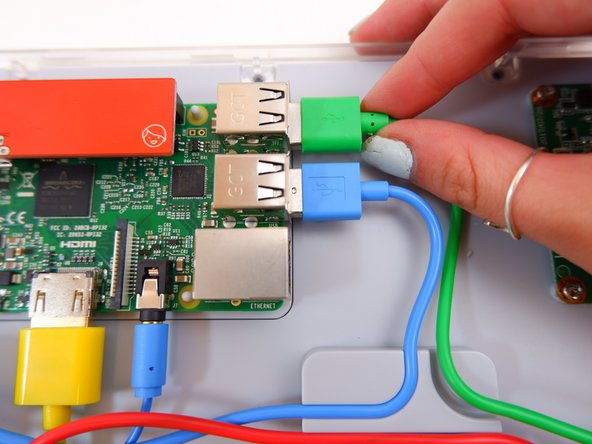
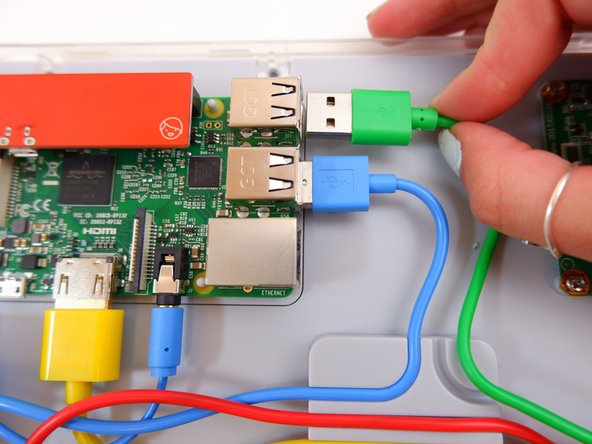
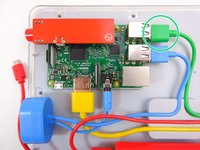
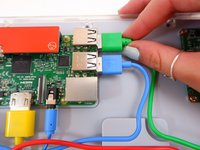
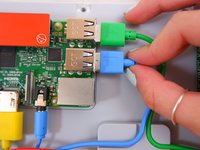
  3. Kano Computer Kit Complete Raspberry Pi Replacement: passo 3, immagine 1 di 3 Kano Computer Kit Complete Raspberry Pi Replacement: passo 3, immagine 2 di 3 Kano Computer Kit Complete Raspberry Pi Replacement: passo 3, immagine 3 di 3
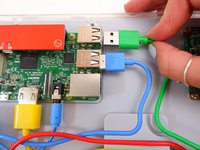
    • Unplug the green cable

    Chiedi a FixBot

    Aggiungi Commento

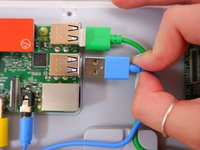
  4. Kano Computer Kit Complete Raspberry Pi Replacement: passo 4, immagine 1 di 3 Kano Computer Kit Complete Raspberry Pi Replacement: passo 4, immagine 2 di 3 Kano Computer Kit Complete Raspberry Pi Replacement: passo 4, immagine 3 di 3
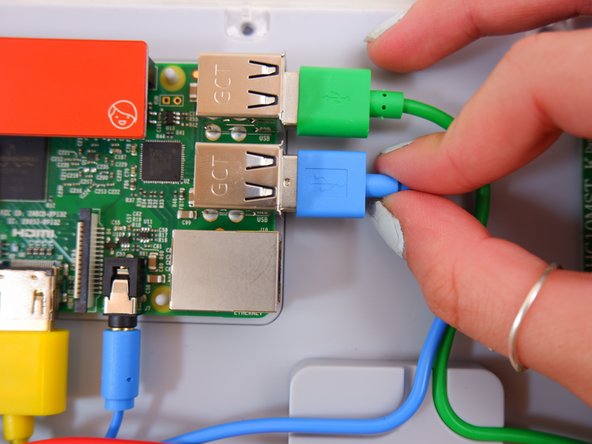
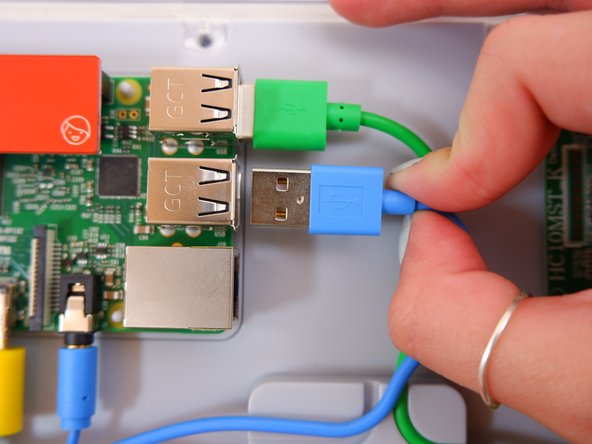
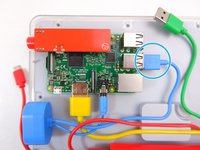
    • Unplug the blue USB cable.

    Chiedi a FixBot

    Aggiungi Commento

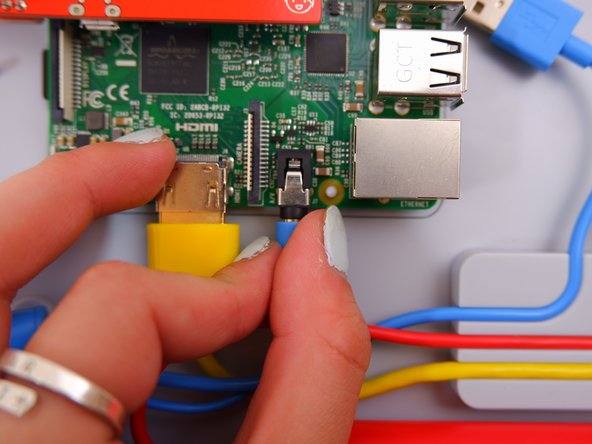
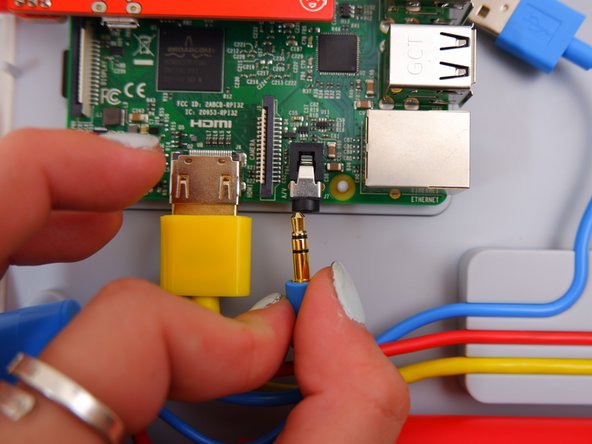
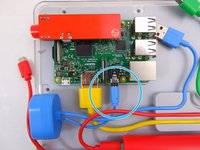
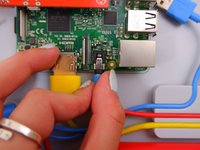
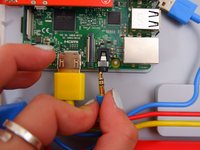
  5. Kano Computer Kit Complete Raspberry Pi Replacement: passo 5, immagine 1 di 3 Kano Computer Kit Complete Raspberry Pi Replacement: passo 5, immagine 2 di 3 Kano Computer Kit Complete Raspberry Pi Replacement: passo 5, immagine 3 di 3
    • Unplug the blue audio jack.

    Chiedi a FixBot

    Aggiungi Commento

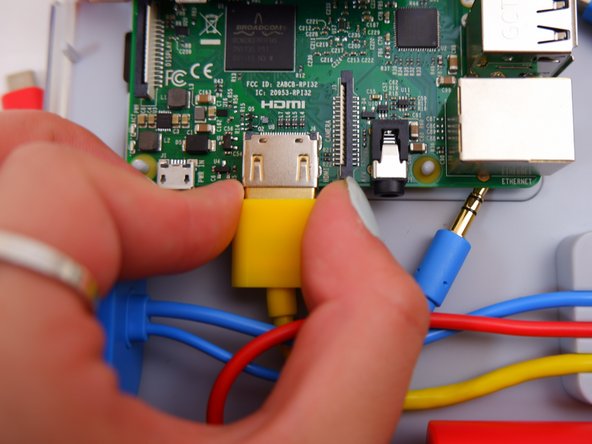
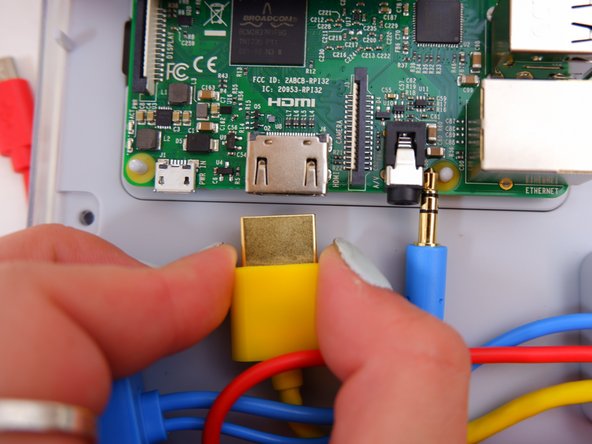
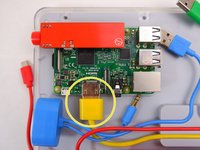
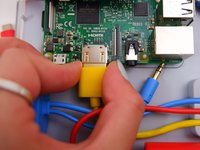
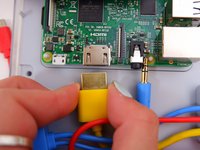
  6. Kano Computer Kit Complete Raspberry Pi Replacement: passo 6, immagine 1 di 3 Kano Computer Kit Complete Raspberry Pi Replacement: passo 6, immagine 2 di 3 Kano Computer Kit Complete Raspberry Pi Replacement: passo 6, immagine 3 di 3
    • Unplug the yellow cable.

    Chiedi a FixBot

    Aggiungi Commento

  7. Kano Computer Kit Complete Raspberry Pi Replacement: passo 7, immagine 1 di 2 Kano Computer Kit Complete Raspberry Pi Replacement: passo 7, immagine 2 di 2
    • Pop off the entire board from of the back of the screen.

    Chiedi a FixBot

    Aggiungi Commento

  8. Kano Computer Kit Complete Raspberry Pi Replacement: passo 8, immagine 1 di 1
    • Remove the backing off the Raspberry Pi.

    Chiedi a FixBot

    Aggiungi Commento

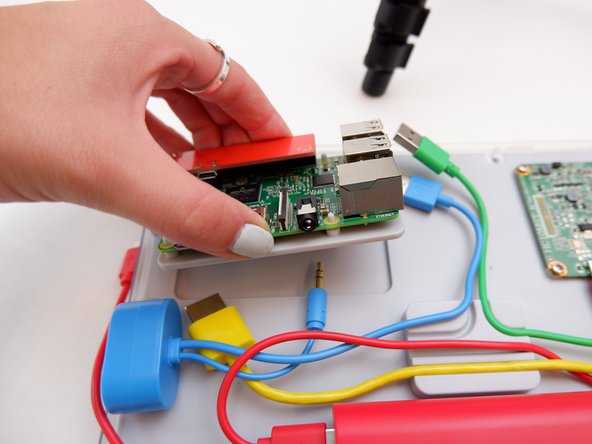
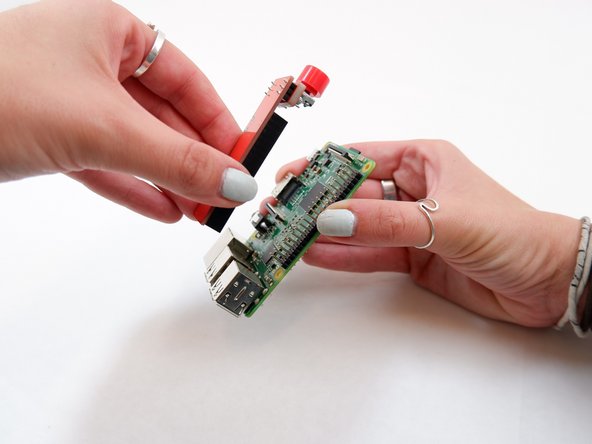
  9. Kano Computer Kit Complete Raspberry Pi Replacement: passo 9, immagine 1 di 2 Kano Computer Kit Complete Raspberry Pi Replacement: passo 9, immagine 2 di 2
    • Remove the power button from the Raspberry Pi.

    Chiedi a FixBot

    Aggiungi Commento

Conclusione

To reassemble your device, follow these instructions in reverse order with the new Raspberry Pi.

Annulla: non ho completato questa guida.

Un'altra persona ha completato questa guida.

0Commenti sulla guida

Aggiungi Commento

Visualizza statistiche:

Ultime 24 ore: 2

Ultimi 7 giorni: 12

Ultimi 30 giorni: 54

Tutti i Tempi: 1,877