Salta al contenuto principale
Unisciti alla Community delle riparazioni - Crea un account

Insignia NS-DS9PDVD15 Screen Replacement

Cosa ti serve

    1. Insignia NS-DS9PDVD15  Screen Replacement, Bottom Cover: passo 1, immagine 1 di 2 Insignia NS-DS9PDVD15  Screen Replacement, Bottom Cover: passo 1, immagine 2 di 2
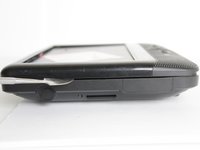
      • Turn the power off. Slide the power button to OFF.

      Chiedi a FixBot
      Aggiungi Commento

    2. Insignia NS-DS9PDVD15  Screen Replacement: passo 2, immagine 1 di 2 Insignia NS-DS9PDVD15  Screen Replacement: passo 2, immagine 2 di 2
      • Unplug AC adapter from car cigarette lighter.

      Chiedi a FixBot
      Aggiungi Commento

    3. Insignia NS-DS9PDVD15  Screen Replacement: passo 3, immagine 1 di 1
      • Make sure there is no DVD or CD in the disc tray

      Chiedi a FixBot

      Aggiungi Commento

    4. Insignia NS-DS9PDVD15  Screen Replacement: passo 4, immagine 1 di 2 Insignia NS-DS9PDVD15  Screen Replacement: passo 4, immagine 2 di 2
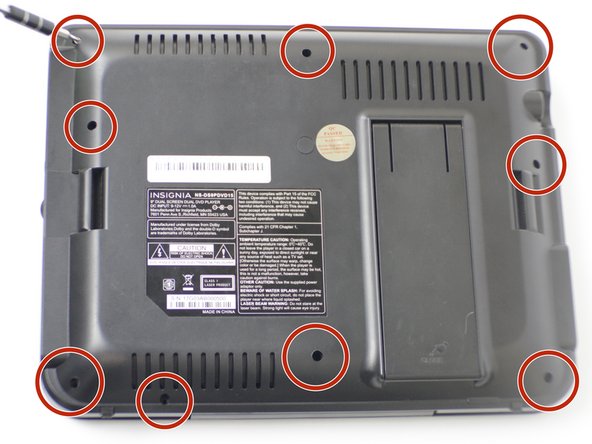
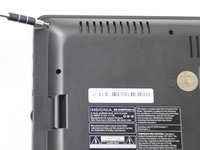
      • Unscrew the nine 9mm screws with a JIS #000 screwdriver.

      Chiedi a FixBot
      Aggiungi Commento

    5. Insignia NS-DS9PDVD15  Screen Replacement: passo 5, immagine 1 di 3 Insignia NS-DS9PDVD15  Screen Replacement: passo 5, immagine 2 di 3 Insignia NS-DS9PDVD15  Screen Replacement: passo 5, immagine 3 di 3
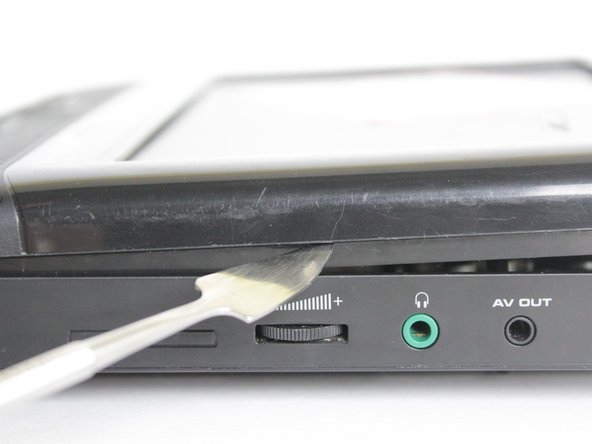
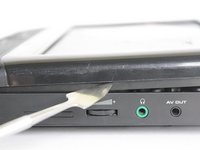
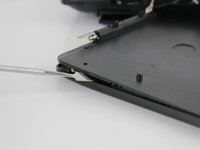
      • Pry off back panel with prying tool, then remove by hand.

      Chiedi a FixBot
      Aggiungi Commento

    1. Insignia NS-DS9PDVD15  Screen Replacement, Disc Tray: passo 6, immagine 1 di 2 Insignia NS-DS9PDVD15  Screen Replacement, Disc Tray: passo 6, immagine 2 di 2
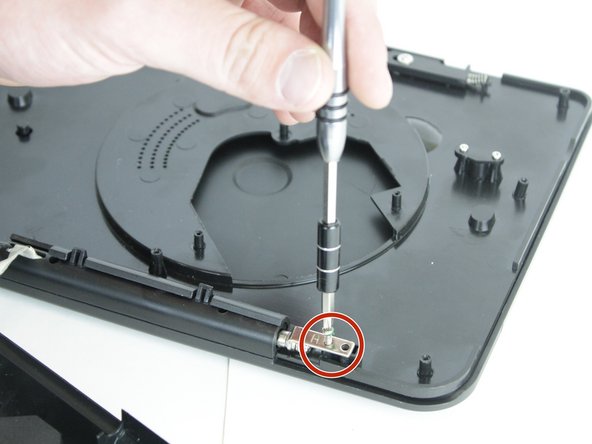
      • After the back is removed and the disk tray is loose from the bottom, locate the two, 3 mm screws that hold the tray to the hinge.

      • Unscrew them with the JIS #000 screwdriver.

      Chiedi a FixBot
      Aggiungi Commento

    2. Insignia NS-DS9PDVD15  Screen Replacement: passo 7, immagine 1 di 1
      • Slide the tray up and off of the hinge completely.

      Chiedi a FixBot

      Aggiungi Commento

    1. Insignia NS-DS9PDVD15  Screen Replacement, Screen: passo 8, immagine 1 di 1
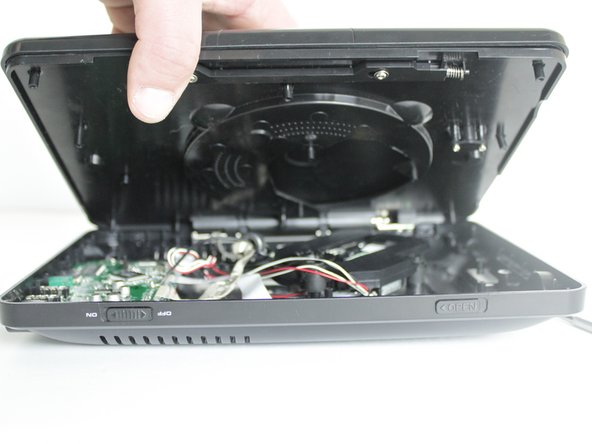
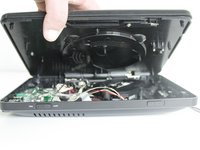
      • After the bottom cover and disk tray have been removed, remove the back panel from the top half.

      • There are six, 9 mm screws on the bottom cover and 2 screws on the hinge. Remove them with the JIS #000 screwdriver.

      Chiedi a FixBot
      Aggiungi Commento

    2. Insignia NS-DS9PDVD15  Screen Replacement: passo 9, immagine 1 di 2 Insignia NS-DS9PDVD15  Screen Replacement: passo 9, immagine 2 di 2
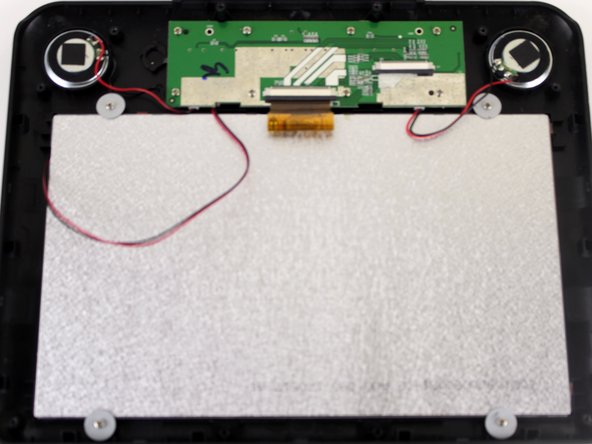
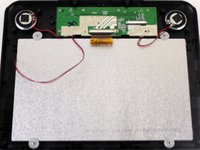
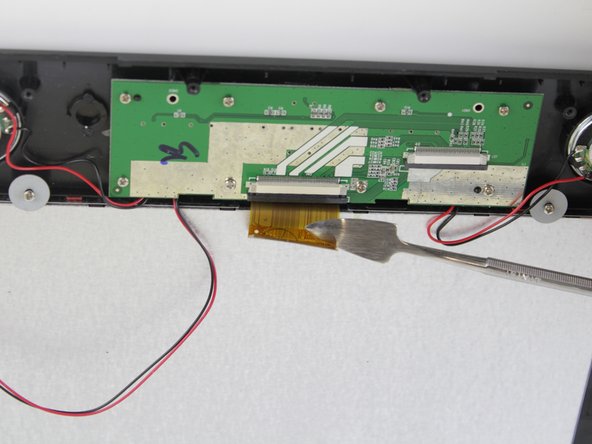
      • Once all the screws are removed, pry off the cover with the pry tool.

      • You'll see the PC board, back of the speakers, and the back of the screen.

      Chiedi a FixBot
      Aggiungi Commento

    3. Insignia NS-DS9PDVD15  Screen Replacement: passo 10, immagine 1 di 2 Insignia NS-DS9PDVD15  Screen Replacement: passo 10, immagine 2 di 2
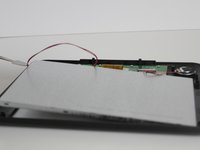
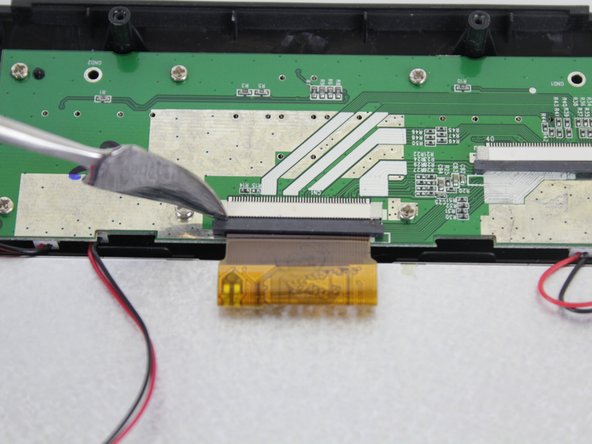
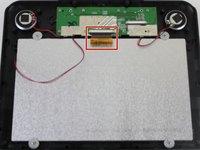
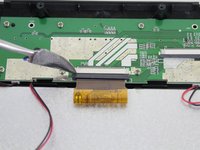
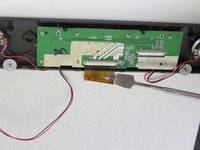
      • Remove the ribbon cable carefully with the pry tool.

      • First, push out the black portion.

      Chiedi a FixBot
      Aggiungi Commento

    4. Insignia NS-DS9PDVD15  Screen Replacement: passo 11, immagine 1 di 2 Insignia NS-DS9PDVD15  Screen Replacement: passo 11, immagine 2 di 2
      • Next, push out the 'ribbon' with the pry tool.

      Chiedi a FixBot

      Aggiungi Commento

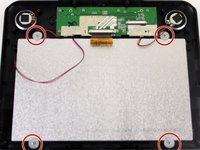
    5. Insignia NS-DS9PDVD15  Screen Replacement: passo 12, immagine 1 di 2 Insignia NS-DS9PDVD15  Screen Replacement: passo 12, immagine 2 di 2
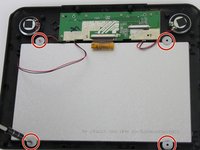
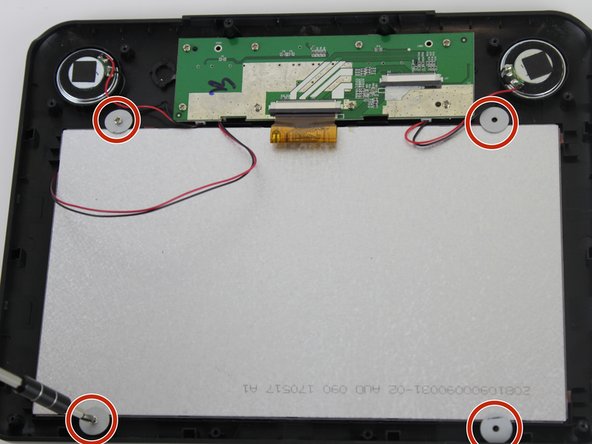
      • Unscrew the corners of screen with the JIS #000 screwdriver. There are four, 6 mm screws with washers.

      Chiedi a FixBot
      Aggiungi Commento

    6. Insignia NS-DS9PDVD15  Screen Replacement: passo 13, immagine 1 di 2 Insignia NS-DS9PDVD15  Screen Replacement: passo 13, immagine 2 di 2
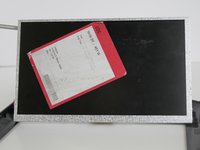
      • After the screws and washers are removed, you can lift the screen off with the pry tool.

      Chiedi a FixBot
      Aggiungi Commento

Conclusione

To reassemble your device, follow these instructions in reverse order.

Annulla: non ho completato questa guida.

1Commento della guida

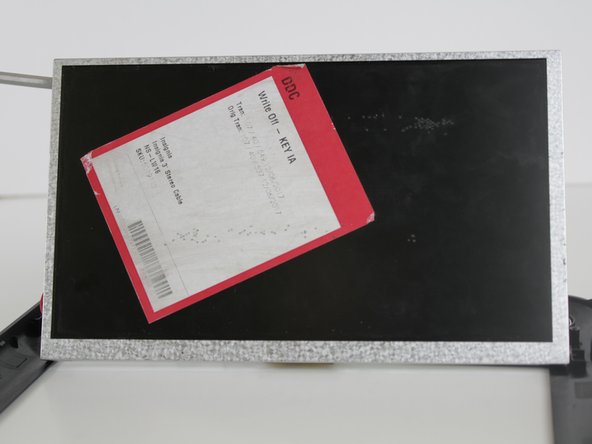
what is the model of the LCD Panel?
Justin Frost - Rispondi Condividi

Aggiungi Commento

Visualizza statistiche:

Ultime 24 ore: 0

Ultimi 7 giorni: 2

Ultimi 30 giorni: 13

Tutti i Tempi: 956