Introduzione
Remove the keypad of the TC-580. This will require serious disassembly of the radio. If you aren't able to get the buttons to work or the radio doesn't seem to respond properly to key presses you should consider doing this.
Cosa ti serve
-
-
Twist antenna counter-clockwise and set damaged antenna aside.
-
-
-
Remove the volume knob by firmly lifting up on both sides of it.
-
-
-
Strumento utilizzato in questo passaggio:Tweezers$4.99
-
Remove the orange o-ring around volume knob using tweezers.
-
-
-
Remove grey nut from base of volume knob by turning it counterclockwise with a set of tweezers.
-
-
-
Remove the brass washer from the base of the antenna slot by turning it counterclockwise with a set of tweezers.
-
-
-
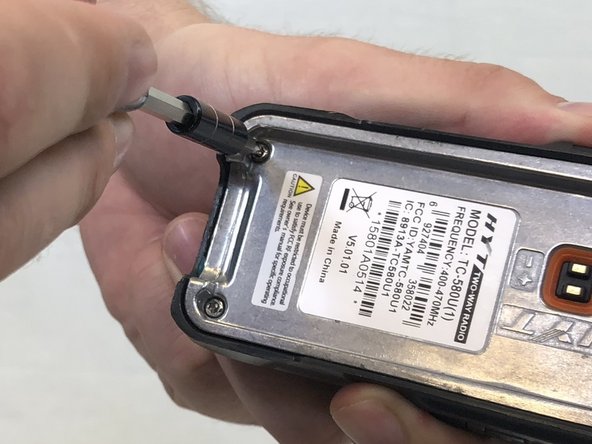
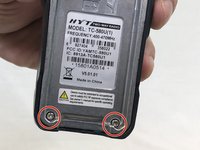
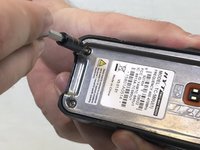
Remove the two 15mm T8 Torx screws from the base of the battery cavity.
-
-
-
Using a plastic opening tool, pry in between the plastic case and metal circuit board to remove the board.
-


 Chiedi a FixBot




To reassemble your device, follow these instructions in reverse order.
Annulla: non ho completato questa guida.
Altre 2 persone hanno completato questa guida.

Team

USF Tampa, Team S3-G4, Nance Spring 2018 Membro di USF Tampa, Team S3-G4, Nance Spring 2018
USFT-NANCE-S18S3G4
3 Membri
5 guide realizzate
