Salta al contenuto principale
Unisciti alla Community delle riparazioni - Crea un account

Hover-1 Horizon Power Button Replacement

Cosa ti serve

    1. Hover-1 Horizon Power Button Replacement, Base Plate: passo 1, immagine 1 di 2 Hover-1 Horizon Power Button Replacement, Base Plate: passo 1, immagine 2 di 2
      • Remove the six 12mm Phillips #2 screws holding the base plate.

      Chiedi a FixBot

      Aggiungi Commento

    2. Hover-1 Horizon Power Button Replacement: passo 2, immagine 1 di 2 Hover-1 Horizon Power Button Replacement: passo 2, immagine 2 di 2
      • Remove the two 11mm Phillips #1 screws that hold the base plate to the body.

      Chiedi a FixBot

      Aggiungi Commento

    3. Hover-1 Horizon Power Button Replacement: passo 3, immagine 1 di 3 Hover-1 Horizon Power Button Replacement: passo 3, immagine 2 di 3 Hover-1 Horizon Power Button Replacement: passo 3, immagine 3 di 3
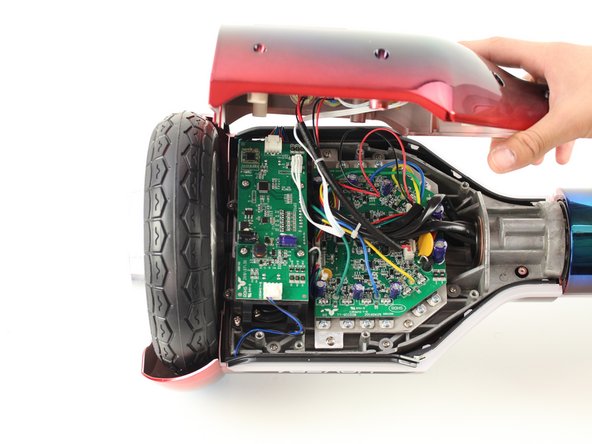
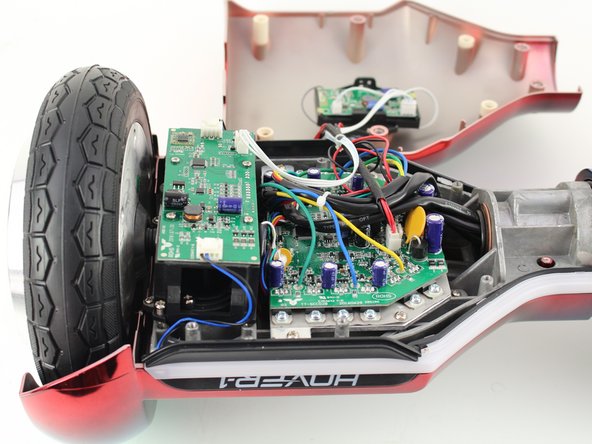
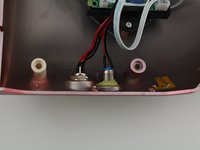
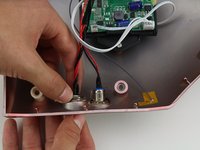
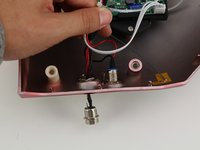
      • Remove the base plate by lifting it up.

      • The base plate is connected to the body with wires. The wires are long enough to set the base plate to the side.

      Chiedi a FixBot

      Aggiungi Commento

    1. Hover-1 Horizon Power Button Replacement, Power Button: passo 4, immagine 1 di 1
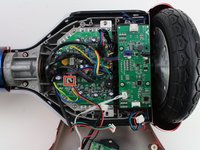
      • Reorient the Hover-1 Horizon so the base plate opens towards you.

      Chiedi a FixBot

      Aggiungi Commento

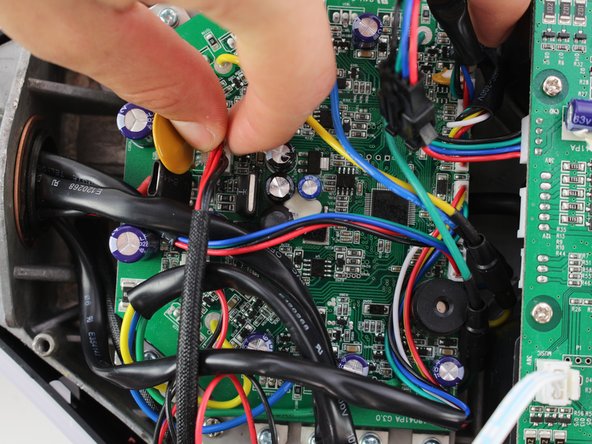
    2. Hover-1 Horizon Power Button Replacement: passo 5, immagine 1 di 3 Hover-1 Horizon Power Button Replacement: passo 5, immagine 2 di 3 Hover-1 Horizon Power Button Replacement: passo 5, immagine 3 di 3
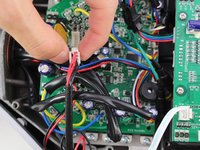
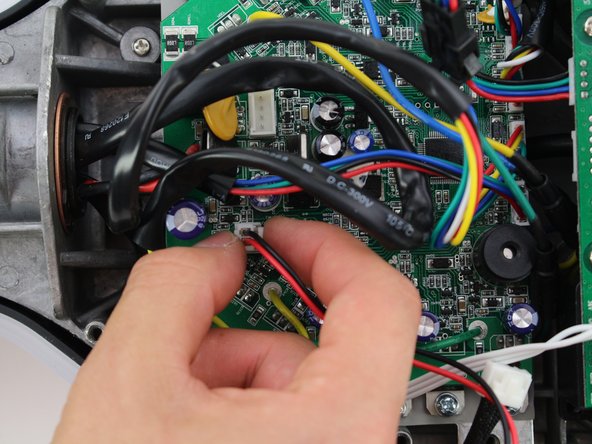
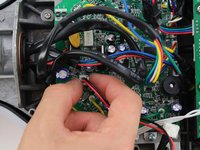
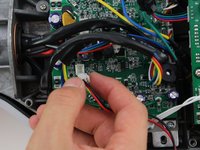
      • Remove the connector by squeezing the tab and lifting up.

      Chiedi a FixBot

      Aggiungi Commento

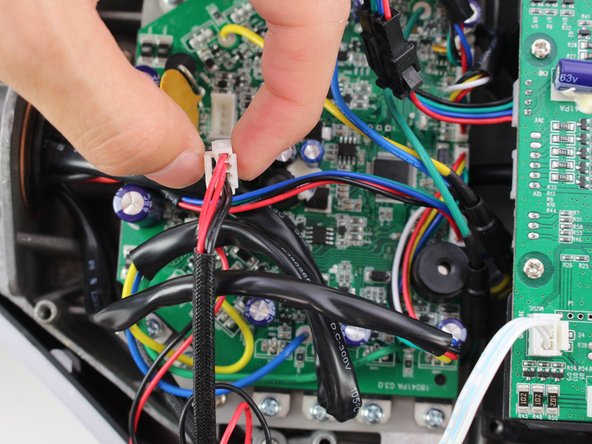
    3. Hover-1 Horizon Power Button Replacement: passo 6, immagine 1 di 3 Hover-1 Horizon Power Button Replacement: passo 6, immagine 2 di 3 Hover-1 Horizon Power Button Replacement: passo 6, immagine 3 di 3
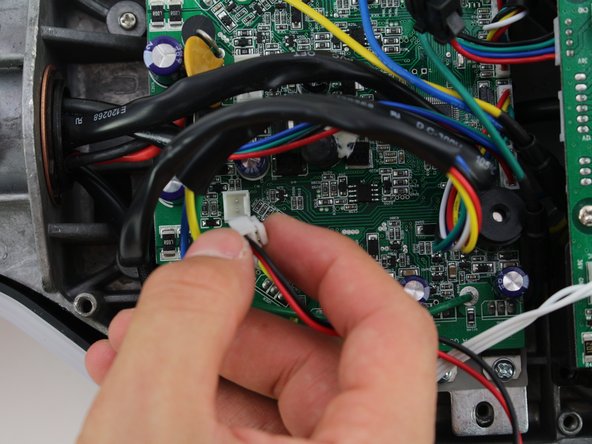
      • Remove the second connector by squeezing the tab and pulling up.

      Chiedi a FixBot

      Aggiungi Commento

    4. Hover-1 Horizon Power Button Replacement: passo 7, immagine 1 di 3 Hover-1 Horizon Power Button Replacement: passo 7, immagine 2 di 3 Hover-1 Horizon Power Button Replacement: passo 7, immagine 3 di 3
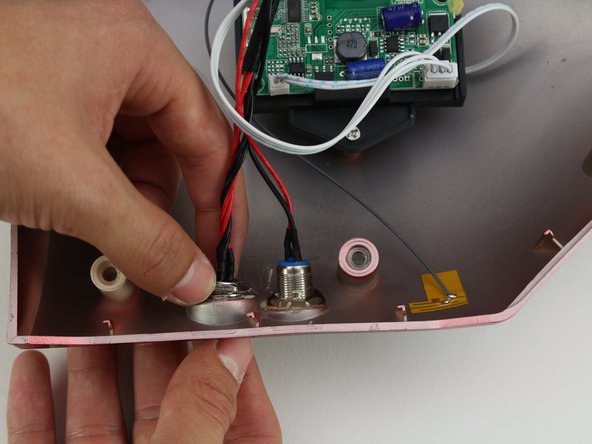
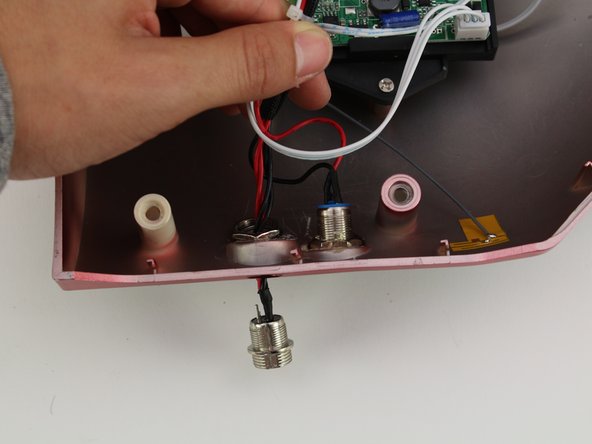
      • Unscrew the power button by holding the front and twisting the back nut counter-clockwise.

      • Push the power button through the base plate to remove.

      • A hot air gun may need to be used to remove the adhesive connecting the base plate to the power button.

      Chiedi a FixBot

      Aggiungi Commento

Conclusione

To reassemble your device, follow these instructions in reverse order.

Annulla: non ho completato questa guida.

Team

Cal Poly, Team S13-G6, White Fall 2018 Membro di Cal Poly, Team S13-G6, White Fall 2018

CPSU-WHITE-F18S13G6

4 Membri

6 guide realizzate

0Commenti sulla guida

Aggiungi Commento

Visualizza statistiche:

Ultime 24 ore: 1

Ultimi 7 giorni: 7

Ultimi 30 giorni: 26

Tutti i Tempi: 886