Introduzione
This guide will show you how to replace the control assembly on your Hot Tools HPK12 flat iron. Make sure your flat iron is unplugged and completely cooled down before beginning.
Cosa ti serve
-
-
-
Remove round plastic cover near cord base by prying under the side with the metal spudger.
-
Flip the device and remove the other round plastic cover near the base of the cord.
-
Use the Phillips #1 screwdriver to remove the 5.5mm PH1 screw and washer under the plastic cover and set both aside.
 Chiedi a FixBot
-
-
-
Use the metal spudger to push the center pin through to the other side.
-
-
-
-
Lift back plastic cover to expose spring assembly.
-
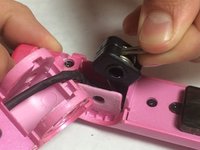
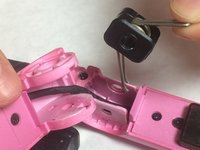
Grip the exposed end of the spring assembly and remove it.
-
-
-
Use the JIS #0 screwdriver to remove the two 3.5mm “J0” screws that attach the control assembly cover to the flat iron base.
-
-
-
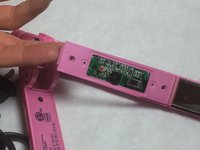
Lift upward on the control assembly cover to remove it from the flat iron base.
-
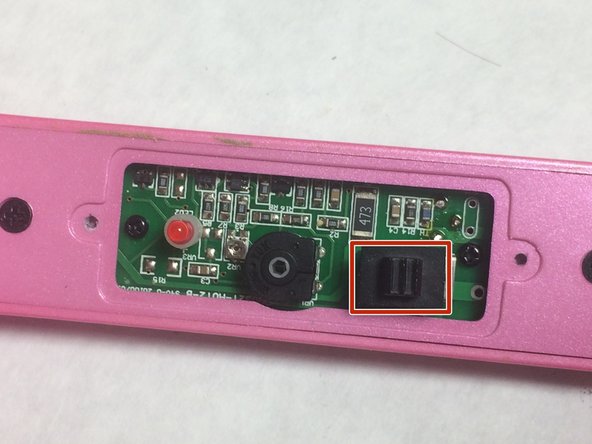
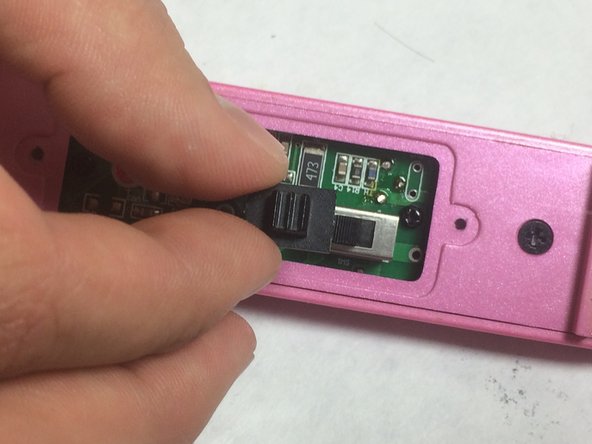
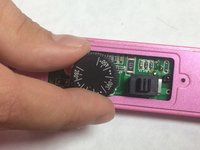
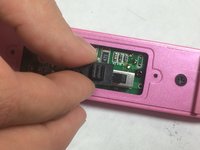
Remove dial and switch cover and set aside.
-
-
-
Use your JIS #0 screw driver to remove the two 6mm “J0” screws that are attached to the flat iron base and set them aside.
-
Lift the backing plate upwards to remove it from the flat iron.
-
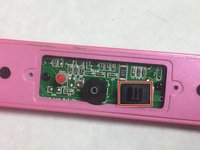
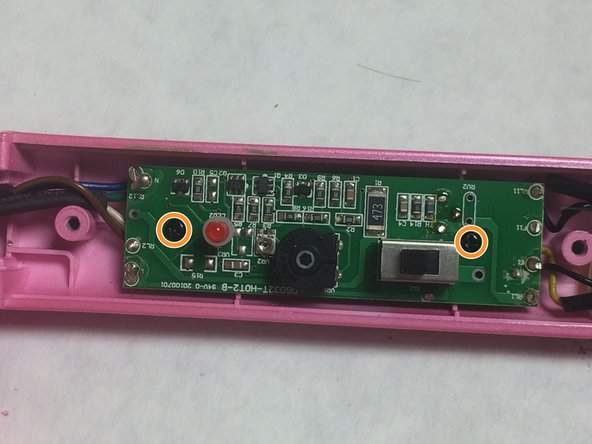
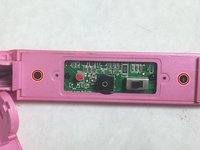
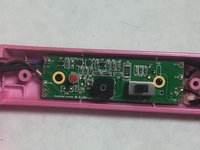
Use the Phillips #0 screwdriver to remove two 4mm “PH0” screws that attach the circuit assembly to the flat iron base.
-
-





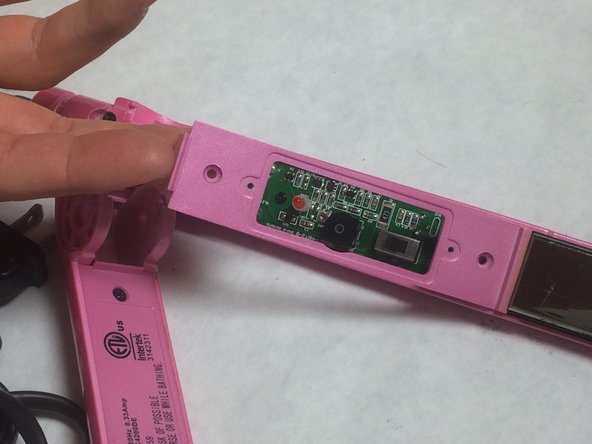
To reassemble your device, follow these instructions in reverse order.
Annulla: non ho completato questa guida.
Un'altra persona ha completato questa guida.

Team

IUPUI, Team 3-4, Baechle Fall 2016 Membro di IUPUI, Team 3-4, Baechle Fall 2016
IUPUI-BAECHLE-F16S3G4
4 Membri
5 guide realizzate
