Questa traduzione è stata generata automaticamente e non è stata ancora revisionata da una persona. Parli questa lingua? Dai un’occhiata.
Introduzione
Questa è una sostituzione che richiede buone competenze di saldatura e sicurezza nel lavorare con cablaggi piccoli e delicati.
Se non hai familiarità con la saldatura e la dissaldatura, assicurati di consultare la pagina sulle competenze di saldatura di iFixit prima di tentare questa sostituzione!
Cosa ti serve
-
-
-
Sul retro della pressa, rimuovi la rondella di bloccaggio facendo leva verso l'alto con uno spudger in nylon o in metallo.
-
Ripeti l'operazione per l'altra rondella dal lato opposto.
 Chiedi a FixBot
-
-
-
Utilizzando un oggetto lungo e sottile, spingi il bullone da 43 mm dall'interno verso l'esterno per far fuoriuscire l'estremità del bullone.
-
Tira l'estremità del bullone per rimuoverlo completamente.
-
Ripeti la procedura per il secondo bullone.
-
-
-
Usando la chiave inglese a brugola da 4,0 mm, svita i due bulloni da 26 mm che collegano la maniglia all'alloggiamento dell'elemento riscaldante superiore su entrambi i lati.
-
-
-
-
Fai scorrere la coppia di manopole di bloccaggio verso la base dell'impugnatura, quindi tira l'estremità libera dell'impugnatura verso l'alto. Si sgancerà facilmente.
-
-
-
-
-
Separa delicatamente l'alloggiamento dell'elemento riscaldante dalla superficie di cottura tirando verso l'alto l'alloggiamento e spingendo verso il basso la superficie.
-
-
-
Sul lato inferiore dell'alloggiamento, utilizza il cacciavite PH2 per rimuovere l'unica vite da 12 mm per scollegare il vassoio dei LED.
-
L'alloggiamento ora può essere rimosso completamente.
-
Mettilo da parte per il rimontaggio.
-
-
-
Usando il cacciavite PH2, rimuovi la singola vite da 10 mm sul vassoio circolare in plastica dei LED.
-
Ora rimuovi completamente il piccolo pezzo in plastica a forma di T e il vassoio in plastica
-
-
-
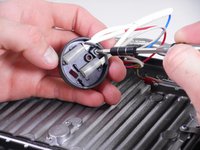
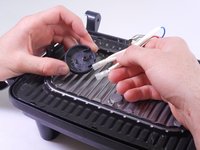
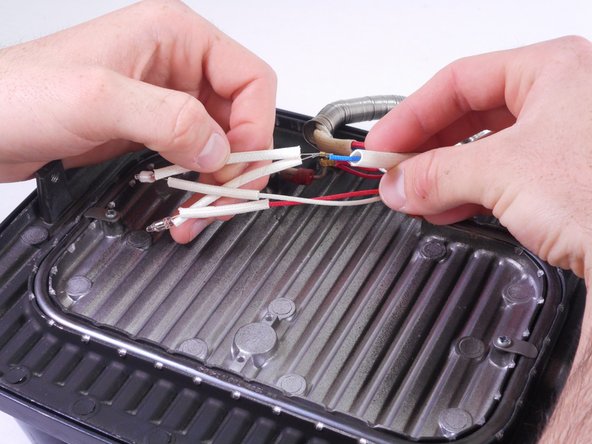
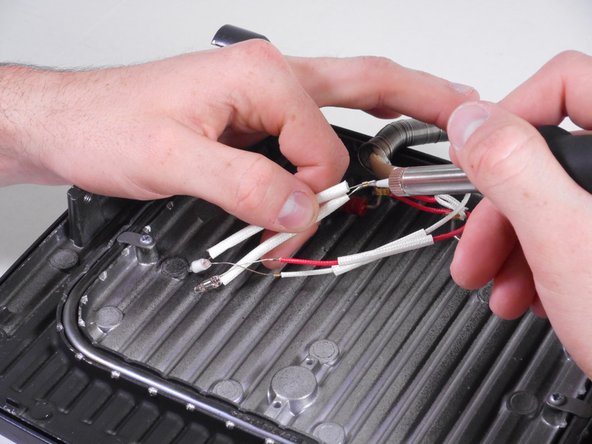
Ora puoi rimuovere il LED dissaldando il connettore a ogni punto di giunzione del cablaggio.
-
Il LED rosso si collega al cavo rosso (positivo) e al cavo blu (negativo, contrassegnato in giallo).
-
Il LED verde si collega al cavo bianco (positivo) e al cavo blu (negativo, contrassegnato in giallo).
-
-


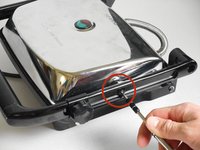
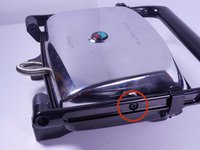


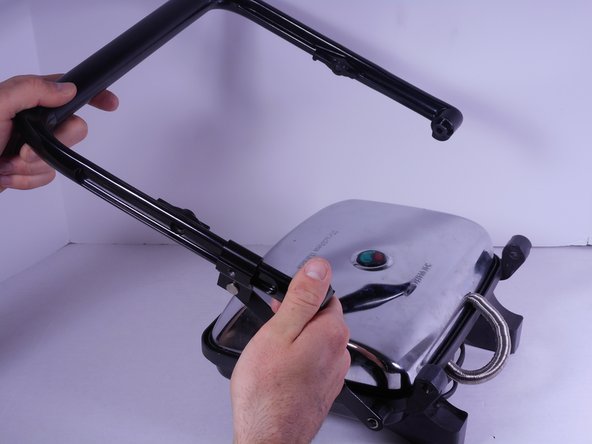

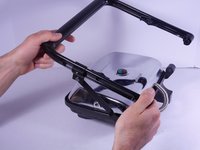
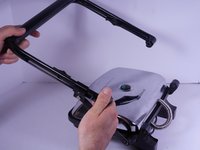
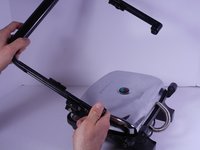


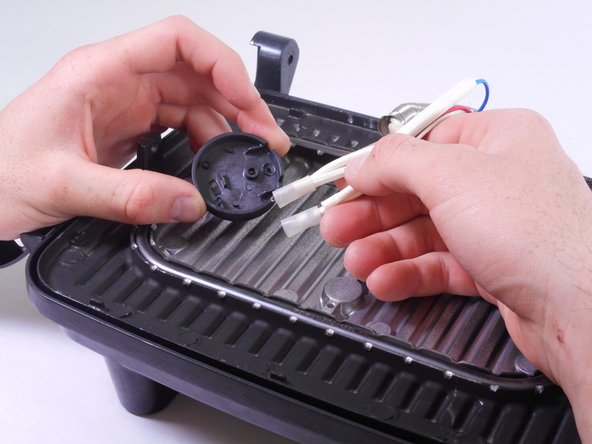
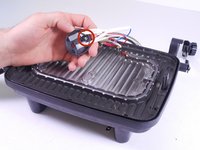


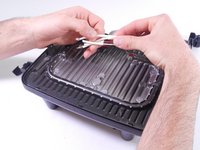
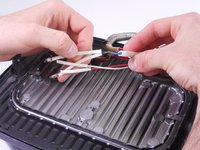
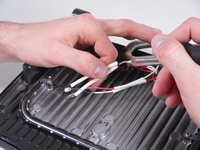

Per rimontare il dispositivo, segui queste istruzioni in ordine inverso.

Team

Cal Poly, Team 6-27, Amido Winter 2015 Membro di Cal Poly, Team 6-27, Amido Winter 2015
CPSU-AMIDO-W15S6G27
4 Membri
72 guide realizzate
