Salta al contenuto principale
Unisciti alla Community delle riparazioni - Crea un account

HTC Wizard 200 Screen Cover Replacement

Cosa ti serve

  1. HTC Wizard 200 Screen Cover Replacement, Battery: passo 1, immagine 1 di 2 HTC Wizard 200 Screen Cover Replacement, Battery: passo 1, immagine 2 di 2
    • To expose the battery, remove the outer case with your fingernail.

    • Remove the battery by pulling the black tab.

    Chiedi a FixBot
  2. HTC Wizard 200 Screen Cover Replacement, Back Panel: passo 2, immagine 1 di 1
    Strumento utilizzato in questo passaggio:
    Spudger
    $3.99
    • Insert the flat end of the spudger into the two notches on the back of the camera cover and pry them up.

    Chiedi a FixBot
  3. HTC Wizard 200 Screen Cover Replacement: passo 3, immagine 1 di 2 HTC Wizard 200 Screen Cover Replacement: passo 3, immagine 2 di 2
    Strumento utilizzato in questo passaggio:
    Spudger
    $3.99
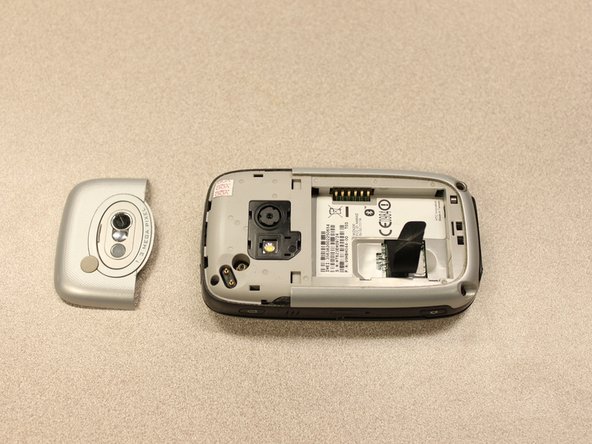
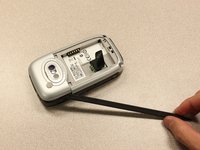
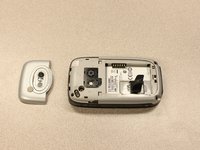
    • Work the spudger around the edges of the camera cover until it comes off.

    Chiedi a FixBot
  4. HTC Wizard 200 Screen Cover Replacement: passo 4, immagine 1 di 2 HTC Wizard 200 Screen Cover Replacement: passo 4, immagine 2 di 2
    Strumento utilizzato in questo passaggio:
    T5 Torx Screwdriver
    $5.49
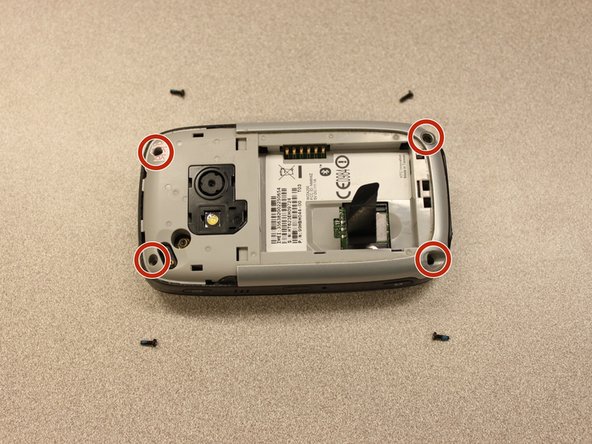
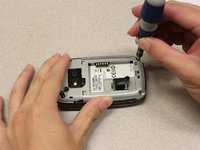
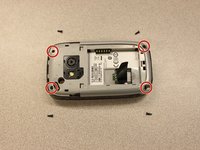
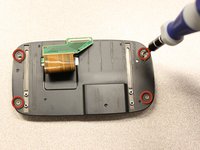
    • Remove the four 6 mm screws with the T5 Torx screwdriver.

    • One of the screws is under the "void" sticker.

    Chiedi a FixBot
  5. HTC Wizard 200 Screen Cover Replacement: passo 5, immagine 1 di 3 HTC Wizard 200 Screen Cover Replacement: passo 5, immagine 2 di 3 HTC Wizard 200 Screen Cover Replacement: passo 5, immagine 3 di 3
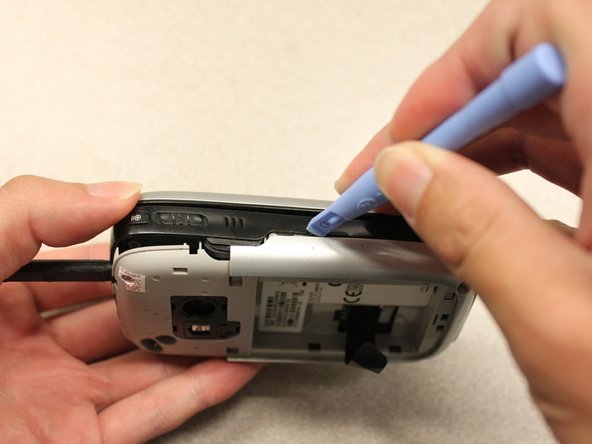
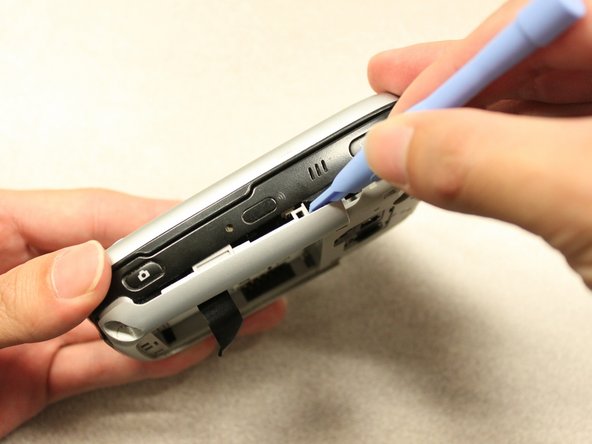
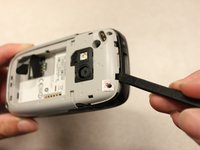
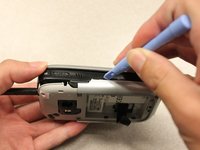
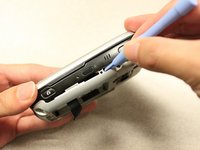
    • Insert the flat end of an iFixit opening tool between the side and inner covers to create a gap.

    • Work the tool around the edges until all the clips release.

    Chiedi a FixBot
  6. HTC Wizard 200 Screen Cover Replacement: passo 6, immagine 1 di 2 HTC Wizard 200 Screen Cover Replacement: passo 6, immagine 2 di 2
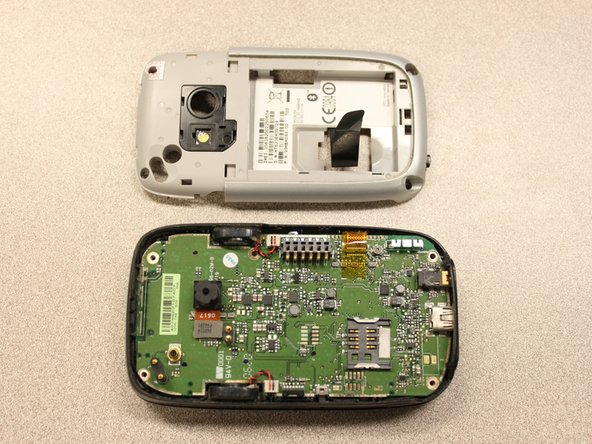
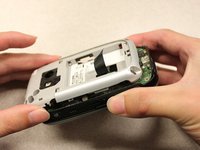
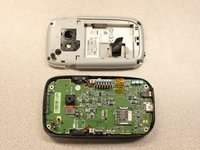
    • Once all the clips are open, remove the inner panel from the phone.

    Chiedi a FixBot
  7. HTC Wizard 200 Screen Cover Replacement, Motherboard: passo 7, immagine 1 di 1
    Strumento utilizzato in questo passaggio:
    Spudger
    $3.99
    • Use the spudger to pry the camera off.

    Chiedi a FixBot
  8. HTC Wizard 200 Screen Cover Replacement: passo 8, immagine 1 di 2 HTC Wizard 200 Screen Cover Replacement: passo 8, immagine 2 di 2
    Strumento utilizzato in questo passaggio:
    Tweezers
    $4.99
    • Using tweezers, flip the connector latch away from the motherboard.

    • Detach the flexible connection from under the connector latch.

    Chiedi a FixBot
  9. HTC Wizard 200 Screen Cover Replacement: passo 9, immagine 1 di 1
    • Slide the keyboard into the open position.

    Chiedi a FixBot
  10. HTC Wizard 200 Screen Cover Replacement: passo 10, immagine 1 di 2 HTC Wizard 200 Screen Cover Replacement: passo 10, immagine 2 di 2
    Strumento utilizzato in questo passaggio:
    Spudger
    $3.99
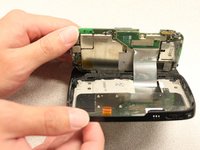
    • Lift the motherboard out of the case using the spudger.

    • Expose the underside of the motherboard using your hands.

    Chiedi a FixBot
  11. HTC Wizard 200 Screen Cover Replacement: passo 11, immagine 1 di 2 HTC Wizard 200 Screen Cover Replacement: passo 11, immagine 2 di 2
    • Remove the flexible connection from the motherboard.

    • Caution: Removing the connection too fast may cause damage to the connection and cables.

    Chiedi a FixBot
  12. HTC Wizard 200 Screen Cover Replacement, Keyboard Slider: passo 12, immagine 1 di 3 HTC Wizard 200 Screen Cover Replacement, Keyboard Slider: passo 12, immagine 2 di 3 HTC Wizard 200 Screen Cover Replacement, Keyboard Slider: passo 12, immagine 3 di 3
    Strumento utilizzato in questo passaggio:
    T5 Torx Screwdriver
    $5.49
    • Remove the four 5mm screws with the T5 Torx screwdriver.

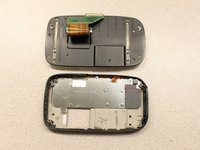
    • Remove the keyboard slider from the main body.

    Chiedi a FixBot
  13. HTC Wizard 200 Screen Cover Replacement, Screen Cover: passo 13, immagine 1 di 2 HTC Wizard 200 Screen Cover Replacement, Screen Cover: passo 13, immagine 2 di 2
    • Use the T5 Torx screwdriver to remove four 5mm screws that secure the back of the screen casing.

    Chiedi a FixBot
  14. HTC Wizard 200 Screen Cover Replacement: passo 14, immagine 1 di 2 HTC Wizard 200 Screen Cover Replacement: passo 14, immagine 2 di 2
    • Insert the plastic opening tool between the front panel and the rear panel and pry open to reach the screen.

    Chiedi a FixBot
  15. HTC Wizard 200 Screen Cover Replacement: passo 15, immagine 1 di 2 HTC Wizard 200 Screen Cover Replacement: passo 15, immagine 2 di 2
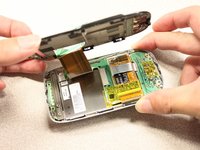
    • Once the rear panel is loose, lift it off of the front panel.

    • The flexible connection will pop loose.

    Chiedi a FixBot
  16. HTC Wizard 200 Screen Cover Replacement: passo 16, immagine 1 di 1
    • Device rotated 90 degrees CCW.

    • Remove the yellow anti-static tape.

    Chiedi a FixBot
  17. HTC Wizard 200 Screen Cover Replacement: passo 17, immagine 1 di 2 HTC Wizard 200 Screen Cover Replacement: passo 17, immagine 2 di 2
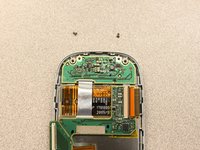
    • Unscrew the two 3mm phillips #0 screws from the bottom of the device that secure the rigid flex board to the screen panel.

    Chiedi a FixBot
  18. HTC Wizard 200 Screen Cover Replacement: passo 18, immagine 1 di 1
    • Device rotated 180 degrees CW.

    • Unscrew the two 3mm Phillips #0 screws from the top of the device that secure the rigid flex board to the screen panel.

    Chiedi a FixBot
  19. HTC Wizard 200 Screen Cover Replacement: passo 19, immagine 1 di 1
    • Device rotated 90 degrees CCW.

    • Unhinge the flexible connection and use the tweezers to disconnect.

    Chiedi a FixBot
  20. HTC Wizard 200 Screen Cover Replacement: passo 20, immagine 1 di 1
    • Now that the rigid flex board is loose, remove it from the screen.

    Chiedi a FixBot
Conclusione

To reassemble your device, follow these instructions in reverse order.

Kyle Champ

Membro da: 10/03/11

225 Reputazione

12 guide realizzate

Team

Cal Poly, Team 20-27, Maness Fall 2011 Membro di Cal Poly, Team 20-27, Maness Fall 2011

CPSU-MANESS-F11S20G27

4 Membri

24 guide realizzate

0Commenti sulla guida

Aggiungi Commento

Visualizza statistiche:

Ultime 24 ore: 2

Ultimi 7 giorni: 14

Ultimi 30 giorni: 80

Tutti i Tempi: 1,054