Cosa ti serve
-
-
Remove the back of the phone by pushing firmly with your thumbs up towards the camera.
-
Remove both the battery and the SD card (Press SD card in to release)
-
Locate and remove the four Torx screws highlighted in the photo, with the phone laying face down on your work space.
 Chiedi a FixBot
-
-
-
Carefully pry the inside back cover from the device using an appropriate size plastic opening tool or small flathead screwdriver.
-
Insert the flat end between the back and front enclosure, working your way around the rim.
-
-
-
Gently depress and release the small plastic tabs around the rim in the front enclosure, highlighted here.
-
-
-
-
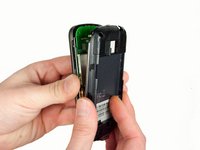
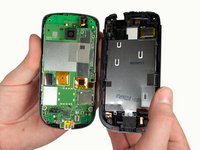
Carefully separate the front and back enclosures once all of the clips have been disengaged.
-
-
-
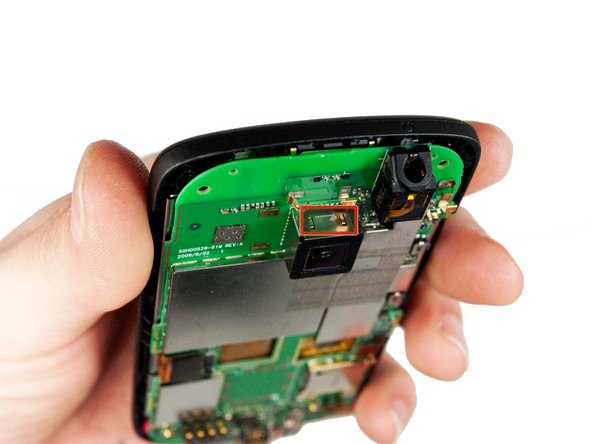
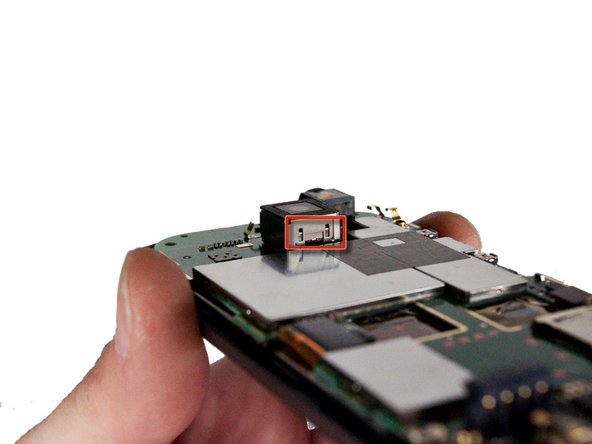
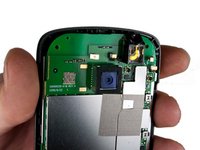
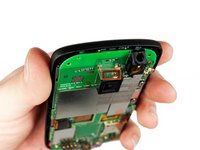
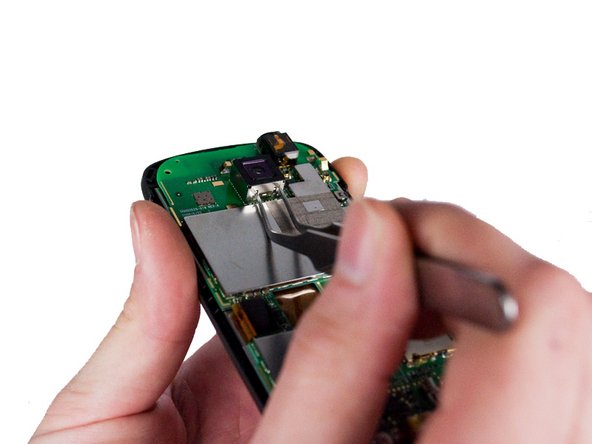
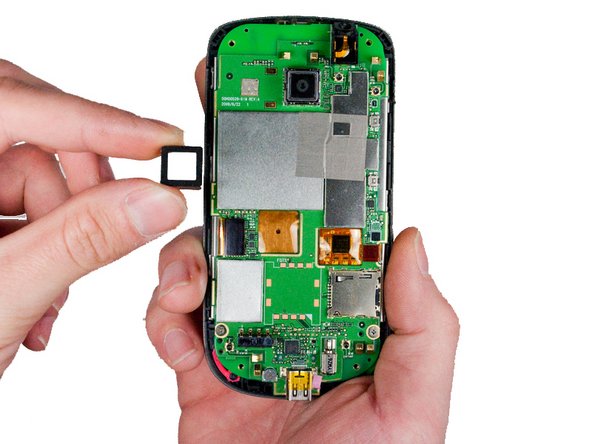
Locate the four metal tabs on the top and bottom of the camera holding the camera enclosure to the motherboard.
-
-
Strumento utilizzato in questo passaggio:Tweezers$4.99
-
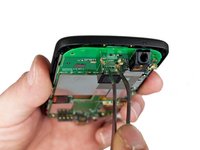
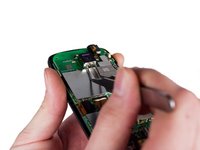
Using a pair of metal tweezers, simultaneously depress both tabs on one side of the camera enclosure and gently pull up until tabs come free. Repeat for the opposite side.
-
-
-
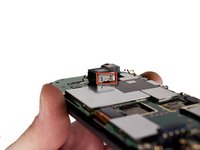
Pull the released camera enclosure away from the motherboard until it is completely free.
-
-
-
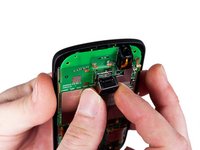
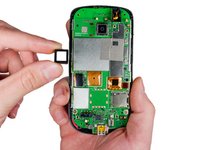
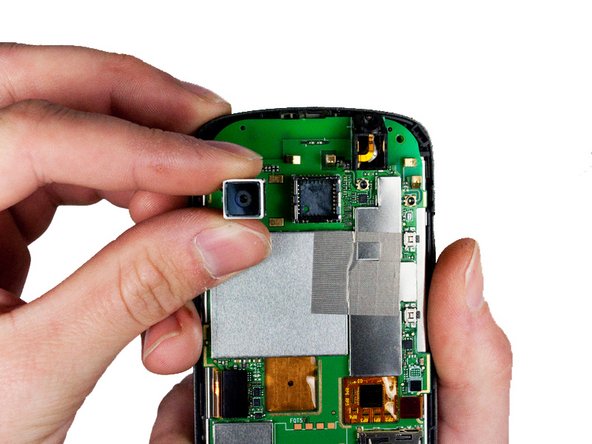
Now with camera unit exposed, gently wiggle the camera as you pull away from the phone to remove it.
-







To reassemble your device, follow these instructions in reverse order.
Annulla: non ho completato questa guida.
Un'altra persona ha completato questa guida.

Team

Cal Poly, Team 3-26, Amido Winter 2012 Membro di Cal Poly, Team 3-26, Amido Winter 2012
CPSU-AMIDO-W12S3G26
5 Membri
18 guide realizzate
