Questa traduzione è stata generata automaticamente e non è stata ancora revisionata da una persona. Parli questa lingua? Dai un’occhiata.
Introduzione
La tastiera è un componente che ti permetterà di scrivere e inserire comandi sul tuo dispositivo. Questa guida spiegherà come rimuovere e sostituire la tastiera del P-6831FX.
Cosa ti serve
-
-
-
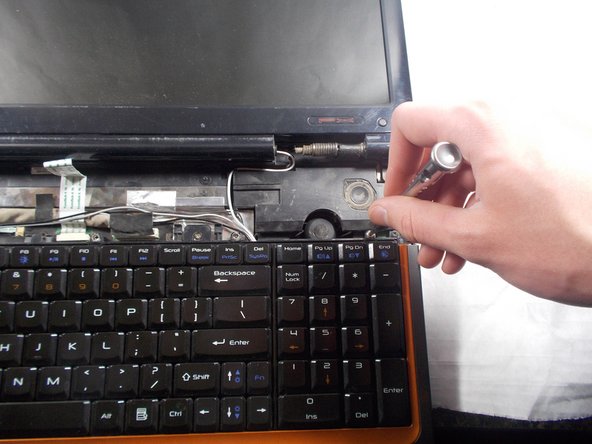
Apri il computer portatile e appoggialo su una superficie piana
-
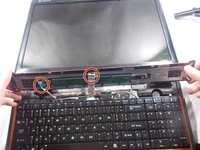
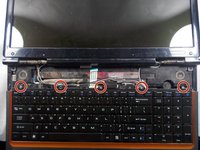
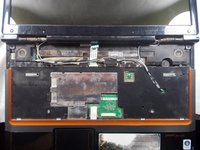
Individua la griglia altoparlante/barra di interazione.
 Chiedi a FixBot
-
-
-
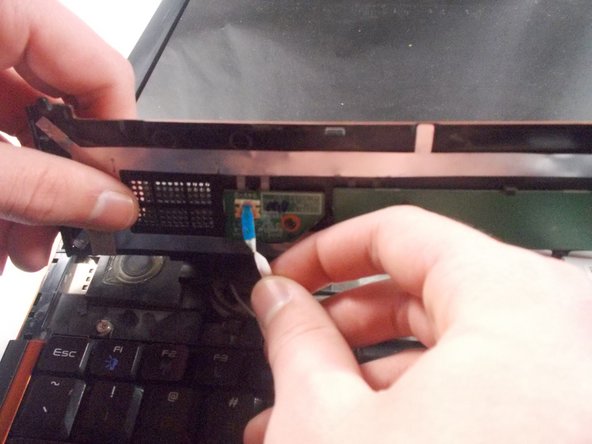
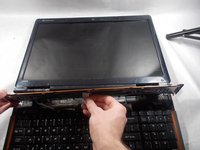
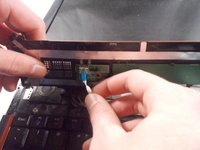
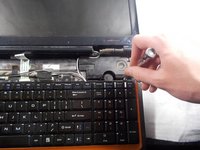
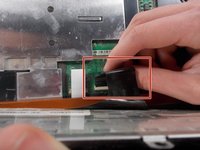
Rimuovi la griglia altoparlante/barra di interazione tirando verso l'alto da entrambi i bordi.
-
-
-





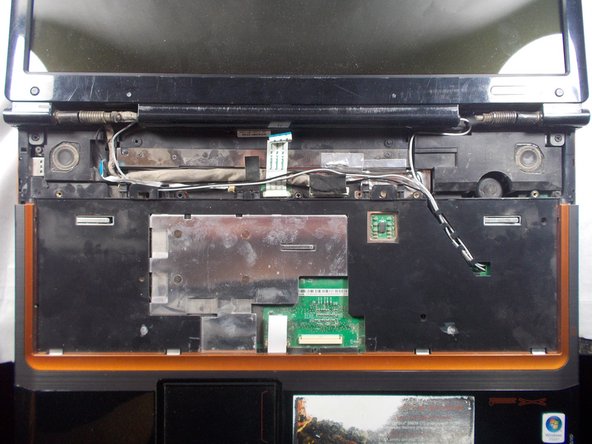
Per rimontare il dispositivo, segui queste istruzioni in ordine inverso.

Team

UMass Dartmouth, Team S3-G5, Peak Spring 2018 Membro di UMass Dartmouth, Team S3-G5, Peak Spring 2018
UMASSD-PEAK-S18S3G5
2 Membri
72 guide realizzate
