Salta al contenuto principale
Unisciti alla Community delle riparazioni - Crea un account

Fujitsu Lifebook S6120 Fan Replacement

Cosa ti serve

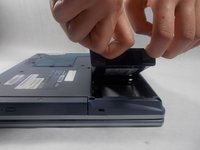
    1. Fujitsu Lifebook S6120 Fan Replacement, Battery: passo 1, immagine 1 di 3 Fujitsu Lifebook S6120 Fan Replacement, Battery: passo 1, immagine 2 di 3 Fujitsu Lifebook S6120 Fan Replacement, Battery: passo 1, immagine 3 di 3
      • To prevent injury, make sure the laptop is unplugged and turned off before removing the battery.

      • Push the two tabs in towards the laptop.

      • Lift the battery up and out from the frame of the laptop.

      Chiedi a FixBot

      Aggiungi Commento

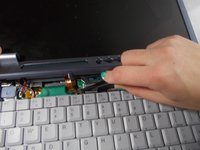
    1. Fujitsu Lifebook S6120 Fan Replacement, Hinge Cover: passo 2, immagine 1 di 2 Fujitsu Lifebook S6120 Fan Replacement, Hinge Cover: passo 2, immagine 2 di 2
      • Use a plastic opening tool to lift the back of the hinge cover on the left and right sides of the computer.

      Chiedi a FixBot

      Aggiungi Commento

    2. Fujitsu Lifebook S6120 Fan Replacement: passo 3, immagine 1 di 1
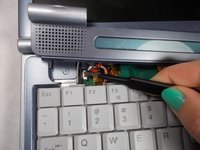
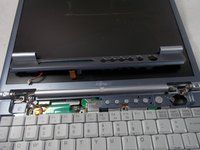
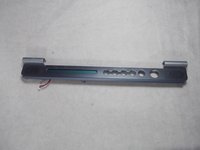
      • Lift the hinge cover.

      • The hinge cover is connected to the motherboard by a ribbon cable. To prevent damage, lift hinge cover slowly.

      Chiedi a FixBot

      Aggiungi Commento

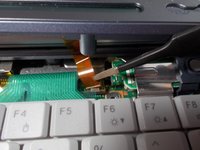
    3. Fujitsu Lifebook S6120 Fan Replacement: passo 4, immagine 1 di 3 Fujitsu Lifebook S6120 Fan Replacement: passo 4, immagine 2 di 3 Fujitsu Lifebook S6120 Fan Replacement: passo 4, immagine 3 di 3
      Strumento utilizzato in questo passaggio:
      Tweezers
      $4.99
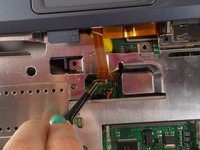
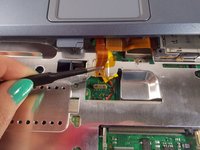
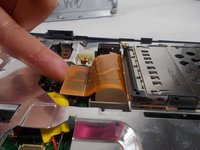
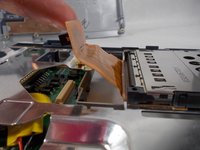
      • Use the tweezers to disconnect the ribbon cable from the motherboard.

      Chiedi a FixBot

      Aggiungi Commento

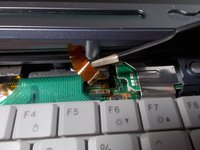
    4. Fujitsu Lifebook S6120 Fan Replacement: passo 5, immagine 1 di 3 Fujitsu Lifebook S6120 Fan Replacement: passo 5, immagine 2 di 3 Fujitsu Lifebook S6120 Fan Replacement: passo 5, immagine 3 di 3
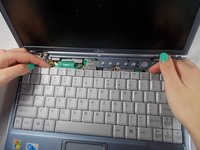
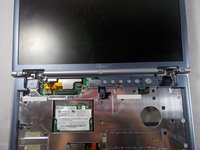
      • With the tweezers detach hinge cover cables from the motherboard.

      • Remove hinge cover.

      Chiedi a FixBot

      Aggiungi Commento

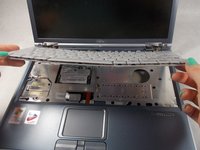
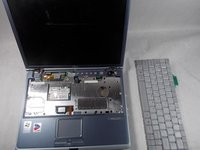
    1. Fujitsu Lifebook S6120 Fan Replacement, Keyboard: passo 6, immagine 1 di 3 Fujitsu Lifebook S6120 Fan Replacement, Keyboard: passo 6, immagine 2 di 3 Fujitsu Lifebook S6120 Fan Replacement, Keyboard: passo 6, immagine 3 di 3
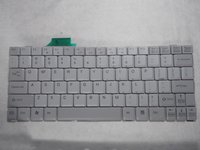
      • Lift keyboard enough to show the ribbon cable.

      • The keyboard has a ribbon cable attached to the motherboard. Lift keyboard carefully to prevent damage.

      Chiedi a FixBot

      Aggiungi Commento

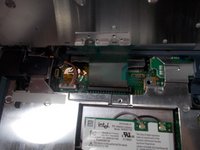
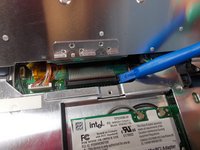
    2. Fujitsu Lifebook S6120 Fan Replacement: passo 7, immagine 1 di 3 Fujitsu Lifebook S6120 Fan Replacement: passo 7, immagine 2 di 3 Fujitsu Lifebook S6120 Fan Replacement: passo 7, immagine 3 di 3
      • Use a plastic opening tool to release the ribbon cable from the motherboard.

      Chiedi a FixBot

      Aggiungi Commento

    1. Fujitsu Lifebook S6120 Fan Replacement, PCI Adapter: passo 8, immagine 1 di 3 Fujitsu Lifebook S6120 Fan Replacement, PCI Adapter: passo 8, immagine 2 di 3 Fujitsu Lifebook S6120 Fan Replacement, PCI Adapter: passo 8, immagine 3 di 3
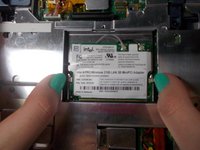
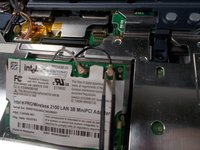
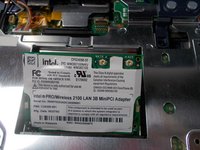
      • Push the secure clips outward.

      • The Adapter should pop up.

      Chiedi a FixBot

      Aggiungi Commento

    2. Fujitsu Lifebook S6120 Fan Replacement: passo 9, immagine 1 di 3 Fujitsu Lifebook S6120 Fan Replacement: passo 9, immagine 2 di 3 Fujitsu Lifebook S6120 Fan Replacement: passo 9, immagine 3 di 3
      Strumento utilizzato in questo passaggio:
      Tweezers
      $4.99
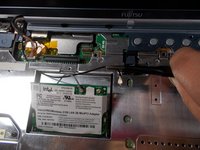
      • Use tweezers to remove the wires from the Adapter.

      Chiedi a FixBot

      Aggiungi Commento

    3. Fujitsu Lifebook S6120 Fan Replacement: passo 10, immagine 1 di 2 Fujitsu Lifebook S6120 Fan Replacement: passo 10, immagine 2 di 2
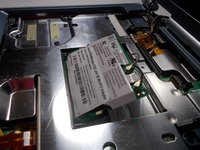
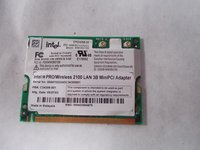
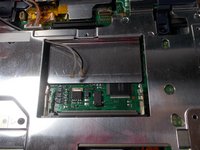
      • Take out the Adapter and carefully pull the wires out from the metal casing.

      Chiedi a FixBot

      Aggiungi Commento

    1. Fujitsu Lifebook S6120 Fan Replacement, Motherboard: passo 11, immagine 1 di 2 Fujitsu Lifebook S6120 Fan Replacement, Motherboard: passo 11, immagine 2 di 2
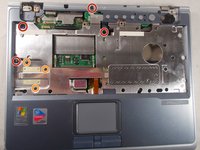
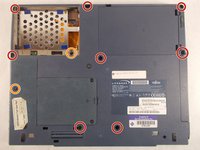
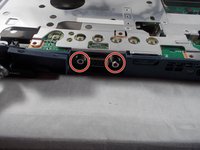
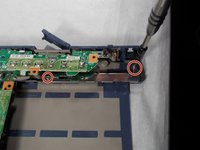
      • Use a Philips head #0 to remove the 5mm screws.

      • Use a Philips head #00 to remove the 4mm screws.

      Chiedi a FixBot

      Aggiungi Commento

    2. Fujitsu Lifebook S6120 Fan Replacement: passo 12, immagine 1 di 1
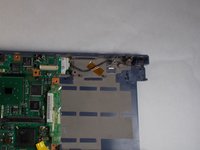
      • Lift up the plastic frame from the base to expose the ribbon attached to the motherboard.

      Chiedi a FixBot

      Aggiungi Commento

    3. Fujitsu Lifebook S6120 Fan Replacement: passo 13, immagine 1 di 2 Fujitsu Lifebook S6120 Fan Replacement: passo 13, immagine 2 di 2
      Strumento utilizzato in questo passaggio:
      Tweezers
      $4.99
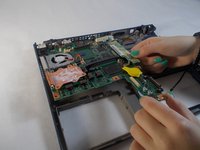
      • Remove the ribbon from the motherboard with a pair of tweezers.

      Chiedi a FixBot

      Aggiungi Commento

    4. Fujitsu Lifebook S6120 Fan Replacement: passo 14, immagine 1 di 3 Fujitsu Lifebook S6120 Fan Replacement: passo 14, immagine 2 di 3 Fujitsu Lifebook S6120 Fan Replacement: passo 14, immagine 3 di 3
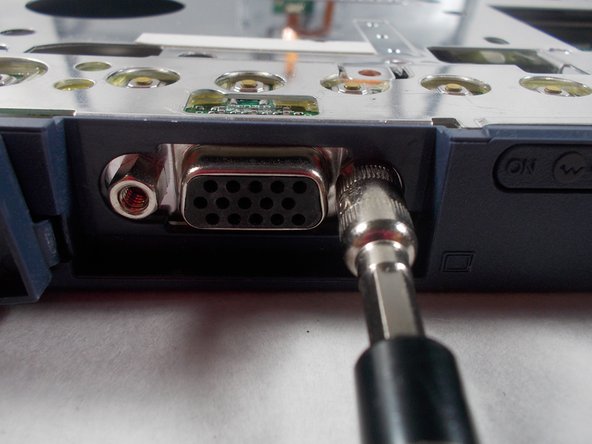
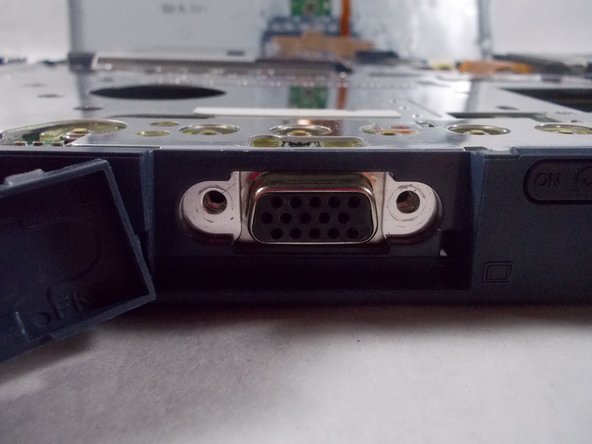
      • Use a 5mm nut driver to unscrew the nuts.

      Chiedi a FixBot

      Aggiungi Commento

    5. Fujitsu Lifebook S6120 Fan Replacement: passo 15, immagine 1 di 2 Fujitsu Lifebook S6120 Fan Replacement: passo 15, immagine 2 di 2
      • Pull the ribbon tab up and off the motherboard.

      Chiedi a FixBot

      Aggiungi Commento

    6. Fujitsu Lifebook S6120 Fan Replacement: passo 16, immagine 1 di 1
      • Remove the metal plate covering the motherboard.

      Chiedi a FixBot

      Aggiungi Commento

    7. Fujitsu Lifebook S6120 Fan Replacement: passo 17, immagine 1 di 2 Fujitsu Lifebook S6120 Fan Replacement: passo 17, immagine 2 di 2
      • Remove the 3.5mm screws with a Philips head #0.

      • Remove the metal bracket and other pieces that rely on it for structure.

      Chiedi a FixBot

      Aggiungi Commento

    8. Fujitsu Lifebook S6120 Fan Replacement: passo 18, immagine 1 di 2 Fujitsu Lifebook S6120 Fan Replacement: passo 18, immagine 2 di 2
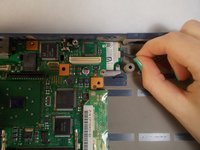
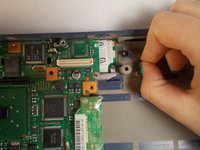
      • Pinch your fingers around the base of the connector and pull it out.

      Chiedi a FixBot

      Aggiungi Commento

    9. Fujitsu Lifebook S6120 Fan Replacement: passo 19, immagine 1 di 2 Fujitsu Lifebook S6120 Fan Replacement: passo 19, immagine 2 di 2
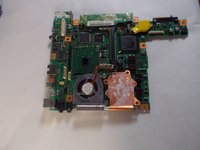
      • Lift the motherboard off the plastic base.

      Chiedi a FixBot

      Aggiungi Commento

    1. Fujitsu Lifebook S6120 Fan Replacement, Fan: passo 20, immagine 1 di 3 Fujitsu Lifebook S6120 Fan Replacement, Fan: passo 20, immagine 2 di 3 Fujitsu Lifebook S6120 Fan Replacement, Fan: passo 20, immagine 3 di 3
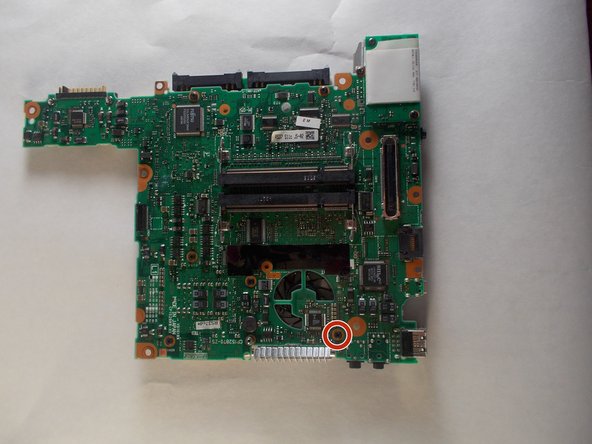
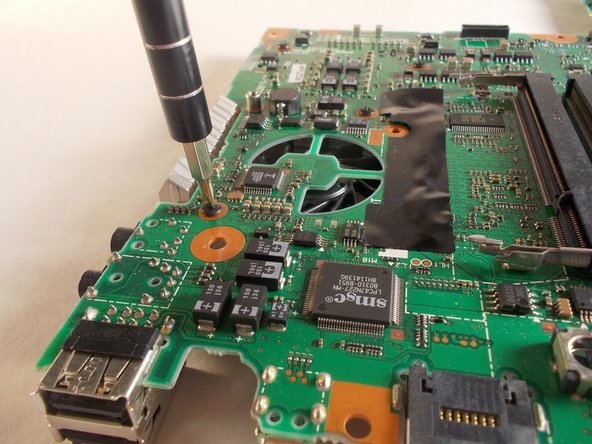
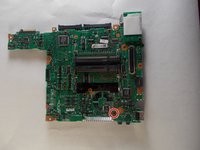
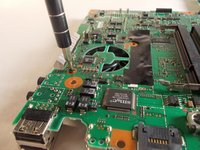
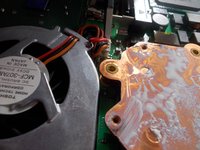
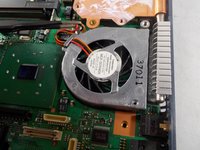
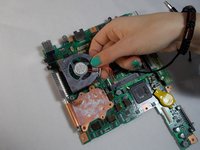
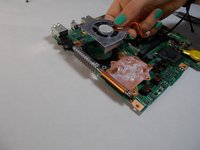
      • Using a Philips head size #0 remove the 3mm screw on the back of the motherboard.

      Chiedi a FixBot

      Aggiungi Commento

    2. Fujitsu Lifebook S6120 Fan Replacement: passo 21, immagine 1 di 3 Fujitsu Lifebook S6120 Fan Replacement: passo 21, immagine 2 di 3 Fujitsu Lifebook S6120 Fan Replacement: passo 21, immagine 3 di 3
      Strumento utilizzato in questo passaggio:
      Tweezers
      $4.99
      • Using tweezers detach the cable from the motherboard.

      Chiedi a FixBot

      Aggiungi Commento

    3. Fujitsu Lifebook S6120 Fan Replacement: passo 22, immagine 1 di 2 Fujitsu Lifebook S6120 Fan Replacement: passo 22, immagine 2 di 2
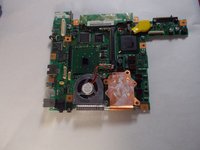
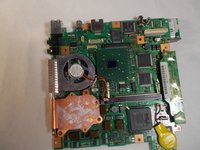
      • The fan can now be removed from the motherboard.

      Chiedi a FixBot

      Aggiungi Commento

Conclusione

To reassemble your device, follow these instructions in reverse order.

Annulla: non ho completato questa guida.

0Commenti sulla guida

Aggiungi Commento

Visualizza statistiche:

Ultime 24 ore: 2

Ultimi 7 giorni: 15

Ultimi 30 giorni: 31

Tutti i Tempi: 1,176