Salta al contenuto principale
Unisciti alla Community delle riparazioni - Crea un account

Fujitsu LifeBook N3510 Wireless Module Replacement

Cosa ti serve

  1. Fujitsu LifeBook N3510 Wireless Module Replacement, Battery: passo 1, immagine 1 di 1
    • Locate the two clips on the bottom of the computer that support the battery.

    Chiedi a FixBot

    Aggiungi Commento

  2. Fujitsu LifeBook N3510 Wireless Module Replacement: passo 2, immagine 1 di 1
    • Using your fingers, push the clips inward and then upward.

    • Lift the battery out of the computer.

    Chiedi a FixBot

    Aggiungi Commento

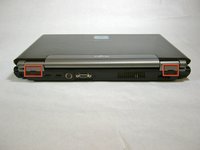
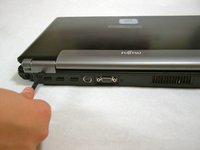
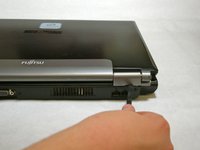
  3. Fujitsu LifeBook N3510 Wireless Module Replacement, Hinge Cover: passo 3, immagine 1 di 3 Fujitsu LifeBook N3510 Wireless Module Replacement, Hinge Cover: passo 3, immagine 2 di 3 Fujitsu LifeBook N3510 Wireless Module Replacement, Hinge Cover: passo 3, immagine 3 di 3
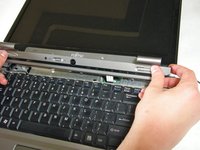
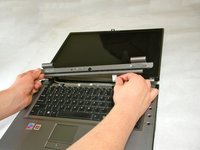
    • Use a spudger to lift the back of the hinge cover on the left and right sides of the computer.

    Chiedi a FixBot

    Aggiungi Commento

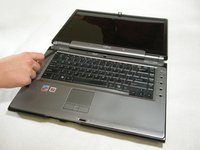
  4. Fujitsu LifeBook N3510 Wireless Module Replacement: passo 4, immagine 1 di 1
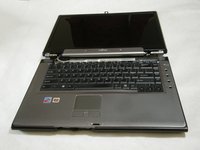
    • Lay the computer flat on a stable surface with the monitor pointing away from you.

    Chiedi a FixBot

    Aggiungi Commento

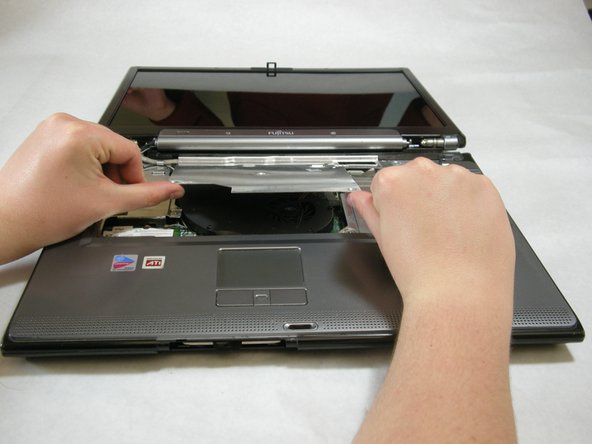
  5. Fujitsu LifeBook N3510 Wireless Module Replacement: passo 5, immagine 1 di 3 Fujitsu LifeBook N3510 Wireless Module Replacement: passo 5, immagine 2 di 3 Fujitsu LifeBook N3510 Wireless Module Replacement: passo 5, immagine 3 di 3
    • Use a spudger to partially lift the hinge cover.

    Chiedi a FixBot

    Aggiungi Commento

  6. Fujitsu LifeBook N3510 Wireless Module Replacement: passo 6, immagine 1 di 2 Fujitsu LifeBook N3510 Wireless Module Replacement: passo 6, immagine 2 di 2
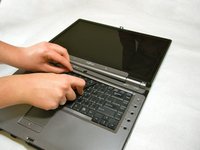
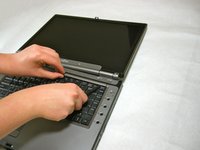
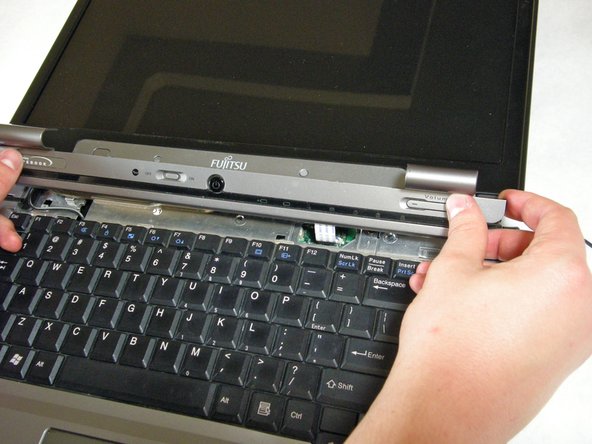
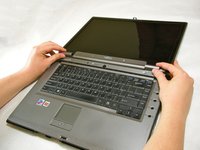
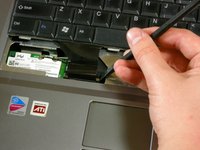
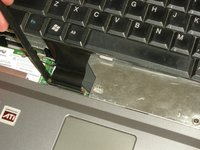
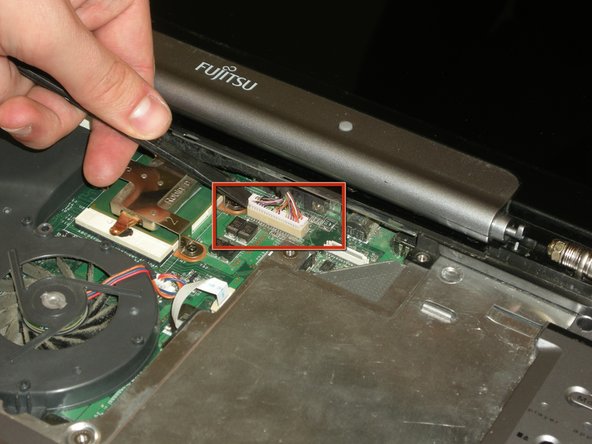
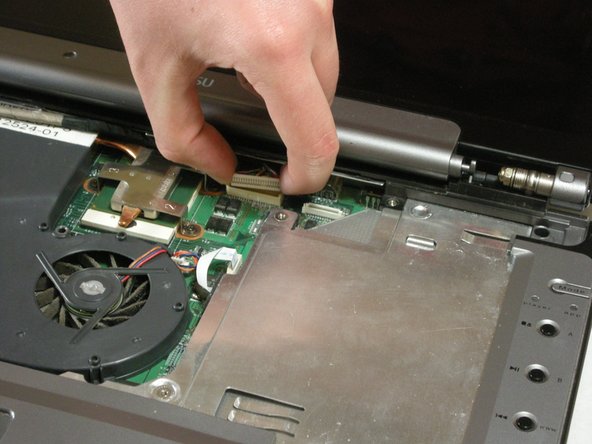
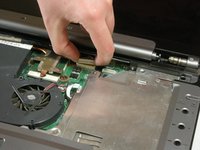
    • The hinge cover has a ribbon cable that is attached to the motherboard. To prevent damage, lift the hinge cover slowly.

    • Lift the hinge cover enough to expose the ribbon cable.

    Chiedi a FixBot

    Aggiungi Commento

  7. Fujitsu LifeBook N3510 Wireless Module Replacement: passo 7, immagine 1 di 2 Fujitsu LifeBook N3510 Wireless Module Replacement: passo 7, immagine 2 di 2
    • Disconnect the ribbon cable from the motherboard and remove the hinge cover from the computer.

    Chiedi a FixBot

    Aggiungi Commento

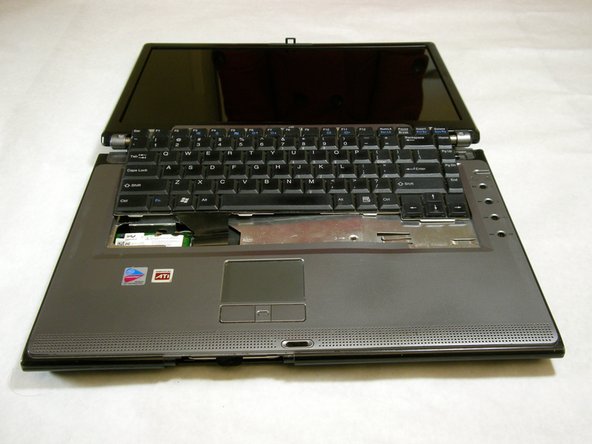
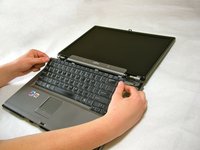
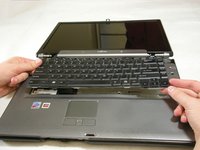
  8. Fujitsu LifeBook N3510 Wireless Module Replacement, Keyboard: passo 8, immagine 1 di 3 Fujitsu LifeBook N3510 Wireless Module Replacement, Keyboard: passo 8, immagine 2 di 3 Fujitsu LifeBook N3510 Wireless Module Replacement, Keyboard: passo 8, immagine 3 di 3
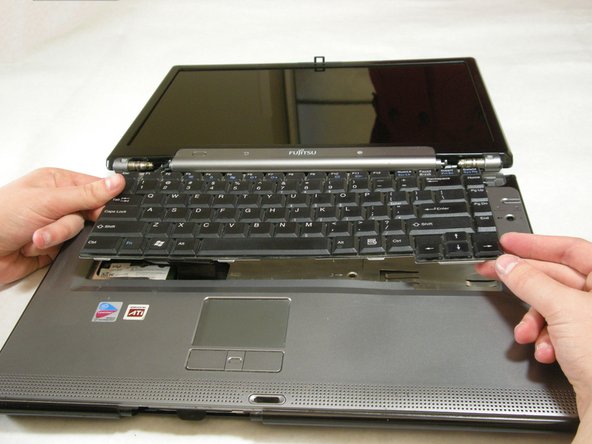
    • The keyboard has a ribbon cable that is attached to the motherboard. To prevent damage, lift keyboard slowly.

    • Lift the keyboard enough to expose the ribbon cable.

    Chiedi a FixBot

    Aggiungi Commento

  9. Fujitsu LifeBook N3510 Wireless Module Replacement: passo 9, immagine 1 di 2 Fujitsu LifeBook N3510 Wireless Module Replacement: passo 9, immagine 2 di 2
    • Use a spudger to release the ribbon cable from the motherboard.

    Chiedi a FixBot

    Aggiungi Commento

  10. Fujitsu LifeBook N3510 Wireless Module Replacement: passo 10, immagine 1 di 2 Fujitsu LifeBook N3510 Wireless Module Replacement: passo 10, immagine 2 di 2
    • After the ribbon has been detached, carefully remove the keyboard.

    Chiedi a FixBot

    Aggiungi Commento

  11. Fujitsu LifeBook N3510 Wireless Module Replacement, Metal Motherboard Cover: passo 11, immagine 1 di 1
    • Remove the following screws, all labeled "3."

    • Two 8.63mm screws.

    • One 7.65mm screw.

    • One 5.74mm screw.

    • Remove the following screw, labeled "15."

    • One 17.81mm screw.

    Chiedi a FixBot

    Aggiungi Commento

  12. Fujitsu LifeBook N3510 Wireless Module Replacement: passo 12, immagine 1 di 3 Fujitsu LifeBook N3510 Wireless Module Replacement: passo 12, immagine 2 di 3 Fujitsu LifeBook N3510 Wireless Module Replacement: passo 12, immagine 3 di 3
    • Lift the cover with fingers and remove.

    Chiedi a FixBot

    Aggiungi Commento

  13. Fujitsu LifeBook N3510 Wireless Module Replacement, Display: passo 13, immagine 1 di 1
    • Remove labeled screws.

    Chiedi a FixBot

    Aggiungi Commento

  14. Fujitsu LifeBook N3510 Wireless Module Replacement: passo 14, immagine 1 di 1
    • Remove the screws from the bottom of the hinge as shown in the image.

    Chiedi a FixBot

    Aggiungi Commento

  15. Fujitsu LifeBook N3510 Wireless Module Replacement: passo 15, immagine 1 di 3 Fujitsu LifeBook N3510 Wireless Module Replacement: passo 15, immagine 2 di 3 Fujitsu LifeBook N3510 Wireless Module Replacement: passo 15, immagine 3 di 3
    • Use a spudger to detach and remove cables from the motherboard.

    Chiedi a FixBot

    Aggiungi Commento

  16. Fujitsu LifeBook N3510 Wireless Module Replacement: passo 16, immagine 1 di 3 Fujitsu LifeBook N3510 Wireless Module Replacement: passo 16, immagine 2 di 3 Fujitsu LifeBook N3510 Wireless Module Replacement: passo 16, immagine 3 di 3
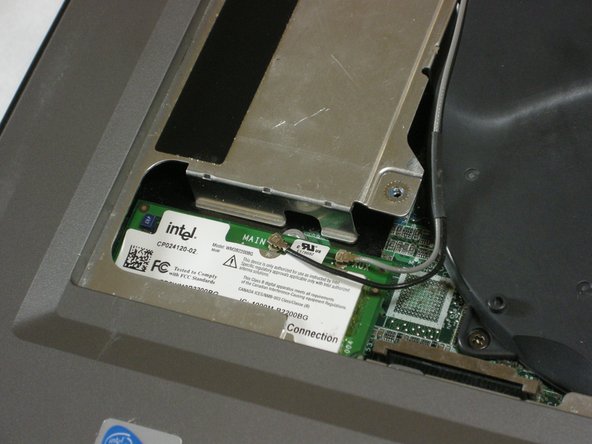
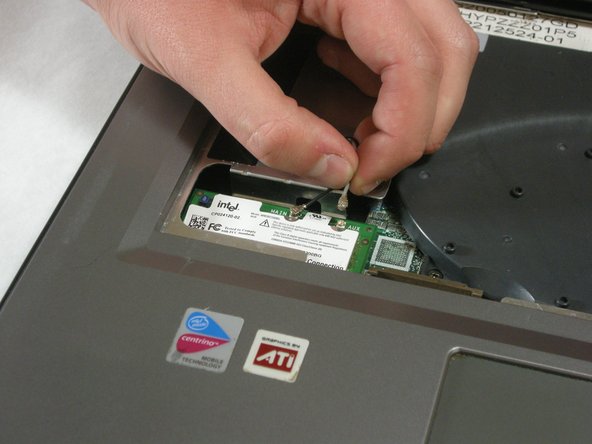
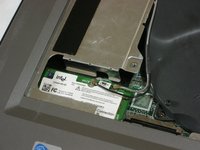
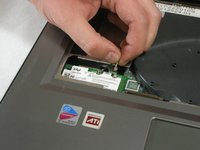
    • Unplug highlighted cables from the wireless module.

    Chiedi a FixBot

    Aggiungi Commento

  17. Fujitsu LifeBook N3510 Wireless Module Replacement: passo 17, immagine 1 di 3 Fujitsu LifeBook N3510 Wireless Module Replacement: passo 17, immagine 2 di 3 Fujitsu LifeBook N3510 Wireless Module Replacement: passo 17, immagine 3 di 3
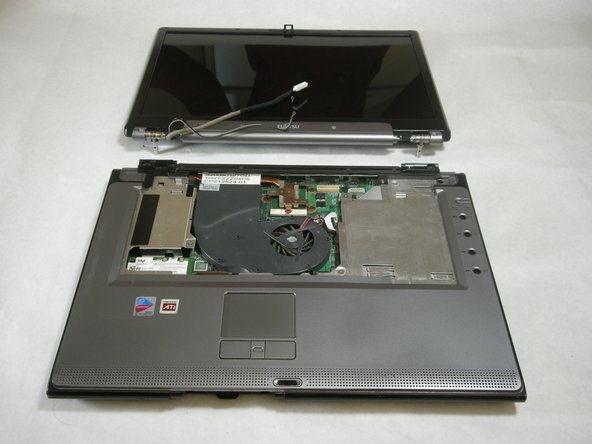
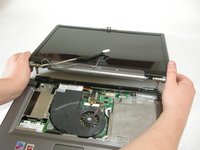
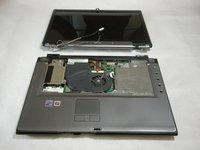
    • Hold down the body of the computer by placing your hands in the pictured positions. Then, lift the display from the body.

    Chiedi a FixBot

    Aggiungi Commento

  18. Fujitsu LifeBook N3510 Wireless Module Replacement, Top Palm Rest Cover: passo 18, immagine 1 di 1
    • Remove the 4 labeled screws.

    Chiedi a FixBot

    Aggiungi Commento

  19. Fujitsu LifeBook N3510 Wireless Module Replacement: passo 19, immagine 1 di 1
    • Remove screws from bottom of laptop as shown in the picture.

    Chiedi a FixBot

    Aggiungi Commento

  20. Fujitsu LifeBook N3510 Wireless Module Replacement: passo 20, immagine 1 di 1
    • Lift the palm rest cover from the base of the laptop.

    • You may use spudger if needed, lift from the front corners as shown.

    Chiedi a FixBot

    Aggiungi Commento

  21. Fujitsu LifeBook N3510 Wireless Module Replacement: passo 21, immagine 1 di 1
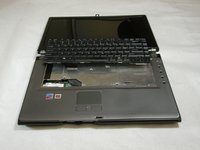
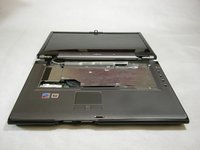
    • Great job! You have successfully removed the old palm rest cover.

    Chiedi a FixBot

    Aggiungi Commento

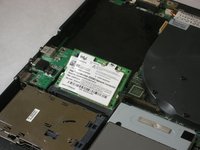
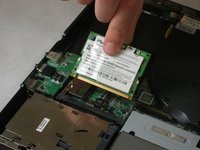
  22. Fujitsu LifeBook N3510 Wireless Module Replacement, Wireless Module: passo 22, immagine 1 di 3 Fujitsu LifeBook N3510 Wireless Module Replacement, Wireless Module: passo 22, immagine 2 di 3 Fujitsu LifeBook N3510 Wireless Module Replacement, Wireless Module: passo 22, immagine 3 di 3
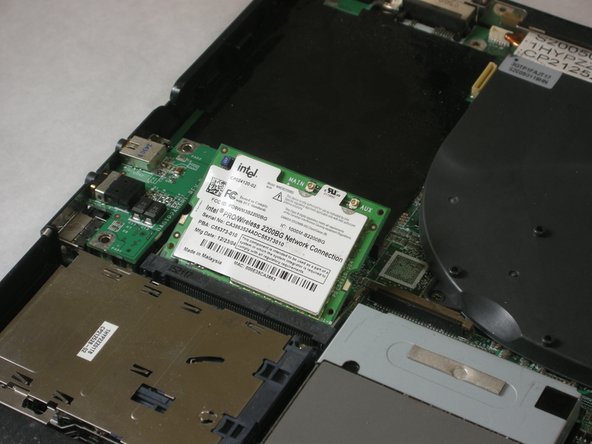
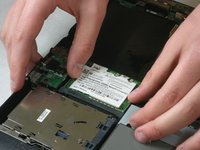
    • Push securing clips outward, the wireless module will pop out.

    • Remove the wireless module.

    Chiedi a FixBot

    Aggiungi Commento

  23. Fujitsu LifeBook N3510 Wireless Module Replacement: passo 23, immagine 1 di 1
    • A picture of the removed wireless module is shown to the left.

    Chiedi a FixBot

    Aggiungi Commento

Conclusione

To reassemble your device, follow these instructions in reverse order.

Annulla: non ho completato questa guida.

Neil Daniels

Membro da: 01/17/11

1.411 Reputazione

11 guide realizzate

Team

Cal Poly, Team 5-18, Amido Winter 2011 Membro di Cal Poly, Team 5-18, Amido Winter 2011

CPSU-AMIDO-W11S5G18

3 Membri

23 guide realizzate

0Commenti sulla guida

Aggiungi Commento

Visualizza statistiche:

Ultime 24 ore: 0

Ultimi 7 giorni: 12

Ultimi 30 giorni: 71

Tutti i Tempi: 2,819