Introduzione
This simple five-step guide will show you how to replace your Element GC-1020's display.
Cosa ti serve
-
-
-
Unscrew the four screws (size: 3.175mm) on the left and right side of the Element Electronics GC-1020 device using the PH#0 screwdriver.
 Chiedi a FixBot
-
-
-
Carefully pull the back of the device (the silver portion) apart from the rest of the device.
-
-
-
-
-
-
Unscrew the visible Philips head screws (size: 3.968 mm) on the motherboard located on the top of left and right sides. Use a PH #0 sized screw driver head for removal.
-
-
-
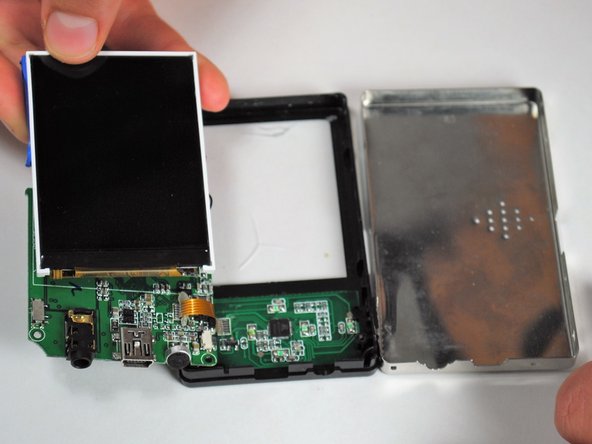
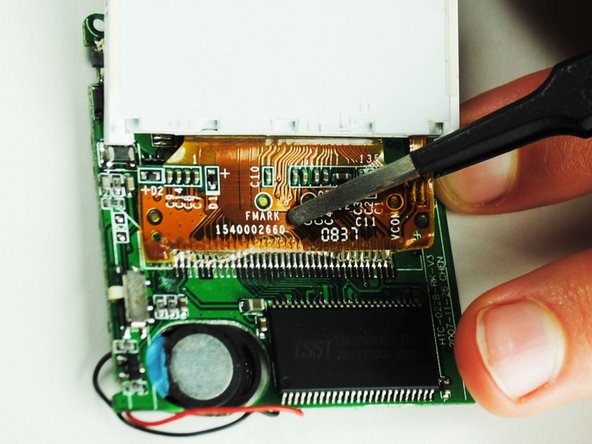
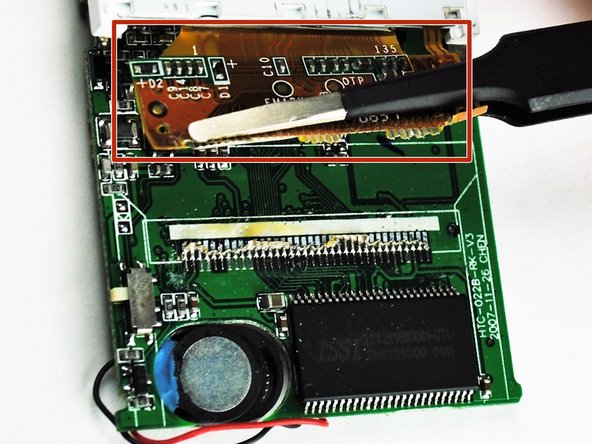
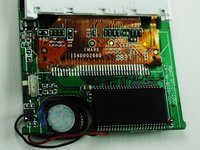
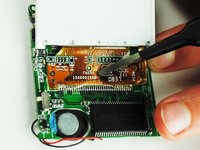
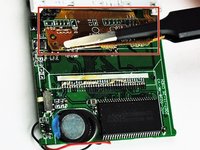
The display is attached to a dark yellow, flimsy, plastic material. This material is then attached to the motherboard. Tear off the plastic, successfully detaching the motherboard and display from each other.
-
-
-
Once the display is by itself, separate from the rest of the device, you are ready to put in your new display.
-
-




To reassemble your device, follow these instructions in reverse order.
Annulla: non ho completato questa guida.
Altre 2 persone hanno completato questa guida.

Team

University of Tampa, Team 1-4, Whiteside Fall 2015 Membro di University of Tampa, Team 1-4, Whiteside Fall 2015
UT-WHITESIDE-F15S1G4
4 Membri
10 guide realizzate
1Commento della guida
but can i ask do you know how to reboot the software ?
i mean we try to put in our music or video or image inside. can it be done
