Introduzione
In this guide, we will be showing you how to remove and replace the Display Assembly.
Cosa ti serve
-
-
Pull straight up on the pull-tab that is attached to the display-feed flex cable to disconnect the cable from the system board.
-
Disconnect the antenna cable.
-
Close the display.
-
Turn the computer upside down with the back of the computer facing you.
 Chiedi a FixBot
-
-
-
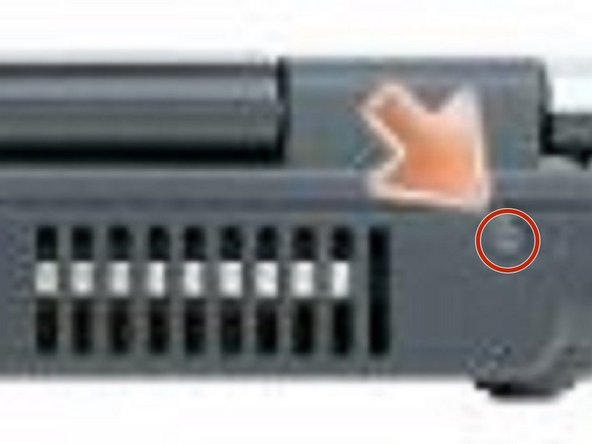
From the bottom of the computer, remove the two M2.5 x 8-mm screws labeled "D."
-
-
-
-
From the back of the computer, remove the two M2.5 x 8-mm screws labeled "D."
-
-
-
Turn the computer right-side up and open the display.
-
Carefully remove the antenna cable and the display cables from their routing guides.
-
-
-
Lift the display assembly out of the computer base.
-




Conclusione
To reassemble your device, follow these instructions in reverse order.

Team

