Salta al contenuto principale
Unisciti alla Community delle riparazioni - Crea un account

Disassembling the Circuit Board

Cosa ti serve

    1. Disassembling the Circuit Board, Cracking the Case: passo 1, immagine 1 di 1
      • Turn the device upside down so that the three rubber pads are facing up.

      Chiedi a FixBot

      Aggiungi Commento

    2. Disassembling the Circuit Board: passo 2, immagine 1 di 1
      • Use a heat gun (set to low) to apply heat to one of the rubber pads until you can easily remove the pad. This step takes around 5-7 minutes.

      Chiedi a FixBot

      Aggiungi Commento

    3. Disassembling the Circuit Board: passo 3, immagine 1 di 1
      • Remove the heated rubber pad with a plastic opening tool.

      • Repeat steps 2 and 3 for the two remaining rubber pads.

      Chiedi a FixBot

      Aggiungi Commento

    4. Disassembling the Circuit Board: passo 4, immagine 1 di 2 Disassembling the Circuit Board: passo 4, immagine 2 di 2
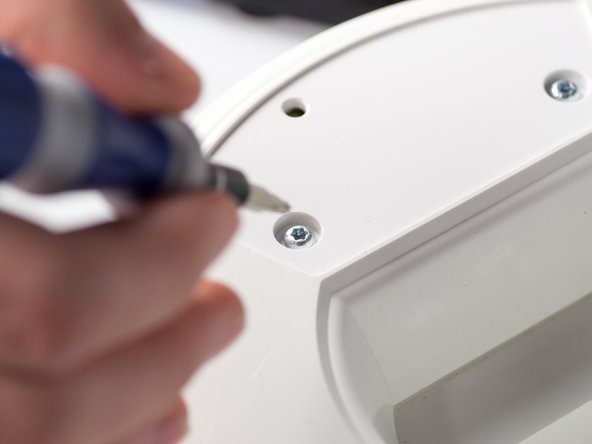
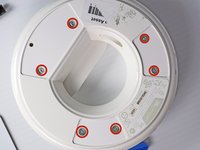
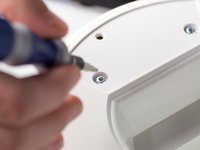
      • Remove the six 1cm T-10 torx screws on the bottom of the device (found under the rubber pads) using a T-10 Torx screwdriver.

      Chiedi a FixBot

      Aggiungi Commento

    5. Disassembling the Circuit Board: passo 5, immagine 1 di 3 Disassembling the Circuit Board: passo 5, immagine 2 di 3 Disassembling the Circuit Board: passo 5, immagine 3 di 3
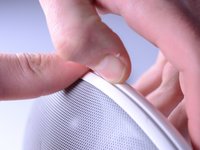
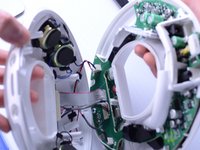
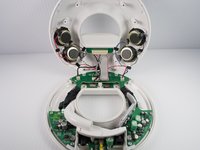
      • Open the device along its seam.

      • Be careful when separating the device because there are wires connecting the two seperate halves.

      Chiedi a FixBot

      Aggiungi Commento

    6. Disassembling the Circuit Board: passo 6, immagine 1 di 1
      • Disconnect the ribbon cable connector from the top half of the device by pulling outward and parallel to the connecting pins.

      Chiedi a FixBot

      Aggiungi Commento

    7. Disassembling the Circuit Board: passo 7, immagine 1 di 2 Disassembling the Circuit Board: passo 7, immagine 2 di 2
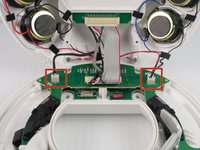
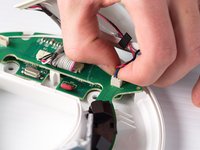
      • Locate and disconnect the two molex connectors found on either side of the ribbon cable connector on the bottom half of the device.

      Chiedi a FixBot

      Aggiungi Commento

    1. Disassembling the Circuit Board, Circuit Board: passo 8, immagine 1 di 2 Disassembling the Circuit Board, Circuit Board: passo 8, immagine 2 di 2
      • Remove the three 1 cm T-10 Torx screws.

      Chiedi a FixBot

      Aggiungi Commento

    2. Disassembling the Circuit Board: passo 9, immagine 1 di 1
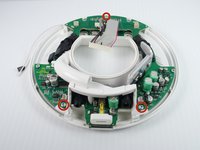
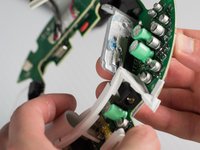
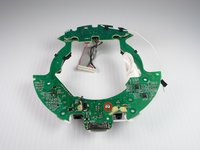
      • Carefully press out the white base tube and push up on the circuit board.

      • Note that there is a small wire connecting the circuit board to the base.

      Chiedi a FixBot

      Aggiungi Commento

    3. Disassembling the Circuit Board: passo 10, immagine 1 di 2 Disassembling the Circuit Board: passo 10, immagine 2 di 2
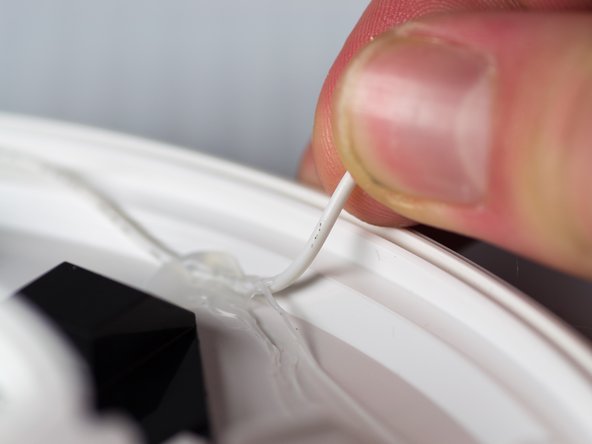
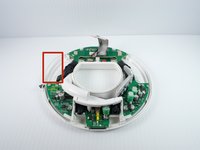
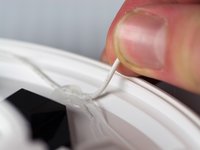
      • Pull the white wire out of the hot glue.

      Chiedi a FixBot

      Aggiungi Commento

    4. Disassembling the Circuit Board: passo 11, immagine 1 di 3 Disassembling the Circuit Board: passo 11, immagine 2 di 3 Disassembling the Circuit Board: passo 11, immagine 3 di 3
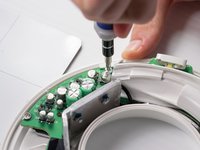
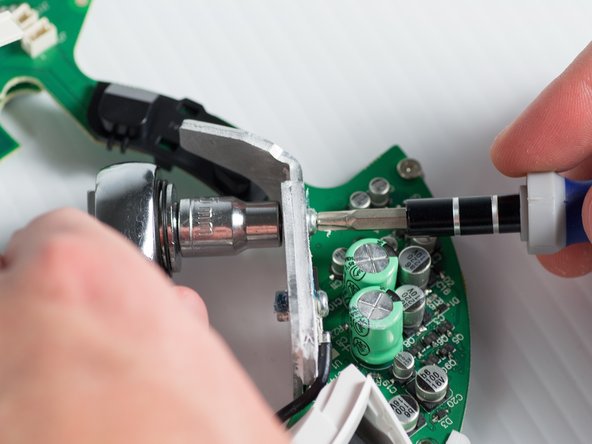
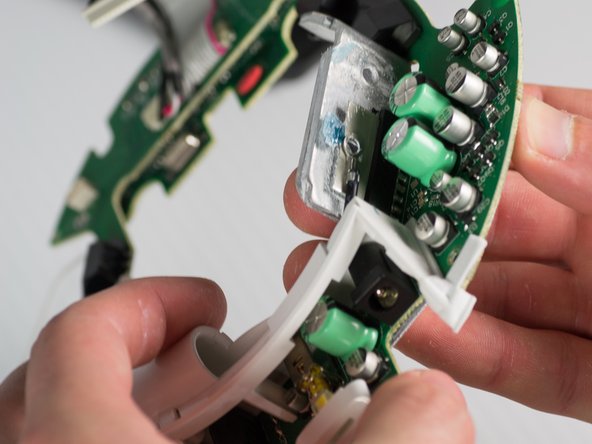
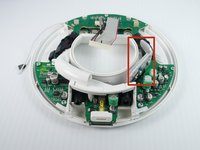
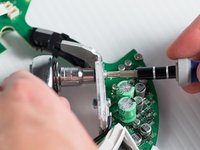
      • Unbolt the heatsink with a 5.5-mm socket and a Phillips PH1 screwdriver.

      • Remove the heat sink; it should detach from the bottom of the device.

      Chiedi a FixBot

      Aggiungi Commento

    5. Disassembling the Circuit Board: passo 12, immagine 1 di 3 Disassembling the Circuit Board: passo 12, immagine 2 di 3 Disassembling the Circuit Board: passo 12, immagine 3 di 3
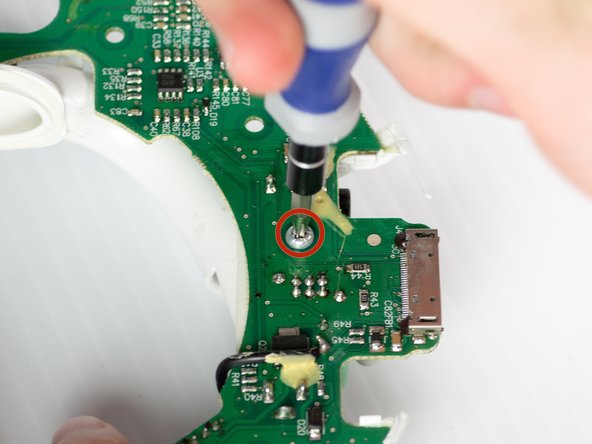
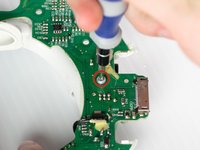
      • Remove the T-10 torx screw on the bottom of the device that attaches the base tube to the circuit board.

      • Turn the device so that the base tube is on top.

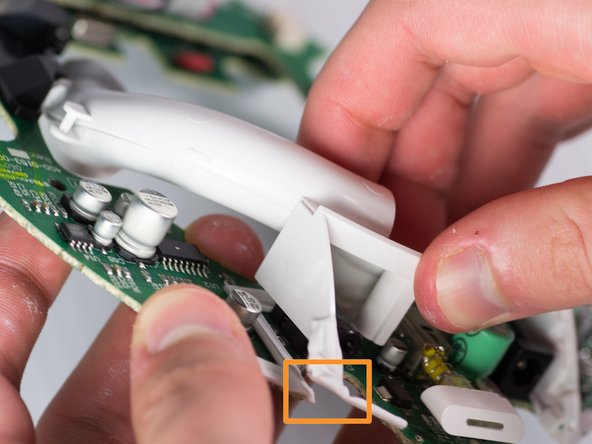
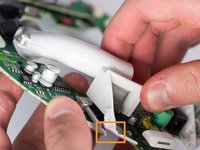
      • Remove the base tube by pulling up.

      • May need to cut the rubber adhesive between the base tube to the circuit board.

      Chiedi a FixBot

      Aggiungi Commento

Conclusione

To reassemble your device, follow these steps in reverse order.

Annulla: non ho completato questa guida.

Altre 2 persone hanno completato questa guida.

Team

Cal Poly, Team 9-28, Maness Winter 2014 Membro di Cal Poly, Team 9-28, Maness Winter 2014

CPSU-MANESS-W14S9G28

4 Membri

24 guide realizzate

0Commenti sulla guida

Aggiungi Commento

Visualizza statistiche:

Ultime 24 ore: 1

Ultimi 7 giorni: 9

Ultimi 30 giorni: 36

Tutti i Tempi: 5,395