Introduzione
Before you begin the RAM replacement process, be sure to ground yourself. Grounding yourself prevents short circuiting the device, and/or shocking yourself. An easy way to do so would be to remove one of your shoes.
Cosa ti serve
-
-
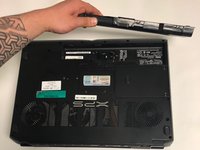
Slide the button next to the battery and lift up on the lip of the battery edge.
-
-
-
-
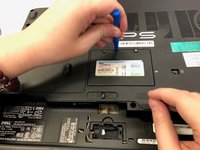
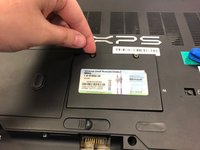
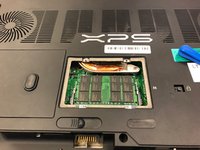
Remove the two M2x3mm screws from the center panel on the back of computer with a Phillips #0 screwdriver head.
-

 Chiedi a FixBot






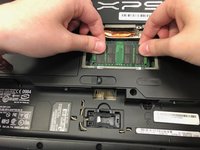
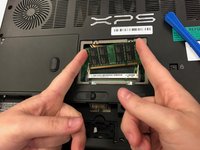
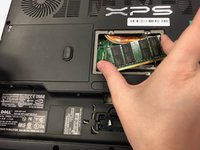
To reassemble your device, follow these instructions in reverse order.
Annulla: non ho completato questa guida.
Altre 2 persone hanno completato questa guida.

Team

University of North Texas, Team S2-G6, Thomas Spring 2018 Membro di University of North Texas, Team S2-G6, Thomas Spring 2018
UNT-THOMAS-S18S2G6
5 Membri
5 guide realizzate
