Questa traduzione è stata generata automaticamente e non è stata ancora revisionata da una persona. Parli questa lingua? Dai un’occhiata.
Introduzione
Questa guida mostra all'utente come sostituire una batteria che non si carica o che non mantiene la carica a lungo su un portatile Dell Alienware 13.
Cosa ti serve
-
-
-
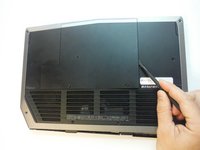
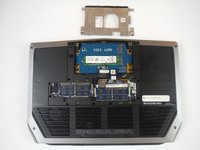
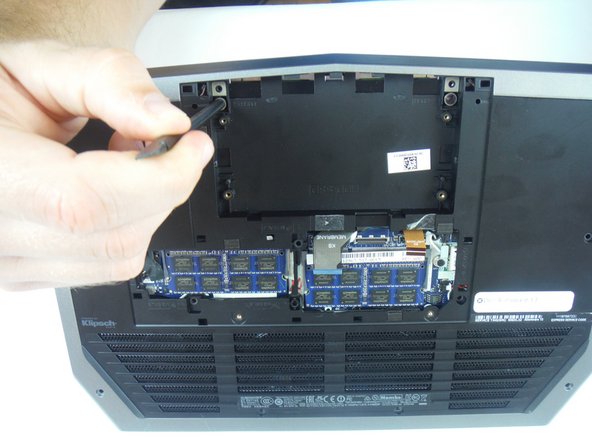
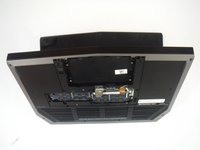
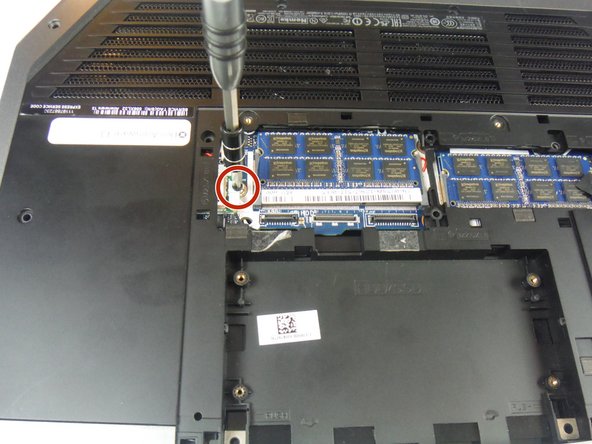
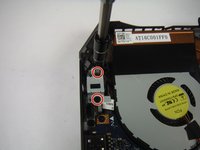
Rimuovi le 2 viti a croce Phillips da 5 mm che fissano il piccolo pannello di accesso alla base usando un cacciavite a croce Phillips #1.
-
-
Strumento utilizzato in questo passaggio:Heavy-Duty Spudger$4.99
-
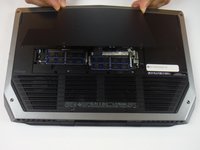
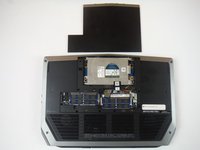
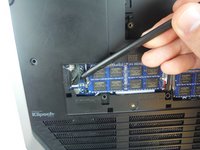
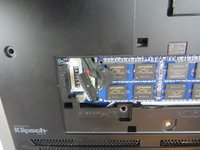
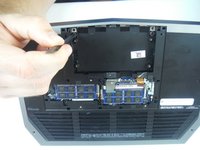
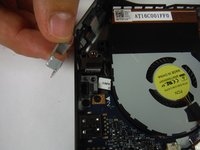
Rimuovi il piccolo pannello di accesso utilizzando uno spudger resistente.
-
-
-
-
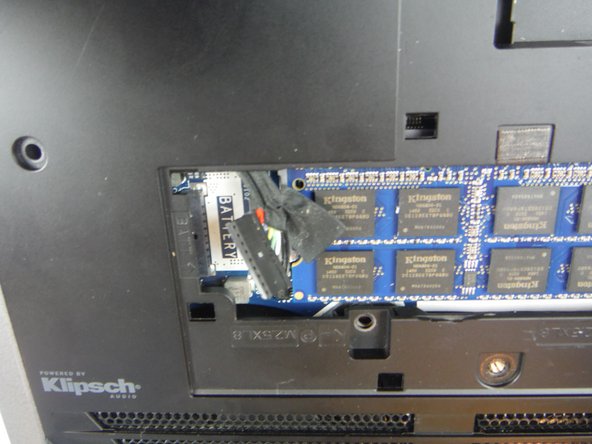
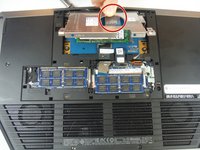
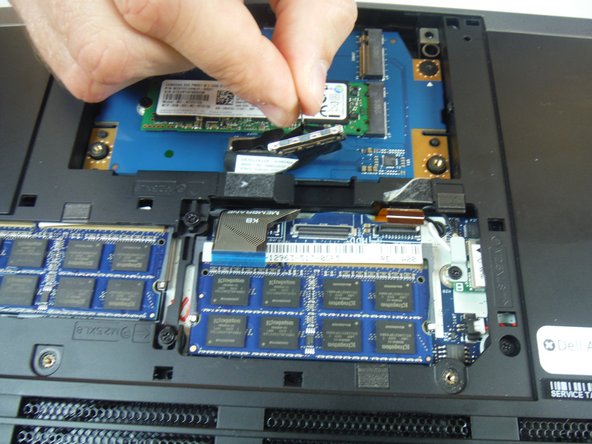
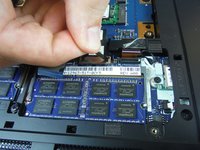
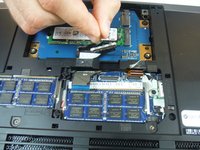
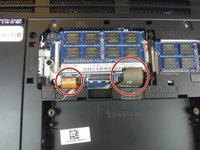
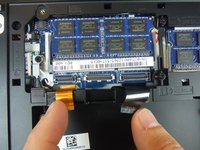
Scollega il cavo della batteria dal terminale batteria.
-
-
-
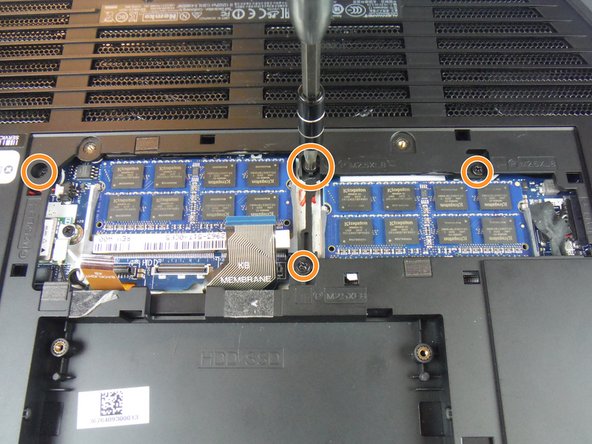
Rimuovi le quattro viti a croce Phillips da 6 mm dalla staffa metallica dell'unità a stato solido, utilizzando un cacciavite a croce Phillips #1.
-
-
-
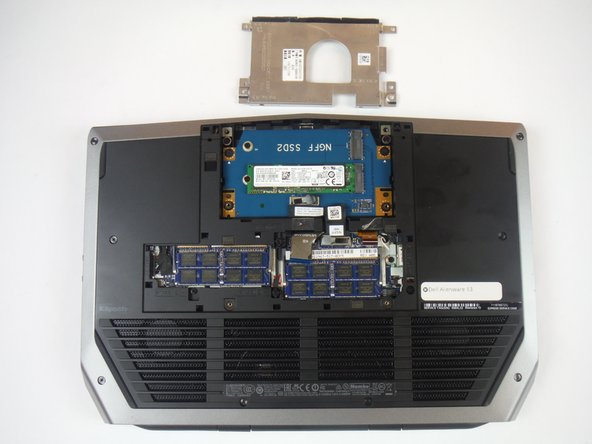
Afferra la linguetta per sollevare la staffa dell'unità a stato solido. Rimuovi la staffa dalla base del computer.
-
-
-
Usando la linguetta, scollega il cavo nero dell'unità a stato solido dalla scheda di sistema.
-
-
-
Rimuovi le due viti a croce Phillips da 3 mm che fissano il gruppo dell'unità a stato solido alla base del computer, usando un cacciavite a croce Phillips #0.
-
-
-
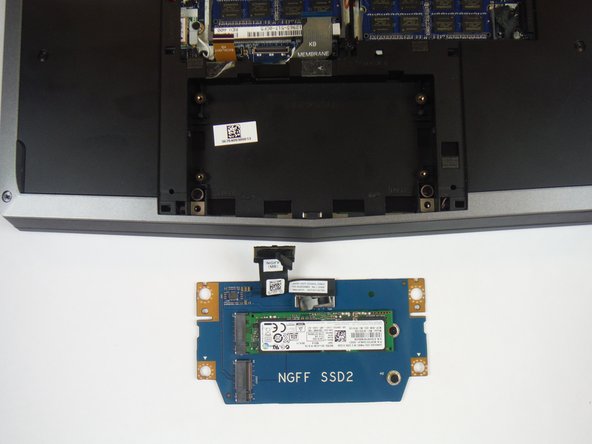
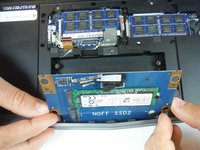
Solleva il gruppo dell'unità a stato solido per rimuoverlo dalla base del computer.
-
-
-
-
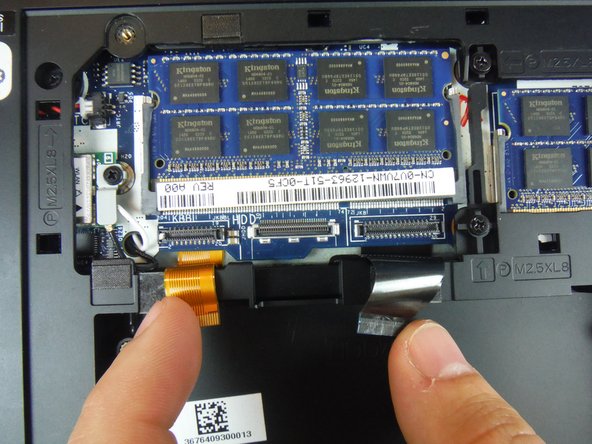
Individua i due cavi etichettati "KB Backlight" (arancione) e "KB Membrane" (nero). Solleva le clip per scollegare i cavi dalla scheda madre.
-
-
-
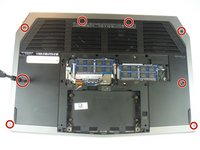
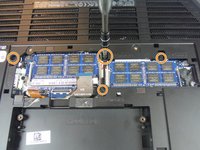
Rimuovi le 8 viti a croce Phillips da 9 mm usando un cacciavite a croce Phillips #1, che fissano il gruppo poggiapolsi alla base del computer.
-
Rimuovi le 4 viti a croce Phillips da 8 mm usando un cacciavite a croce Phillips #1.
-
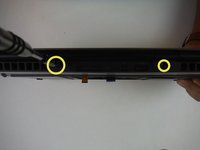
Rimuovi le 2 viti a croce Phillips da 7 mm usando un cacciavite a croce Phillips #1.
-
-
-
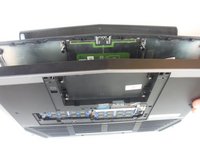
Solleva leggermente la base del computer verso di te e spingi le linguette di rilascio sul gruppo poggiapolsi finché non fuoriesce, usando uno spudger.
-
-
-
Capovolgi il computer e apri il gruppo schermo il più possibile.
-
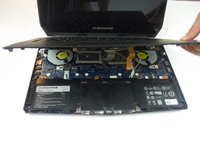
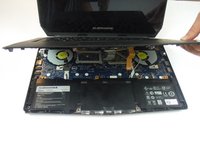
Usando uno spudger in plastica, fai leva lungo i bordi del gruppo poggiapolsi.
-
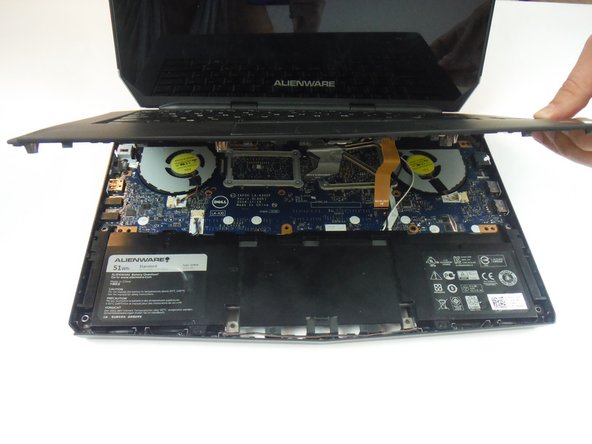
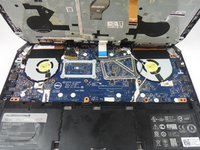
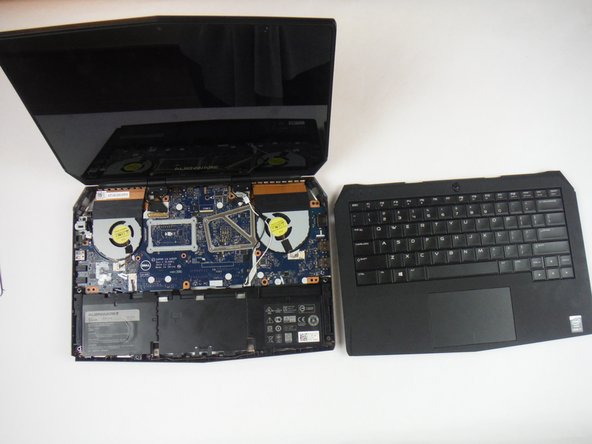
Solleva delicatamente il gruppo poggiapolsi.
-
-
-
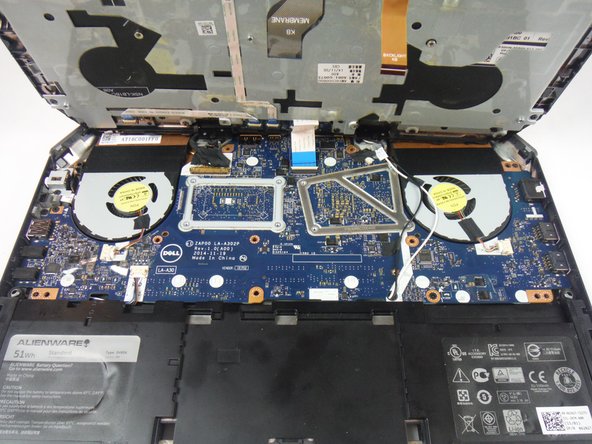
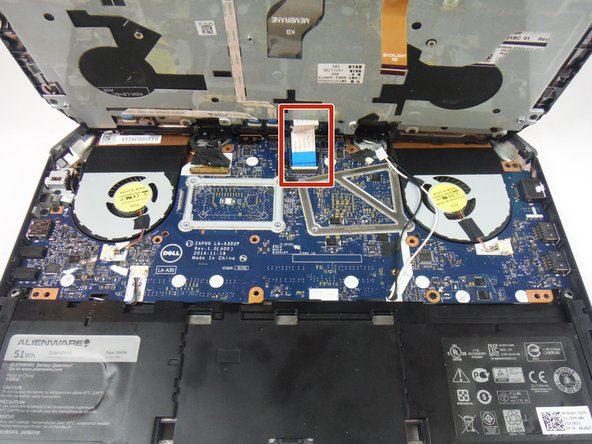
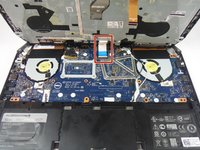
Solleva la clip del connettore e scollega il cavo della scheda tasti di accensione dalla scheda madre. È identificabile come un cavo con una linguetta blu.
-
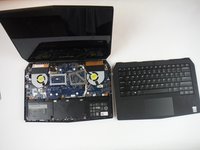
Solleva il gruppo poggia-polsi dalla base del computer.
-
-
-
Apri il display il più possibile.
-
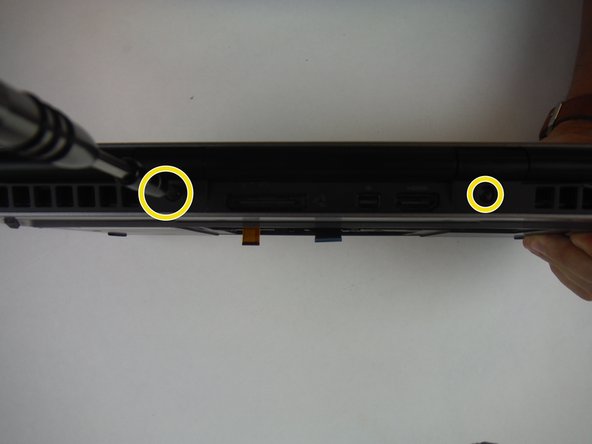
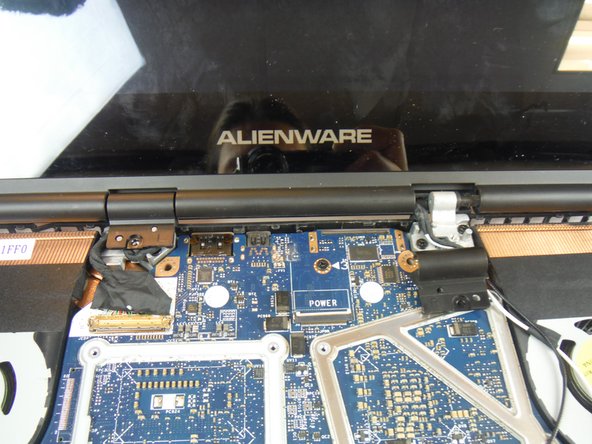
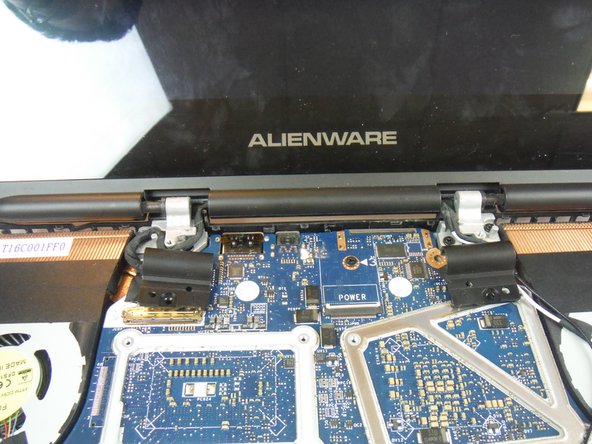
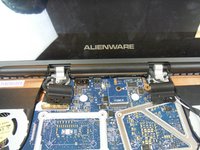
Rimuovi le 2 viti a croce Phillips da 3 mm che fissano i tappi delle cerniere alle cerniere del display, utilizzando un cacciavite a croce Phillips #0.
-
Fai scorrere e solleva i tappi delle cerniere dalle cerniere del display.
-
-
-
Chiudi il display e capovolgi il computer.
-
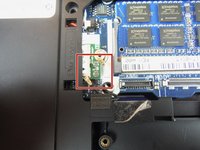
Rimuovi la vite a croce Phillips da 2 mm, usando un cacciavite a croce Phillips #0, che fissa la staffa della scheda wireless alla scheda wireless.
-
-
Strumento utilizzato in questo passaggio:Heavy-Duty Spudger$4.99
-
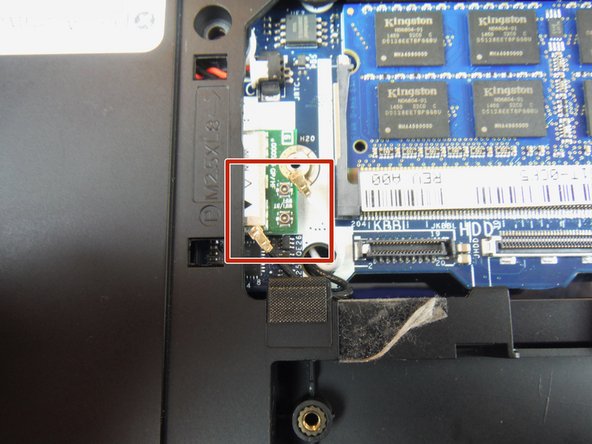
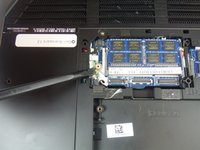
Scollega i cavi dell’antenna dalla scheda wireless utilizzando uno spudger resistente. I cavi possono essere rimossi applicando una forza diretta verso l’alto, lontano dal dispositivo.
-
-
-
Capovolgi il computer e apri lo schermo.
-
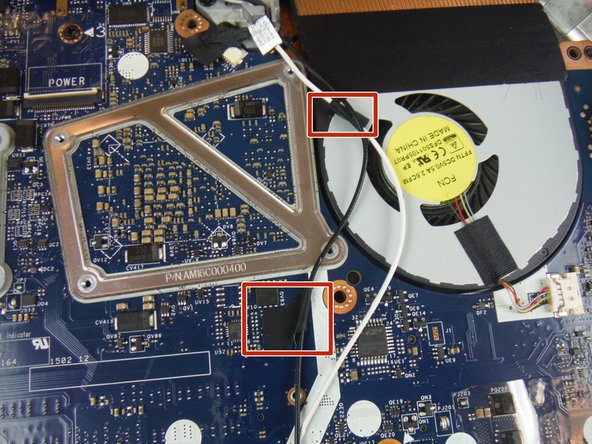
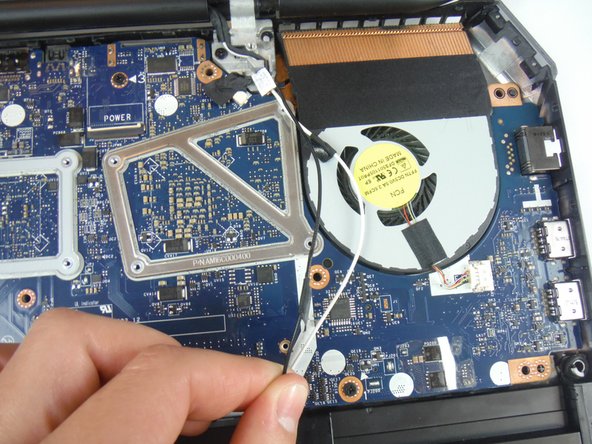
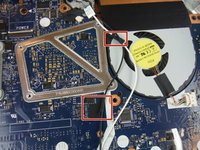
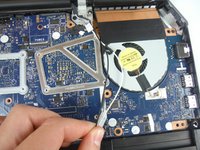
Stacca le strisce adesive che fissano i cavi dell'antenna alla scheda di sistema.
-
-
-
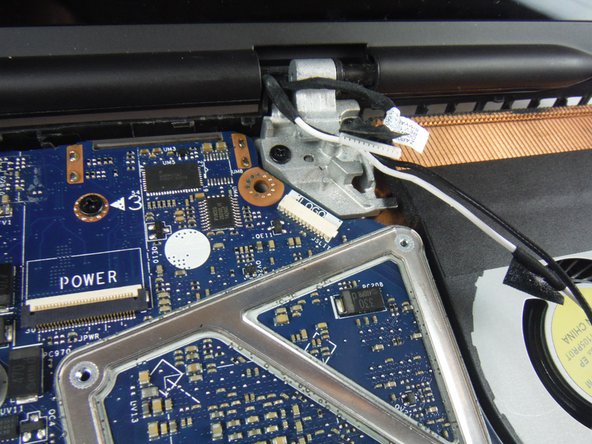
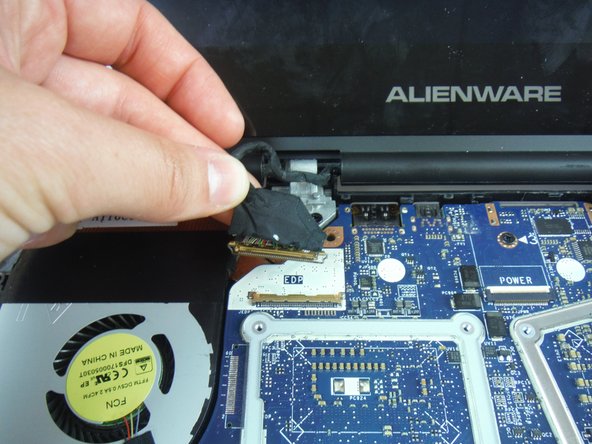
Solleva la levetta del connettore e scollega il cavo dello schermo dalla scheda madre.
-
Scollega il cavo della scheda logo dalla scheda madre.
-
Rimuovi i cavi dell'antenna, il cavo dello schermo e il cavo della scheda logo dalle guide di instradamento sui cardini dello schermo.
-
-
-
Rimuovi le 4 viti a croce Phillips da 8 mm che fissano il gruppo schermo alla base del computer, utilizzando un cacciavite a croce Phillips #1.
-
Solleva il gruppo schermo dalla base del computer.
-
-
-
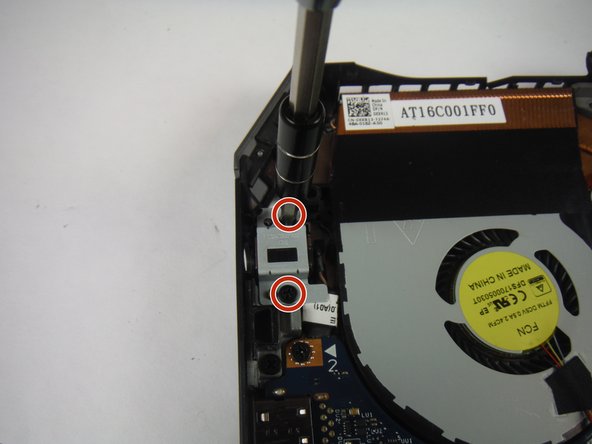
Rimuovi le 2 viti a croce Phillips da 6 mm che fissano la staffa della porta dell'alimentatore con un cacciavite a croce Phillips.
-
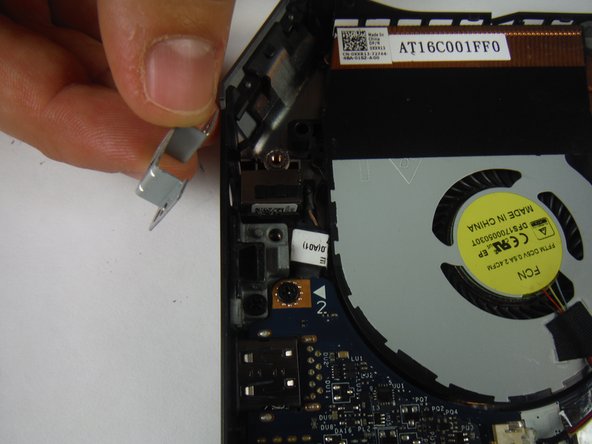
Solleva e rimuovi la staffa della porta dell'alimentatore.
-
-
-
Solleva e rimuovi la porta dell'alimentatore dalla base del computer.
-
-
-
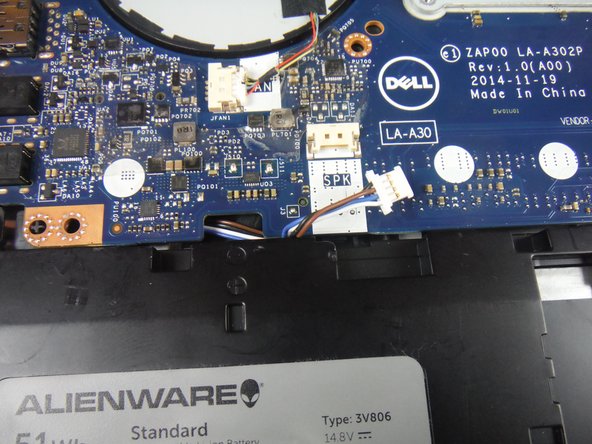
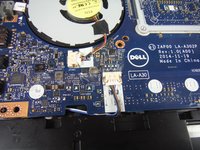
Scollega il connettore del cavo dell'altoparlante dalla scheda connettore.
-
-
-
Rimuovi le 3 viti a croce Phillips da 6 mm che fissano la scheda di servizio con un cacciavite a croce Phillips.
-
Solleva il gruppo scheda di servizio usando uno spudger resistente e fai scorrere la scheda verso la batteria base per rimuoverla dalla base.
-
-
-
-
-
Rimuovi il cavo dell'altoparlante dal fermo per cavi sulla batteria.
-
-
-
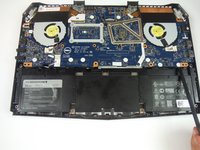
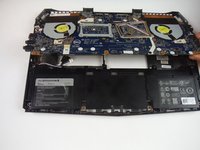
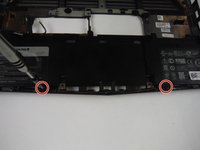
Rimuovi le due viti a croce Phillips da 6 mm che fissano la batteria base alla base del computer con un cacciavite a croce Phillips.
-
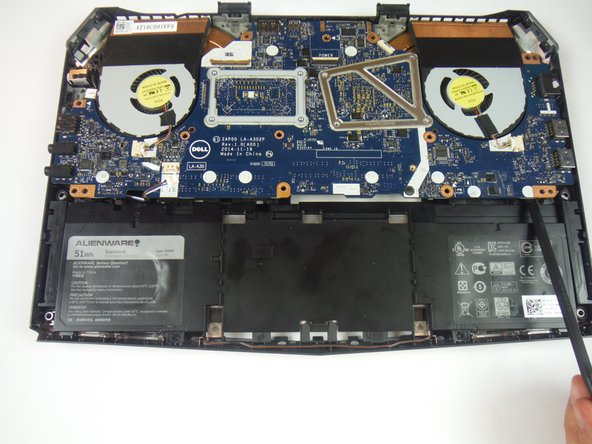
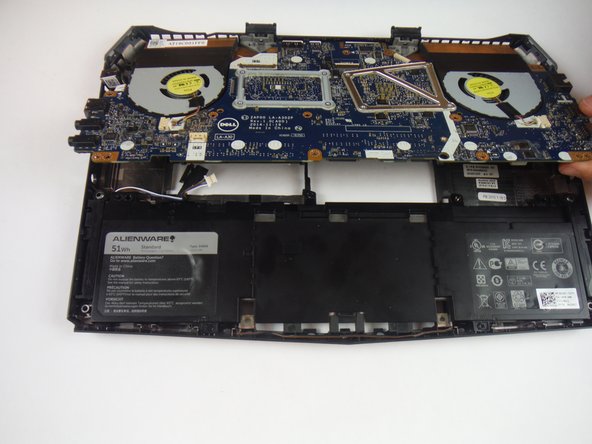
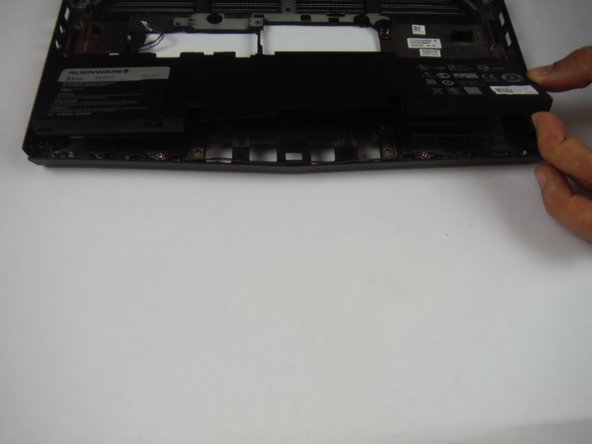
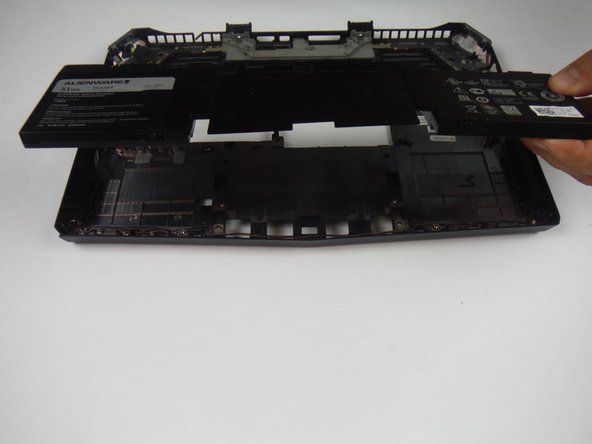
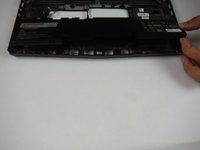
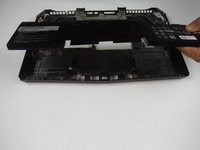
Solleva e rimuovi la batteria base dalla base del computer.
-
-

 Chiedi a FixBot



















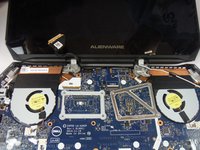
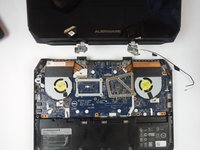





Per rimontare il dispositivo, segui queste istruzioni in ordine inverso.
Annulla: non ho completato questa guida.
Altre 4 persone hanno completato questa guida.

Team

USF Tampa, Team 14-2, Eyestone Fall 2016 Membro di USF Tampa, Team 14-2, Eyestone Fall 2016
USFT-EYESTONE-F16S14G2
3 Membri
72 guide realizzate
2Commenti sulla guida
Please note, on slight variants of this. When battery is facing you with rear / hinge away. The right ide of motherboards has a clip cover on the USB C port, holding the motherboard down. Additionally, the 3x keyboard screws for lifting the palm rest were in the way. Almost every laptop i’ve EVER worked on for various dell/hp, ALWAYS have 2-4 screws for the keyboard. Please note this when writing tutorials as some models don’t open so easily. Be safe all, don’t rush things, and make sure you’re aware of what’s there proactively before ripping a laptop literally to pieces…
I did complete this guide, and it does work for the most part. See below my suggested updates/edits to improve. Thank you for making this guide. Helped a ton for initial perspective.
