Salta al contenuto principale
Unisciti alla Community delle riparazioni - Crea un account

DOPO 10.1 Tablet Screen Replacement

Cosa ti serve

  1. DOPO 10.1 Tablet Screen Replacement, Screen: passo 1, immagine 1 di 3 DOPO 10.1 Tablet Screen Replacement, Screen: passo 1, immagine 2 di 3 DOPO 10.1 Tablet Screen Replacement, Screen: passo 1, immagine 3 di 3
    • Remove back case of tablet by taking spudger tool to lift the back plate.

    Chiedi a FixBot
  2. DOPO 10.1 Tablet Screen Replacement: passo 2, immagine 1 di 2 DOPO 10.1 Tablet Screen Replacement: passo 2, immagine 2 di 2
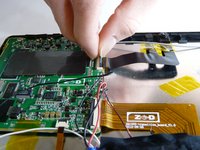
    • With caution, unplug speakers from back case of tablet.

    Chiedi a FixBot
  3. DOPO 10.1 Tablet Screen Replacement: passo 3, immagine 1 di 2 DOPO 10.1 Tablet Screen Replacement: passo 3, immagine 2 di 2
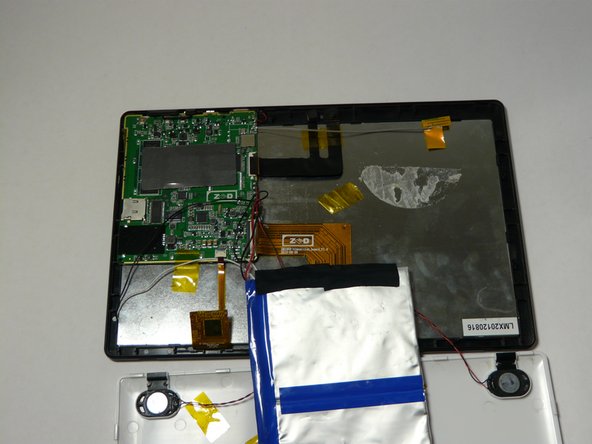
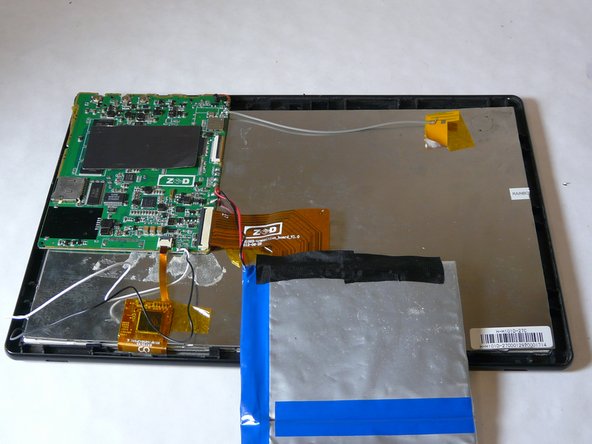
    • Remove battery

    • Grab and apply light pressure to battery to release it from the back

    • Place off to the side carefully. Be sure not to disconnect cables from motherboard

    Chiedi a FixBot
  4. DOPO 10.1 Tablet Screen Replacement: passo 4, immagine 1 di 3 DOPO 10.1 Tablet Screen Replacement: passo 4, immagine 2 di 3 DOPO 10.1 Tablet Screen Replacement: passo 4, immagine 3 di 3
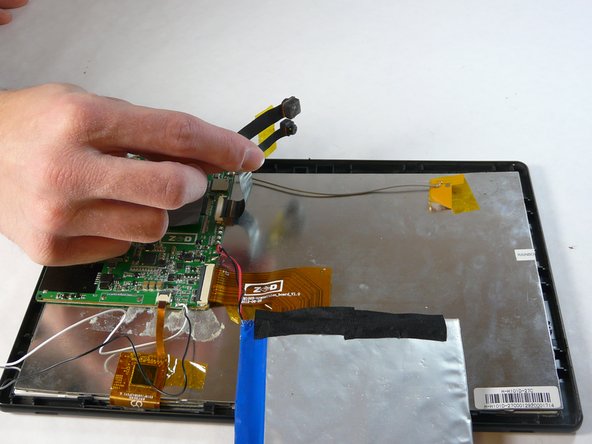
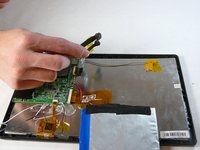
    • Locate where the cameras are attached to motherboard

    • Now release and remove them from motherboard

    • Take camera out and place off to side

    Chiedi a FixBot
  5. DOPO 10.1 Tablet Screen Replacement: passo 5, immagine 1 di 3 DOPO 10.1 Tablet Screen Replacement: passo 5, immagine 2 di 3 DOPO 10.1 Tablet Screen Replacement: passo 5, immagine 3 di 3
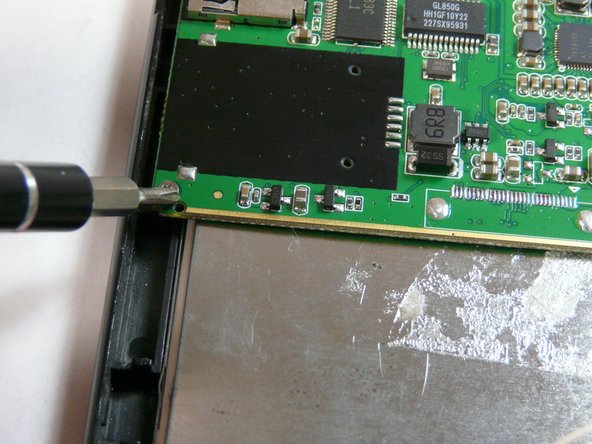
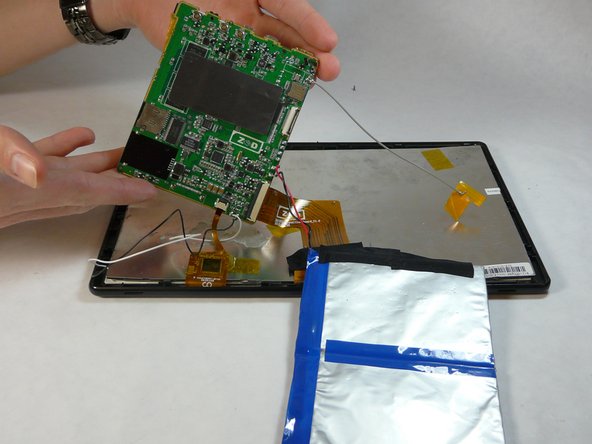
    • Remove motherboard

    • To do this you will have to unscrew a total of 5 .25in phillips head screws

    Chiedi a FixBot
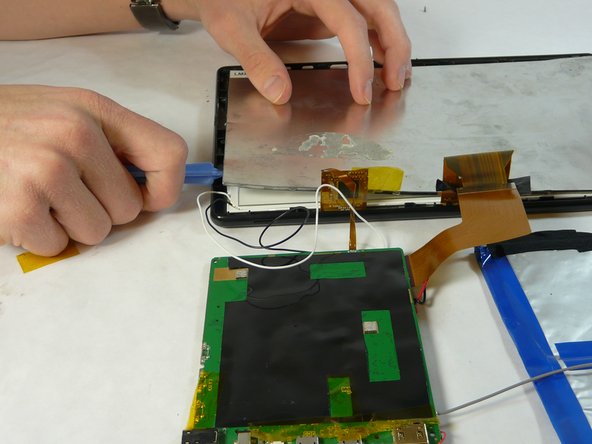
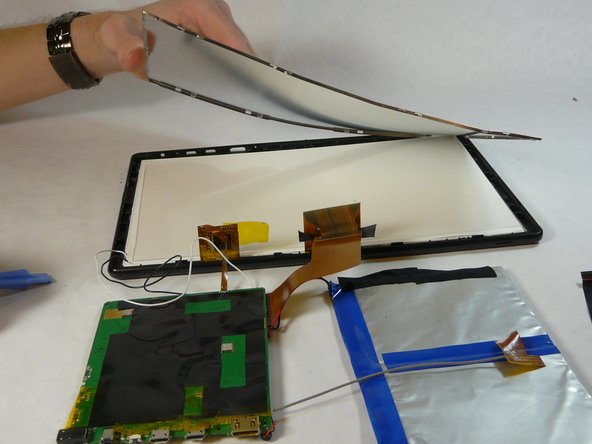
  6. DOPO 10.1 Tablet Screen Replacement: passo 6, immagine 1 di 3 DOPO 10.1 Tablet Screen Replacement: passo 6, immagine 2 di 3 DOPO 10.1 Tablet Screen Replacement: passo 6, immagine 3 di 3
    • Remove back metal piece.

    • Use plastic pry tool and go around the edges lightly and pop it off.

    Chiedi a FixBot
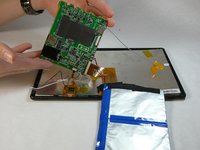
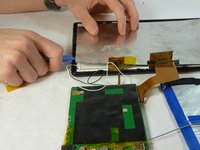
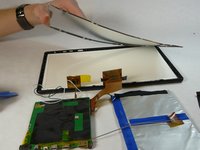
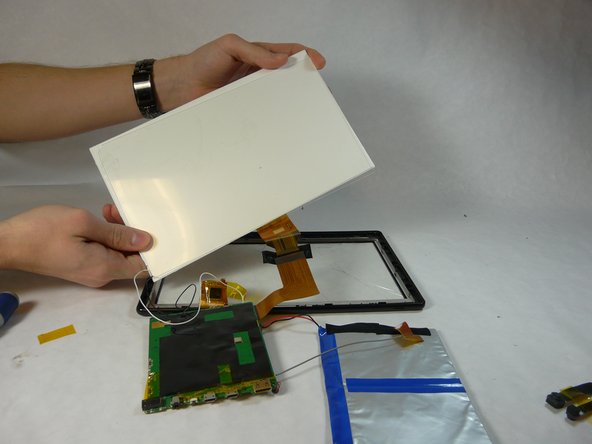
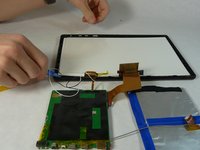
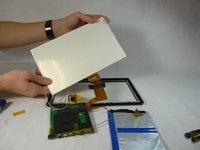
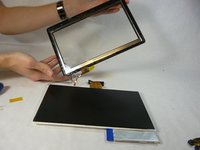
  7. DOPO 10.1 Tablet Screen Replacement: passo 7, immagine 1 di 3 DOPO 10.1 Tablet Screen Replacement: passo 7, immagine 2 di 3 DOPO 10.1 Tablet Screen Replacement: passo 7, immagine 3 di 3
    • Using a plastic opening tool, remove the back screen pieces from the back.

    Chiedi a FixBot
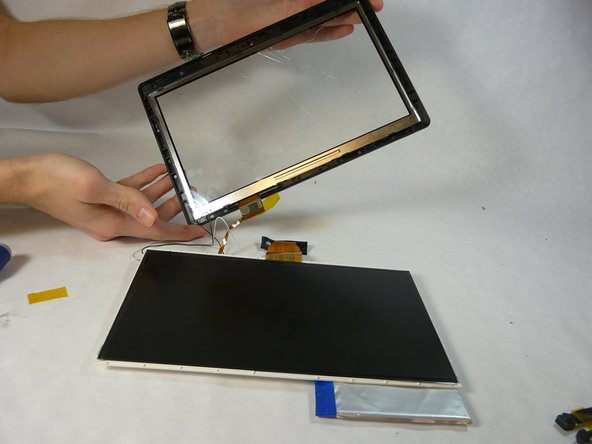
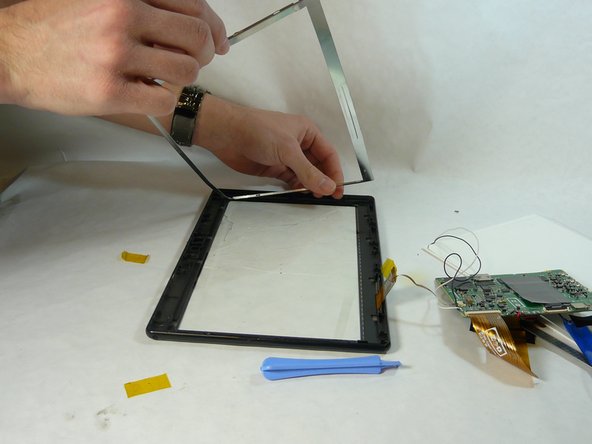
  8. DOPO 10.1 Tablet Screen Replacement: passo 8, immagine 1 di 2 DOPO 10.1 Tablet Screen Replacement: passo 8, immagine 2 di 2
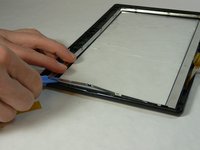
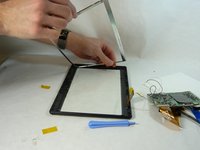
    • Using the plastic pry tool remove metal frame.

    Chiedi a FixBot
  9. DOPO 10.1 Tablet Screen Replacement: passo 9, immagine 1 di 1
    • Take the iFixit iOpener and place it on the glue

    • This will release the glass from the plastic frame

    Chiedi a FixBot
  10. DOPO 10.1 Tablet Screen Replacement: passo 10, immagine 1 di 1
    • Carefully remove glass. If glass is already broken use gloves to remove glass.

    Chiedi a FixBot
Conclusione

To reassemble your device, follow these instructions in reverse order.

Michael

Membro da: 01/21/15

101 Reputazione

Una guida realizzata

Team

USF Tampa, Team 5-2, Brown Winter 2015 Membro di USF Tampa, Team 5-2, Brown Winter 2015

USFT-BROWN-W15S5G2

4 Membri

10 guide realizzate

0Commenti sulla guida

Aggiungi Commento

Visualizza statistiche:

Ultime 24 ore: 1

Ultimi 7 giorni: 8

Ultimi 30 giorni: 41

Tutti i Tempi: 1,893