Salta al contenuto principale
Unisciti alla Community delle riparazioni - Crea un account

D-Link DIR-890L Motherboard Replacement

Cosa ti serve

  1. D-Link DIR-890L Motherboard  Replacement, Case: passo 1, immagine 1 di 3 D-Link DIR-890L Motherboard  Replacement, Case: passo 1, immagine 2 di 3 D-Link DIR-890L Motherboard  Replacement, Case: passo 1, immagine 3 di 3
    • Peel off the four rubber rectangular feet with your fingers.

    • The feet may be hard to remove. Apply additional force if necessary.

    Chiedi a FixBot
  2. D-Link DIR-890L Motherboard  Replacement: passo 2, immagine 1 di 3 D-Link DIR-890L Motherboard  Replacement: passo 2, immagine 2 di 3 D-Link DIR-890L Motherboard  Replacement: passo 2, immagine 3 di 3
    • Unscrew the 5mm screws in each corner using the Phillips #1 screwdriver.

    Chiedi a FixBot
  3. D-Link DIR-890L Motherboard  Replacement: passo 3, immagine 1 di 3 D-Link DIR-890L Motherboard  Replacement: passo 3, immagine 2 di 3 D-Link DIR-890L Motherboard  Replacement: passo 3, immagine 3 di 3
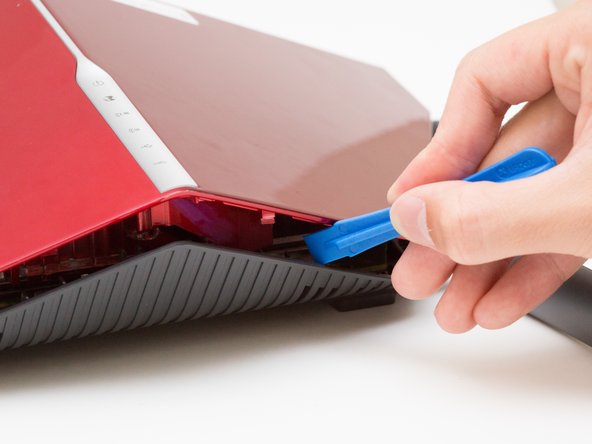
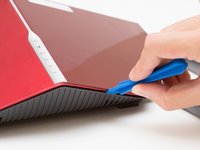
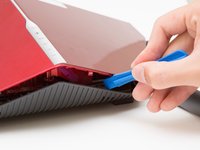
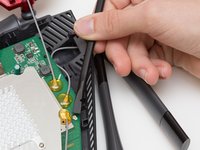
    • Wedge the opening tool between the red top panel and the gray bottom panel.

    • Twist the opening tool to separate the panels. Work your way around the case until both of the panels are separated.

    Chiedi a FixBot
  4. D-Link DIR-890L Motherboard  Replacement, Motherboard: passo 4, immagine 1 di 1
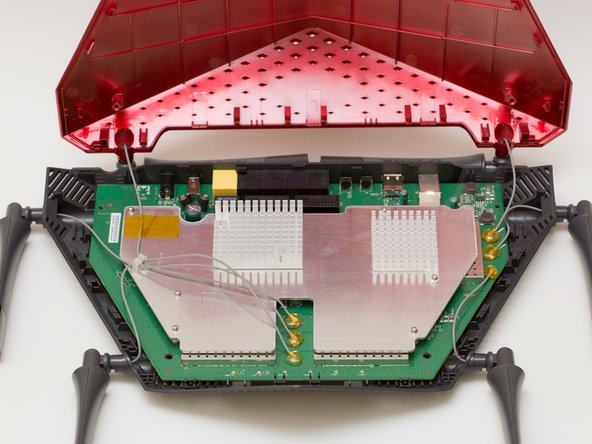
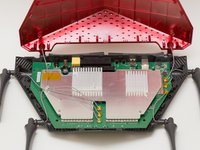
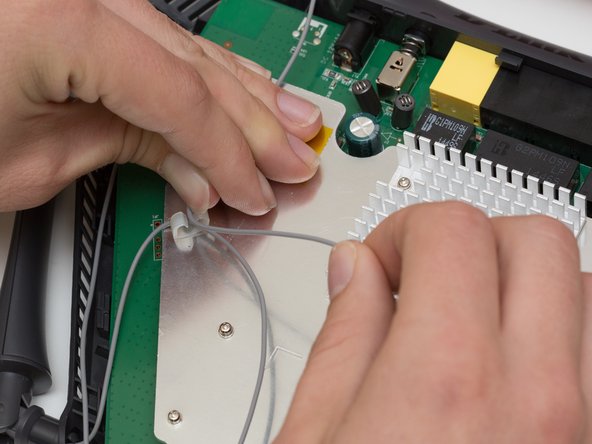
    • Orient the router so the narrow end of the router faces you and the ports face away from you.

    • The six, hot-glued antenna connections are in the middle and at the top right of the motherboard.

    Chiedi a FixBot
  5. D-Link DIR-890L Motherboard  Replacement: passo 5, immagine 1 di 3 D-Link DIR-890L Motherboard  Replacement: passo 5, immagine 2 di 3 D-Link DIR-890L Motherboard  Replacement: passo 5, immagine 3 di 3
    Strumento utilizzato in questo passaggio:
    Heavy-Duty Spudger
    $4.99
    Chiedi a FixBot
  6. D-Link DIR-890L Motherboard  Replacement: passo 6, immagine 1 di 2 D-Link DIR-890L Motherboard  Replacement: passo 6, immagine 2 di 2
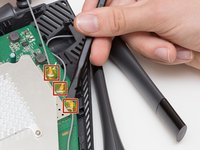
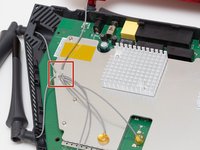
    • Continue to pry off the last three antenna connections on the upper right portion of the motherboard.

    Chiedi a FixBot
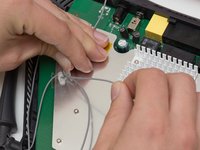
  7. D-Link DIR-890L Motherboard  Replacement: passo 7, immagine 1 di 3 D-Link DIR-890L Motherboard  Replacement: passo 7, immagine 2 di 3 D-Link DIR-890L Motherboard  Replacement: passo 7, immagine 3 di 3
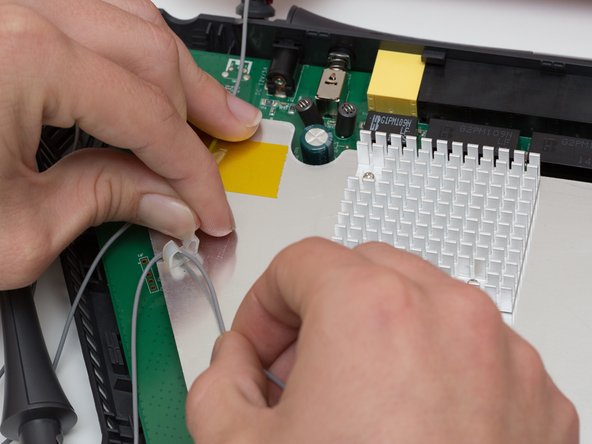
    • Open the plastic bracket enclosing the three antenna wires and pull the wires out with your hands.

    Chiedi a FixBot
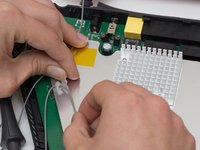
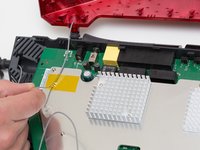
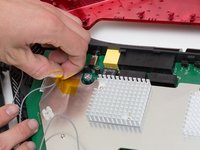
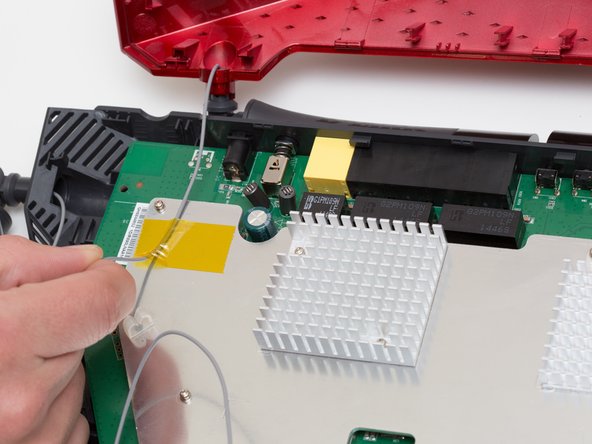
  8. D-Link DIR-890L Motherboard  Replacement: passo 8, immagine 1 di 3 D-Link DIR-890L Motherboard  Replacement: passo 8, immagine 2 di 3 D-Link DIR-890L Motherboard  Replacement: passo 8, immagine 3 di 3
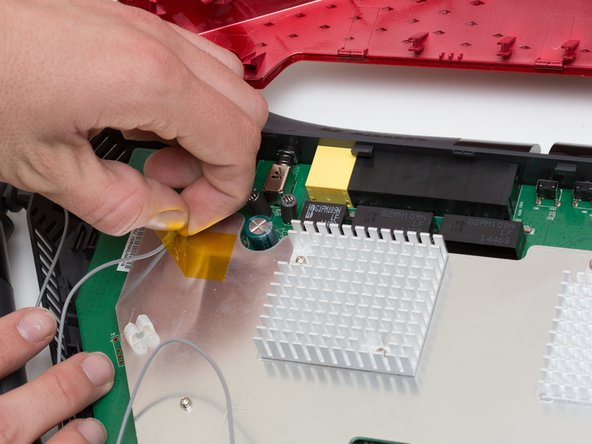
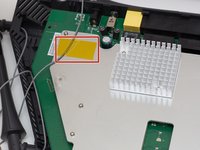
    • Pull the yellow tape off of the motherboard to release the final antenna wire.

    Chiedi a FixBot
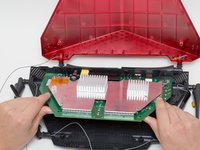
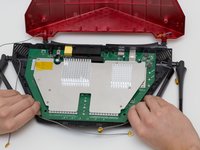
  9. D-Link DIR-890L Motherboard  Replacement: passo 9, immagine 1 di 2 D-Link DIR-890L Motherboard  Replacement: passo 9, immagine 2 di 2
    • Pull the the motherboard away from the case to remove it. Start on the side closest to you, and pull up and out.

    Chiedi a FixBot
Conclusione

To reassemble your device, follow these instructions in reverse order.

Altre 3 persone hanno completato questa guida.

Team

Cal Poly, Team 10-7, Livingston Fall 2016 Membro di Cal Poly, Team 10-7, Livingston Fall 2016

CPSU-LIVINGSTON-F16S10G7

4 Membri

12 guide realizzate

0Commenti sulla guida

Aggiungi Commento

Visualizza statistiche:

Ultime 24 ore: 0

Ultimi 7 giorni: 4

Ultimi 30 giorni: 51

Tutti i Tempi: 2,685