Salta al contenuto principale
Unisciti alla Community delle riparazioni - Crea un account

Contour Roam2 Back Door Replacement

Cosa ti serve

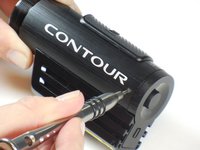
  1. Contour Roam2 Back Door Replacement, Record Slider: passo 1, immagine 1 di 1
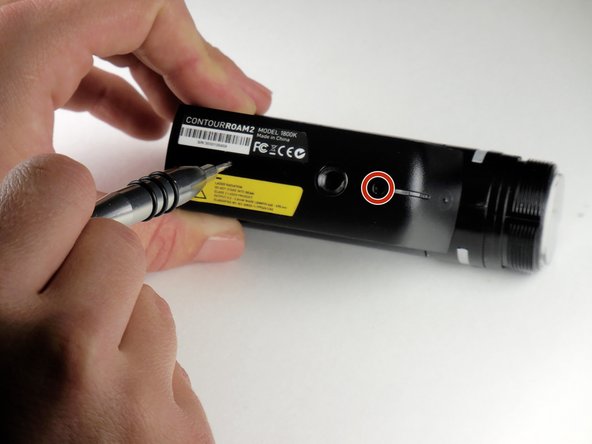
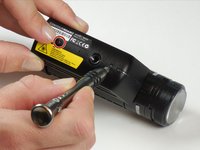
    • Using the phillips head screwdriver (PH000) locate and remove the 4.45mm (.175in) screw by the 180 degree graphic on the metal ring.

    • The screws in the camera are very small and can strip very easily. Apply consistent pressure when removing screws.

    Chiedi a FixBot
  2. Contour Roam2 Back Door Replacement: passo 2, immagine 1 di 2 Contour Roam2 Back Door Replacement: passo 2, immagine 2 di 2
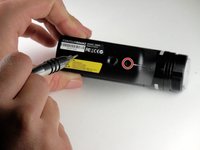
    • Rotate the metal ring counterclockwise until completely removed.

    Chiedi a FixBot
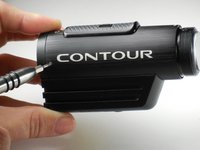
  3. Contour Roam2 Back Door Replacement: passo 3, immagine 1 di 2 Contour Roam2 Back Door Replacement: passo 3, immagine 2 di 2
    • Using the phillips head screwdriver (PH000) remove the two 4.46mm (.175in) screws on each side near the back of the camera.

    Chiedi a FixBot
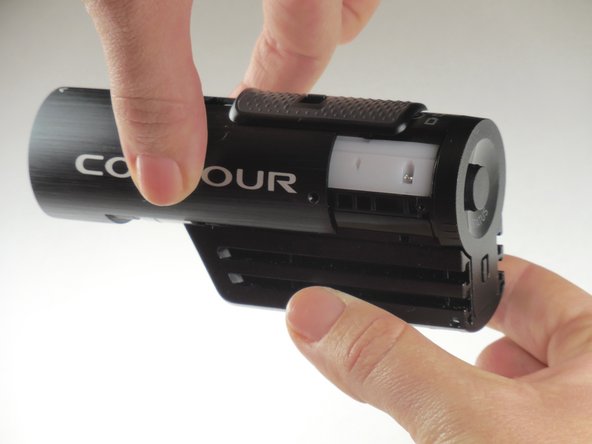
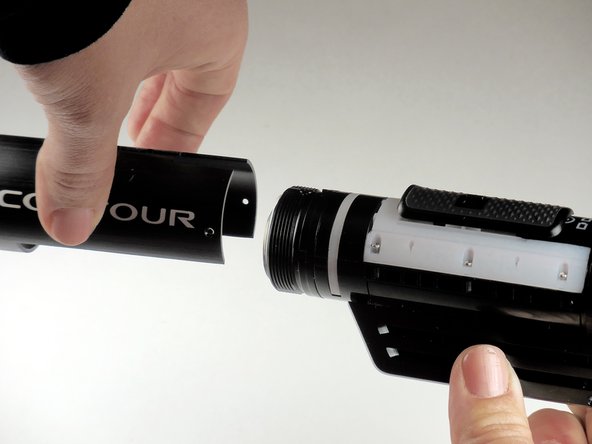
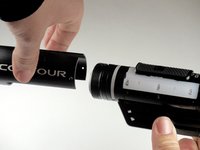
  4. Contour Roam2 Back Door Replacement: passo 4, immagine 1 di 3 Contour Roam2 Back Door Replacement: passo 4, immagine 2 di 3 Contour Roam2 Back Door Replacement: passo 4, immagine 3 di 3
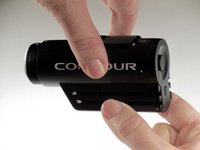
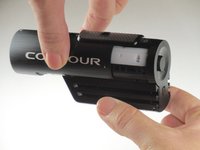
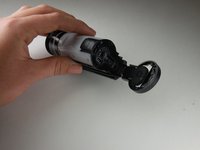
    • Grab the camera on both sides and slide the outer shell forward until completely removed.

    Chiedi a FixBot
  5. Contour Roam2 Back Door Replacement: passo 5, immagine 1 di 1
    • Lift the record slider out.

    • The record slider should come out easily no matter the position (forward or backward).

    Chiedi a FixBot
  6. Contour Roam2 Back Door Replacement, Mounting Piece: passo 6, immagine 1 di 2 Contour Roam2 Back Door Replacement, Mounting Piece: passo 6, immagine 2 di 2
    • Using the phillips head screwdriver (PH000) remove the two 3.82mm (0.150in) screws on the bottom of mounting piece near the tripod screw-in.

    • The screws in the camera are very small and can strip very easily. Apply consistent pressure when removing screws.

    Chiedi a FixBot
  7. Contour Roam2 Back Door Replacement: passo 7, immagine 1 di 2 Contour Roam2 Back Door Replacement: passo 7, immagine 2 di 2
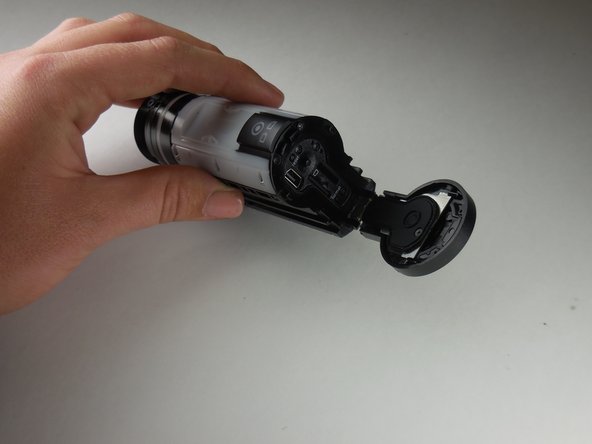
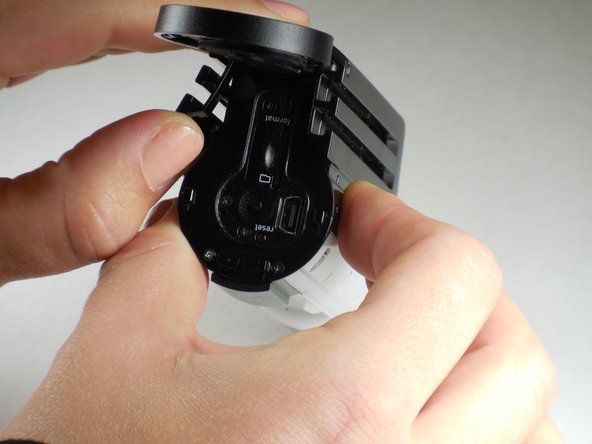
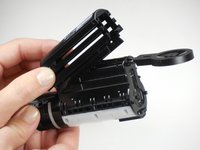
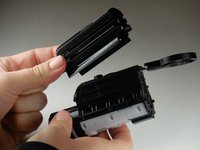
    • Open the back door by your thumb and index finger on sides of back door and pull upward.

    Chiedi a FixBot
  8. Contour Roam2 Back Door Replacement: passo 8, immagine 1 di 1
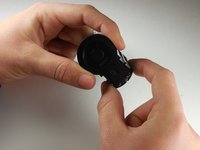
    • Using your thumb, pry sides outward on back of mount piece.

    • This will loosen mount piece for removal in proceeding step.

    • Side can be hard to pry outward. Using a flat tool such as a metal spudger, may help if your thumb is insufficient.

    Chiedi a FixBot
  9. Contour Roam2 Back Door Replacement: passo 9, immagine 1 di 2 Contour Roam2 Back Door Replacement: passo 9, immagine 2 di 2
    • Remove and replace mount piece.

    Chiedi a FixBot
  10. Contour Roam2 Back Door Replacement, Back Door: passo 10, immagine 1 di 1
    • Using a paper clip or a SIM eject tool size 0.8, push the metal bar out from the spring located on bottom of back door.

    • After removing the metal bar, the spring will become loose and may fall out on its own.

    Chiedi a FixBot
  11. Contour Roam2 Back Door Replacement: passo 11, immagine 1 di 1
    • Remove and replace back door.

    • Door should easily be removed by pulling away from main body of camera.

    • As door is being pulled away, the spring may fall out own its own.

    Chiedi a FixBot
Conclusione

To reassemble your device, follow these instructions in reverse order.

Un'altra persona ha completato questa guida.

1Commento della guida

Where can I get a replacement back door for an original contour roam shipped international? Contour will not reapond to my requests.

The Dude - Rispondi Condividi

Aggiungi Commento

Visualizza statistiche:

Ultime 24 ore: 5

Ultimi 7 giorni: 14

Ultimi 30 giorni: 64

Tutti i Tempi: 2,121