Questa traduzione è stata generata automaticamente e non è stata ancora revisionata da una persona. Parli questa lingua? Dai un’occhiata.
Introduzione
Se i pulsanti del tuo Connect Four sono danneggiati, dovrai sostituirli. Se i pulsanti sono strappati, dovrai acquistare un nuovo foglio di pulsanti. Se i pulsanti non sono allineati, riposiziona semplicemente il foglio di pulsanti. Per accedere ai pulsanti, dovrai rimuovere la scocca sul retro del dispositivo. Per questa operazione è necessario un cacciavite a croce Phillips.
Cosa ti serve
-
-
-
Assicurati che il Connect Four Electronic Handheld sia spento lasciando che si spenga automaticamente.
 Chiedi a FixBot
-
-
-
Utilizzando un cacciavite a croce Phillips, rimuovi la vite Phillips n. 2 (lunghezza 9,1 mm) al centro della copertura della batteria.
-
Fai scivolare via la copertura e rimuovi la batteria.
-
-
-
-
-
-
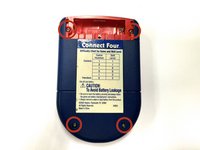
Utilizzando un cacciavite a croce Phillips, rimuovi le quattro viti Phillips da 7,1 mm che fissano il telaio posteriore.
-
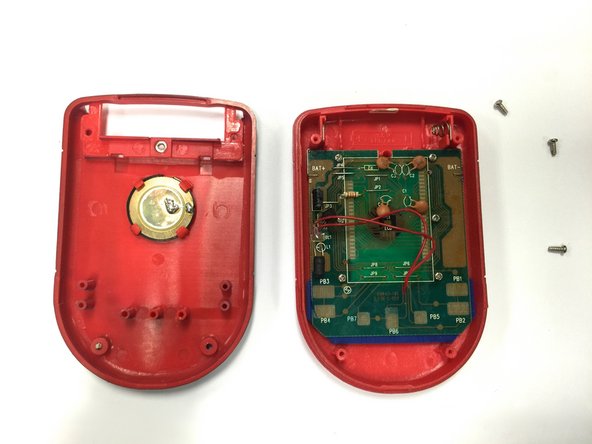
Rimuovi con attenzione il telaio posteriore.
-
-
-
-
-
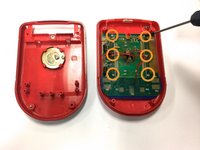
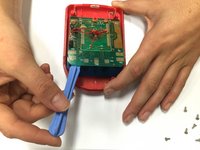
Utilizzando un cacciavite a croce Phillips, rimuovi le sei viti a croce Phillips #3 (lunghe 0,64 cm) che fissano la scheda CPU.
-
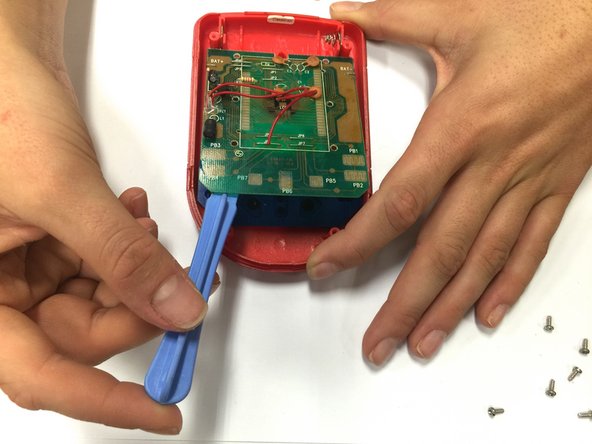
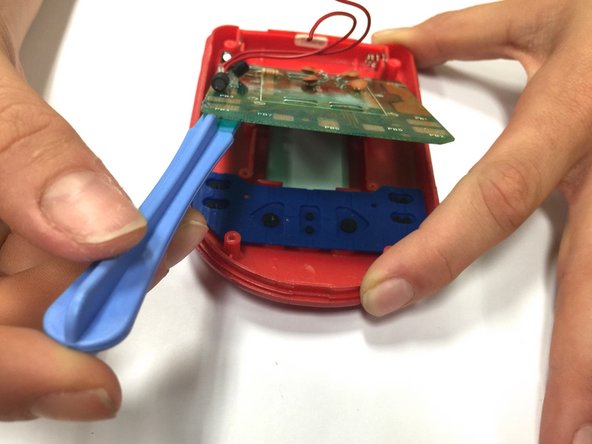
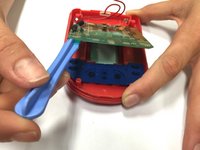
Utilizzando uno spudger, fai leva sul circuito stampato quanto basta per accedere facilmente alla scheda tasti.
-
-
-
Estrai il foglio pulsanti e sostituiscilo con uno nuovo.
-
-




Per rimontare il dispositivo, segui queste istruzioni in ordine inverso.
Annulla: non ho completato questa guida.
Un'altra persona ha completato questa guida.

Team

Baylor, Team 8-11, Williams Fall 2014 Membro di Baylor, Team 8-11, Williams Fall 2014
BU-WILLIAMS-F14S8G11
3 Membri
72 guide realizzate
