Introduzione
The Canon PIXMA MP620B is an all-in-one inkjet printer with an LCD screen, wireless network connectivity support, and high print resolution. Although it has wireless network connectivity, connecting via USB is sometimes the better option for a faster and more secure connection. If you're experiencing issues with the USB connection, such as a weak or non-existent connection, it could be time to replace the Canon printer's USB reader.
Cosa ti serve
-
-
-
Locate the tabs on the top of the panel that hook down and into the black side panel.
-
Insert the Spudger in-between the black panel and the blue panel as shown and pull the two pieces apart.
 Chiedi a FixBot
-
-
-
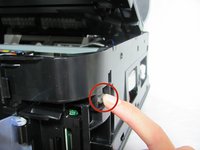
Remove the two screws from the back right black panel using the Phillips #00 screwdriver.
-
-
-
-
There is a tab you will have to push down to remove the part.
-
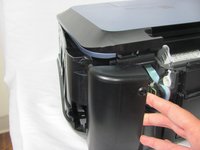
Once the tab is released, gently lift the cover away from the rest of the device to disengage the clips.
-
-
-
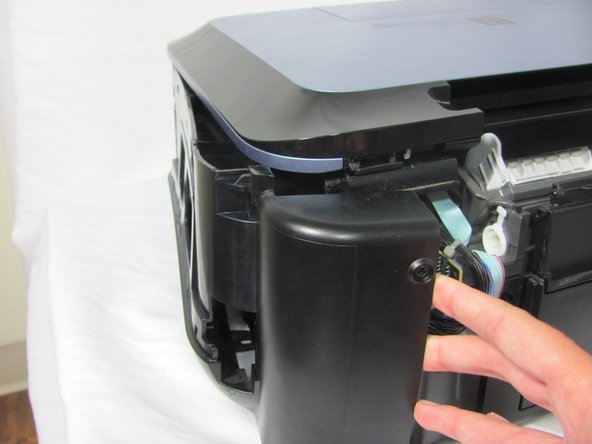
After unclipping all the hooks, pull off the black side panel to reveal the inner circuit boards.
-
-
-
Remove the two screws from the USB reader using the Phillips #00 screwdriver.
-
-
-
Disconnect the large white ribbon cable that leads to the USB reader. As you are pulling out the USB reader, carefully detach the ribbon.
-
-




To reassemble your device, follow these instructions in reverse order.
Annulla: non ho completato questa guida.
Altre 4 persone hanno completato questa guida.

Team

Cal Poly, Team 6-21, Maness Fall 2014 Membro di Cal Poly, Team 6-21, Maness Fall 2014
CPSU-MANESS-F14S6G21
4 Membri
10 guide realizzate
