Salta al contenuto principale
Unisciti alla Community delle riparazioni - Crea un account

Canon EOS 300 Command Dial Replacement

Cosa ti serve

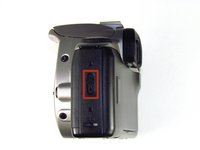
    1. Canon EOS 300 Command Dial Replacement, Batteries: passo 1, immagine 1 di 3 Canon EOS 300 Command Dial Replacement, Batteries: passo 1, immagine 2 di 3 Canon EOS 300 Command Dial Replacement, Batteries: passo 1, immagine 3 di 3
      • Open up the battery door.

      Chiedi a FixBot
      Aggiungi Commento

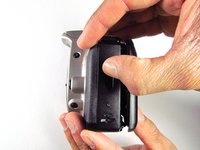
    2. Canon EOS 300 Command Dial Replacement: passo 2, immagine 1 di 2 Canon EOS 300 Command Dial Replacement: passo 2, immagine 2 di 2
      • Remove the batteries from the camera by sliding them out into your palm.

      Chiedi a FixBot

      Aggiungi Commento

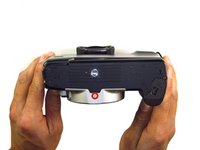
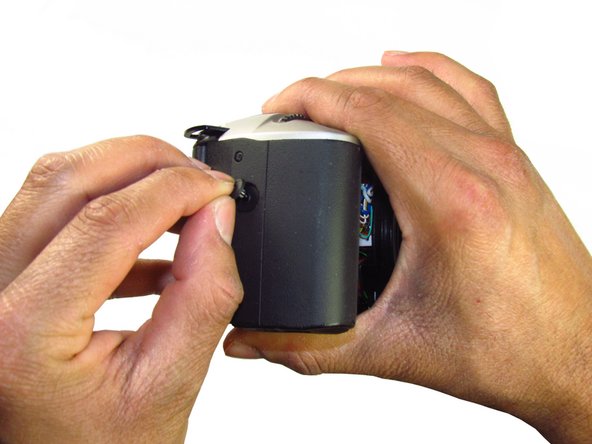
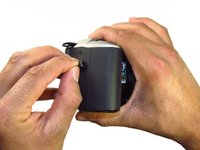
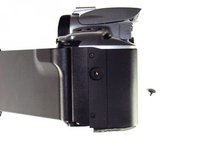
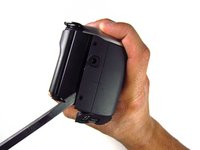
    1. Canon EOS 300 Command Dial Replacement, Side Panel with Lever: passo 3, immagine 1 di 2 Canon EOS 300 Command Dial Replacement, Side Panel with Lever: passo 3, immagine 2 di 2
      • Release the side latch to open the back panel.

      Chiedi a FixBot

      Aggiungi Commento

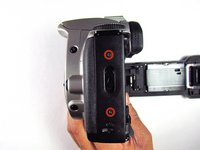
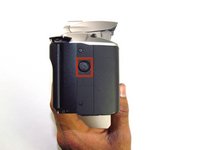
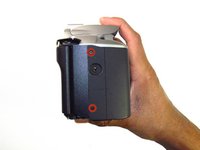
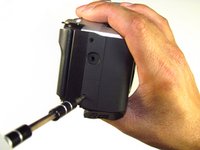
    2. Canon EOS 300 Command Dial Replacement: passo 4, immagine 1 di 2 Canon EOS 300 Command Dial Replacement: passo 4, immagine 2 di 2
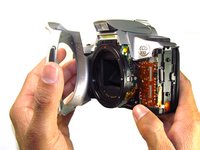
      • Remove the two black 4.5mm screws above and below the latch.

      Chiedi a FixBot
      Aggiungi Commento

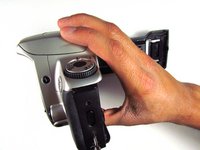
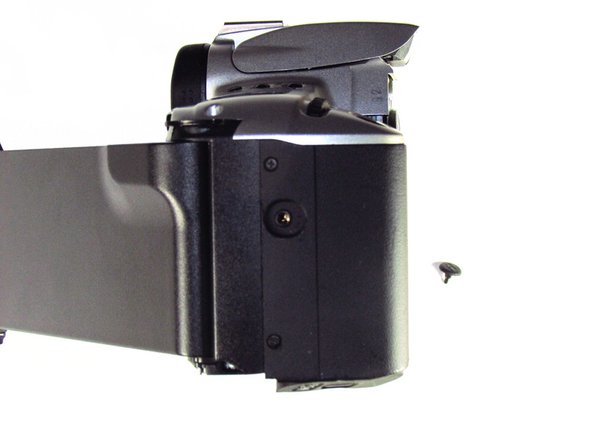
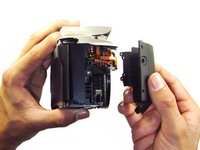
    3. Canon EOS 300 Command Dial Replacement: passo 5, immagine 1 di 2 Canon EOS 300 Command Dial Replacement: passo 5, immagine 2 di 2
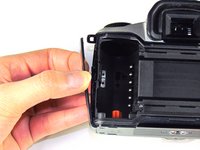
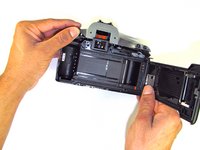
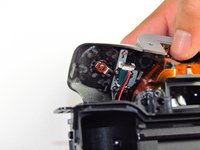
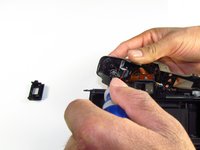
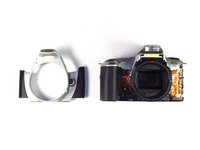
      • Using your finger, carefully pry open the side panel from the top of camera.

      • Pull panel downwards to remove.

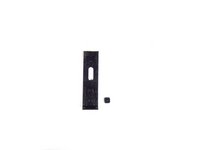
      • Make sure to keep track of the small black piece of rubber under the latch.

      Chiedi a FixBot
      Aggiungi Commento

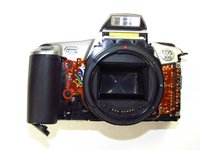
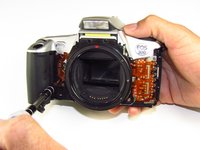
    1. Canon EOS 300 Command Dial Replacement, Front Panel: passo 6, immagine 1 di 2 Canon EOS 300 Command Dial Replacement, Front Panel: passo 6, immagine 2 di 2
      • Remove the two silver 6mm Phillips #1 screws.

      Chiedi a FixBot

      Aggiungi Commento

    2. Canon EOS 300 Command Dial Replacement: passo 7, immagine 1 di 2 Canon EOS 300 Command Dial Replacement: passo 7, immagine 2 di 2
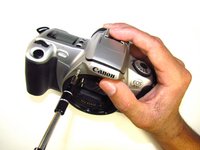
      • Flip camera over to the bottom.

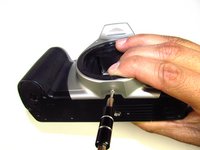
      • Remove the one 5mm Phillips #1 silver screw.

      Chiedi a FixBot

      Aggiungi Commento

    3. Canon EOS 300 Command Dial Replacement: passo 8, immagine 1 di 2 Canon EOS 300 Command Dial Replacement: passo 8, immagine 2 di 2
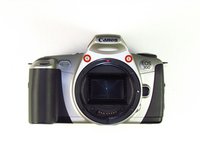
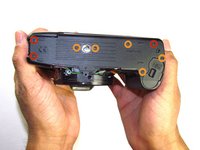
      • Remove the front panel by pulling away from the side with the lever.

      Chiedi a FixBot
      Aggiungi Commento

    1. Canon EOS 300 Command Dial Replacement, Bottom Panel: passo 9, immagine 1 di 2 Canon EOS 300 Command Dial Replacement, Bottom Panel: passo 9, immagine 2 di 2
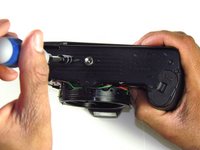
      • Remove three black 7.3mm Phillips #1 screws located on the corners of the camera.

      • Remove five black 4.8mm Phillips #1 screws.

      Chiedi a FixBot
      Aggiungi Commento

    2. Canon EOS 300 Command Dial Replacement: passo 10, immagine 1 di 3 Canon EOS 300 Command Dial Replacement: passo 10, immagine 2 di 3 Canon EOS 300 Command Dial Replacement: passo 10, immagine 3 di 3
      • Simply remove the bottom panel by prying it off with your finger.

      • When removing the panel, be sure the bottom of the camera is facing upright. There are loose gears that may fall out.

      • Be wary of a loose piece of foam attached to the bottom panel.

      Chiedi a FixBot

      Aggiungi Commento

    1. Canon EOS 300 Command Dial Replacement, Side Panel with Grip: passo 11, immagine 1 di 3 Canon EOS 300 Command Dial Replacement, Side Panel with Grip: passo 11, immagine 2 di 3 Canon EOS 300 Command Dial Replacement, Side Panel with Grip: passo 11, immagine 3 di 3
      • Remove the remote control socket cover.

      Chiedi a FixBot

      Aggiungi Commento

    2. Canon EOS 300 Command Dial Replacement: passo 12, immagine 1 di 2 Canon EOS 300 Command Dial Replacement: passo 12, immagine 2 di 2
      • Remove two black 4.5mm Phillips #1 screws.

      Chiedi a FixBot

      Aggiungi Commento

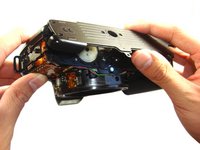
    3. Canon EOS 300 Command Dial Replacement: passo 13, immagine 1 di 2 Canon EOS 300 Command Dial Replacement: passo 13, immagine 2 di 2
      • Remove two black 4.8mm Phillips #1 screws on the front of the camera.

      Chiedi a FixBot
      Aggiungi Commento

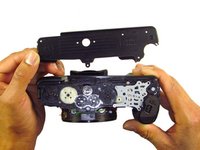
    4. Canon EOS 300 Command Dial Replacement: passo 14, immagine 1 di 2 Canon EOS 300 Command Dial Replacement: passo 14, immagine 2 di 2
      • Pry open the side grip using a spudger.

      Chiedi a FixBot
      Aggiungi Commento

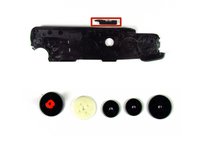
    1. Canon EOS 300 Command Dial Replacement, Eyecup: passo 15, immagine 1 di 2 Canon EOS 300 Command Dial Replacement, Eyecup: passo 15, immagine 2 di 2
      • With your hands, remove the rubber grip from the eye piece.

      Chiedi a FixBot
      Aggiungi Commento

    2. Canon EOS 300 Command Dial Replacement: passo 16, immagine 1 di 1
      • Remove the eyecup from the eyepiece by pushing the eyecup up.

      Chiedi a FixBot

      Aggiungi Commento

    1. Canon EOS 300 Command Dial Replacement, Top Panel: passo 17, immagine 1 di 2 Canon EOS 300 Command Dial Replacement, Top Panel: passo 17, immagine 2 di 2
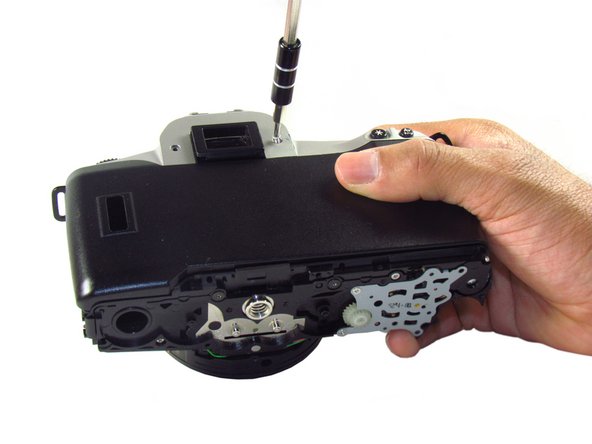
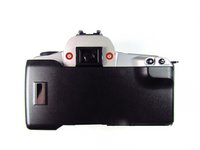
      • Remove two silver 5.0mm Phillips #1 screws.

      Chiedi a FixBot

      Aggiungi Commento

    2. Canon EOS 300 Command Dial Replacement: passo 18, immagine 1 di 1
      • Remove the silver 5.5mm Phillips #1 screw.

      Chiedi a FixBot

      Aggiungi Commento

    3. Canon EOS 300 Command Dial Replacement: passo 19, immagine 1 di 2 Canon EOS 300 Command Dial Replacement: passo 19, immagine 2 di 2
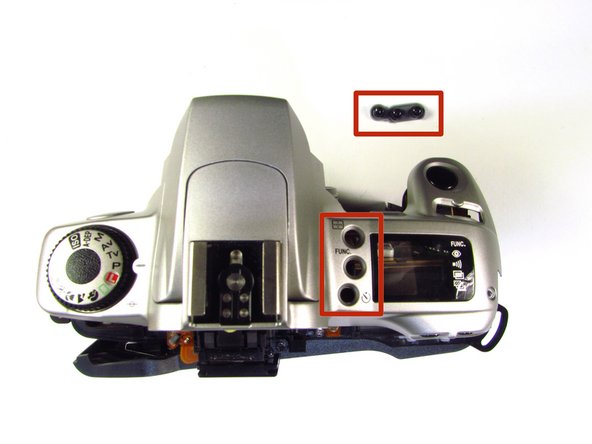
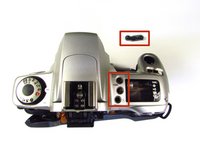
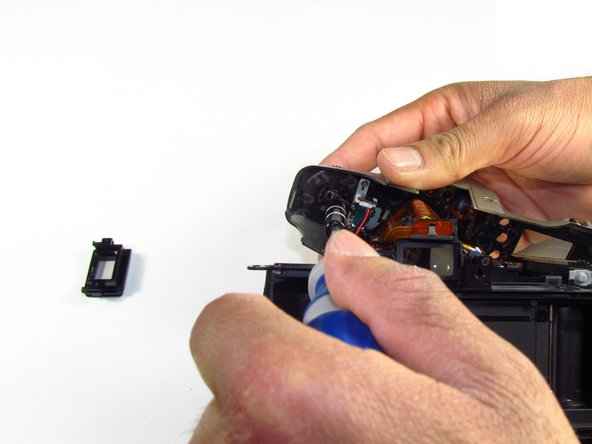
      • Pry the top silver part of the camera off.

      • Buttons may slip out of the camera's top as the top is pulled off the camera (shown in picture two).

      Chiedi a FixBot

      Aggiungi Commento

    1. Canon EOS 300 Command Dial Replacement, Command Dial: passo 20, immagine 1 di 3 Canon EOS 300 Command Dial Replacement, Command Dial: passo 20, immagine 2 di 3 Canon EOS 300 Command Dial Replacement, Command Dial: passo 20, immagine 3 di 3
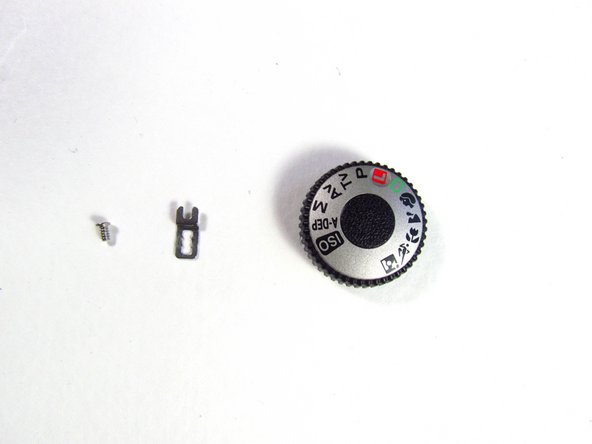
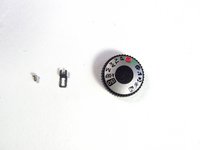
      • On the top panel, remove the silver 3.8mm Phillips #1 screw right below the command dial.

      • A small metal piece will come off with the screw.

      Chiedi a FixBot

      Aggiungi Commento

Conclusione

To reassemble your device, follow these instructions in reverse order.

Annulla: non ho completato questa guida.

Team

Cal Poly, Team 6-20, Maness Winter 2014 Membro di Cal Poly, Team 6-20, Maness Winter 2014

CPSU-MANESS-W14S6G20

4 Membri

33 guide realizzate

0Commenti sulla guida

Aggiungi Commento

Visualizza statistiche:

Ultime 24 ore: 1

Ultimi 7 giorni: 13

Ultimi 30 giorni: 50

Tutti i Tempi: 2,421