Introduzione
If you have tried to pry open the back cover of the Canon A35F several times, and it still will not open, it might time for the back cover to be replaced. There may be other reasons as well why the back cover needs replacement such as the back cover is damaged and cracks are beginning to appear, light is leaking into the camera ruining the film or maybe the back cover is just in need of some cleaning. This guide has all the information you need in order to take off the back cover of a Canon A35F, and piece it back together.
The price of a used back cover can range from $15-$25 U.S. dollars on eBay, but they are hard to find.
Cosa ti serve
-
-
Remove the three screws on the bottom of the camera with a Philips #00 screw driver.
 Chiedi a FixBot
-
-
-
Open the back cover of the camera to reveal the pin holding the back cover to the body
-
-
-
Strumento utilizzato in questo passaggio:Tweezers$3.99
-
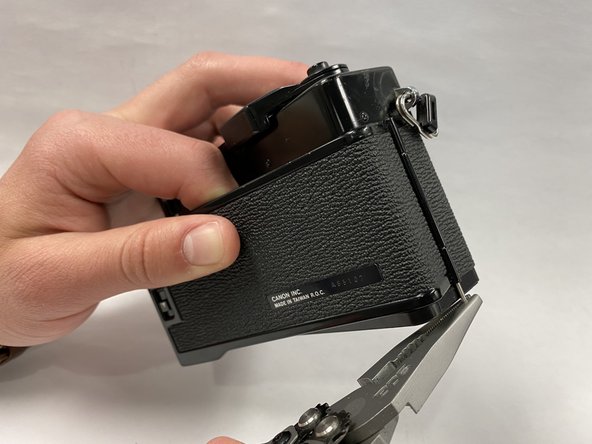
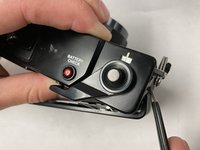
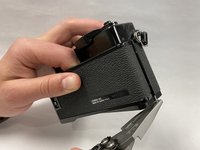
Push out the pin holding the back cover to the body of the camera using angled tweezers.
-
Once the pin is poking out use pliers or tweezers to pull the pin out the rest of the way.
-




To reassemble your device, follow these instructions in reverse order.

Team

Embry-Riddle Aeronautical University, Team S1-G9, Cromer Twal Spring 2020 Membro di Embry-Riddle Aeronautical University, Team S1-G9, Cromer Twal Spring 2020
ERAU-CROMER TWAL-S20S1G9
3 Membri
3 guide realizzate
