Salta al contenuto principale
Unisciti alla Community delle riparazioni - Crea un account

CASIO CDP-230R Button Panel Replacement

Cosa ti serve

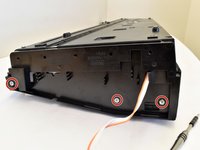
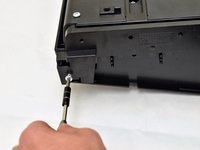
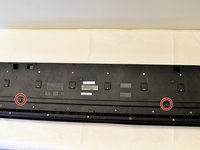
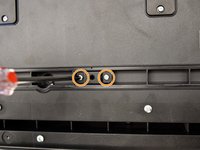
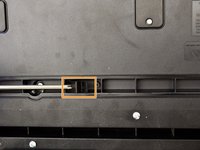
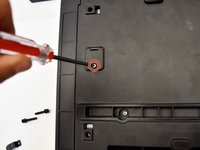
  1. CASIO CDP-230R Button Panel Replacement, Panels: passo 1, immagine 1 di 3 CASIO CDP-230R Button Panel Replacement, Panels: passo 1, immagine 2 di 3 CASIO CDP-230R Button Panel Replacement, Panels: passo 1, immagine 3 di 3
    • Flip the keyboard upside down, with the keys on a flat surface.

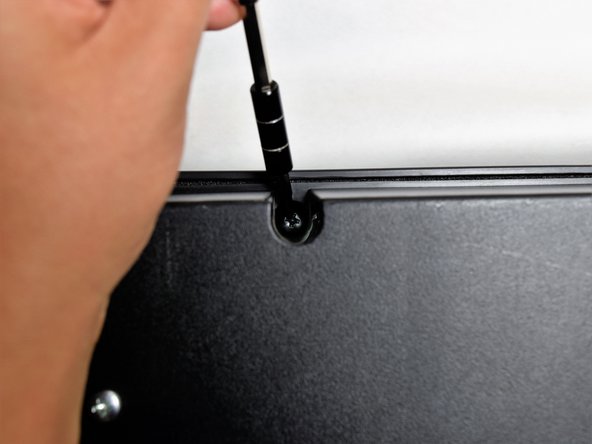
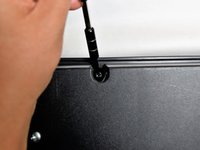
    • Remove the three black 14mm Japanese Industrial Standard (J) head screws using a J1 screwdriver on the top half of the outermost side panel.

    Chiedi a FixBot
  2. CASIO CDP-230R Button Panel Replacement: passo 2, immagine 1 di 3 CASIO CDP-230R Button Panel Replacement: passo 2, immagine 2 di 3 CASIO CDP-230R Button Panel Replacement: passo 2, immagine 3 di 3
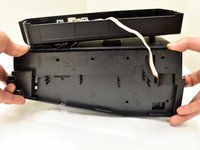
    • Use two hands to grab the side panel from both sides.

    • Pull the panel apart from the device one side at a time.

    • There will be popping sounds when you remove this panel.

    • One side panel will not have an orange & white cable connected to it.

    Chiedi a FixBot
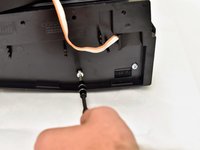
  3. CASIO CDP-230R Button Panel Replacement: passo 3, immagine 1 di 3 CASIO CDP-230R Button Panel Replacement: passo 3, immagine 2 di 3 CASIO CDP-230R Button Panel Replacement: passo 3, immagine 3 di 3
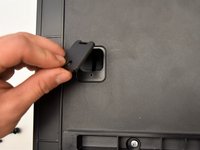
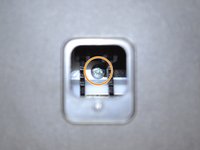
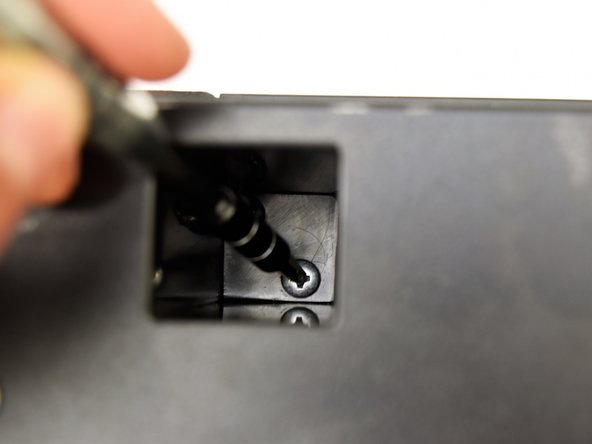
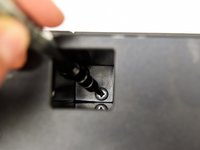
    • Remove the three silver 10mm screws with a J1 screwdriver on the bottom half of the innermost side panel of the device.

    • One side panel will not have an orange & white cable running through.

    Chiedi a FixBot
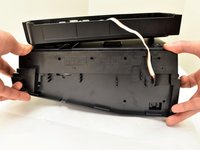
  4. CASIO CDP-230R Button Panel Replacement: passo 4, immagine 1 di 3 CASIO CDP-230R Button Panel Replacement: passo 4, immagine 2 di 3 CASIO CDP-230R Button Panel Replacement: passo 4, immagine 3 di 3
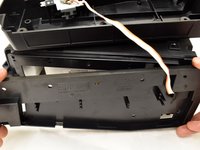
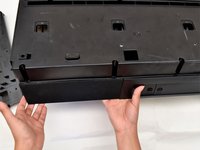
    • Remove the innermost side panel by pinching the top and bottom of the panel and pulling the panel off with both hands.

    • There will be popping sounds when you remove this panel.

    • Repeat steps one through four to remove the other side panel of the keyboard.

    Chiedi a FixBot
  5. CASIO CDP-230R Button Panel Replacement: passo 5, immagine 1 di 3 CASIO CDP-230R Button Panel Replacement: passo 5, immagine 2 di 3 CASIO CDP-230R Button Panel Replacement: passo 5, immagine 3 di 3
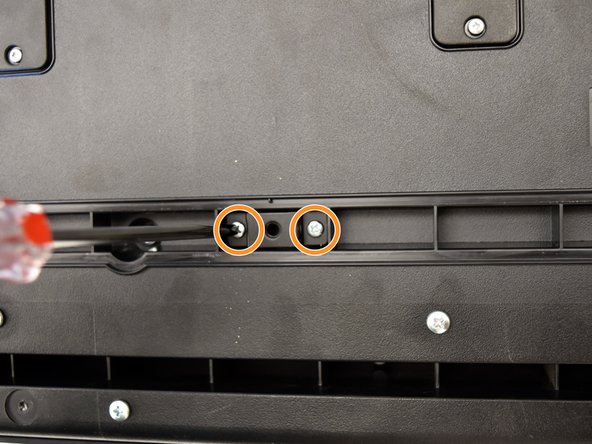
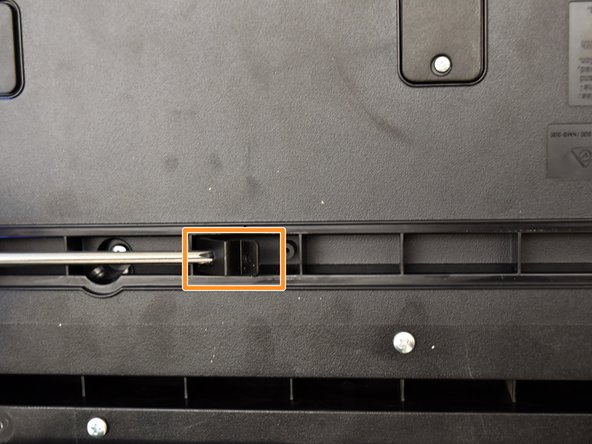
    • Remove the two black 30 mm J head screws with a J1 screwdriver to remove the long black bar.

    • Remove the four silver 8mm x 2mm J head screws with a J1 screwdriver and the two brackets from the back panel.

    • There will be two screws per bracket.

    Chiedi a FixBot
  6. CASIO CDP-230R Button Panel Replacement: passo 6, immagine 1 di 3 CASIO CDP-230R Button Panel Replacement: passo 6, immagine 2 di 3 CASIO CDP-230R Button Panel Replacement: passo 6, immagine 3 di 3
    • Remove the eight silver 10mm x 1.5mm J head screws with a J1 screwdriver and the square tabs from the back panel.

    • Remove the eight silver 10mm J head screws with a J1 screwdriver underneath the square tabs.

    Chiedi a FixBot
  7. CASIO CDP-230R Button Panel Replacement: passo 7, immagine 1 di 3 CASIO CDP-230R Button Panel Replacement: passo 7, immagine 2 di 3 CASIO CDP-230R Button Panel Replacement: passo 7, immagine 3 di 3
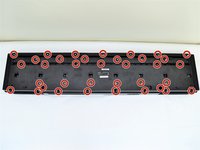
    • Remove the 36 silver 10mm J head screws with a J1 screwdriver from the back panel.

    Chiedi a FixBot
  8. CASIO CDP-230R Button Panel Replacement: passo 8, immagine 1 di 3 CASIO CDP-230R Button Panel Replacement: passo 8, immagine 2 di 3 CASIO CDP-230R Button Panel Replacement: passo 8, immagine 3 di 3
    • Place a hand on the front panel and speakers and carefully flip the keyboard over with the keys facing up.

    • Having a extra pair of hands will be useful.

    • Grab the center of the front panel with two hands and lift to remove panel.

    • Grab the speakers from the sides and lift to remove. Once you have done this for the first speaker, repeat with the second speaker.

    Chiedi a FixBot
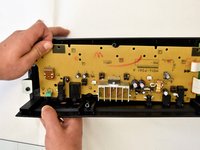
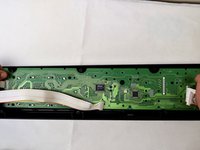
  9. CASIO CDP-230R Button Panel Replacement, Main Circuit Board: passo 9, immagine 1 di 2 CASIO CDP-230R Button Panel Replacement, Main Circuit Board: passo 9, immagine 2 di 2
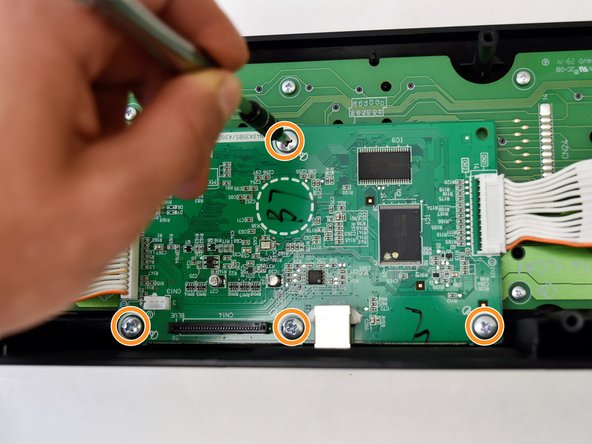
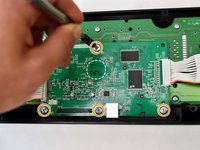
    • The main circuit board is located on the green side of the button panel. The main circuit board is the smaller green board.

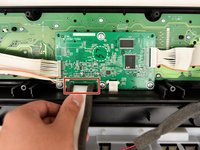
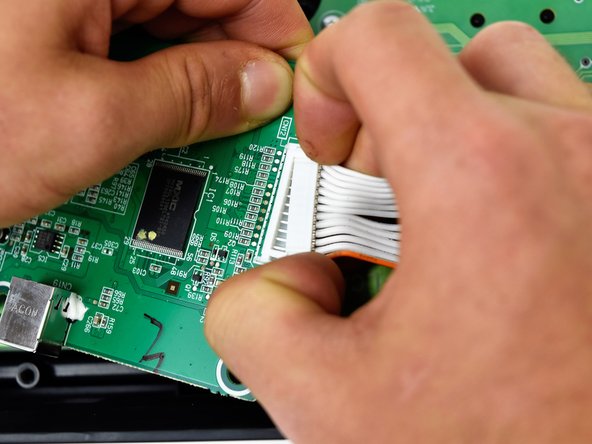
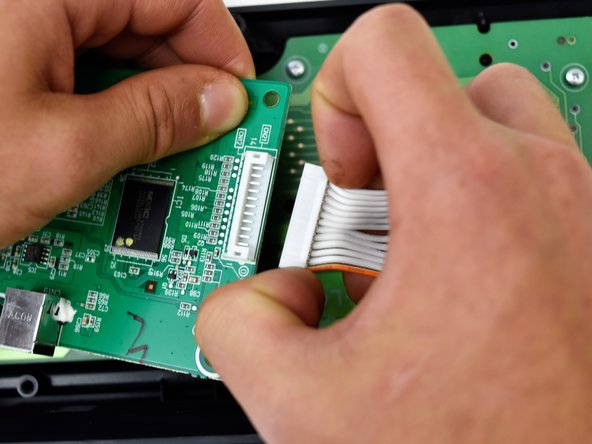
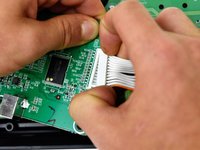
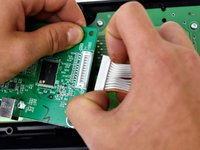
    • Grasp the white ribbon lined with foam and pull up to remove from the main circuit board.

    • Remove the four silver 8mm x 2mm J head screws with a J1 screwdriver.

    Chiedi a FixBot
  10. CASIO CDP-230R Button Panel Replacement: passo 10, immagine 1 di 1
    • Lift the main circuit board from the button panel.

    Chiedi a FixBot
  11. CASIO CDP-230R Button Panel Replacement: passo 11, immagine 1 di 3 CASIO CDP-230R Button Panel Replacement: passo 11, immagine 2 di 3 CASIO CDP-230R Button Panel Replacement: passo 11, immagine 3 di 3
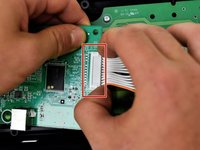
    • Grip the white plastic end of the orange and white cables that is attached to the right side of the main circuit board and pull to the right.

    • Repeat for the orange and white cables attached to the left side of the main circuit board and pull up.

    Chiedi a FixBot
  12. CASIO CDP-230R Button Panel Replacement, Button Panel: passo 12, immagine 1 di 2 CASIO CDP-230R Button Panel Replacement, Button Panel: passo 12, immagine 2 di 2
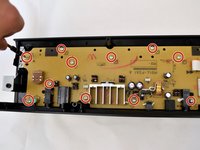
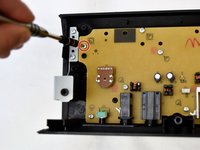
    • Remove the 11 7.5mm J head screws from the yellow button panel by using a J1 screwdriver.

    Chiedi a FixBot
  13. CASIO CDP-230R Button Panel Replacement: passo 13, immagine 1 di 2 CASIO CDP-230R Button Panel Replacement: passo 13, immagine 2 di 2
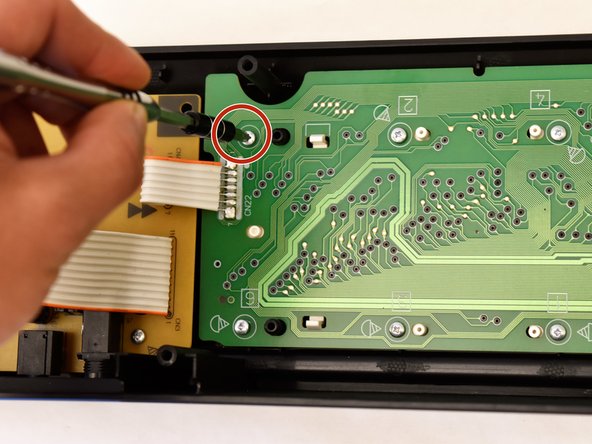
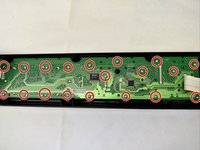
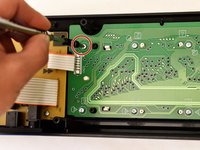
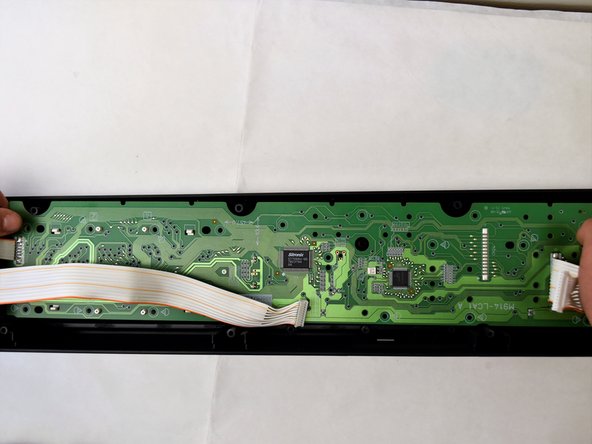
    • Remove the 19 9mm J head screws from the green button panel by using a J1 screwdriver.

    Chiedi a FixBot
  14. CASIO CDP-230R Button Panel Replacement: passo 14, immagine 1 di 2 CASIO CDP-230R Button Panel Replacement: passo 14, immagine 2 di 2
    • Lift the yellow side of the button panel first, then lift green side to remove the entire button panel together.

    • The yellow button panel will make a pop sound when removing it.

    • The volume knob will come off with the yellow circuit board. To place the knob back, snap it back into the socket on the outside of the front panel.

    Chiedi a FixBot
Conclusione

To reassemble your device, follow these instructions in reverse order.

Un'altra persona ha completato questa guida.

Team

Cal Poly, Team S4-G2, Livingston Fall 2017 Membro di Cal Poly, Team S4-G2, Livingston Fall 2017

CPSU-LIVINGSTON-F17S4G2

4 Membri

6 guide realizzate

0Commenti sulla guida

Aggiungi Commento

Visualizza statistiche:

Ultime 24 ore: 0

Ultimi 7 giorni: 4

Ultimi 30 giorni: 30

Tutti i Tempi: 2,215