Salta al contenuto principale
Unisciti alla Community delle riparazioni - Crea un account

Brother PT-210 Battery Replacement

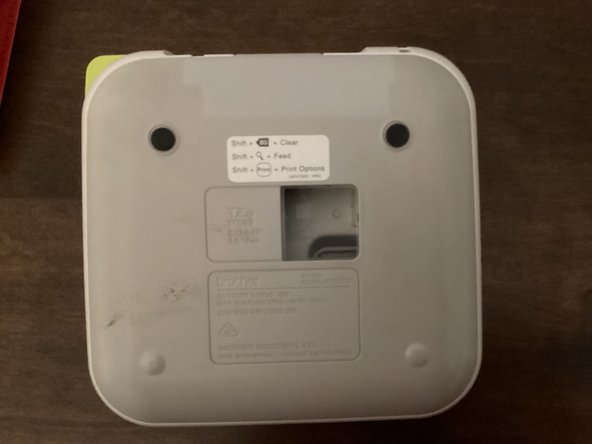
    1. Brother PT-210 Battery Replacement, Back Cover: passo 1, immagine 1 di 3 Brother PT-210 Battery Replacement, Back Cover: passo 1, immagine 2 di 3 Brother PT-210 Battery Replacement, Back Cover: passo 1, immagine 3 di 3
      • Use the tab to open the back cover of your machine.

      Chiedi a FixBot

      Aggiungi Commento

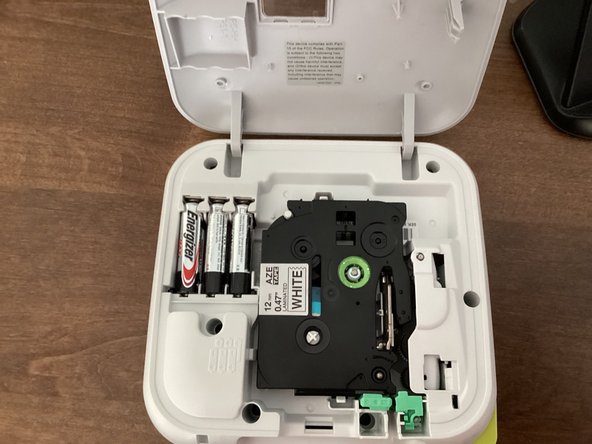
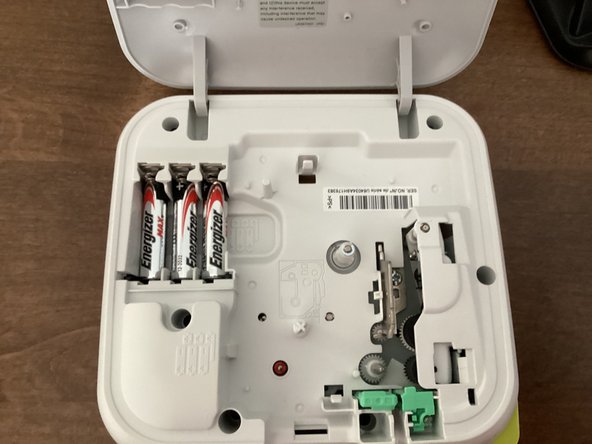
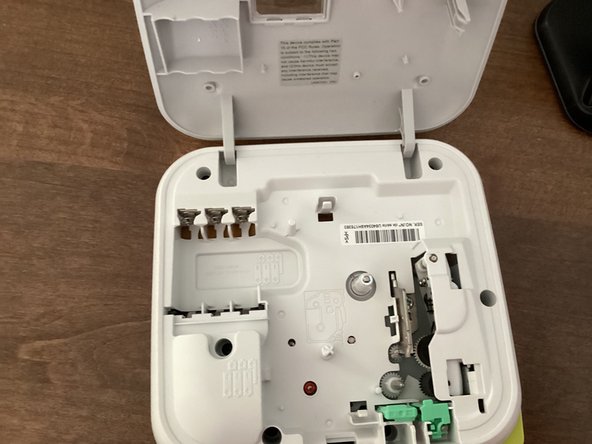
    1. Brother PT-210 Battery Replacement, Batteries: passo 2, immagine 1 di 3 Brother PT-210 Battery Replacement, Batteries: passo 2, immagine 2 di 3 Brother PT-210 Battery Replacement, Batteries: passo 2, immagine 3 di 3
      • Remove all 6 batteries from your machine.

      • When you put the batteries back in, keep in mind that the polarity of them matter. Your machine won't work if the polarities of the batteries are messed up.

      • Do not mix new and old batteries!

      • It might be helpful to take the tape out of your machine. This guide shows you how to.

      Chiedi a FixBot

      Aggiungi Commento

Conclusione

To reassemble your device, follow these instructions in reverse order.

Annulla: non ho completato questa guida.

TheMasterG

Membro da: 07/19/24

1.430 Reputazione

12 guide realizzate

0Commenti sulla guida

Aggiungi Commento

Visualizza statistiche:

Ultime 24 ore: 1

Ultimi 7 giorni: 4

Ultimi 30 giorni: 46

Tutti i Tempi: 462