Salta al contenuto principale
Unisciti alla Community delle riparazioni - Crea un account

Apple LED Cinema Display 27" LED Panel Replacement

Cosa ti serve

  1. Apple LED Cinema Display 27" LED Panel Replacement, LED panel: passo 1, immagine 1 di 3 Apple LED Cinema Display 27" LED Panel Replacement, LED panel: passo 1, immagine 2 di 3 Apple LED Cinema Display 27" LED Panel Replacement, LED panel: passo 1, immagine 3 di 3
    • Before beginning any work on your Mac: Unplug the computer and wait for 2 minutes in order for the power supply's capacitors to discharge.

    • Be very careful not to touch the capacitor leads or any exposed solder joints on the back of the power supply.

    • The all-in-one cable located underneath the power cable can NOT get disconnected from the rest of the enclosure.

    Chiedi a FixBot
  2. Apple LED Cinema Display 27" LED Panel Replacement: passo 2, immagine 1 di 3 Apple LED Cinema Display 27" LED Panel Replacement: passo 2, immagine 2 di 3 Apple LED Cinema Display 27" LED Panel Replacement: passo 2, immagine 3 di 3
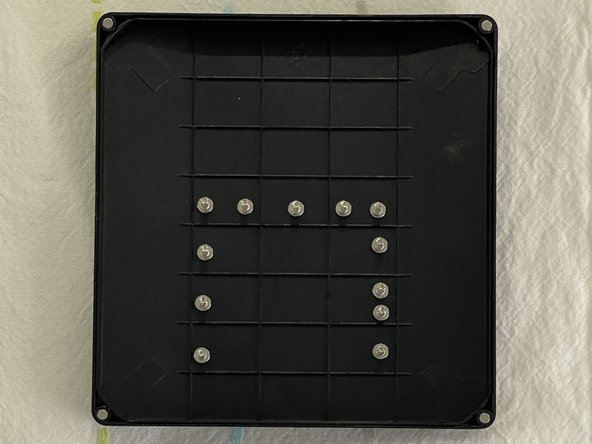
    • Glass panel can be removed in various ways:

    • Lay the unit on its back and press clean suction cups in opposite corners on the glass panel, or...

    • Lay the unit on its back and press clean suction cups on top.

    • Lift the glass panel up and off.

    Chiedi a FixBot
  3. Apple LED Cinema Display 27" LED Panel Replacement: passo 3, immagine 1 di 3 Apple LED Cinema Display 27" LED Panel Replacement: passo 3, immagine 2 di 3 Apple LED Cinema Display 27" LED Panel Replacement: passo 3, immagine 3 di 3
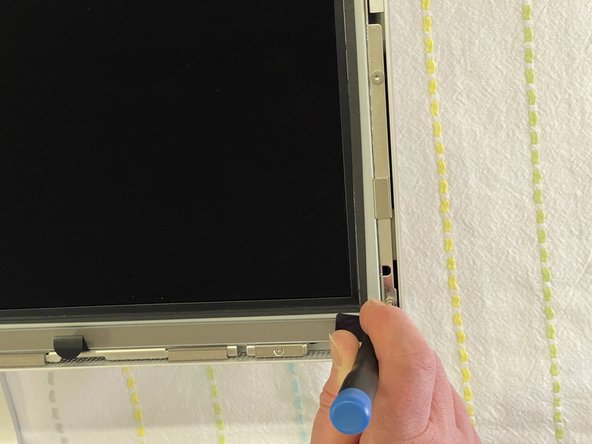
    • First Steps Remove the glass panel as shown on step 2.

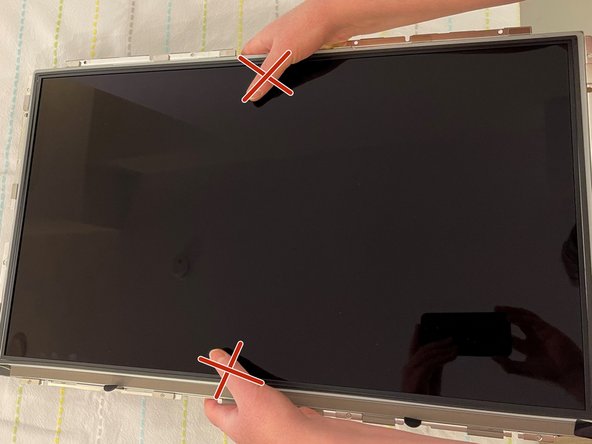
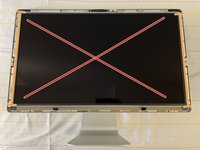
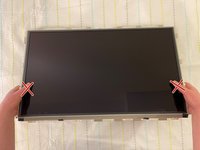
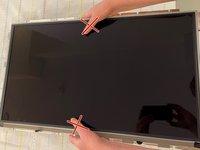
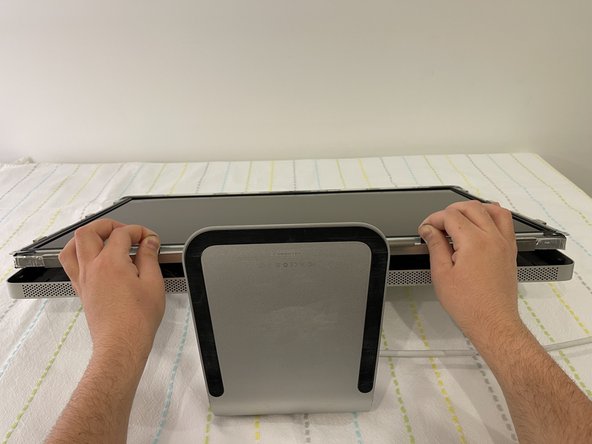
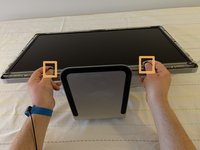
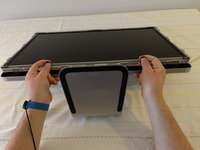
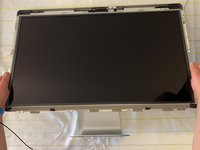
    • Upon disassembly, handle the LED panel only from the metal railings on either side and avoid touching the panel as much as possible.

    • Do not press on the front surface of the LED panel when handling, as this could cause the pixels from the panel to malfunction and/or stop working.

    Chiedi a FixBot
  4. Apple LED Cinema Display 27" LED Panel Replacement: passo 4, immagine 1 di 3 Apple LED Cinema Display 27" LED Panel Replacement: passo 4, immagine 2 di 3 Apple LED Cinema Display 27" LED Panel Replacement: passo 4, immagine 3 di 3
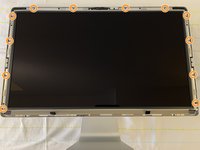
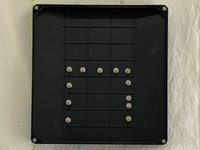
    • Remove the twelve, 10 mm Torx T10 screws around the border of the display frame.

    • Be sure not to overtighten the LED screws during reassembly, as it could cause light leakage after the unit is reassembled.

    Chiedi a FixBot
  5. Apple LED Cinema Display 27" LED Panel Replacement: passo 5, immagine 1 di 3 Apple LED Cinema Display 27" LED Panel Replacement: passo 5, immagine 2 di 3 Apple LED Cinema Display 27" LED Panel Replacement: passo 5, immagine 3 di 3
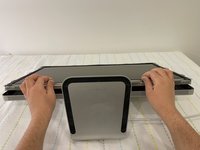
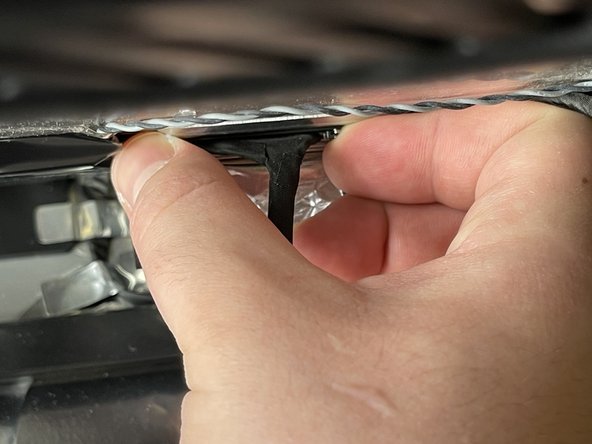
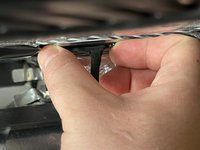
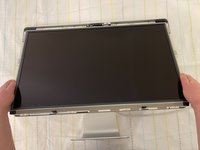
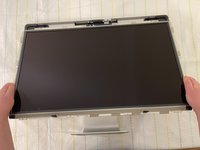
    • Use the black tabs to raise the bottom edge of the LCD a few inches to access the cables inside.

    • Tilt the display up no more than 4 inches (10 cm). Pulling the display too far could damage the cables or connectors.

    Chiedi a FixBot
  6. Apple LED Cinema Display 27" LED Panel Replacement: passo 6, immagine 1 di 2 Apple LED Cinema Display 27" LED Panel Replacement: passo 6, immagine 2 di 2
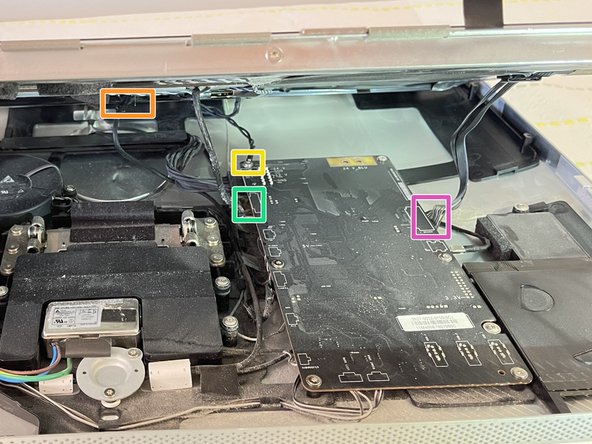
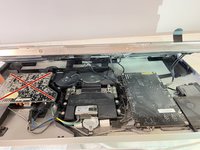
    • Avoid coming in close contact or touching any components of the Power Supply.

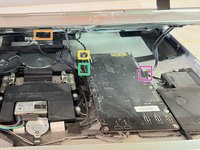
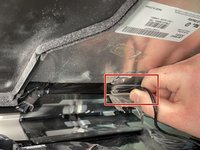
    • Looking into the gap under the LCD, disconnect four (4) cables:

    • DisplayPort

    • Function

    • Ground pin

    • LED backlight driver

    • Verify that all cables are firmly seated into connectors during reassembly. An insecure cable connection can cause image flicker.

    Chiedi a FixBot
  7. Apple LED Cinema Display 27" LED Panel Replacement: passo 7, immagine 1 di 3 Apple LED Cinema Display 27" LED Panel Replacement: passo 7, immagine 2 di 3 Apple LED Cinema Display 27" LED Panel Replacement: passo 7, immagine 3 di 3
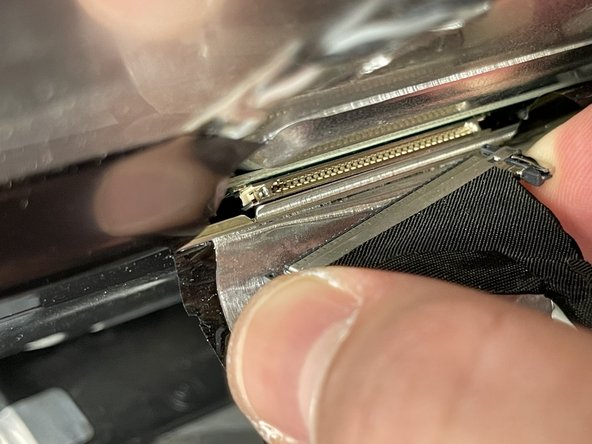
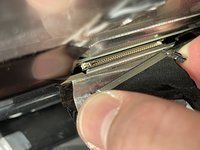
    • Peel back the mylar and foil tape on the DisplayPort cable on the back of the LED panel.

    • Squeeze the sides of connector and pull it out.

    • Make sure the 24 pin cable is correctly aligned with the LED panel upon reassembly.

    Chiedi a FixBot
  8. Apple LED Cinema Display 27" LED Panel Replacement: passo 8, immagine 1 di 3 Apple LED Cinema Display 27" LED Panel Replacement: passo 8, immagine 2 di 3 Apple LED Cinema Display 27" LED Panel Replacement: passo 8, immagine 3 di 3
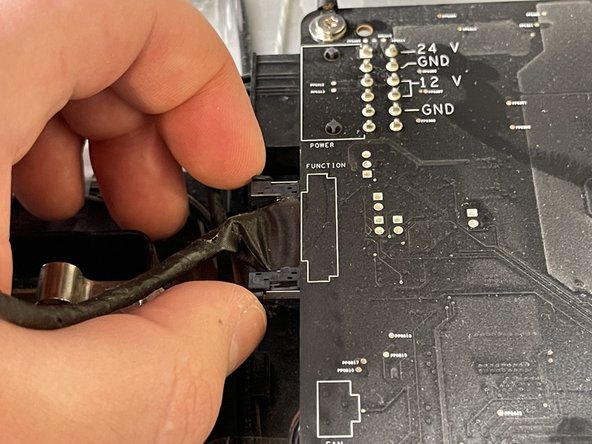
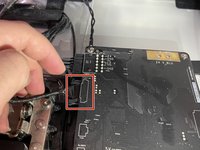
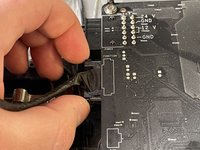
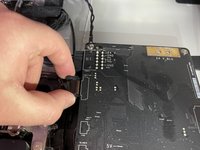
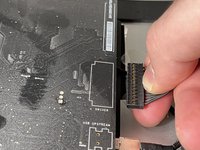
    • Squeeze the sides of the function cable connector on the top left edge of the logic board and pull it straight out.

    • Make sure to align the function cable correctly with the logic board during reassembly.

    Chiedi a FixBot
  9. Apple LED Cinema Display 27" LED Panel Replacement: passo 9, immagine 1 di 2 Apple LED Cinema Display 27" LED Panel Replacement: passo 9, immagine 2 di 2
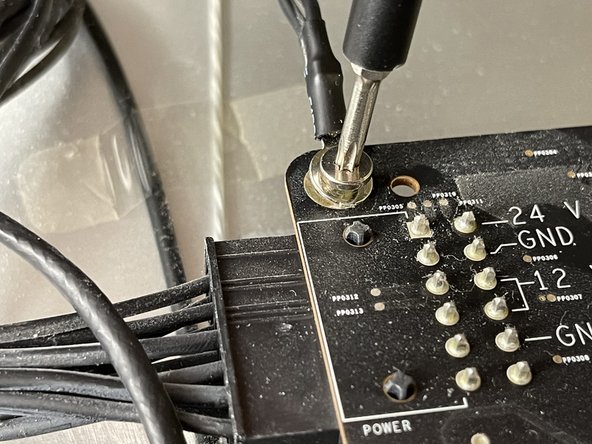
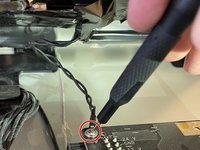
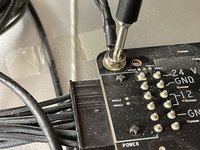
    • Close-up of the ground cable at top left of logic board. Remove the 10 mm Torx T10 screw from top left corner of logic board.

    • Disconnect the ground cable.

    • Avoid touching the double pins on the top left corner of the logic board with a screwdriver.

    Chiedi a FixBot
  10. Apple LED Cinema Display 27" LED Panel Replacement: passo 10, immagine 1 di 3 Apple LED Cinema Display 27" LED Panel Replacement: passo 10, immagine 2 di 3 Apple LED Cinema Display 27" LED Panel Replacement: passo 10, immagine 3 di 3
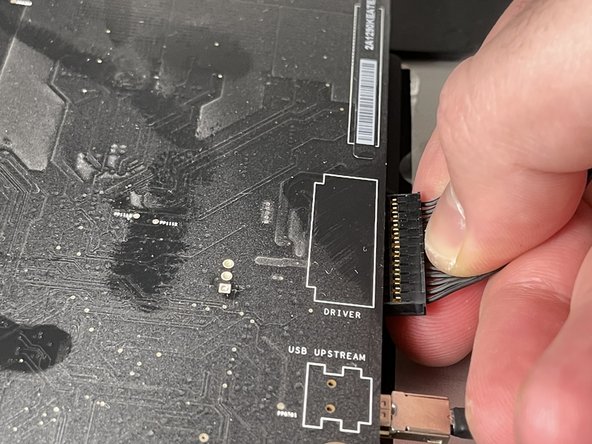
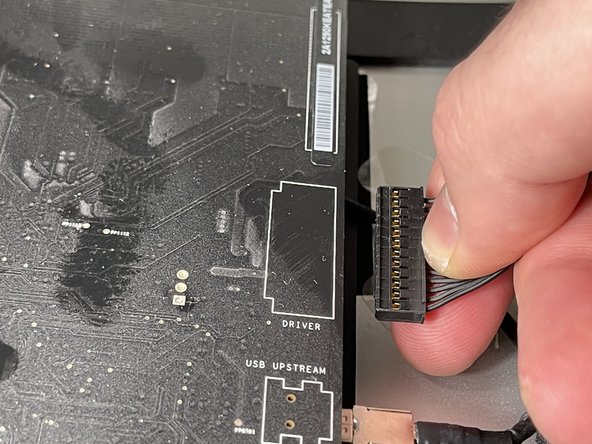
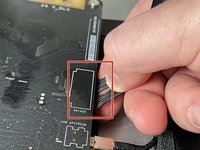
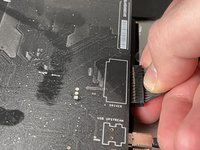
    • Pinch the LED backlight driver cable on the underside of the center right edge of the logic board and pull straight out.

    • Avoid putting force on the logic board to bend as deformation of a logic board can cause issues.

    Chiedi a FixBot
  11. Apple LED Cinema Display 27" LED Panel Replacement: passo 11, immagine 1 di 3 Apple LED Cinema Display 27" LED Panel Replacement: passo 11, immagine 2 di 3 Apple LED Cinema Display 27" LED Panel Replacement: passo 11, immagine 3 di 3
    • Handle the LCD panel by the edges and lift it upwards until it separates from the rest of the enclosure.

    • This guide can be followed in reserve in order to perform an installation and reassembly of the LED panel to the rest of the enclosure.

    Chiedi a FixBot
Conclusione

In order to put everything back to its original place, we will need the new LCD panel and to follow the above steps in reverse.

Altre 8 persone hanno completato questa guida.

Documenti allegati

Iason Kotakis

Membro da: 01/10/21

393 Reputazione

Una guida realizzata

Team

0Commenti sulla guida

Aggiungi Commento

Visualizza statistiche:

Ultime 24 ore: 5

Ultimi 7 giorni: 47

Ultimi 30 giorni: 317

Tutti i Tempi: 16,948