Salta al contenuto principale
Unisciti alla Community delle riparazioni - Crea un account

Anker Soundcore Flare Mini Audio Drivers Replacement

Cosa ti serve

  1. Anker Soundcore Flare Mini Audio Drivers Replacement, Bottom Cover: passo 1, immagine 1 di 3 Anker Soundcore Flare Mini Audio Drivers Replacement, Bottom Cover: passo 1, immagine 2 di 3 Anker Soundcore Flare Mini Audio Drivers Replacement, Bottom Cover: passo 1, immagine 3 di 3
    Strumento utilizzato in questo passaggio:
    Tweezers
    $4.99
    • The rubber cover of the speaker is glued down.

    • Use precision tweezers to peel the rubber cover off of the bottom of the speaker.

    Chiedi a FixBot
  2. Anker Soundcore Flare Mini Audio Drivers Replacement: passo 2, immagine 1 di 3 Anker Soundcore Flare Mini Audio Drivers Replacement: passo 2, immagine 2 di 3 Anker Soundcore Flare Mini Audio Drivers Replacement: passo 2, immagine 3 di 3
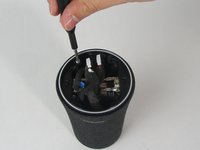
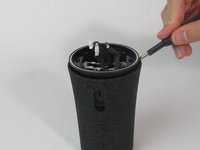
    • Remove six 10 mm screws holding the plastic cover in place using a Phillips #1 screwdriver.

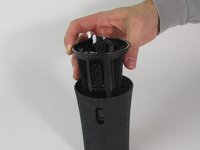
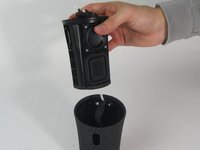
    • Use your hand to pull the plastic cover off the bottom of the speaker.

    Chiedi a FixBot
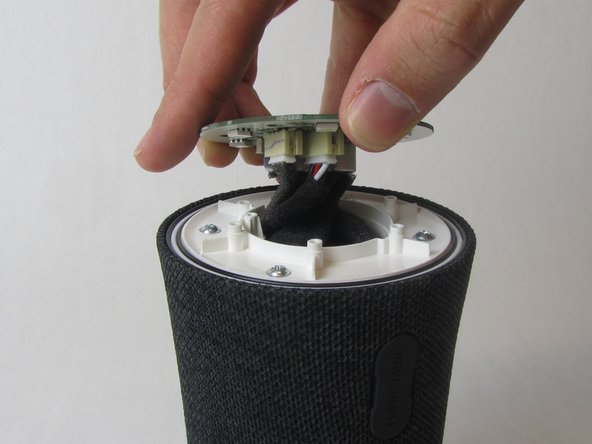
  3. Anker Soundcore Flare Mini Audio Drivers Replacement, Motherboard: passo 3, immagine 1 di 3 Anker Soundcore Flare Mini Audio Drivers Replacement, Motherboard: passo 3, immagine 2 di 3 Anker Soundcore Flare Mini Audio Drivers Replacement, Motherboard: passo 3, immagine 3 di 3
    • Remove the single 10 mm screw holding the motherboard in place using a Phillips #1 screwdriver.

    • Lift the motherboard up.

    • The motherboard is still attached to several wires underneath.

    Chiedi a FixBot
  4. Anker Soundcore Flare Mini Audio Drivers Replacement: passo 4, immagine 1 di 3 Anker Soundcore Flare Mini Audio Drivers Replacement: passo 4, immagine 2 di 3 Anker Soundcore Flare Mini Audio Drivers Replacement: passo 4, immagine 3 di 3
    Strumento utilizzato in questo passaggio:
    Tweezers
    $4.99
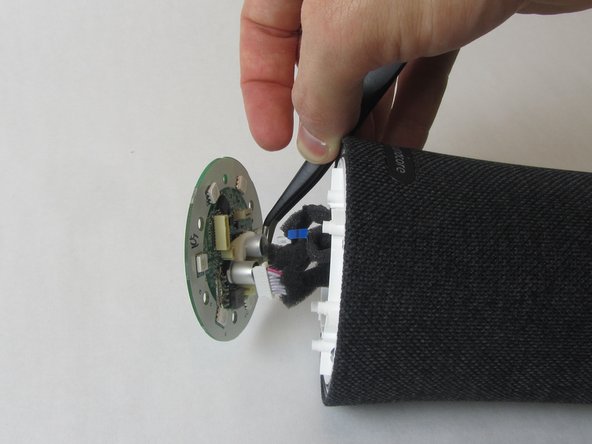
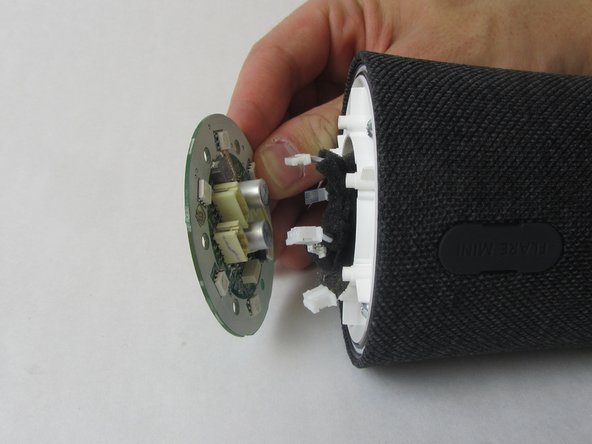
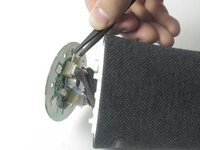
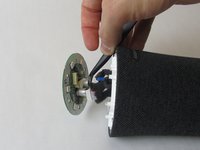
    • Use precision tweezers to firmly grasp the five power connectors and detach them from the back of the motherboard.

    • When removing the power connectors, do not pull the wires themselves.

    • Remove the motherboard from the speaker.

    Chiedi a FixBot
  5. Anker Soundcore Flare Mini Audio Drivers Replacement, Waterproof Outer Shell: passo 5, immagine 1 di 3 Anker Soundcore Flare Mini Audio Drivers Replacement, Waterproof Outer Shell: passo 5, immagine 2 di 3 Anker Soundcore Flare Mini Audio Drivers Replacement, Waterproof Outer Shell: passo 5, immagine 3 di 3
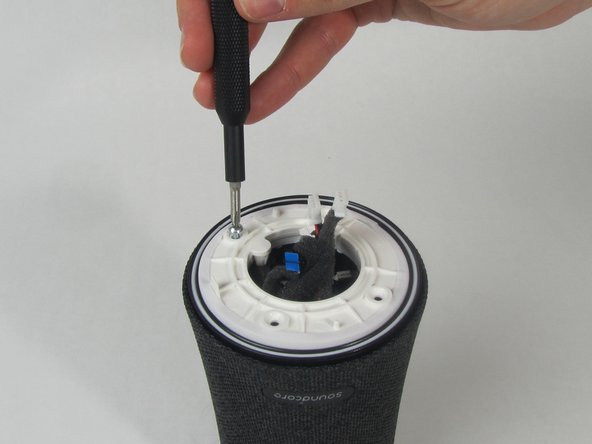
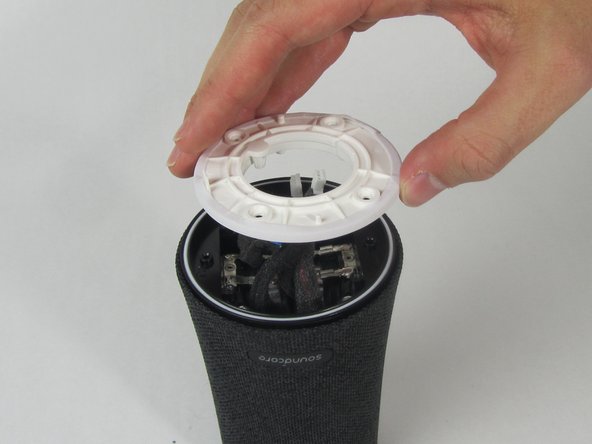
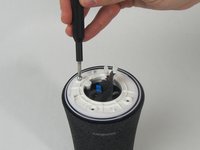
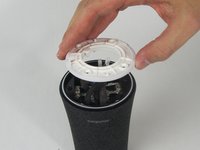
    • Remove the four 11 mm screws from the white plastic cover using a Phillips #1 screwdriver.

    • Remove the white plastic cover from the speaker.

    Chiedi a FixBot
  6. Anker Soundcore Flare Mini Audio Drivers Replacement: passo 6, immagine 1 di 2 Anker Soundcore Flare Mini Audio Drivers Replacement: passo 6, immagine 2 di 2
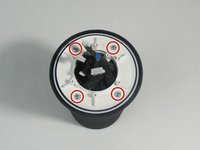
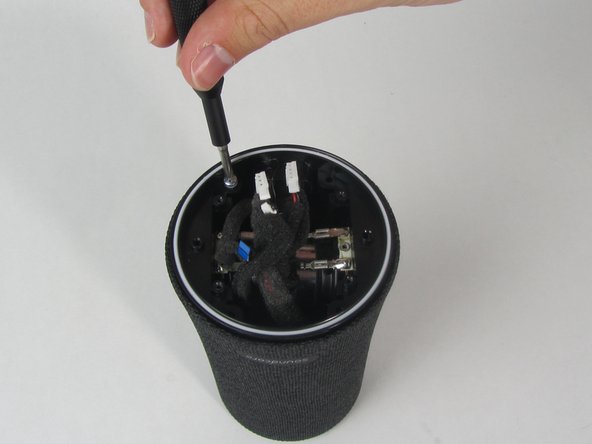
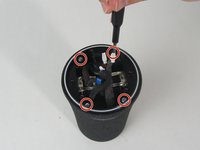
    • Remove the other four 11 mm screws holding the outer shell in place with a Phillips #1 screwdriver.

    Chiedi a FixBot
  7. Anker Soundcore Flare Mini Audio Drivers Replacement: passo 7, immagine 1 di 1
    • Pull the charging port away from the side of the speaker.

    Chiedi a FixBot
  8. Anker Soundcore Flare Mini Audio Drivers Replacement: passo 8, immagine 1 di 3 Anker Soundcore Flare Mini Audio Drivers Replacement: passo 8, immagine 2 di 3 Anker Soundcore Flare Mini Audio Drivers Replacement: passo 8, immagine 3 di 3
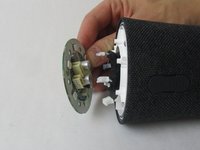
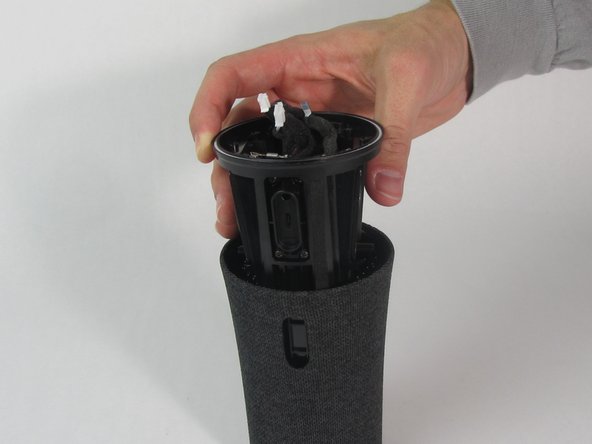
    • Use a spudger to loosen the cover from the inner components of the speaker.

    • Slide the cover completely off.

    • One wire will still be connected to the shell.

    Chiedi a FixBot
  9. Anker Soundcore Flare Mini Audio Drivers Replacement, Audio Drivers: passo 9, immagine 1 di 3 Anker Soundcore Flare Mini Audio Drivers Replacement, Audio Drivers: passo 9, immagine 2 di 3 Anker Soundcore Flare Mini Audio Drivers Replacement, Audio Drivers: passo 9, immagine 3 di 3
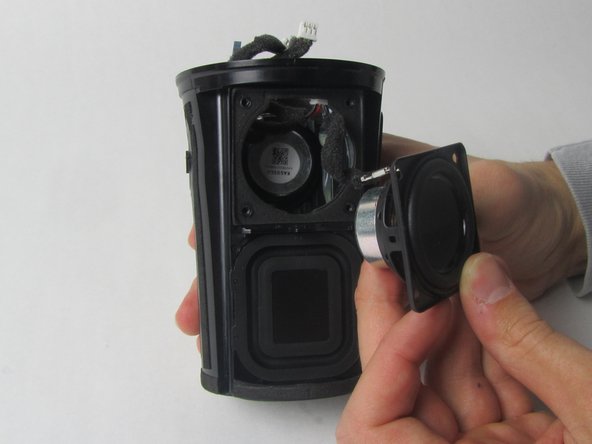
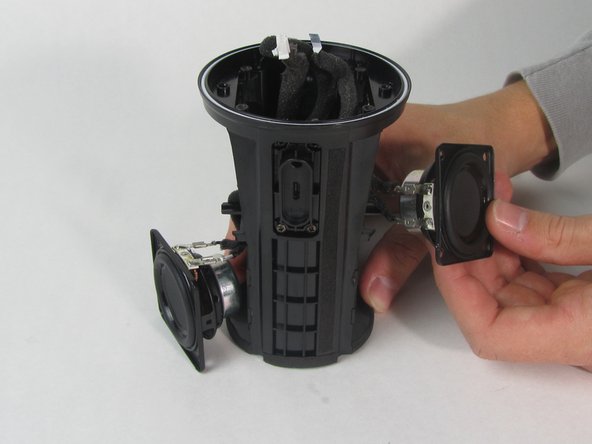
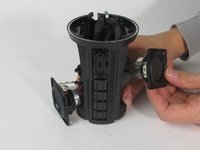
    • There are two drivers—one on each side of the speaker.

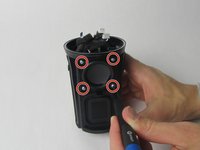
    • Use a Phillips #1 screwdriver to remove the four 11 mm screws from one driver.

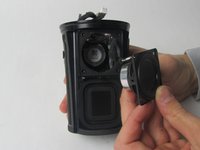
    • Use your hand to pull the driver out of the device.

    • Repeat this step with the other driver.

    Chiedi a FixBot
  10. Anker Soundcore Flare Mini Audio Drivers Replacement: passo 10, immagine 1 di 3 Anker Soundcore Flare Mini Audio Drivers Replacement: passo 10, immagine 2 di 3 Anker Soundcore Flare Mini Audio Drivers Replacement: passo 10, immagine 3 di 3
    Strumento utilizzato in questo passaggio:
    Tweezers
    $4.99
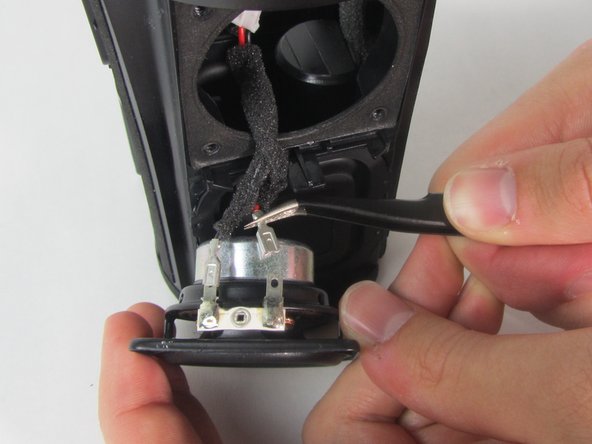
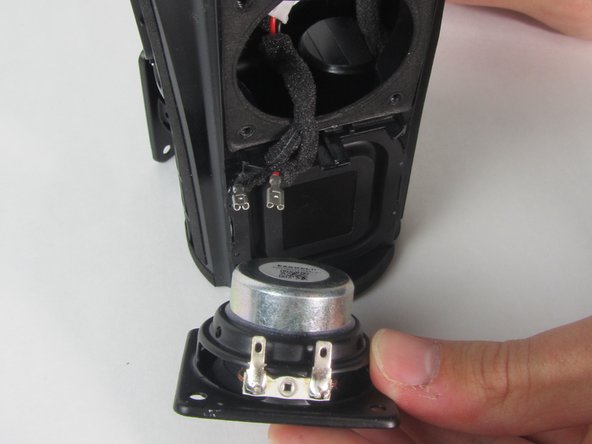
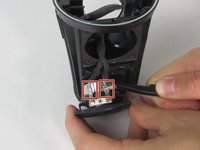
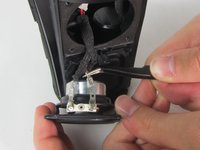
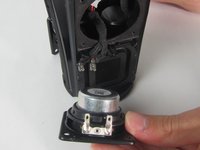
    • Use precision tweezers to detach the two wire connectors from the driver.

    • Both drivers are connected to the same wire so removing one side will separate the other driver from the device as well.

    • Remove both drivers from the device.

    Chiedi a FixBot
Conclusione

To reassemble your device, follow these instructions in reverse order.

1Commento della guida

what size are the speakers?

Chris - Rispondi Condividi
Aggiungi Commento

Visualizza statistiche:

Ultime 24 ore: 2

Ultimi 7 giorni: 10

Ultimi 30 giorni: 58

Tutti i Tempi: 1,441