Salta al contenuto principale
Unisciti alla Community delle riparazioni - Crea un account

Amazon Fire TV Cube Button Replacement

Cosa ti serve

  1. Amazon Fire TV Cube Button  Replacement, Speaker: passo 1, immagine 1 di 3 Amazon Fire TV Cube Button  Replacement, Speaker: passo 1, immagine 2 di 3 Amazon Fire TV Cube Button  Replacement, Speaker: passo 1, immagine 3 di 3
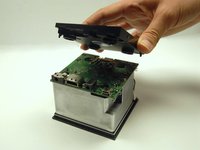
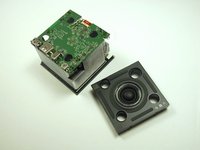
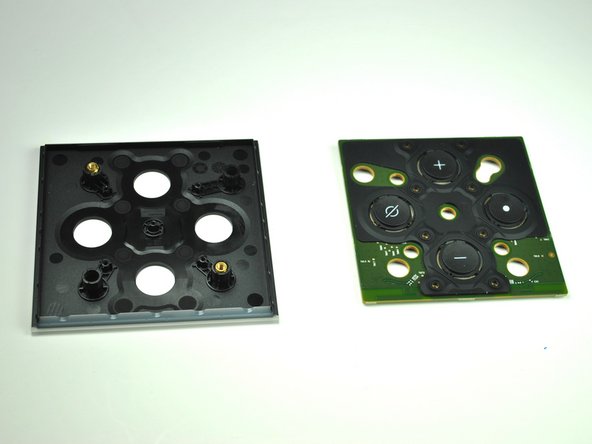
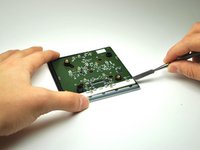
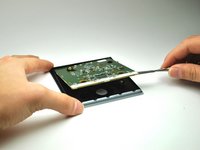
    • Using a metal spudger, push down between the edge seals on the base and pry off the base.

    • Do not confuse the top thin layer of rubber with the thick palette that needs to be removed.

    • This may require substantial force.

    Chiedi a FixBot

    Aggiungi Commento

  2. Amazon Fire TV Cube Button  Replacement: passo 2, immagine 1 di 3 Amazon Fire TV Cube Button  Replacement: passo 2, immagine 2 di 3 Amazon Fire TV Cube Button  Replacement: passo 2, immagine 3 di 3
    • Use the T-10 bit from the iFixit tool kit to unscrew the four 1.4 inch corner screws on top of the first layer.

    • There are 4 washers to go with each of the screws.

    Chiedi a FixBot

    Aggiungi Commento

  3. Amazon Fire TV Cube Button  Replacement: passo 3, immagine 1 di 1
    • Lift and remove the full frame.

    Chiedi a FixBot

    Aggiungi Commento

  4. Amazon Fire TV Cube Button  Replacement: passo 4, immagine 1 di 2 Amazon Fire TV Cube Button  Replacement: passo 4, immagine 2 di 2
    • Lift and remove the speaker.

    • Carefully match the outlets on the speaker with the outlets on the motherboard.

    Chiedi a FixBot

    Aggiungi Commento

  5. Amazon Fire TV Cube Button  Replacement, Motherboard: passo 5, immagine 1 di 2 Amazon Fire TV Cube Button  Replacement, Motherboard: passo 5, immagine 2 di 2
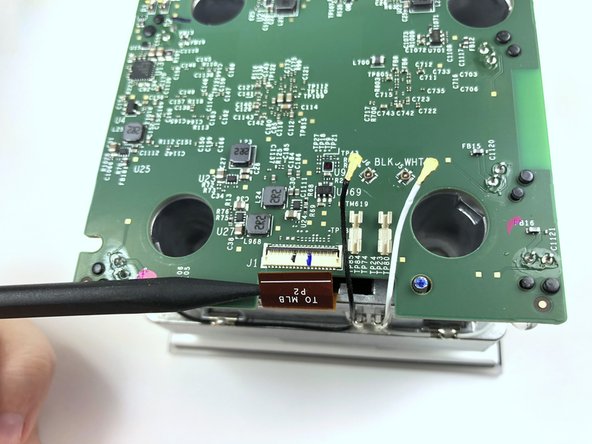
    • Lift the black latch by gently prying up with the flat end of the Spudger.

    • Detach the copper tap by pulling it out.

    Chiedi a FixBot

    Aggiungi Commento

  6. Amazon Fire TV Cube Button  Replacement: passo 6, immagine 1 di 2 Amazon Fire TV Cube Button  Replacement: passo 6, immagine 2 di 2
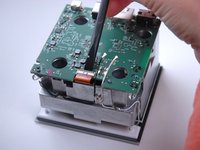
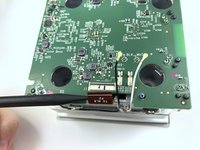
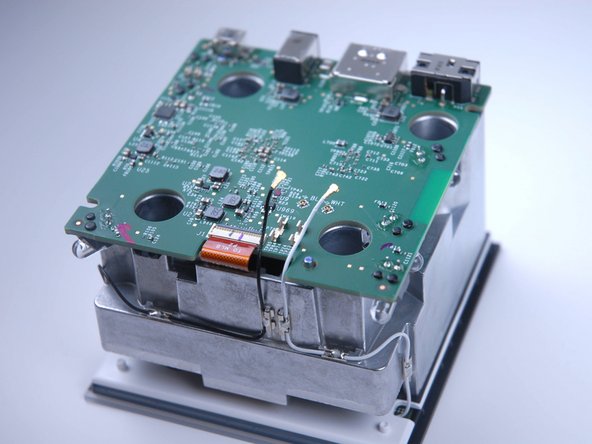
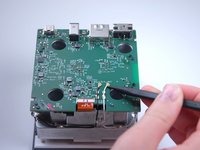
    • Use the pointed end of the Spudger to carefully detach the black and white wires from the motherboard.

    • Make sure all three attachments (the copper tab and both wires) are fully disconnected before continuing.

    Chiedi a FixBot

    Aggiungi Commento

  7. Amazon Fire TV Cube Button  Replacement: passo 7, immagine 1 di 2 Amazon Fire TV Cube Button  Replacement: passo 7, immagine 2 di 2
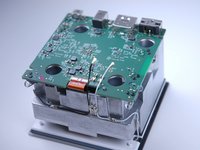
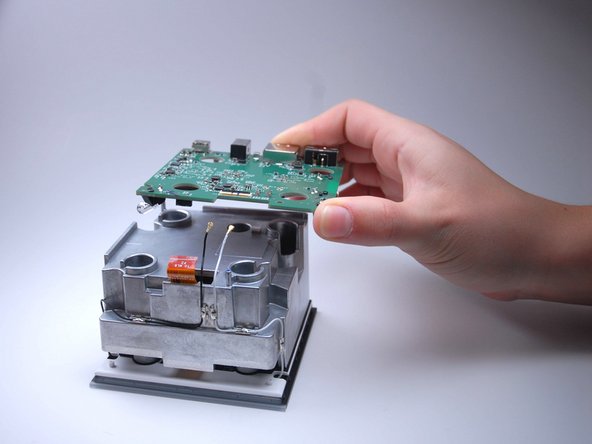
    • Gently pry the motherboard up and off.

    Chiedi a FixBot

    Aggiungi Commento

  8. Amazon Fire TV Cube Button  Replacement, Button: passo 8, immagine 1 di 3 Amazon Fire TV Cube Button  Replacement, Button: passo 8, immagine 2 di 3 Amazon Fire TV Cube Button  Replacement, Button: passo 8, immagine 3 di 3
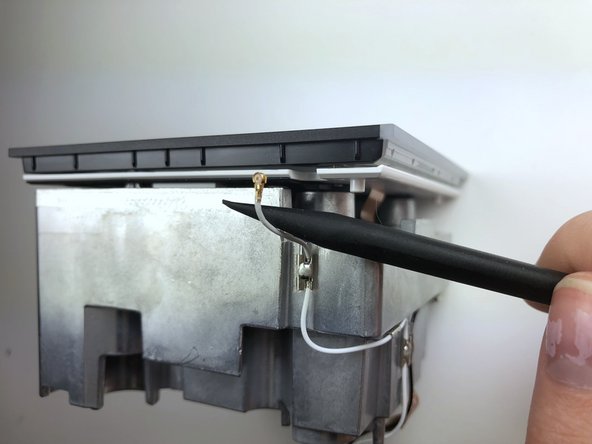
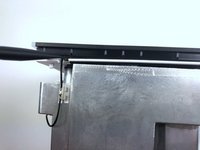
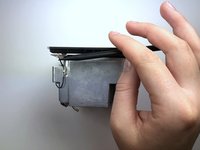
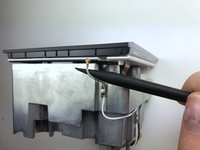
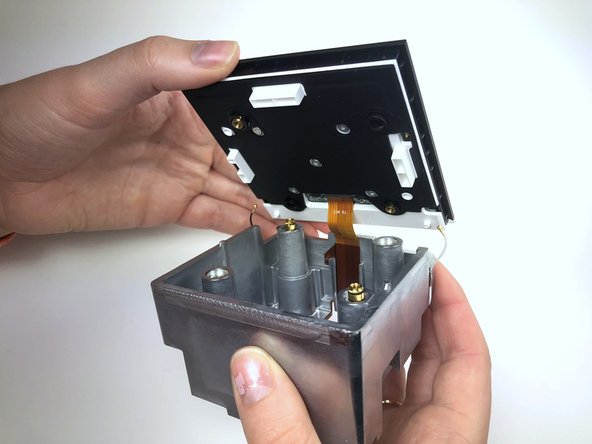
    • Detach the wires from the opposite end of the frame using the flat end of the Spudger.

    • You can’t see where the wires are attached because it is hidden underneath the white frame.

    • Make sure both wire attachments are fully disconnected before continuing.

    Chiedi a FixBot

    Aggiungi Commento

  9. Amazon Fire TV Cube Button  Replacement: passo 9, immagine 1 di 2 Amazon Fire TV Cube Button  Replacement: passo 9, immagine 2 di 2
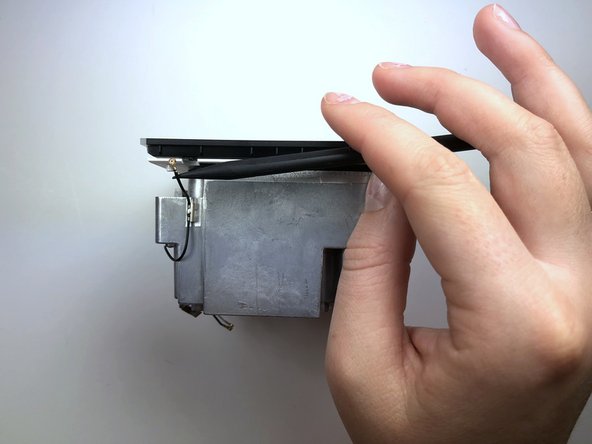
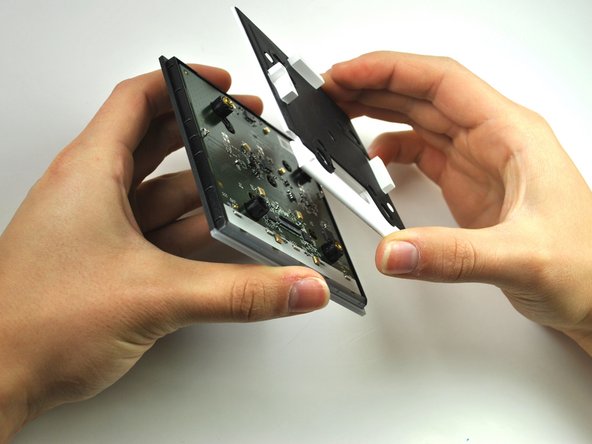
    • Pry apart the black plastic face from metal frame.

    • This requires substantial force.

    • Be careful not to tear connecting copper tab.

    Chiedi a FixBot

    Aggiungi Commento

  10. Amazon Fire TV Cube Button  Replacement: passo 10, immagine 1 di 2 Amazon Fire TV Cube Button  Replacement: passo 10, immagine 2 di 2
    Strumento utilizzato in questo passaggio:
    Tweezers
    $3.99
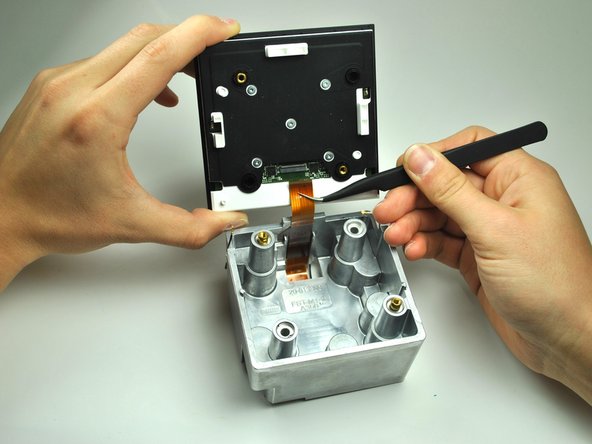
    • Lift the black latch to detach the copper tab by gently prying with the angled Tweezers.

    • Use the Angled Tweezers to carefully pull out the copper tab.

    Chiedi a FixBot

    Aggiungi Commento

  11. Amazon Fire TV Cube Button  Replacement: passo 11, immagine 1 di 2 Amazon Fire TV Cube Button  Replacement: passo 11, immagine 2 di 2
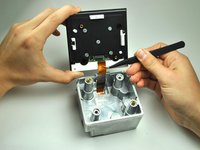
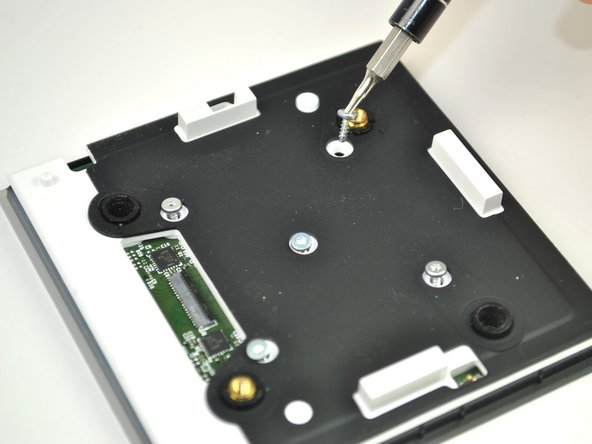
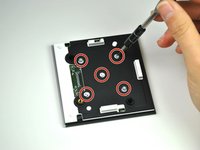
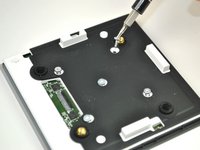
    • Unscrew the five T-6 quarter inch screws.

    Chiedi a FixBot

    Aggiungi Commento

  12. Amazon Fire TV Cube Button  Replacement: passo 12, immagine 1 di 2 Amazon Fire TV Cube Button  Replacement: passo 12, immagine 2 di 2
    • Lift and remove white the frame to reveal the circuit board.

    Chiedi a FixBot

    Aggiungi Commento

  13. Amazon Fire TV Cube Button  Replacement: passo 13, immagine 1 di 3 Amazon Fire TV Cube Button  Replacement: passo 13, immagine 2 di 3 Amazon Fire TV Cube Button  Replacement: passo 13, immagine 3 di 3
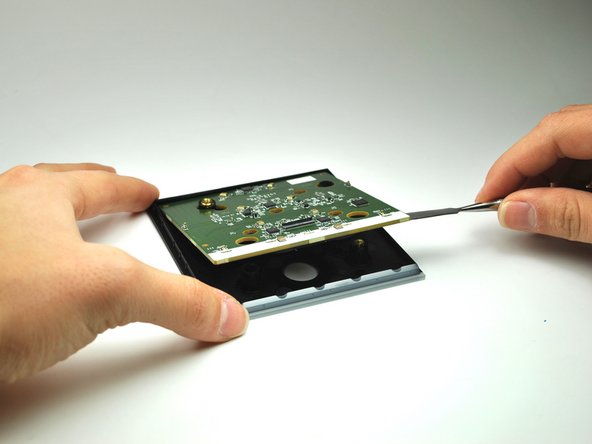
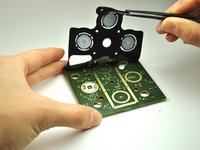
    • Using a the Metal Spudger, pry up the circuit board to reveal a rubber button panel.

    Chiedi a FixBot

    Aggiungi Commento

  14. Amazon Fire TV Cube Button  Replacement: passo 14, immagine 1 di 2 Amazon Fire TV Cube Button  Replacement: passo 14, immagine 2 di 2
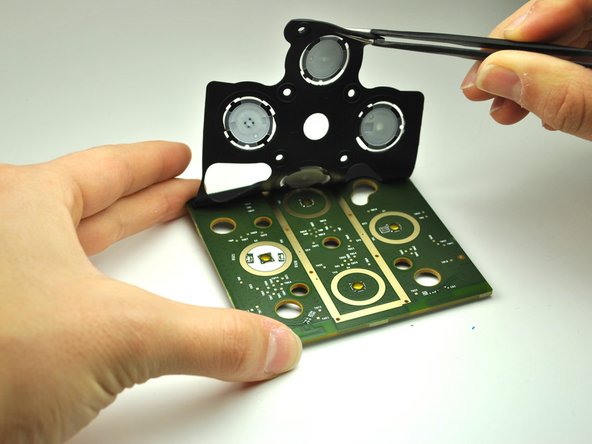
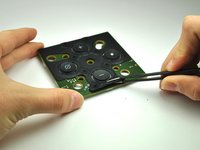
    • Peel back the rubber button casing.

    • Pay close attention to the orientation of the rubber casing.

    Chiedi a FixBot

    Aggiungi Commento

Conclusione

To reassemble your device, follow these instructions in reverse order.

Annulla: non ho completato questa guida.

1Commento della guida

A suggestion for step 8: the antenna wires are not soldered to the aluminum heatsink; they are soldered to small clips that are easily popped off from the heatsink. I found it much easier to pop off all the clips and free the antenna wires from the heatsink than try to remove the antenna connectors from the top circuit board while it is still attached to the frame. After removing the top circuit board from the frame, it’s then much easier to remove the antenna connectors.

Phil G - Rispondi Condividi
Aggiungi Commento

Visualizza statistiche:

Ultime 24 ore: 0

Ultimi 7 giorni: 8

Ultimi 30 giorni: 48

Tutti i Tempi: 3,331