Salta al contenuto principale
Unisciti alla Community delle riparazioni - Crea un account

Amazon Fire HD 7 (4th Generation) Display Replacement

Cosa ti serve

  1. Amazon Fire HD 7 (4th Generation) Display Replacement, Motherboard: passo 1, immagine 1 di 3 Amazon Fire HD 7 (4th Generation) Display Replacement, Motherboard: passo 1, immagine 2 di 3 Amazon Fire HD 7 (4th Generation) Display Replacement, Motherboard: passo 1, immagine 3 di 3
    • Insert the plastic opening tool behind the rear case to free the clips holding the case together.

    • Work your way around the device to free all the clips.

    Chiedi a FixBot

    Aggiungi Commento

  2. Amazon Fire HD 7 (4th Generation) Display Replacement: passo 2, immagine 1 di 1
    • Once all clips have been released, remove the back case to reveal the inside of the device.

    Chiedi a FixBot

    Aggiungi Commento

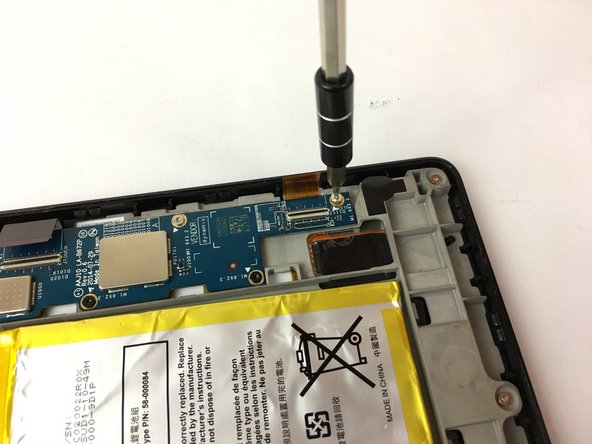
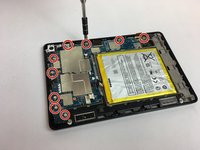
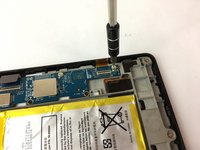
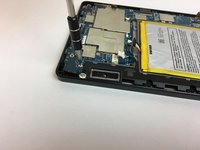
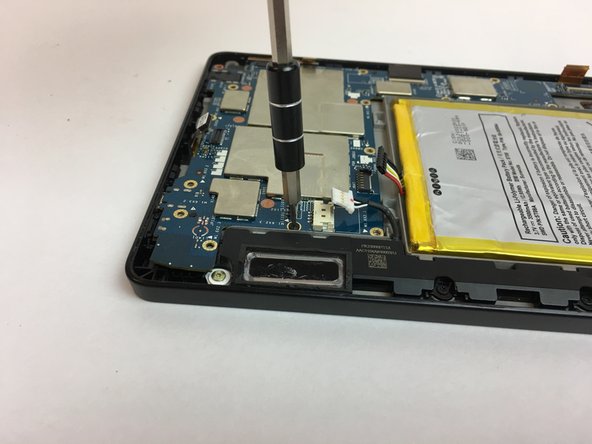
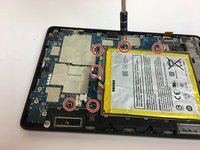
  3. Amazon Fire HD 7 (4th Generation) Display Replacement: passo 3, immagine 1 di 3 Amazon Fire HD 7 (4th Generation) Display Replacement: passo 3, immagine 2 di 3 Amazon Fire HD 7 (4th Generation) Display Replacement: passo 3, immagine 3 di 3
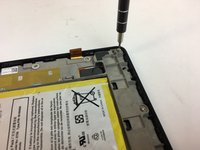
    • Remove the nine silver screws located around the motherboard with the T5 Torx screwdriver.

    Chiedi a FixBot

    Aggiungi Commento

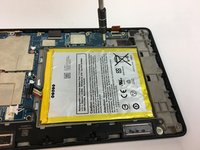
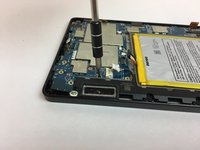
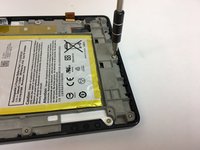
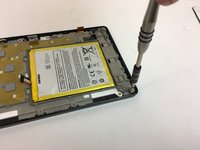
  4. Amazon Fire HD 7 (4th Generation) Display Replacement: passo 4, immagine 1 di 3 Amazon Fire HD 7 (4th Generation) Display Replacement: passo 4, immagine 2 di 3 Amazon Fire HD 7 (4th Generation) Display Replacement: passo 4, immagine 3 di 3
    • Remove the six black screws located around the battery and the speaker with the T5 Torx screwdriver.

    • Make your way around the battery and speaker to remove all of them.

    Chiedi a FixBot

    Aggiungi Commento

  5. Amazon Fire HD 7 (4th Generation) Display Replacement: passo 5, immagine 1 di 3 Amazon Fire HD 7 (4th Generation) Display Replacement: passo 5, immagine 2 di 3 Amazon Fire HD 7 (4th Generation) Display Replacement: passo 5, immagine 3 di 3
    Strumento utilizzato in questo passaggio:
    Tweezers
    $4.99
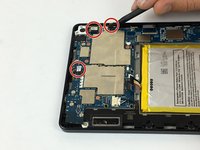
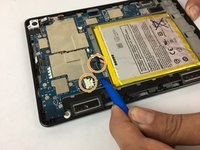
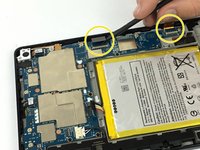
    • Carefully unplug the three wire connections by placing a plastic spudger under the connections and lifting up.

    • Disconnect the battery and speaker connections by placing the round handle spudger under the wires and lifting up and out.

    • Disconnect the display connections from the motherboard by using the plastic spudger to lift the clamp holding the ribbon cable. Then, using the tweezers, grab the ribbon wire and pull away from the motherboard.

    Chiedi a FixBot

    Aggiungi Commento

  6. Amazon Fire HD 7 (4th Generation) Display Replacement: passo 6, immagine 1 di 2 Amazon Fire HD 7 (4th Generation) Display Replacement: passo 6, immagine 2 di 2
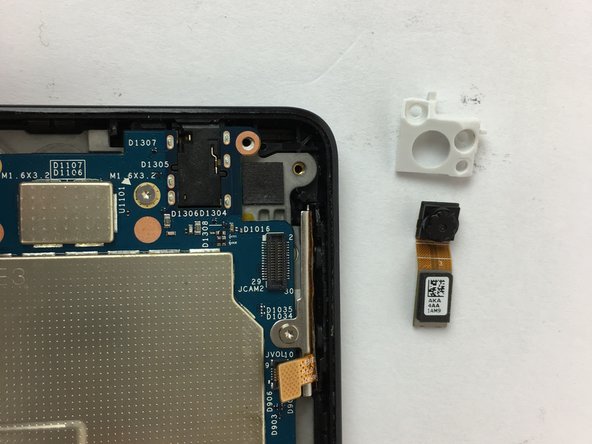
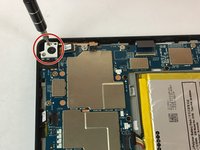
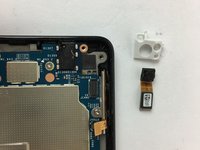
    • Remove the two screws holding the rear camera in place using the T5 Torx screwdriver.

    • Once freed from the screws, gently lift and remove the rear camera.

    • The camera lens is sensitive. Be careful when removing and handling the rear camera.

    Chiedi a FixBot

    Aggiungi Commento

  7. Amazon Fire HD 7 (4th Generation) Display Replacement: passo 7, immagine 1 di 2 Amazon Fire HD 7 (4th Generation) Display Replacement: passo 7, immagine 2 di 2
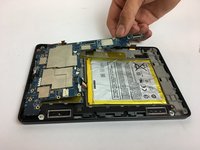
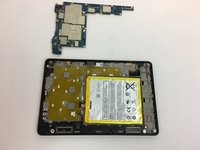
    • Now the motherboard is free to be removed.

    • Lift the motherboard up to remove it as shown in the picture.

    Chiedi a FixBot

    Aggiungi Commento

  8. Amazon Fire HD 7 (4th Generation) Display Replacement, Display: passo 8, immagine 1 di 3 Amazon Fire HD 7 (4th Generation) Display Replacement, Display: passo 8, immagine 2 di 3 Amazon Fire HD 7 (4th Generation) Display Replacement, Display: passo 8, immagine 3 di 3
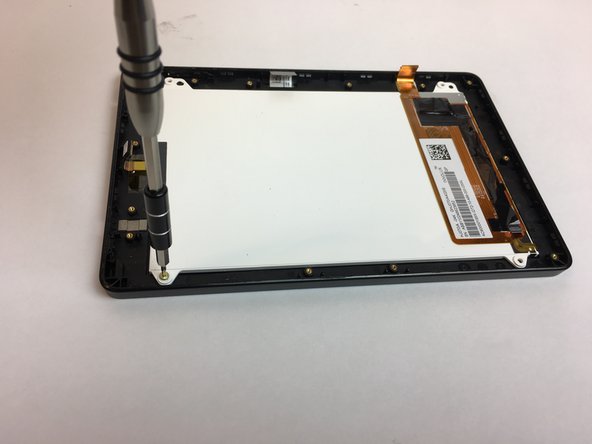
    • Following the bottom edge of the device, remove the (3) T5 hex silver screws with the T5 torx screwdriver.

    Chiedi a FixBot

    Aggiungi Commento

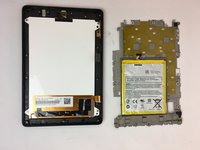
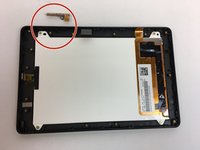
  9. Amazon Fire HD 7 (4th Generation) Display Replacement: passo 9, immagine 1 di 2 Amazon Fire HD 7 (4th Generation) Display Replacement: passo 9, immagine 2 di 2
    • The motherboard chassis can now be removed to reveal the display screen.

    • Remove the volume button components.

    Chiedi a FixBot

    Aggiungi Commento

  10. Amazon Fire HD 7 (4th Generation) Display Replacement: passo 10, immagine 1 di 3 Amazon Fire HD 7 (4th Generation) Display Replacement: passo 10, immagine 2 di 3 Amazon Fire HD 7 (4th Generation) Display Replacement: passo 10, immagine 3 di 3
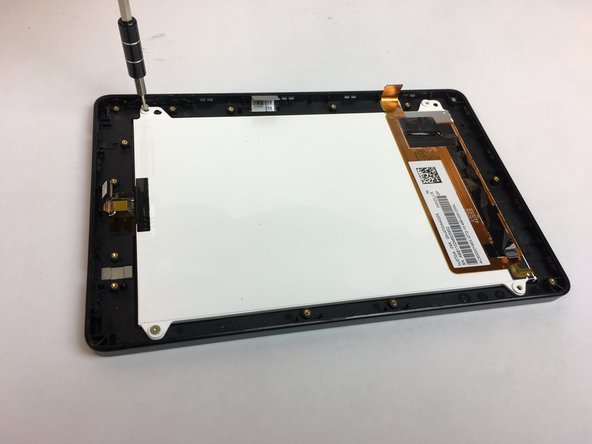
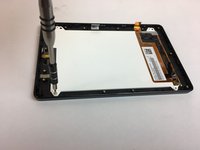
    • Remove the (4) T5 hex silver screws in the corners of the display screen using the T5 torx screwdriver.

    Chiedi a FixBot

    Aggiungi Commento

  11. Amazon Fire HD 7 (4th Generation) Display Replacement: passo 11, immagine 1 di 3 Amazon Fire HD 7 (4th Generation) Display Replacement: passo 11, immagine 2 di 3 Amazon Fire HD 7 (4th Generation) Display Replacement: passo 11, immagine 3 di 3
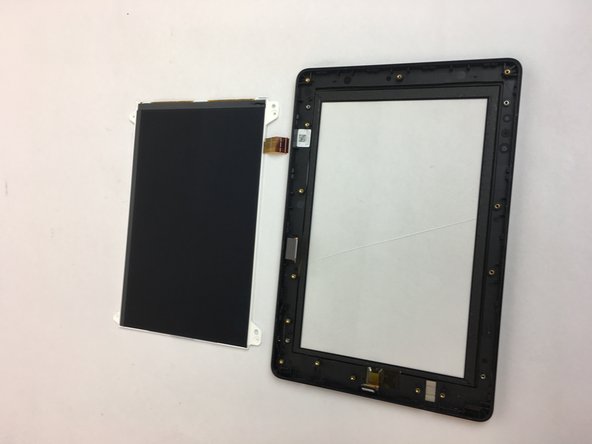
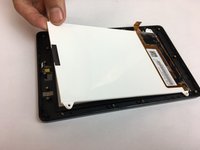
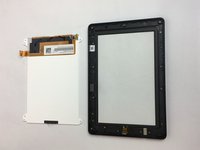
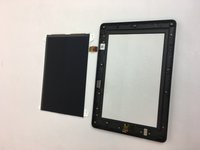
    • The LCD display screen may now be removed and replaced.

    Chiedi a FixBot

    Aggiungi Commento

Linea Traguardo

Annulla: non ho completato questa guida.

Altre 7 persone hanno completato questa guida.

Team

USF Tampa, Team 4-4, Passmore Fall 2016 Membro di USF Tampa, Team 4-4, Passmore Fall 2016

USFT-PASSMORE-F16S4G4

4 Membri

10 guide realizzate

1Commento della guida

finding it very difficult to source a new touch screen for this model.

colin - Rispondi Condividi
Aggiungi Commento

Visualizza statistiche:

Ultime 24 ore: 1

Ultimi 7 giorni: 17

Ultimi 30 giorni: 77

Tutti i Tempi: 7,903