Salta al contenuto principale
Unisciti alla Community delle riparazioni - Crea un account

Amazon Fire HD 10 Front Facing Camera Replacement

Cosa ti serve

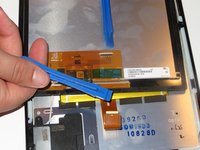
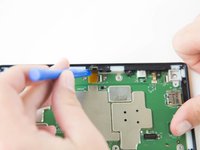
    1. Amazon Fire HD 10 Front Facing Camera Replacement, Screen: passo 1, immagine 1 di 3 Amazon Fire HD 10 Front Facing Camera Replacement, Screen: passo 1, immagine 2 di 3 Amazon Fire HD 10 Front Facing Camera Replacement, Screen: passo 1, immagine 3 di 3
      • Avoid prying near bottom right hand side due to LCD Connector

      • Use a plastic opening tool to pry the screen up in the right hand corner.

      Chiedi a FixBot

      Aggiungi Commento

    2. Amazon Fire HD 10 Front Facing Camera Replacement: passo 2, immagine 1 di 1
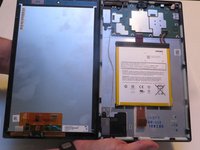
      • Do not completely remove the screen yet as there is a ZIF connector connected.

      • Lift the screen and digitizer from the case.

      • You may need to use some force due to the glue.

      Chiedi a FixBot

      Aggiungi Commento

    3. Amazon Fire HD 10 Front Facing Camera Replacement: passo 3, immagine 1 di 2 Amazon Fire HD 10 Front Facing Camera Replacement: passo 3, immagine 2 di 2
      • Be mindful of the ZIF connector.

      • Disconnect the ribbon connector from the digitizer side using your hands or the plastic opening tool.

      Chiedi a FixBot

      Aggiungi Commento

    4. Amazon Fire HD 10 Front Facing Camera Replacement: passo 4, immagine 1 di 1
      • Remove the screen and digitizer from the case completely.

      Chiedi a FixBot

      Aggiungi Commento

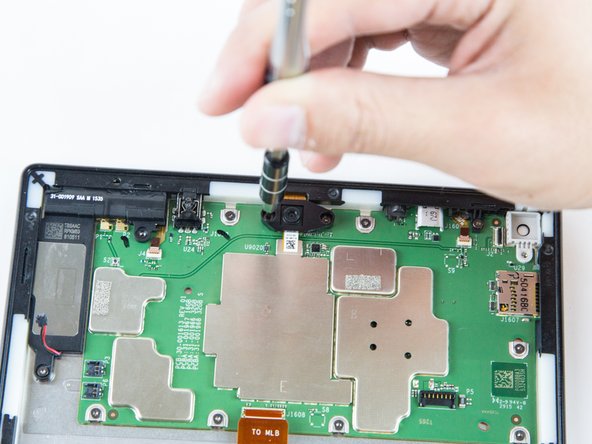
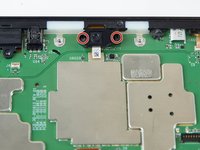
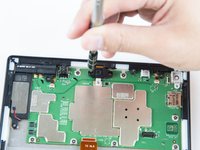
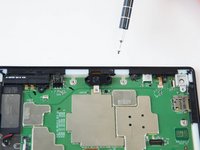
    1. Amazon Fire HD 10 Front Facing Camera Replacement, Front Facing Camera: passo 5, immagine 1 di 3 Amazon Fire HD 10 Front Facing Camera Replacement, Front Facing Camera: passo 5, immagine 2 di 3 Amazon Fire HD 10 Front Facing Camera Replacement, Front Facing Camera: passo 5, immagine 3 di 3
      • Remove the two screws from front facing camera using the T5 Torx Screwdriver.

      • Make sure you place the screws in a safe location nearby.

      Chiedi a FixBot

      Aggiungi Commento

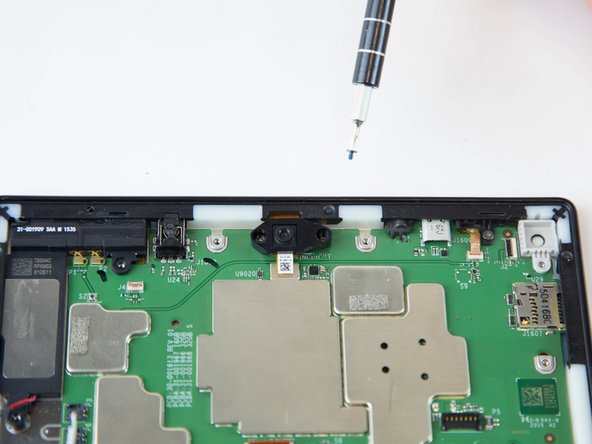
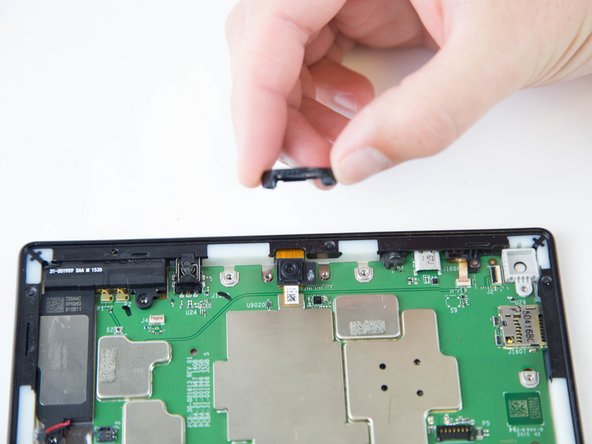
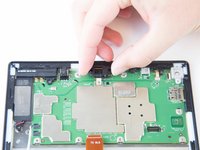
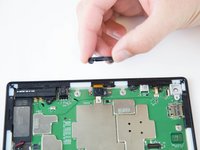
    2. Amazon Fire HD 10 Front Facing Camera Replacement: passo 6, immagine 1 di 2 Amazon Fire HD 10 Front Facing Camera Replacement: passo 6, immagine 2 di 2
      • Lift the black plastic cover once the screws are removed.

      • Place aside for later reassembly.

      Chiedi a FixBot

      Aggiungi Commento

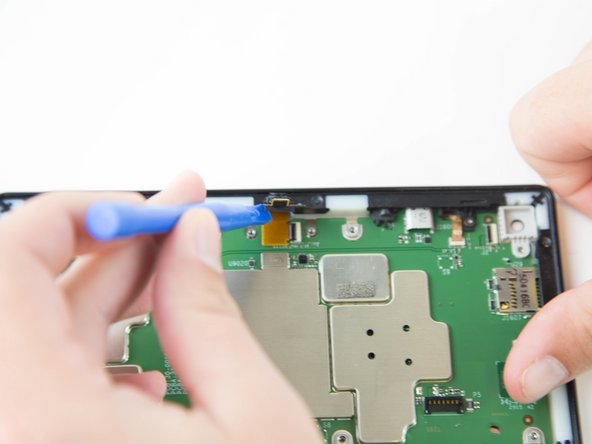
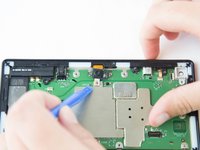
    3. Amazon Fire HD 10 Front Facing Camera Replacement: passo 7, immagine 1 di 2 Amazon Fire HD 10 Front Facing Camera Replacement: passo 7, immagine 2 di 2
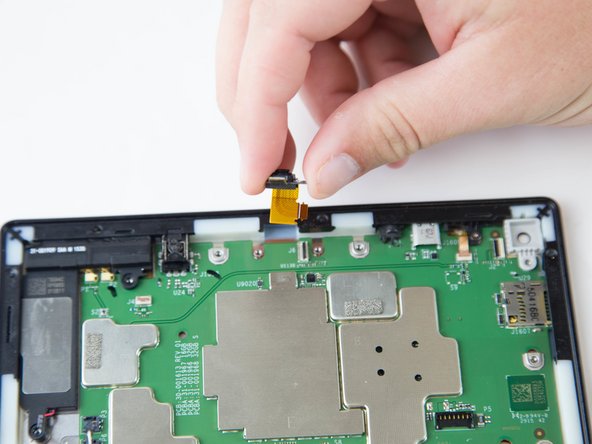
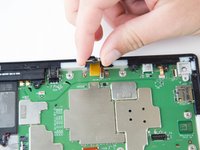
      • Detach the connector using a plastic opening tool or spudger.

      • The camera is still connected to the motherboard.

      Chiedi a FixBot

      Aggiungi Commento

    4. Amazon Fire HD 10 Front Facing Camera Replacement: passo 8, immagine 1 di 2 Amazon Fire HD 10 Front Facing Camera Replacement: passo 8, immagine 2 di 2
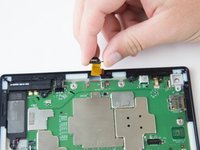
      • Grip the camera and lift up to detach the ZIF connector from the motherboard.

      Chiedi a FixBot

      Aggiungi Commento

Conclusione

To reassemble your device, follow these instructions in reverse order.

Annulla: non ho completato questa guida.

Un'altra persona ha completato questa guida.

Jaie Hillery

Membro da: 10/07/14

1.774 Reputazione

10 guide realizzate

Team

USF Tampa, Team 16-6, Blackwell Winter 2016 Membro di USF Tampa, Team 16-6, Blackwell Winter 2016

USFT-BLACKWELL-W16S16G6

3 Membri

47 guide realizzate

1Commento della guida

Can this camera module be upgraded with a better version?

Jimmy Kee - Rispondi Condividi

Aggiungi Commento

Visualizza statistiche:

Ultime 24 ore: 1

Ultimi 7 giorni: 7

Ultimi 30 giorni: 47

Tutti i Tempi: 1,636