Introduzione
If your screen is damaged or doesn't work like it used to, use this guide to remove and replace your display assembly.
Cosa ti serve
-
-
Flip the laptop over so the model stickers face the ceiling.
 Chiedi a FixBot
-
-
-
Remove the two 3.5 mm Phillips #0 screws holding the cover in place.
-
Slide cover forward then carefully lift up.
-
-
-
Remove the two 5.5 mm Phillips #0 screws holding the battery in place.
-
-
-
-
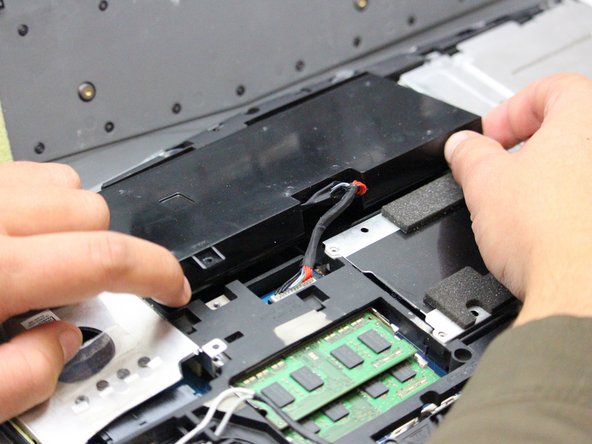
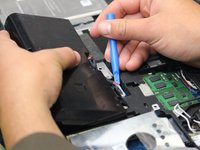
Carefully use the Plastic Opening Tool to unplug the battery.
-
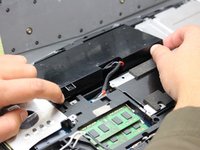
Lift the battery up and out to remove.
-
-
-
Flip the laptop back over so that the Alienware logo faces the ceiling then open the lid to view the screen.
-
-
-
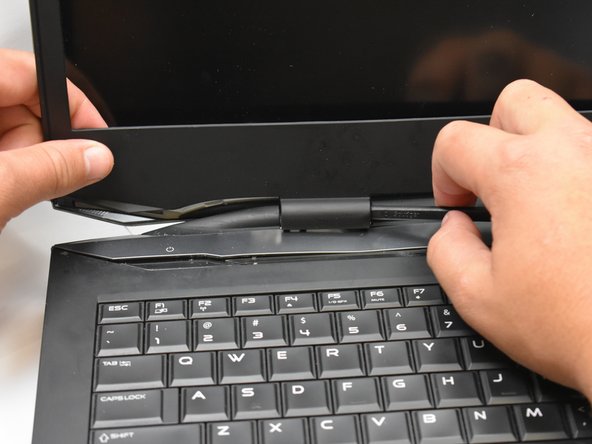
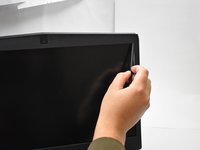
Use a spudger as a lever to pry the black plastic siding off of the frame starting on either of the top corners.
-
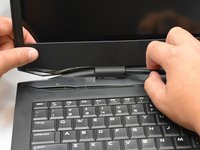
Use the spudger to remove the siding from the bottom of the frame near the hinges.
-
Carefully lift the black plastic siding up and out of the hinged area making sure not to break the fragile sides.
-
-
-
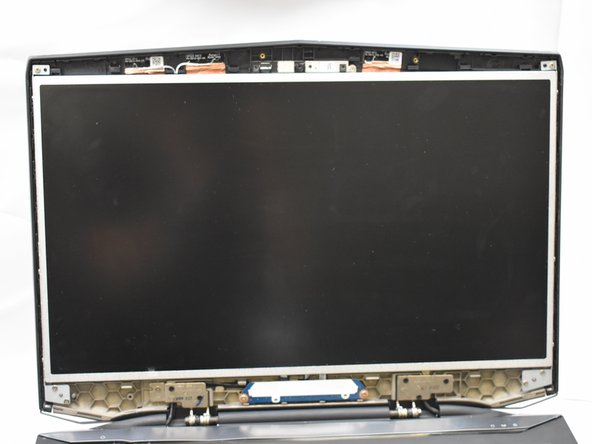
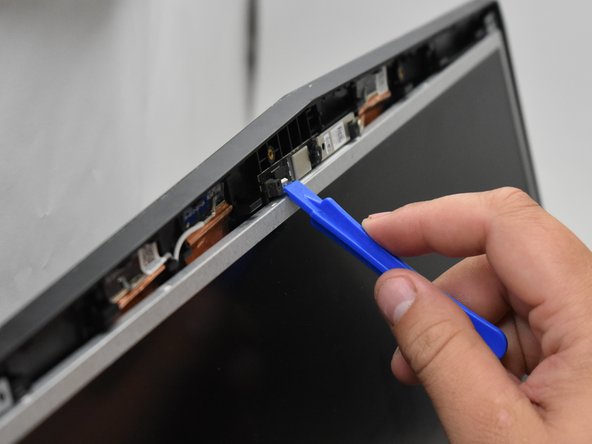
Use the plastic opening tool to disconnect the screen from the top mount.
-
-
-
Tilt the screen forward to expose the connecting wires.
-
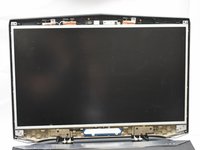
Disconnect said wires to then lift the display assembly out of the frame.
-







To reassemble your device, follow these instructions in reverse order.
Annulla: non ho completato questa guida.
Un'altra persona ha completato questa guida.

Team

Oregon Institute of Technology, Team S1-G2, Lancaster Fall 2018 Membro di Oregon Institute of Technology, Team S1-G2, Lancaster Fall 2018
OIT-LANCASTER-F18S1G2
3 Membri
5 guide realizzate
