Introduzione
Use this guide to replace the battery of your AYL SoundFit. If your device's battery won't hold a charge, replacing the battery may resolve the problem.
Cosa ti serve
-
-
-
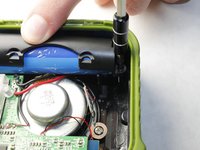
Remove the four hex screws on the top of the device using a 2.5 hex screwdriver.
 Chiedi a FixBot
-
-
-
Place a spudger between the black plastic cover and the green case.
-
Pry the black cover away from the main casing and remove the cover.
-
-
-
-
Place a spudger between the black housing, which contains the woofer, and the outer rubber casing.
-
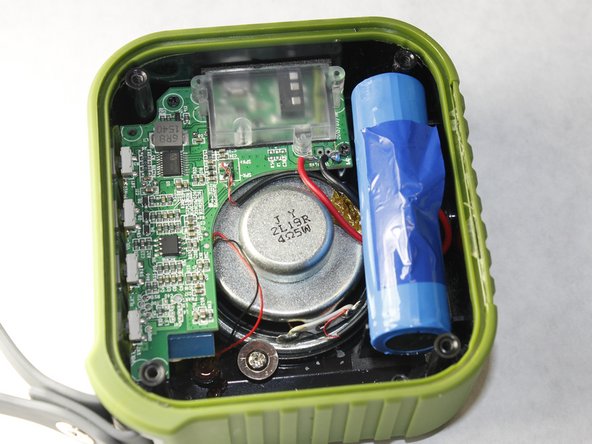
Pry the housing away from the body to reveal the motherboard, speaker, and battery.
-
-
-
Remove the two Phillips #00 screws securing the battery casing.
-
Remove the battery case to reveal the battery.
-
-
-
Desolder the positive and negative battery contacts from the motherboard.
-
Remove the battery from the device.
-
-



To reassemble your device, follow these instructions in reverse order.

Team

IUPUI, Team 3-3, Harley Spring 2016 Membro di IUPUI, Team 3-3, Harley Spring 2016
IUPUI-HARLEY-S16S3G3
4 Membri
10 guide realizzate
