Introduzione
In this guide, you will learn the placement of the screws holding the lid together along with a description of how to properly open up the device and remove the power/volume buttons.
Cosa ti serve
-
-
To begin, locate the two 4.9mm Phillips #00 screws at the top corners of the case and remove them.
 Chiedi a FixBot
-
-
-
-
Squeeze the plastic opening tool in between the seam where the screen joins the plastic case.
-
Begin separating the bottom of the case from the screen by carefully going around the whole edge of the case and slowly prying it apart.
-
-
Strumento utilizzato in questo passaggio:Tweezers$4.99
-
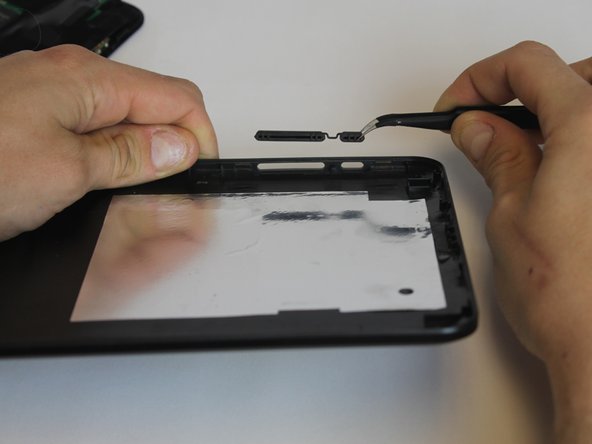
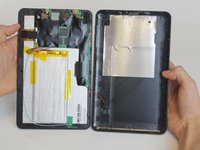
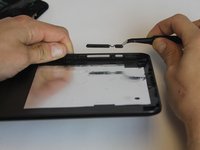
Carefully place the bottom lid next to the screen case. The power/speaker buttons should be visible at the corner of the lid. Remove the buttons with the tweezers.
-



To reassemble your device, follow these instructions in reverse order.

Team

USF Tampa, Team 9-1, Leahy Winter 2015 Membro di USF Tampa, Team 9-1, Leahy Winter 2015
USFT-LEAHY-W15S9G1
3 Membri
9 guide realizzate
