Questa traduzione è stata generata automaticamente e non è stata ancora revisionata da una persona. Parli questa lingua? Dai un’occhiata.
Introduzione
Oggi smonteremo la versione Panasonic della console videogame 3DO FZ-1 R.E.A.L. Interactive Multiplayer. Originariamente pubblicata nel 1993, la 3DO era nota per essere stata tra le prime ad adottare giochi su lettore CD e per la capacità di visualizzare foto e riprodurre musica.
Cosa ti serve
-
-
-
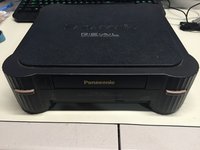
Qui abbiamo la vista frontale del FZ-1 3DO.
-
Nota le porte sul retro dell'unità. Il FZ-1 è dotato di uscite RF, S-Video e composita, oltre a una porta di espansione sul retro dell'unità.
-
Un secondo slot di espansione più grande si trova sul lato destro dell'unità.
 Chiedi a FixBot
-
-
-
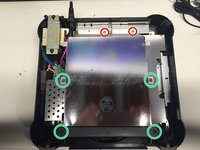
Capovolgi l'unità, in modo che il lato inferiore dell'involucro sia rivolto verso l'alto, esponendo le quattro viti dell'involucro.
-
Rimuovi le quattro viti a croce Phillips n. 2 dall'involucro.
-
Dopo aver rimosso le viti, capovolgi nuovamente l'unità tenendo unite la parte superiore e quella inferiore dell'involucro.
-
-
-
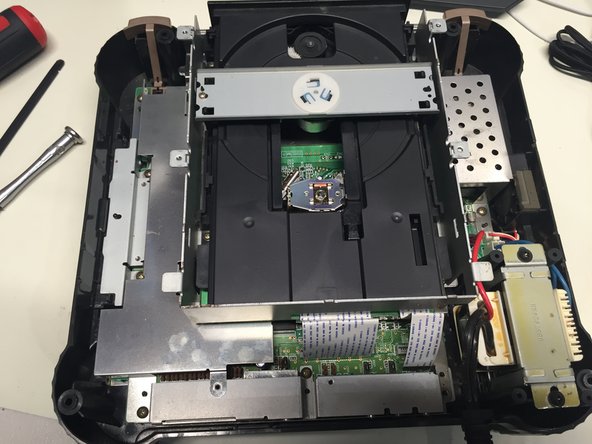
Rimuovi la parte superiore del case per esporre i componenti interni.
-
-
-
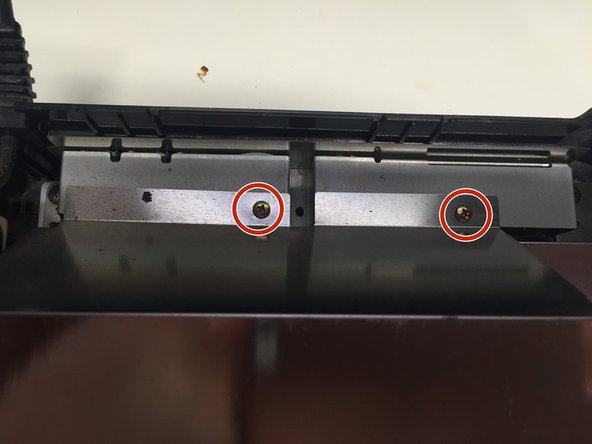
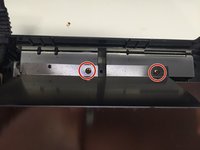
Rimuovi le 2 viti a croce Phillips n. 1 dal retro della copertura del lettore disco.
-
Utilizzando uno spudger, solleva delicatamente le quattro linguette metalliche per rimuovere la copertura del lettore disco.
-
Rimuovi le 4 viti a croce Phillips n. 2.
-
Rimuovi la copertura del lettore disco e le due barre appena svitate.
-
-
-
-
Rimuovi le cinque viti a croce Phillips n. 1 che fissano il lettore CD alla scheda madre.
-
Scollega con attenzione i due cavi a nastro che collegano il lettore CD alla scheda madre.
-
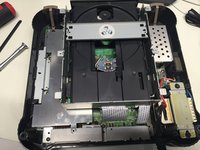
Ora puoi rimuovere in sicurezza il lettore CD dal case.
-
-
-
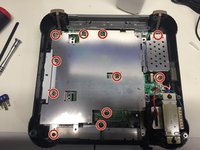
Rimuovi le 11 viti a croce Phillips che fissano la copertura metallica alla scheda madre.
-
Rimuovi la copertura metallica.
-
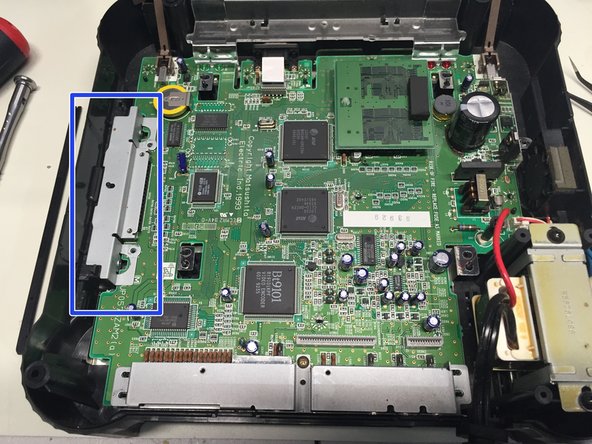
Rimuovi la copertura metallica dalla porta di espansione.
-
-
-
Rimuovi la vite a croce Phillips n. 1 dalla copertura della porta posteriore, quindi rimuovi la copertura.
-
-
-
Rimuovi la copertura in plastica, il pulsante di accensione e il pulsante di espulsione che si trovano sulla parte anteriore dell'unità.
-
-
-
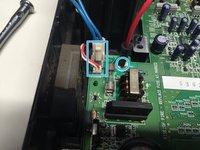
Scollega i cavi dell'alimentazione e della ventola dalla scheda madre.
-
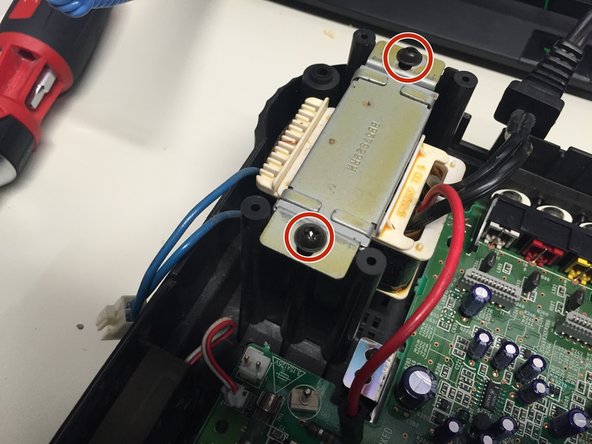
Rimuovi le 2 viti a croce Phillips n. 2 che fissano l'alimentatore al case.
-
Rimuovi l'alimentatore e la ventola dal case.
-
-
-
Scollega il cavo a nastro che collega la scheda madre alla scheda della porta del controller.
-
Rimuovi la scheda del controller e la scheda madre.
-
-
-
Rimuovi lo schermo termico in metallo sul fondo del telaio. Missione compiuta!
-
-






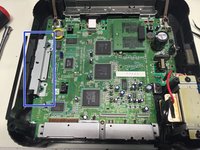


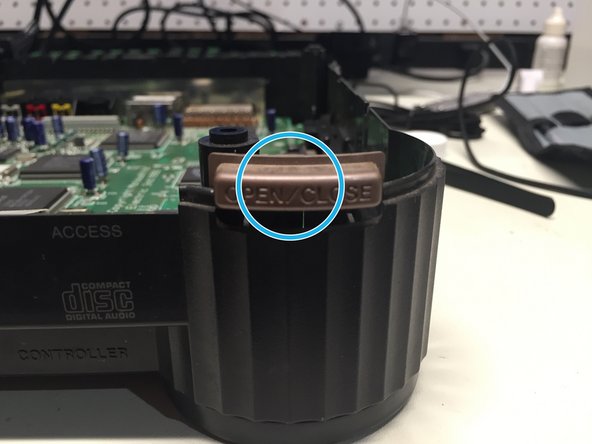


Per rimontare il dispositivo, segui queste istruzioni in ordine inverso.
Annulla: non ho completato questa guida.
Altre 8 persone hanno completato questa guida.

2Commenti sulla guida
Can you tell me what size the screws are? I need to order a replacement set for my FZ-1
I thought I couldn't fix this old appliance in my house. Until I came across this site! Thank you. :)
