
Salta al contenuto principale

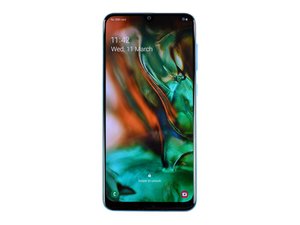
Uno smartphone di fascia media lanciato da Samsung nel 2019

Access Broken Screen phone display to enable USB Debugging

The phone is running and is connected to Wifi but USB debugging is not enable.

Is there another to access it. I can access the battery percentage on my Samsung Account (Find my phone).

Will be really grateful if can help. I can also connect a USB mouse to phone through USB-C type dongle.

Thank you very much.

Ashvin

Rispondi a questa domanda Anch'io ho questo problema

Questa è una buona domanda?

Punteggio 1

2 Commenti

@riaztex .... if you cannot utilize the onscreen, and cannot use any other means of viewing, i.e mini usb to hdmi...then im afraid youll have to do it by memory or pull up a video. I say this as it is functioning and you can enter back up mode to save all of your data you want. but youll have to do it in the dark without access to any screen.

da

Sumsung A50 screen change karane baad mai Not changing show

da

Aggiungi un commento

1 Risposta

Risposta Più Utile

@ashvinp … to manually enable usb debugging do this:

go to settings/general/about phone/software info/ tap on build number until it prompts for developer mode.

go back to settings/general/ youll have a new menu for developer options/ turn on developer options/ turn on usb debugging.

if youre doing this for root, make sure to enable oem unlock so that you can use adb to access root partitions such as bootloader …yada yada.

as far as viewing your screen if it unviewable, you can try a mini usb to hdmi adapter or something of the sorts to try and navigate. other than that, theres nothing i am aware of without being able to navigate your screen already. good luck

Questa risposta è stata utile?

Punteggio 2
Aggiungi un commento

Aggiungi la tua risposta

Ashvin Pandea sarà eternamente grato.
Visualizza Statistiche:

Ultime 24 Ore: 0

Ultimi 7 Giorni: 0

Ultimi 30 Giorni: 6

Tutti i Tempi: 3,192