Salta al contenuto principale

Turtle Beach Recon 70P Microphone Replacement

Cosa ti serve

  1. Turtle Beach Recon 70P Microphone Replacement, Microphone: passo 1, immagine 1 di 2 Turtle Beach Recon 70P Microphone Replacement, Microphone: passo 1, immagine 2 di 2
    • Before continuing, remove the left ear pad with the earpad replacement guide.

    • Ensure that you are removing the side that houses the microphone.

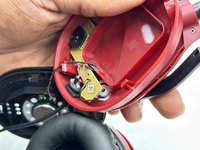
    • Use a spudger to pry up the black plastic housing.

    • Remove the plastic cover.

  2. Turtle Beach Recon 70P Microphone Replacement: passo 2, immagine 1 di 3 Turtle Beach Recon 70P Microphone Replacement: passo 2, immagine 2 di 3 Turtle Beach Recon 70P Microphone Replacement: passo 2, immagine 3 di 3
    • Use a Phillips screwdriver remove the two 5 mm screws that secure the motherboard.

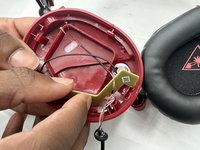
  3. Turtle Beach Recon 70P Microphone Replacement: passo 3, immagine 1 di 3 Turtle Beach Recon 70P Microphone Replacement: passo 3, immagine 2 di 3 Turtle Beach Recon 70P Microphone Replacement: passo 3, immagine 3 di 3
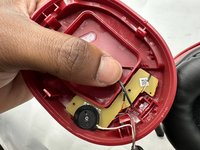
    • Use a Phillips screwdriver to remove the single 8 mm screw under the motherboard that secures the microphone.

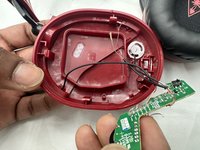
  4. Turtle Beach Recon 70P Microphone Replacement: passo 4, immagine 1 di 3 Turtle Beach Recon 70P Microphone Replacement: passo 4, immagine 2 di 3 Turtle Beach Recon 70P Microphone Replacement: passo 4, immagine 3 di 3
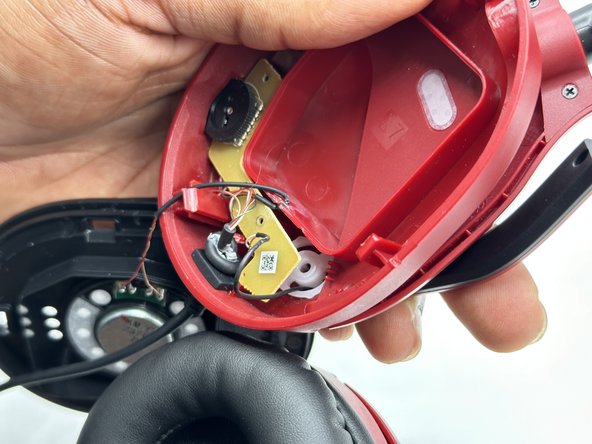
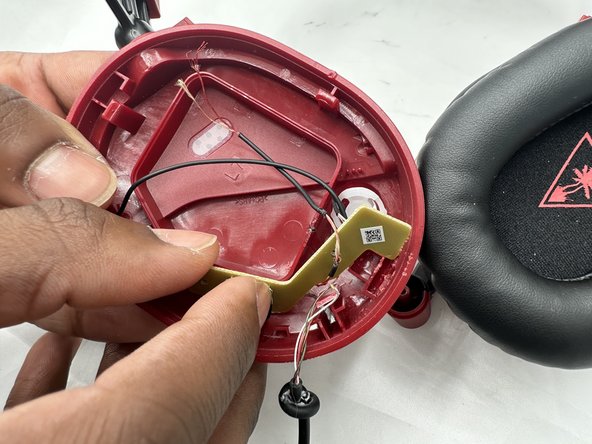
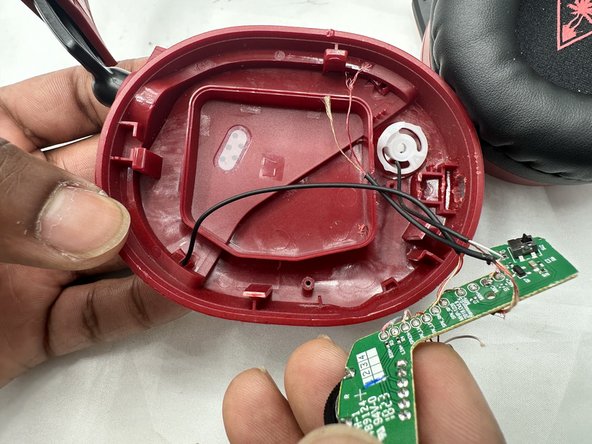
    • You may need to move the wire connecting to the speaker to easily remove the motherboard.

    • Remove the circuit board from the housing.

    • Take care not to strain the wires.

  5. Turtle Beach Recon 70P Microphone Replacement: passo 5, immagine 1 di 1
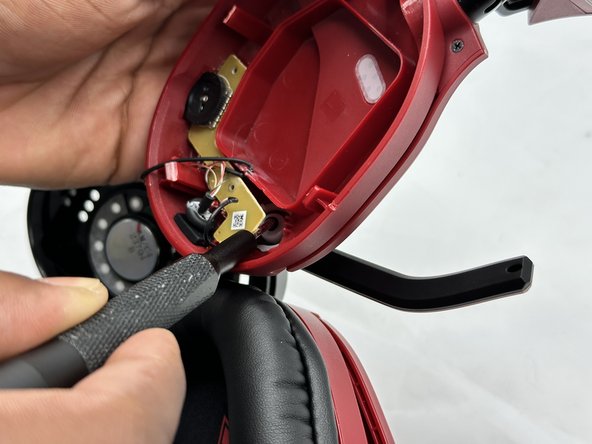
    • Desolder the microphone connections.

    • Soldering irons can cause burns and fires. Always solder and desolder in a well-ventilated workspace.

Conclusione

To reassemble your device, follow these instructions in reverse order.

0Commenti sulla guida

Aggiungi Commento

Visualizza Statistiche:

Ultime 24 Ore: 0

Ultimi 7 Giorni: 7

Ultimi 30 Giorni: 27

Tutti i Tempi: 525