Introduzione
If you can't see the letter on your key or the keys are getting stuck with every click on your Logitech MK345, you can reference this guide to learn how to remove your key properly. Keeping the keyboard clean is essential to its use, especially if you use it everyday. In order to figure out if this is the right guide for you check out the Troubleshooting Page to discover the exact issue.
Cosa ti serve


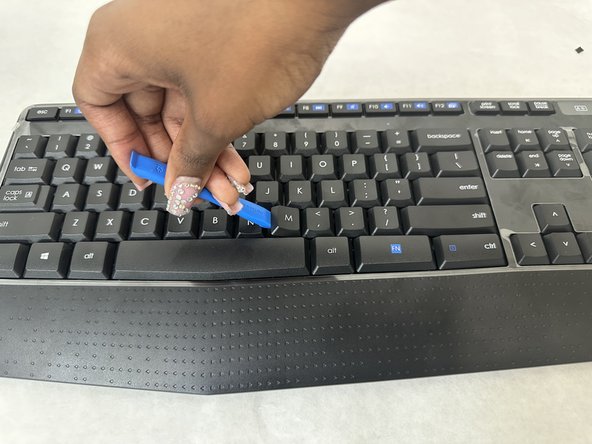
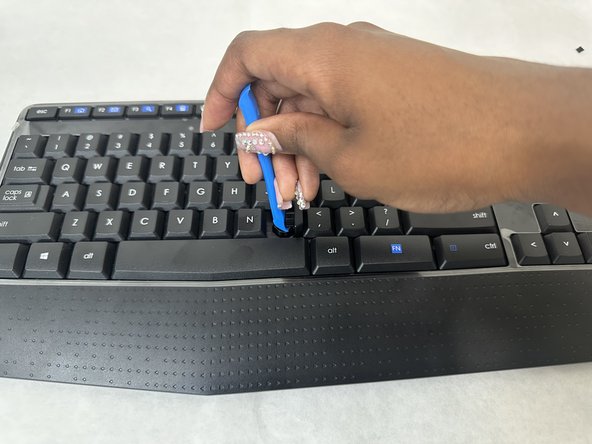
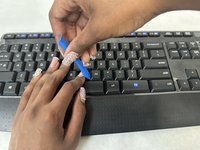
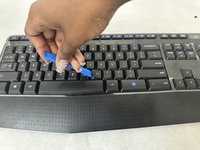
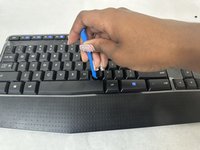
To reassemble your device, follow these instructions in reverse order.
Annulla: non ho completato questa guida.
Un'altra persona ha completato questa guida.


Team

University of North Texas, Team 4-1, Harold Fall 2024 Membro di University of North Texas, Team 4-1, Harold Fall 2024
UNT-HAROLD-F24S4G1
3 Membri
5 Guide realizzate
