Salta al contenuto principale

Black and Decker DCM100R Control Panel Circuit Board Replacement

Cosa ti serve

  1. Black and Decker DCM100R Control Panel Circuit Board Replacement, Heating Element: passo 1, immagine 1 di 2 Black and Decker DCM100R Control Panel Circuit Board Replacement, Heating Element: passo 1, immagine 2 di 2
    • Turn the coffee maker on its side.

    • Remove the four 6 mm Phillips #2 that secure the baseplate.

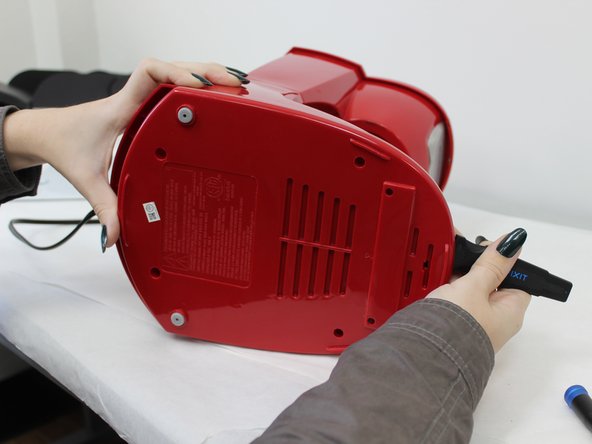
  2. Black and Decker DCM100R Control Panel Circuit Board Replacement: passo 2, immagine 1 di 3 Black and Decker DCM100R Control Panel Circuit Board Replacement: passo 2, immagine 2 di 3 Black and Decker DCM100R Control Panel Circuit Board Replacement: passo 2, immagine 3 di 3
    • Insert the jimmy at the back of the panel and slide it around to the front.

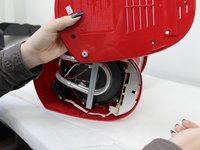
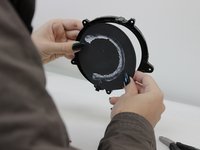
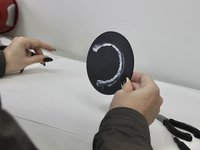
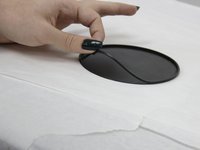
  3. Black and Decker DCM100R Control Panel Circuit Board Replacement: passo 3, immagine 1 di 3 Black and Decker DCM100R Control Panel Circuit Board Replacement: passo 3, immagine 2 di 3 Black and Decker DCM100R Control Panel Circuit Board Replacement: passo 3, immagine 3 di 3
    • Apply pressure to the backside of the panel until it releases.

    • Remove the plate.

  4. Black and Decker DCM100R Control Panel Circuit Board Replacement: passo 4, immagine 1 di 2 Black and Decker DCM100R Control Panel Circuit Board Replacement: passo 4, immagine 2 di 2
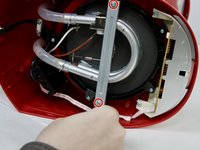
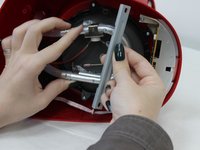
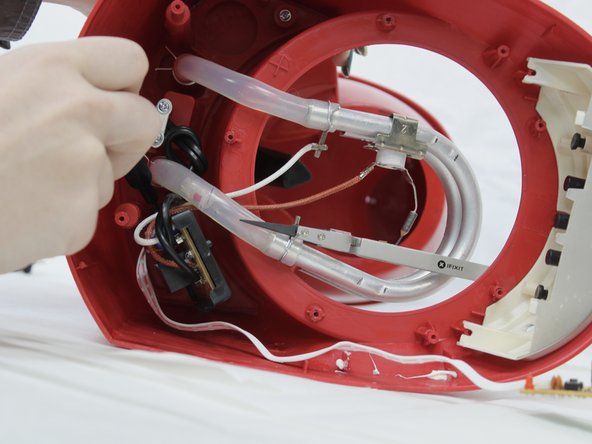
    • Remove the two 10 mm Phillips #2 screws securing the metal support brace.

    • Remove the brace and set aside.

  5. Black and Decker DCM100R Control Panel Circuit Board Replacement: passo 5, immagine 1 di 2 Black and Decker DCM100R Control Panel Circuit Board Replacement: passo 5, immagine 2 di 2
    Attrezzo utilizzato in questo passaggio:
    Tweezers
    $4.99
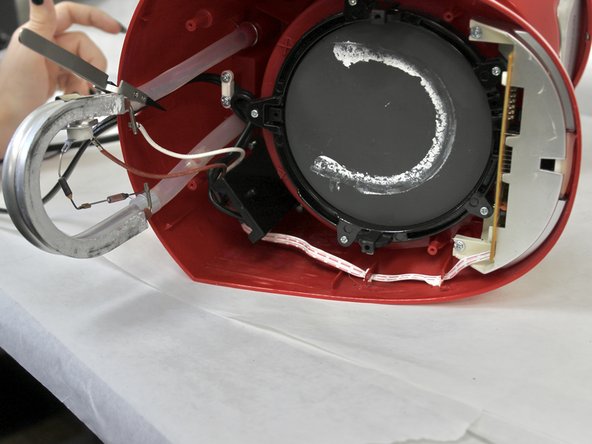
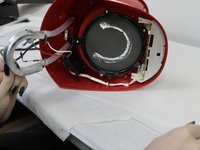
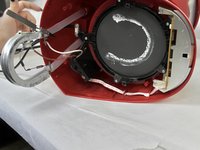
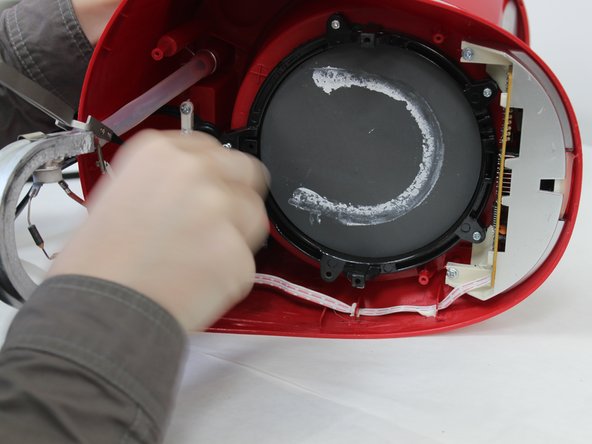
    • Pull back the tubing and wiring to reveal the hot plate.

    • To hold these out of your way, you can use the Nylon Tipped Tweezers to pin them back to the back panel.

  6. Black and Decker DCM100R Control Panel Circuit Board Replacement: passo 6, immagine 1 di 2 Black and Decker DCM100R Control Panel Circuit Board Replacement: passo 6, immagine 2 di 2
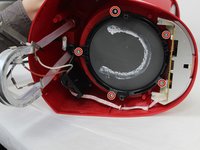
    • Use a Phillips #2 screwdriver to remove the five 8 mm screws that secure the mounting bracket and hot plate.

  7. Black and Decker DCM100R Control Panel Circuit Board Replacement: passo 7, immagine 1 di 2 Black and Decker DCM100R Control Panel Circuit Board Replacement: passo 7, immagine 2 di 2
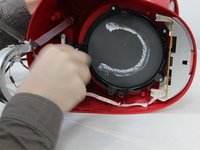
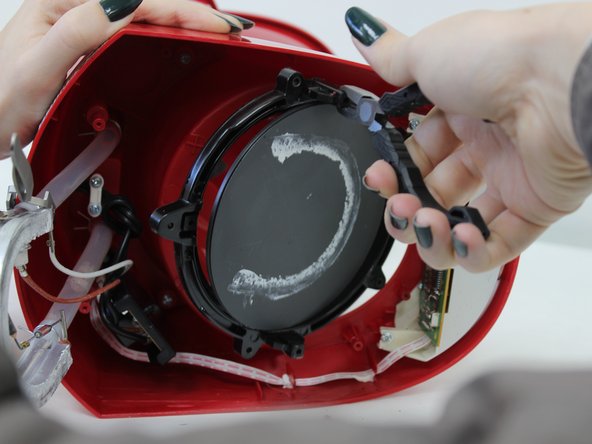
    • Use a pair of pliers to gently pull the mounting bracket out of place.

  8. Black and Decker DCM100R Control Panel Circuit Board Replacement: passo 8, immagine 1 di 3 Black and Decker DCM100R Control Panel Circuit Board Replacement: passo 8, immagine 2 di 3 Black and Decker DCM100R Control Panel Circuit Board Replacement: passo 8, immagine 3 di 3
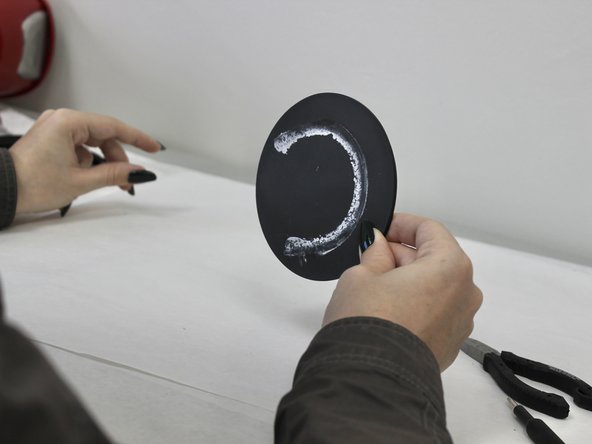
    • Remove the hot plate from the mounting bracket.

    • Remove the O-ring from the hot plate.

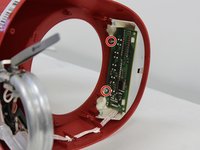
  9. Black and Decker DCM100R Control Panel Circuit Board Replacement, Control Panel Circuit Board: passo 9, immagine 1 di 2 Black and Decker DCM100R Control Panel Circuit Board Replacement, Control Panel Circuit Board: passo 9, immagine 2 di 2
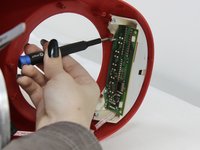
    • Remove the two 6 mm Phillips #2 screws that secure the circuit board.

  10. Black and Decker DCM100R Control Panel Circuit Board Replacement: passo 10, immagine 1 di 2 Black and Decker DCM100R Control Panel Circuit Board Replacement: passo 10, immagine 2 di 2
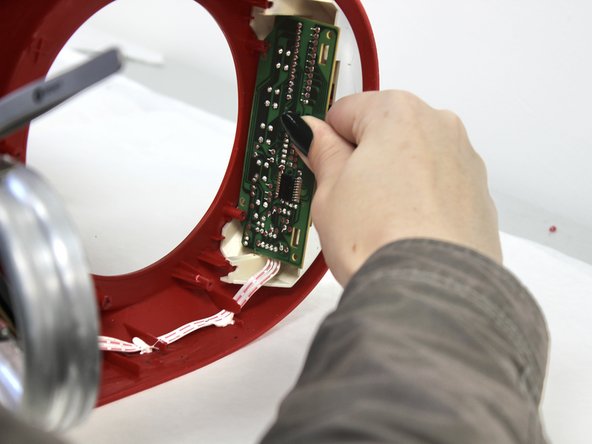
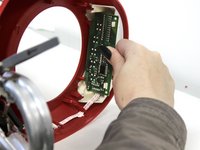
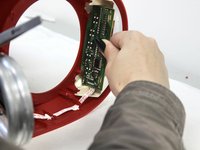
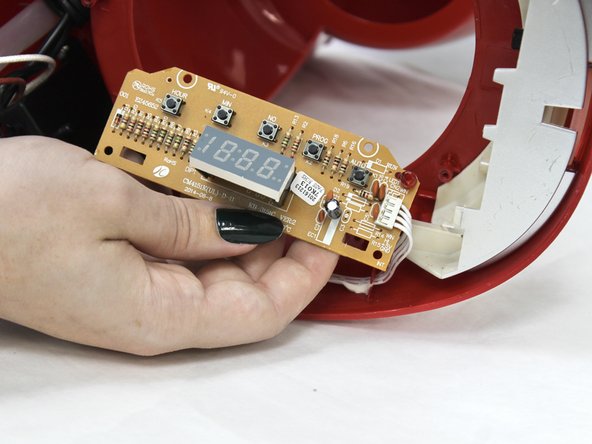
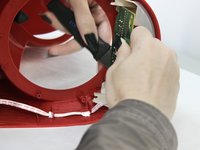
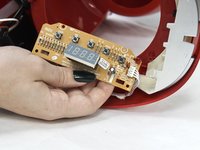
    • Pull the circuit board out and over the hooks.

  11. Black and Decker DCM100R Control Panel Circuit Board Replacement: passo 11, immagine 1 di 2 Black and Decker DCM100R Control Panel Circuit Board Replacement: passo 11, immagine 2 di 2
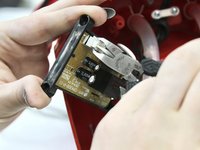
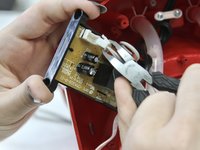
    • Using the jimmy, pry the circuit board out.

  12. Black and Decker DCM100R Control Panel Circuit Board Replacement: passo 12, immagine 1 di 2 Black and Decker DCM100R Control Panel Circuit Board Replacement: passo 12, immagine 2 di 2
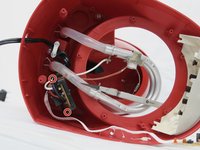
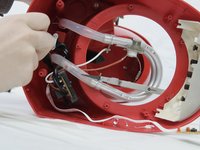
    • Remove the two 8 mm Phillips #2 screws that hold the main circuit board.

  13. Black and Decker DCM100R Control Panel Circuit Board Replacement: passo 13, immagine 1 di 3 Black and Decker DCM100R Control Panel Circuit Board Replacement: passo 13, immagine 2 di 3 Black and Decker DCM100R Control Panel Circuit Board Replacement: passo 13, immagine 3 di 3
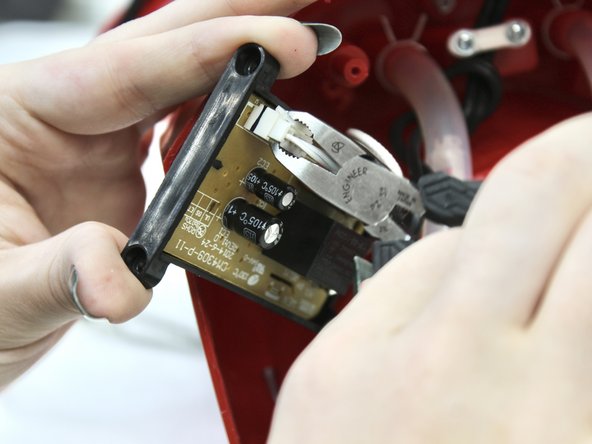
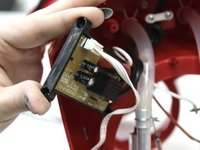
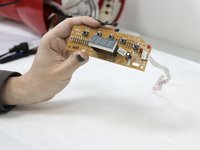
    • Pull out the circuit board and disconnect the white plug.

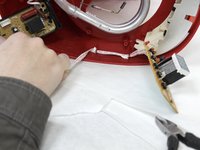
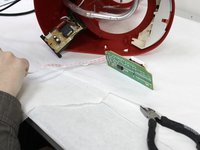
  14. Black and Decker DCM100R Control Panel Circuit Board Replacement: passo 14, immagine 1 di 3 Black and Decker DCM100R Control Panel Circuit Board Replacement: passo 14, immagine 2 di 3 Black and Decker DCM100R Control Panel Circuit Board Replacement: passo 14, immagine 3 di 3
    • Dislodge the ribbon cable.

Conclusione

To reassemble your device, follow these instructions in reverse order.

Rory O'Neal

Membro da: 09/13/23

133 Reputazione

1 Guida realizzata

0Commenti sulla guida

Aggiungi Commento

Visualizza Statistiche:

Ultime 24 Ore: 0

Ultimi 7 Giorni: 3

Ultimi 30 Giorni: 22

Tutti i Tempi: 427