Salta al contenuto principale

Anbernic RG35XXSP Action Buttons Replacement

Cosa ti serve

  1. Anbernic RG35XXSP Action Buttons Replacement, Battery: passo 1, immagine 1 di 3 Anbernic RG35XXSP Action Buttons Replacement, Battery: passo 1, immagine 2 di 3 Anbernic RG35XXSP Action Buttons Replacement, Battery: passo 1, immagine 3 di 3
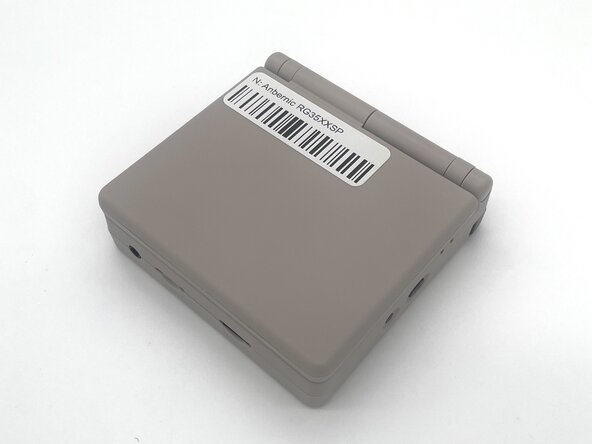
    • Power the device off before starting the disassembly process.

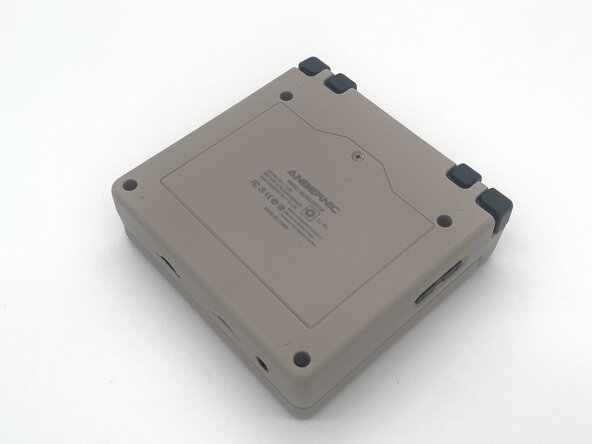
    • Close the device and turn it over so the bottom faces upward.

  2. Anbernic RG35XXSP Action Buttons Replacement: passo 2, immagine 1 di 2 Anbernic RG35XXSP Action Buttons Replacement: passo 2, immagine 2 di 2
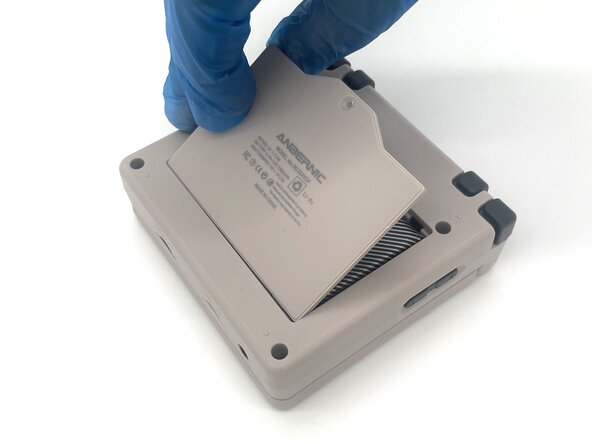
    • Use a Phillips #00 screwdriver to remove the single 5 mm screw securing the battery cover.

    • Lift the battery door and remove it.

  3. Anbernic RG35XXSP Action Buttons Replacement: passo 3, immagine 1 di 2 Anbernic RG35XXSP Action Buttons Replacement: passo 3, immagine 2 di 2
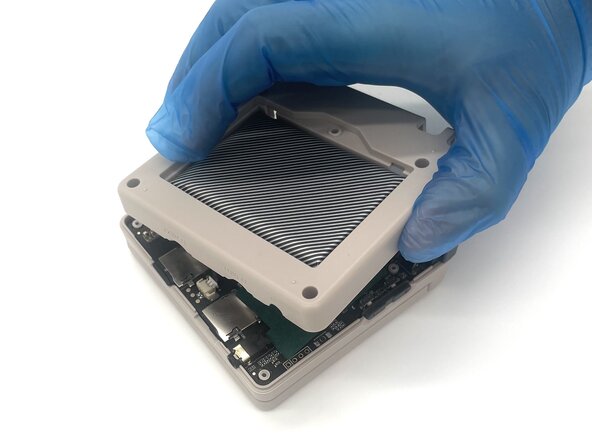
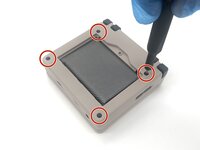
    • Use a T6 Torx screwdriver to remove the four 5 mm screws.

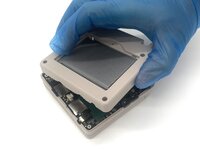
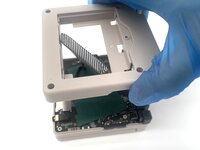
    • Lift the whole back case with the battery from the device.

    • Don't pull it away because the battery is connected to the board.

  4. Anbernic RG35XXSP Action Buttons Replacement: passo 4, immagine 1 di 3 Anbernic RG35XXSP Action Buttons Replacement: passo 4, immagine 2 di 3 Anbernic RG35XXSP Action Buttons Replacement: passo 4, immagine 3 di 3
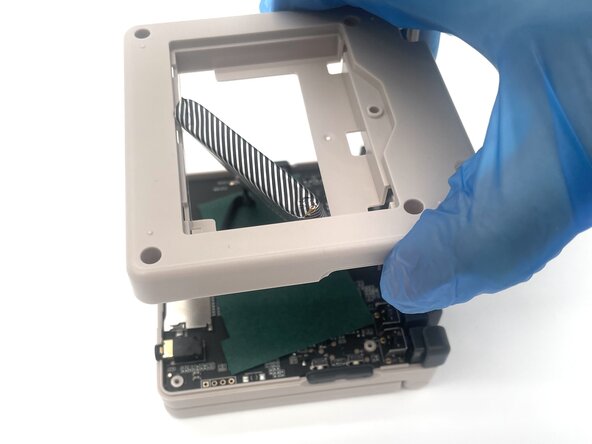
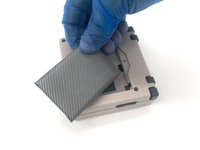
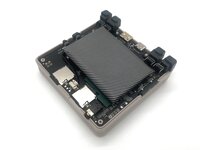
    • Remove the battery from the back compartment and fit it through the gap in the back case.

    • Put the plastic case aside for reassembly.

  5. Anbernic RG35XXSP Action Buttons Replacement: passo 5, immagine 1 di 3 Anbernic RG35XXSP Action Buttons Replacement: passo 5, immagine 2 di 3 Anbernic RG35XXSP Action Buttons Replacement: passo 5, immagine 3 di 3
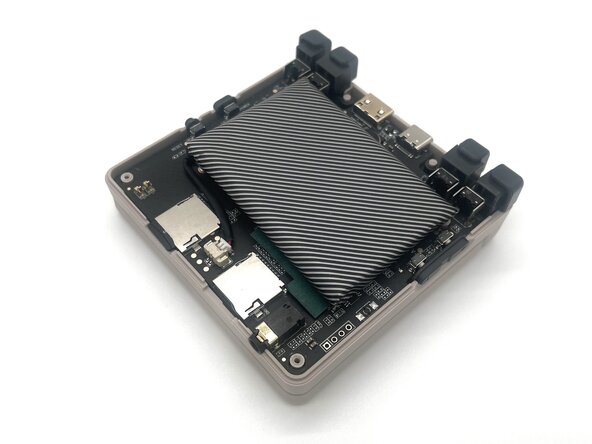
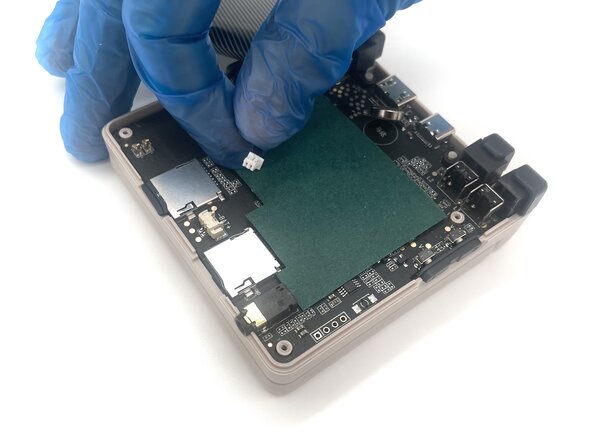
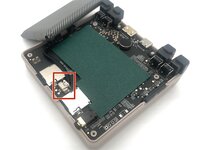
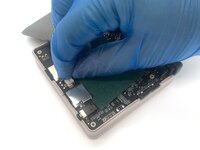
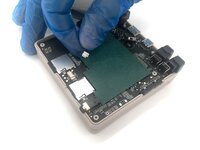
    • Pinch the sides of the battery connector and slide it from the socket to disconnect the battery cable.

    • Remove the battery.

  6. Anbernic RG35XXSP Action Buttons Replacement, Action buttons: passo 6, immagine 1 di 2 Anbernic RG35XXSP Action Buttons Replacement, Action buttons: passo 6, immagine 2 di 2
    • Pinch the R2 button and gently lift it to remove it.

    • Pinch the R1 button and gently lift it to remove it.

    • You will have to pull a little harder as it has a plastic pin that is connected to the body.

  7. Anbernic RG35XXSP Action Buttons Replacement: passo 7, immagine 1 di 2 Anbernic RG35XXSP Action Buttons Replacement: passo 7, immagine 2 di 2
    • Pinch the L2 button and gently lift it to remove it.

    • Pinch the L1 button and gently lift it to remove it.

    • You will have to pull a little harder as it has a plastic pin that is connected to the body.

  8. Anbernic RG35XXSP Action Buttons Replacement: passo 8, immagine 1 di 2 Anbernic RG35XXSP Action Buttons Replacement: passo 8, immagine 2 di 2
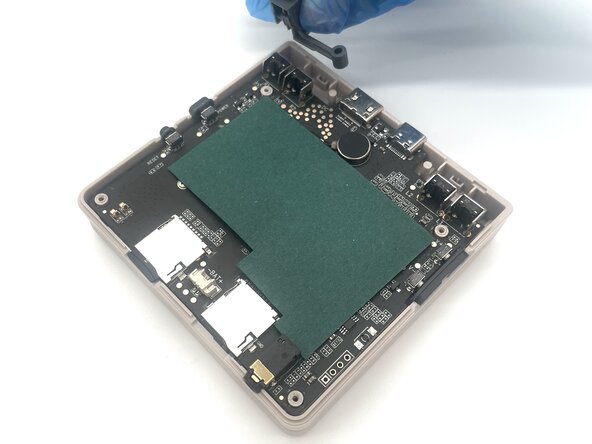
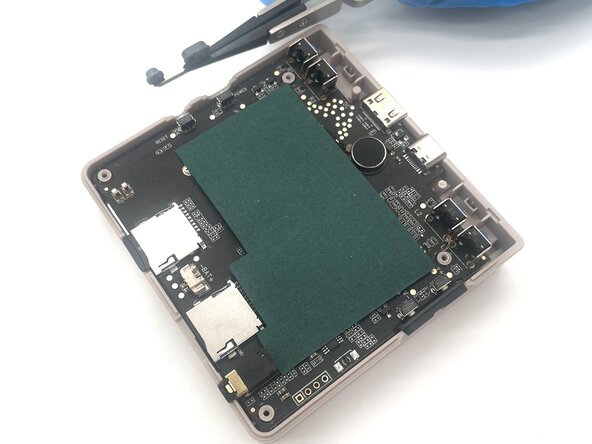
    • Use tweezers to pull the power & reset buttons up from the side of the device

  9. Anbernic RG35XXSP Action Buttons Replacement: passo 9, immagine 1 di 2 Anbernic RG35XXSP Action Buttons Replacement: passo 9, immagine 2 di 2
    • Use tweezers to remove the volume buttons from the side of the case.

    • The plus side of the buttons should be closer to the back of the device.

  10. Anbernic RG35XXSP Action Buttons Replacement: passo 10, immagine 1 di 3 Anbernic RG35XXSP Action Buttons Replacement: passo 10, immagine 2 di 3 Anbernic RG35XXSP Action Buttons Replacement: passo 10, immagine 3 di 3
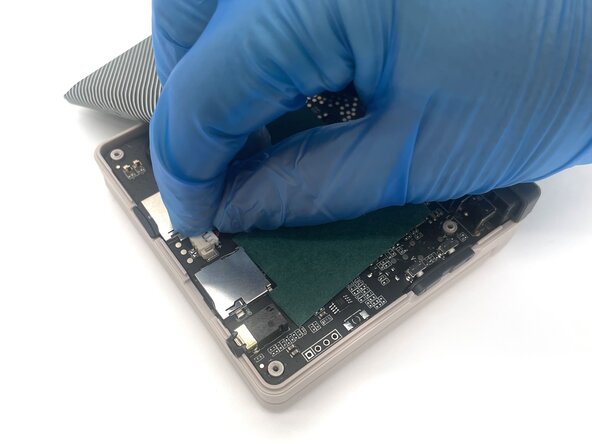
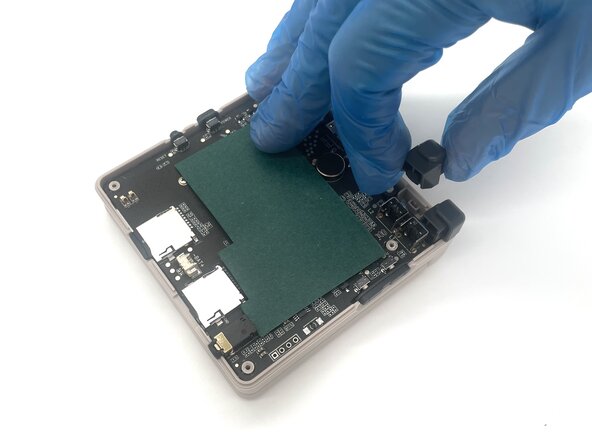
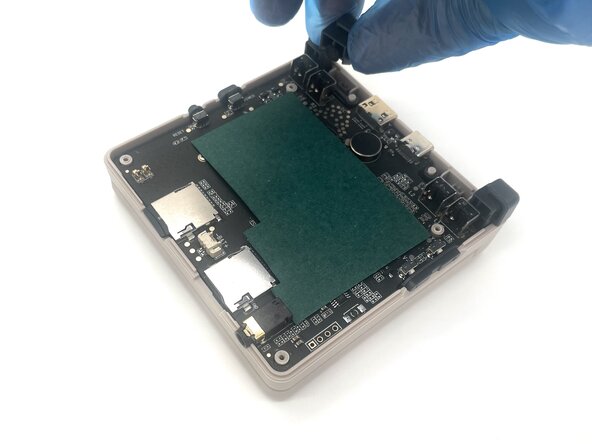
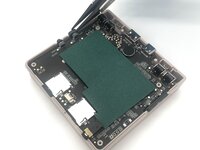
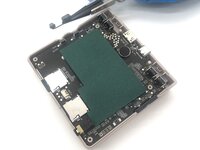
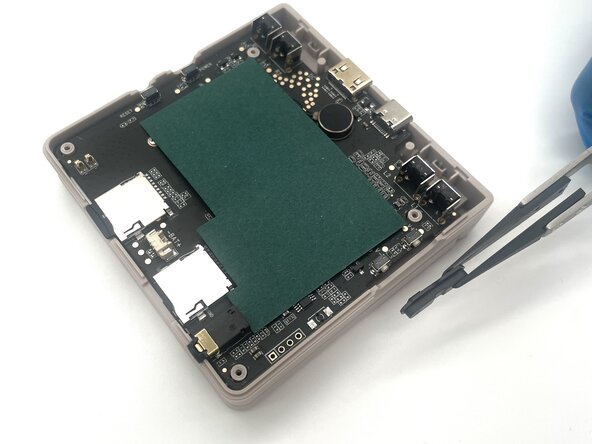
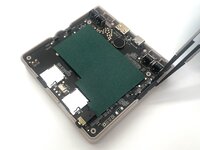
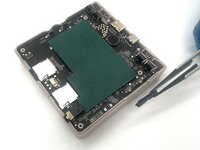
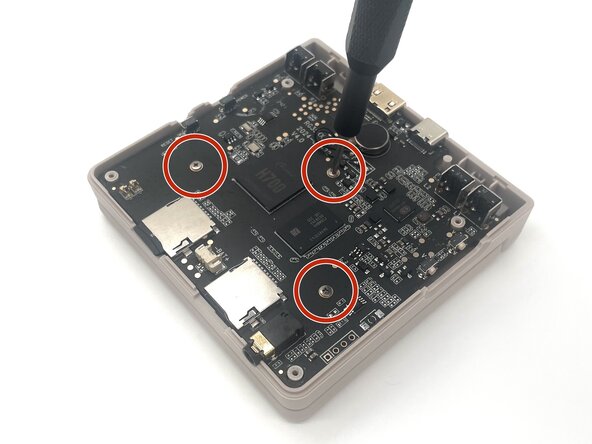
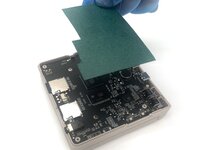
    • Remove the green paper sheet from the motherboard.

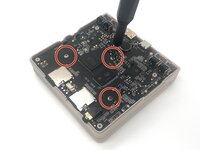
    • Use a Phillips #00 screwdriver to remove the three 5 mm screws from the motherboard.

  11. Anbernic RG35XXSP Action Buttons Replacement: passo 11, immagine 1 di 3 Anbernic RG35XXSP Action Buttons Replacement: passo 11, immagine 2 di 3 Anbernic RG35XXSP Action Buttons Replacement: passo 11, immagine 3 di 3
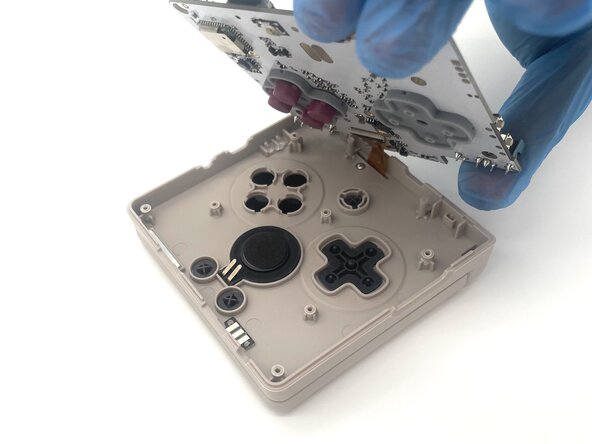
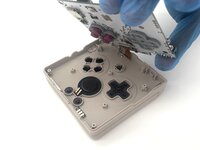
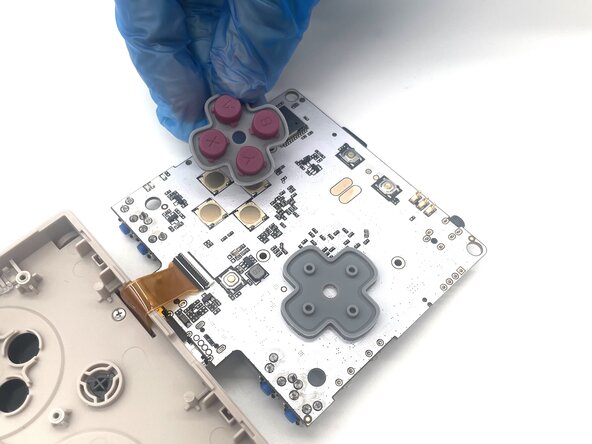
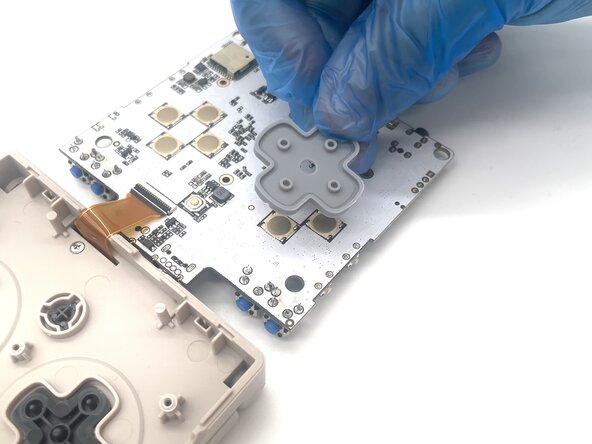
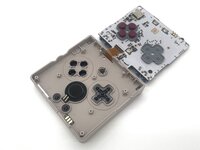
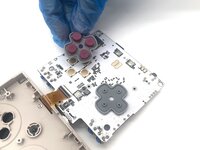
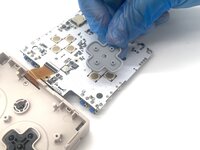
    • Flip the motherboard over to reveal the action and directional buttons.

    • Remove the action and directional button gaskets from the motherboard.

    • In some cases, the gaskets may get stuck in the plastic case. If this happens, you can still take out the buttons like normal.

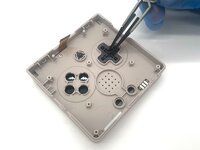
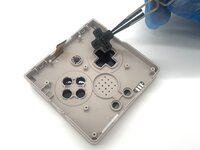
  12. Anbernic RG35XXSP Action Buttons Replacement: passo 12, immagine 1 di 2 Anbernic RG35XXSP Action Buttons Replacement: passo 12, immagine 2 di 2
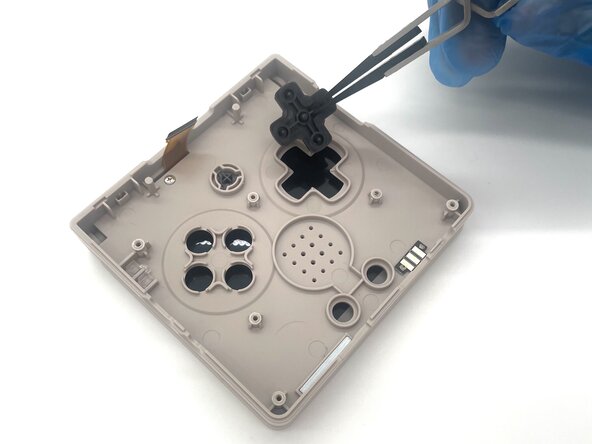
    • Use tweezers to remove the directional buttons from the case.

Conclusione

To reassemble your device, follow these instructions in reverse order. Take your e-waste to an R2 or e-Stewards certified recycler.

Altre 3 persone hanno completato questa guida.

0Commenti sulla guida

Aggiungi Commento

Visualizza Statistiche:

Ultime 24 Ore: 1

Ultimi 7 Giorni: 18

Ultimi 30 Giorni: 93

Tutti i Tempi: 498