Salta al contenuto principale

Cosa ti serve

Questo smontaggio non è una guida di riparazione. Per riparare il tuo Hatch Restore, usa il nostro manuale di assistenza.

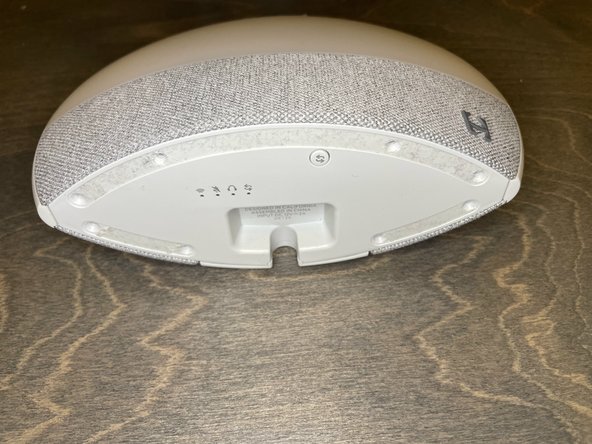
  1. Hatch Restore Teardown, Intro: passo 1, immagine 1 di 2 Hatch Restore Teardown, Intro: passo 1, immagine 2 di 2
    • This device isn't hard to repair. Just keep track of your screws.

    • You will only need a PH1 screw driver for this entire teardown.

  2. Hatch Restore Teardown, Rubber Feet: passo 2, immagine 1 di 3 Hatch Restore Teardown, Rubber Feet: passo 2, immagine 2 di 3 Hatch Restore Teardown, Rubber Feet: passo 2, immagine 3 di 3
    • Remove the rubber feet from the bottom of the device.

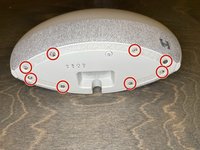
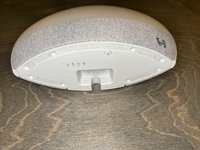
  3. Hatch Restore Teardown, Bottom Screws: passo 3, immagine 1 di 2 Hatch Restore Teardown, Bottom Screws: passo 3, immagine 2 di 2
    • Remove these 8 screws.

    • You may need to remove adhesive from the screws before you can remove them.

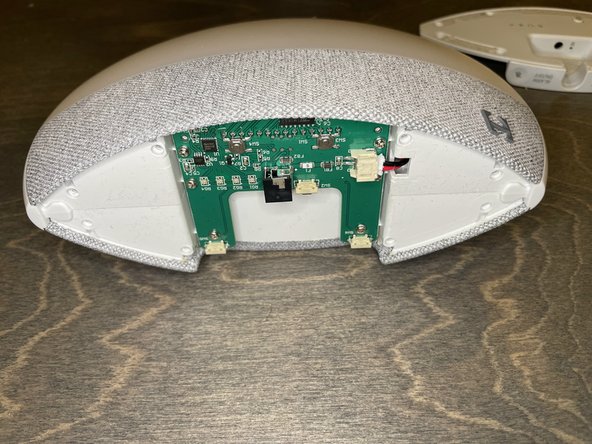
  4. Hatch Restore Teardown, Bottom Cover: passo 4, immagine 1 di 2 Hatch Restore Teardown, Bottom Cover: passo 4, immagine 2 di 2
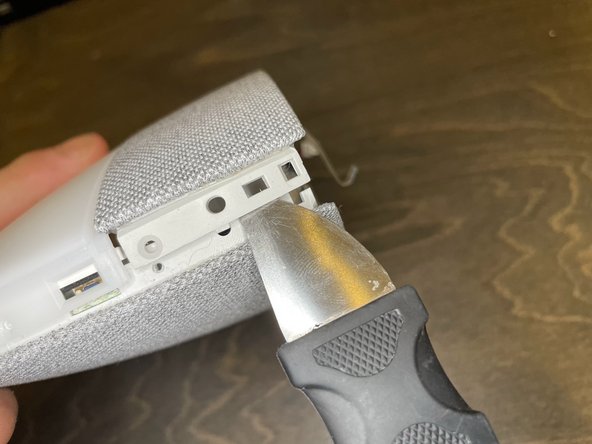
    • Pry the bottom cover off using a pry tool.

  5. Hatch Restore Teardown, Buttom Circuit Board Screws: passo 5, immagine 1 di 2 Hatch Restore Teardown, Buttom Circuit Board Screws: passo 5, immagine 2 di 2
    • Remove the 6 screws from the circuit board.

  6. Hatch Restore Teardown, Bottom Circuit Board Power Cable: passo 6, immagine 1 di 2 Hatch Restore Teardown, Bottom Circuit Board Power Cable: passo 6, immagine 2 di 2
    • Disconnect the power connector from the circuit board.

    • Do not pull the circuit board too far away from the device. There is a ribbon cable on the bottom.

  7. Hatch Restore Teardown, Bottom Circuit Board Ribbon Cable: passo 7, immagine 1 di 2 Hatch Restore Teardown, Bottom Circuit Board Ribbon Cable: passo 7, immagine 2 di 2
    • Push the black tabs on the ZIF connector towards the cable, then remove the cable.

    • The cable should have no resistance when pulled out. Do not forcefully remove the cable.

  8. Hatch Restore Teardown, Outer Button Ring: passo 8, immagine 1 di 3 Hatch Restore Teardown, Outer Button Ring: passo 8, immagine 2 di 3 Hatch Restore Teardown, Outer Button Ring: passo 8, immagine 3 di 3
    • Remove the outer button ring using a pry tool.

  9. Hatch Restore Teardown, Outer Ring Screws: passo 9, immagine 1 di 2 Hatch Restore Teardown, Outer Ring Screws: passo 9, immagine 2 di 2
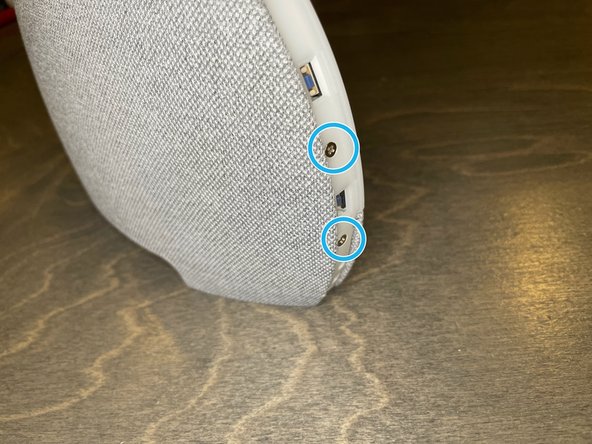
    • Remove 2 screws from both sides of the device, 4 screws total.

  10. Hatch Restore Teardown, Outer Ring Tabs: passo 10, immagine 1 di 3 Hatch Restore Teardown, Outer Ring Tabs: passo 10, immagine 2 di 3 Hatch Restore Teardown, Outer Ring Tabs: passo 10, immagine 3 di 3
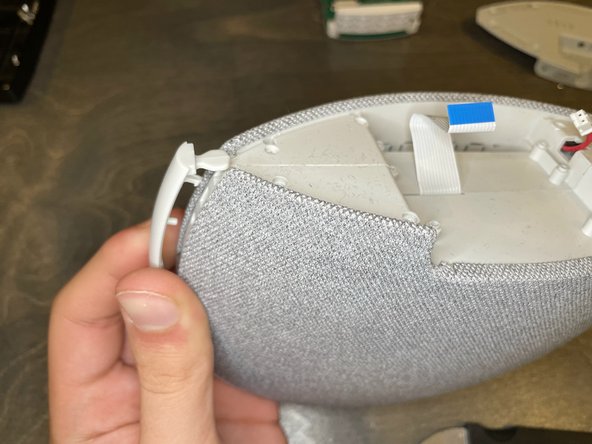
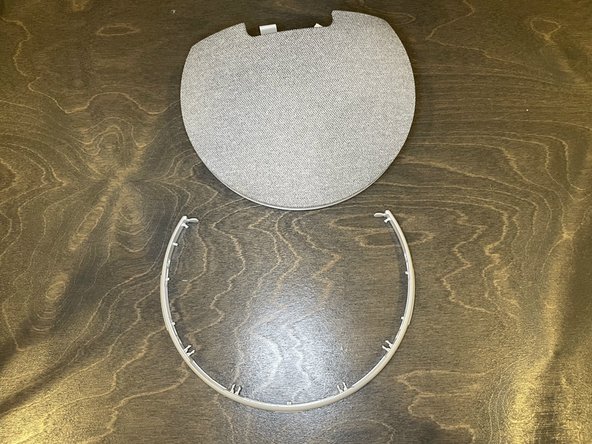
    • Release the tabs around the ring.

    • Remove the light diffuser.

  11. Hatch Restore Teardown, LED Array: passo 11, immagine 1 di 3 Hatch Restore Teardown, LED Array: passo 11, immagine 2 di 3 Hatch Restore Teardown, LED Array: passo 11, immagine 3 di 3
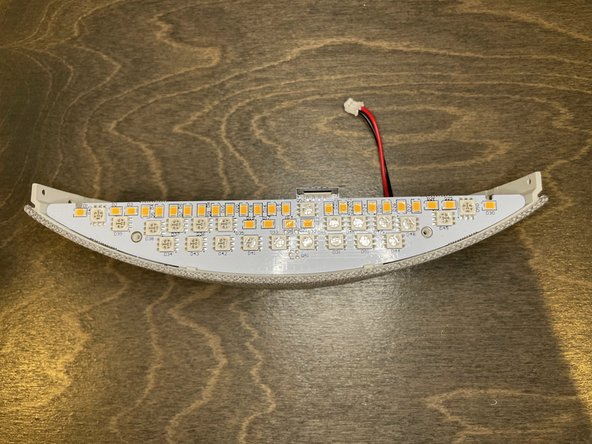
    • After disconnecting the ribbon cable, we can inspect the LED array.

    • It has both warm and cold colored LEDs.

    • There is a weight glued in below the LED.

  12. Hatch Restore Teardown, Inside Panel Screws: passo 12, immagine 1 di 2 Hatch Restore Teardown, Inside Panel Screws: passo 12, immagine 2 di 2
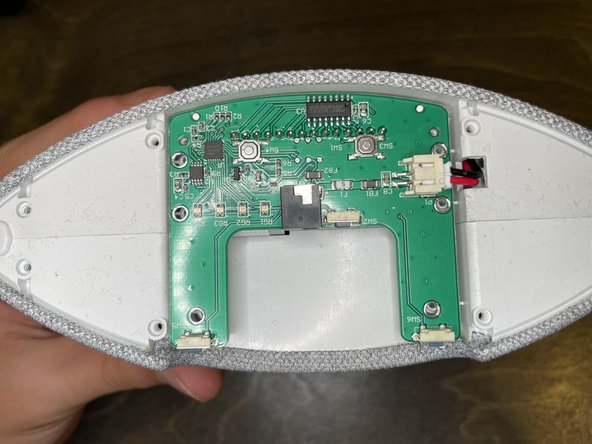
    • Remove these 7 screws.

  13. Hatch Restore Teardown, Motherboard Audio Cable: passo 13, immagine 1 di 2 Hatch Restore Teardown, Motherboard Audio Cable: passo 13, immagine 2 di 2
    • The panel feels heavy and weighted. There is also a weight glued in under the LED array, seemingly in an attempt to make the device feel more premium.

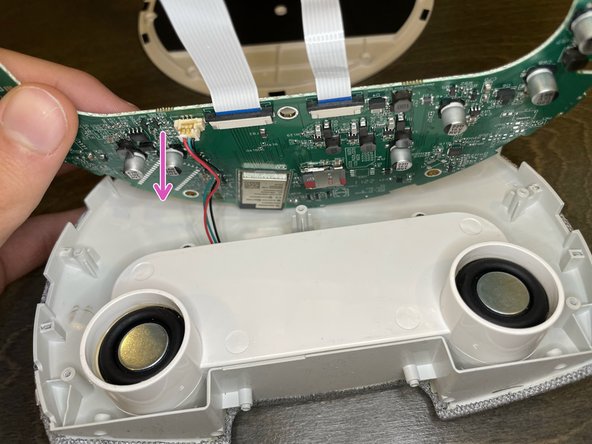
    • Disconnect the audio cable

  14. Hatch Restore Teardown, Motherboard: passo 14, immagine 1 di 2 Hatch Restore Teardown, Motherboard: passo 14, immagine 2 di 2
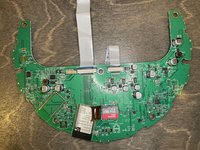
    • Here we can see the motherboard. It has an ESP32 processor.

    • There is a blank area that could possibly hold a second ESP32

    • There is also a 32GB MicroSD card

    • To remove the MicroSD card, stick your nail into the slot on the metal latch, and slide it towards the ESP32.

    • The MicroSD card contents can be found here.

  15. Hatch Restore Teardown, Speaker Assembly: passo 15, immagine 1 di 3 Hatch Restore Teardown, Speaker Assembly: passo 15, immagine 2 di 3 Hatch Restore Teardown, Speaker Assembly: passo 15, immagine 3 di 3
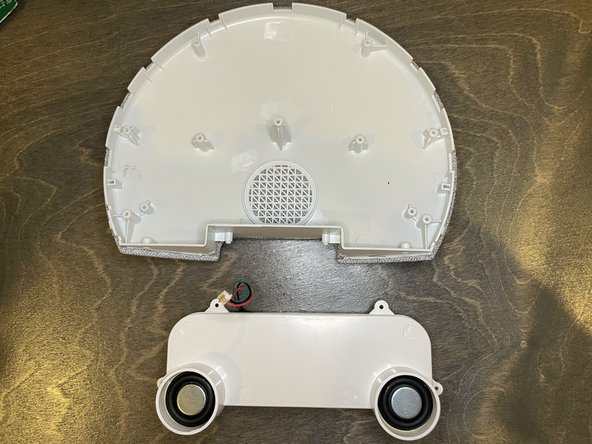
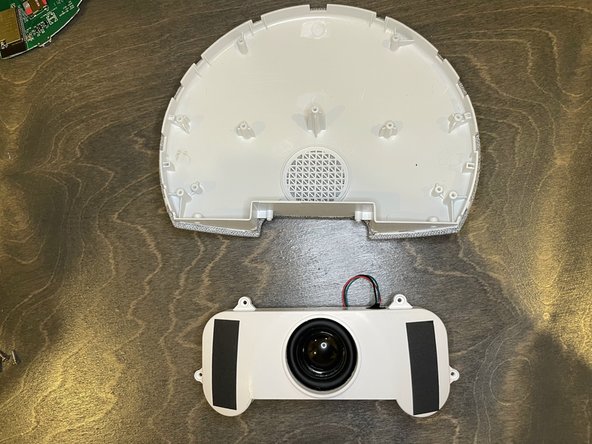
    • Remove the 4 screws holding the speaker assembly in place.

    • The speaker assembly is fused, and should not be opened.

9021007

Membro da: 07/13/18

4.656 Reputazione

25 Guide realizzate

0Commenti sulla guida

Aggiungi Commento

Visualizza Statistiche:

Ultime 24 Ore: 1

Ultimi 7 Giorni: 28

Ultimi 30 Giorni: 141

Tutti i Tempi: 4,275