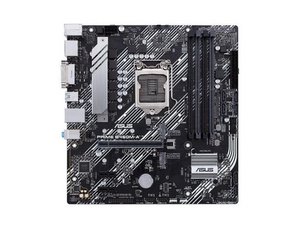

Motherboard Asus h81m
Error de Puerto USB
Questa è una buona domanda?
Punteggio
0
Reputazione: 43,7k
 29
 57
 44
It sounds like you have an overcurrent protection issue. This could mean one of a few things.
You can also try updating the BIOS on this board, but in my experience this is much less likely to fix thee issue.
Questa risposta è stata utile?
Reputazione: 554,1k
11
426
1,6k
Is it always the same USB device that causes the error or always the same USB port with different USB devices.
An over current message indicates that the USB device is drawing too much power from the USB port that it is connected to on the motherboard.
A standard USB2.0 port supplies only 500mA (0.5A) @ 5V of power.
If the USB device is faulty and is drawing too much power then the USB protection circuit on the motherboard is activated to prevent damage to the USB port circuit and also to the USB device as well.
Questa risposta è stata utile?
Ultime 24 ore: 1
Ultimi 7 giorni: 13
Ultimi 30 giorni: 71
Tutti i Tempi: 637



3 Commenti
Hi @alainlance65539
What is happening with the USB device as you haven't said what the problem is?
Is the USB device supplying power? Plug in a USB mouse or a mobile phone and check if the mouse turns on or if the phone is being charged.
da jayeff Condividi
@jayeff lo que busco es la solución al error de las placas asus h81m ct, usb device over current status detected. El procedimiento para eliminar este error
da Alain Lancé Chaviano Condividi
@alainlance65539 is that happening on all USB ports?
da oldturkey03 Condividi