Salta al contenuto principale

why! L140/1PU SSD 1 replacement

Cosa ti serve

  1. why! L140/1PU SSD 1 replacement, Back cover: passo 1, immagine 1 di 2 why! L140/1PU SSD 1 replacement, Back cover: passo 1, immagine 2 di 2
    • Remove the screws.

    • Lift the cover.

  2. why! L140/1PU SSD 1 replacement, Disconnection: passo 2, immagine 1 di 2 why! L140/1PU SSD 1 replacement, Disconnection: passo 2, immagine 2 di 2
    • For safety reasons, the battery must be disconnected before each intervention.

    • Disconnect the battery your fingers.

    • Other components can now be replaced safely.

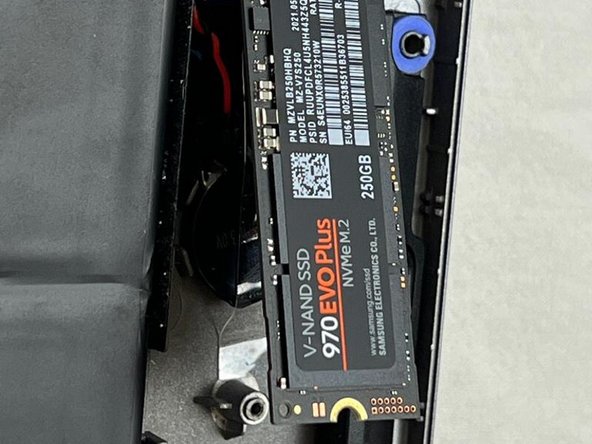
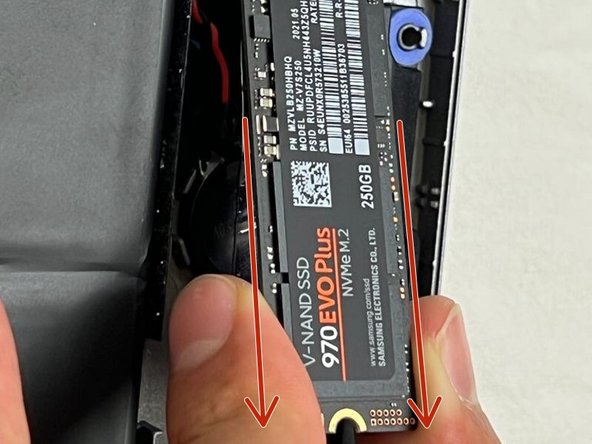
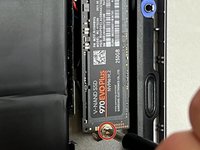
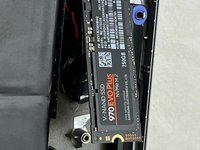
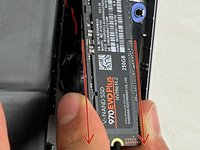
  3. why! L140/1PU SSD 1 replacement, SSD1: passo 3, immagine 1 di 3 why! L140/1PU SSD 1 replacement, SSD1: passo 3, immagine 2 di 3 why! L140/1PU SSD 1 replacement, SSD1: passo 3, immagine 3 di 3
    • Unscrew the screw.

    • The SSD will lift by itself.

    • Remove the SSD.

Conclusione

To reassemble your device, follow the steps in reverse order.

Un ringraziamento speciale a questi traduttori:

fr en

100%

Questi traduttori ci stanno aiutando ad aggiustare il mondo! Vuoi partecipare?
Inizia a tradurre ›

Felice Suglia

Membro da: 06/15/13

33.538 Reputazione

283 Guide realizzate

0Commenti sulla guida

Aggiungi Commento

Visualizza Statistiche:

Ultime 24 Ore: 0

Ultimi 7 Giorni: 2

Ultimi 30 Giorni: 4

Tutti i Tempi: 154