Salta al contenuto principale

iPhone 16 Pro LiDAR Sensor Installation

Solo Prerequisita
Questa è una guida che contiene solo i prerequisiti! Questa guida fa parte di un'altra procedura e non è destinata ad essere utilizzata da sola.

Cosa ti serve

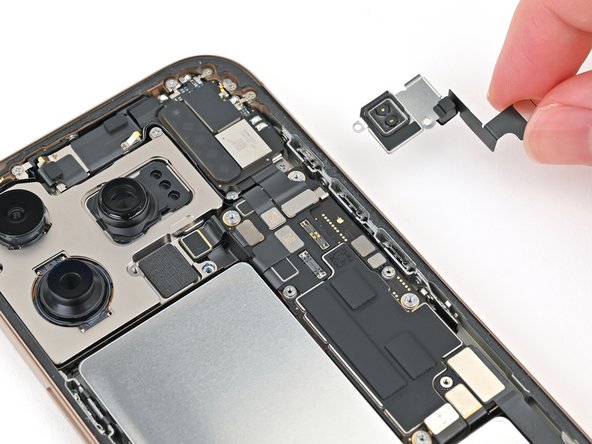
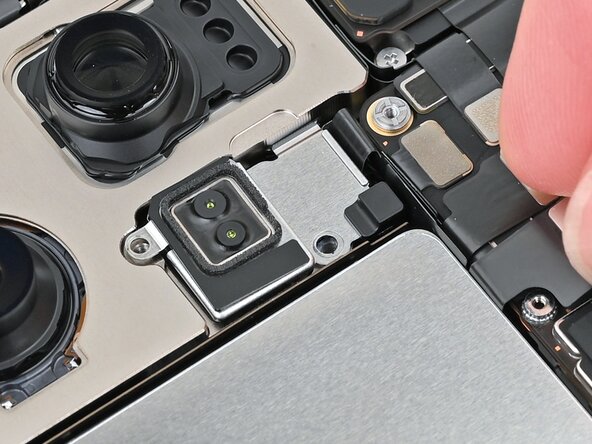
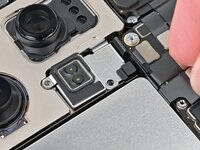
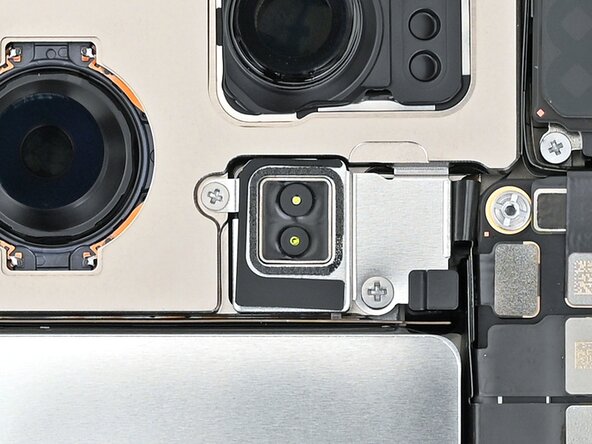
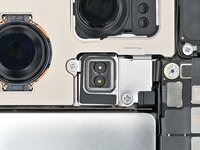
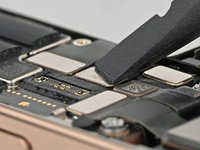
  1. iPhone 16 Pro LiDAR Sensor Installation, Install the LiDAR Sensor: passo 1, immagine 1 di 3 iPhone 16 Pro LiDAR Sensor Installation, Install the LiDAR Sensor: passo 1, immagine 2 di 3 iPhone 16 Pro LiDAR Sensor Installation, Install the LiDAR Sensor: passo 1, immagine 3 di 3
    • Set the LiDAR sensor in the phone aligned with its screw holes.

    • Make sure the LiDAR sensor's cable sits flush between the battery and logic board.

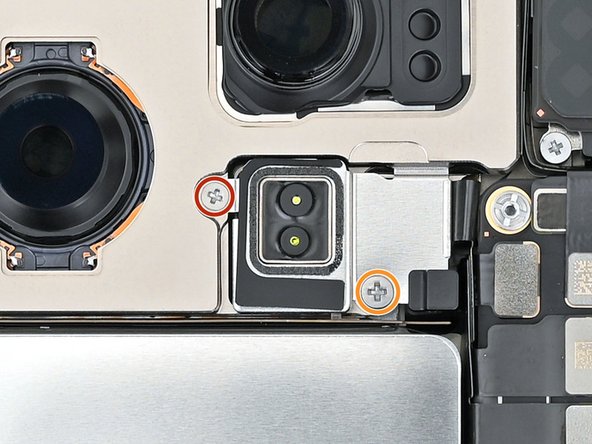
  2. iPhone 16 Pro LiDAR Sensor Installation: passo 2, immagine 1 di 2 iPhone 16 Pro LiDAR Sensor Installation: passo 2, immagine 2 di 2
    • Use a Phillips screwdriver to install the two screws securing the LiDAR sensor:

    • One 1.7 mm‑long screw

    • One 3.0 mm‑long screw

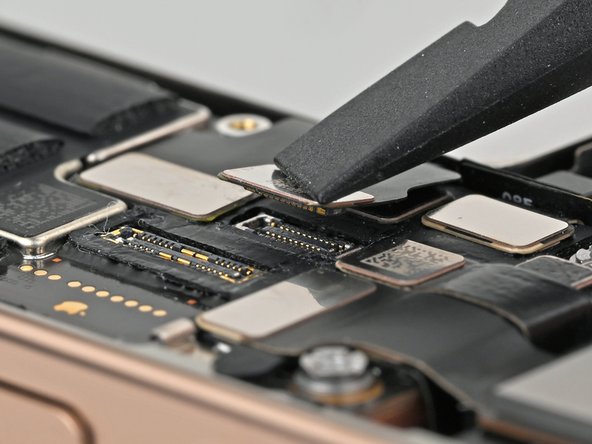
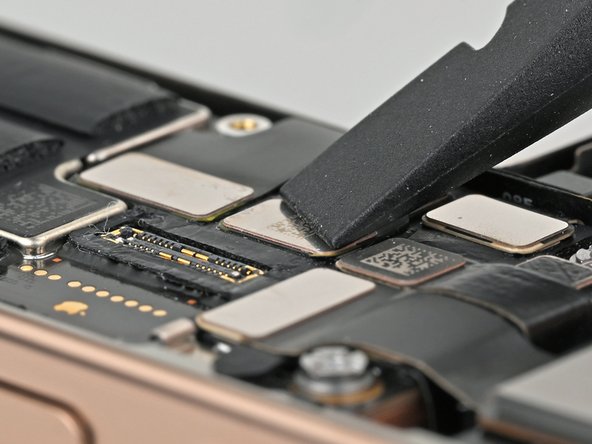
  3. iPhone 16 Pro LiDAR Sensor Installation, Connect the LiDAR sensor: passo 3, immagine 1 di 2 iPhone 16 Pro LiDAR Sensor Installation, Connect the LiDAR sensor: passo 3, immagine 2 di 2
Linea Traguardo

Nick Schultz

Membro da: 03/24/24

37.787 Reputazione

226 Guide realizzate

Team

iFixit Membro di iFixit

Staff

123 Membri

23.788 Guide realizzate

0Commenti sulla guida

Aggiungi Commento

Visualizza Statistiche:

Ultime 24 Ore: 1

Ultimi 7 Giorni: 4

Ultimi 30 Giorni: 10

Tutti i Tempi: 45